


 User manual
 DMX chart & personalities
 Photometrics


 CAD symbols & drawings


 UPBOXPRO

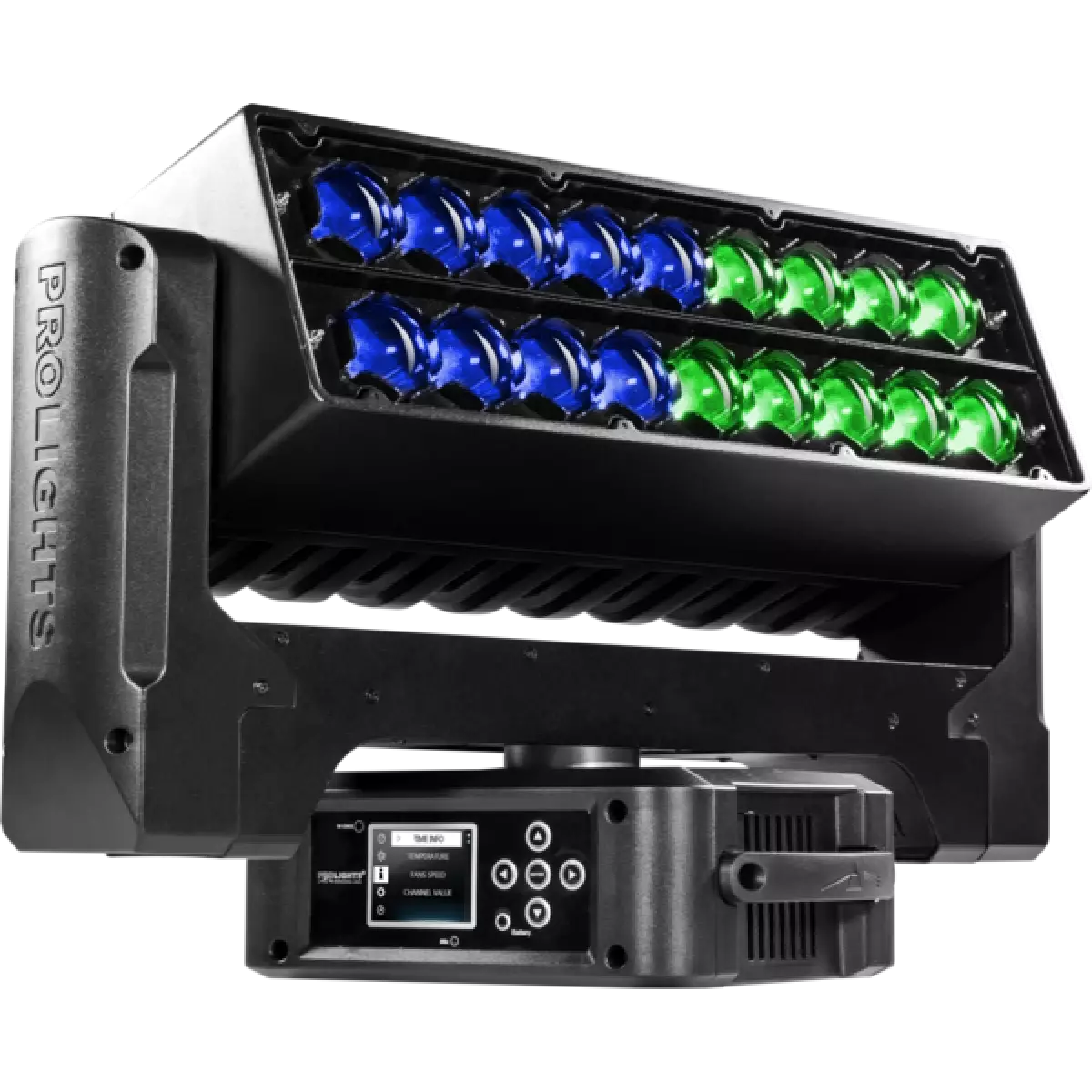
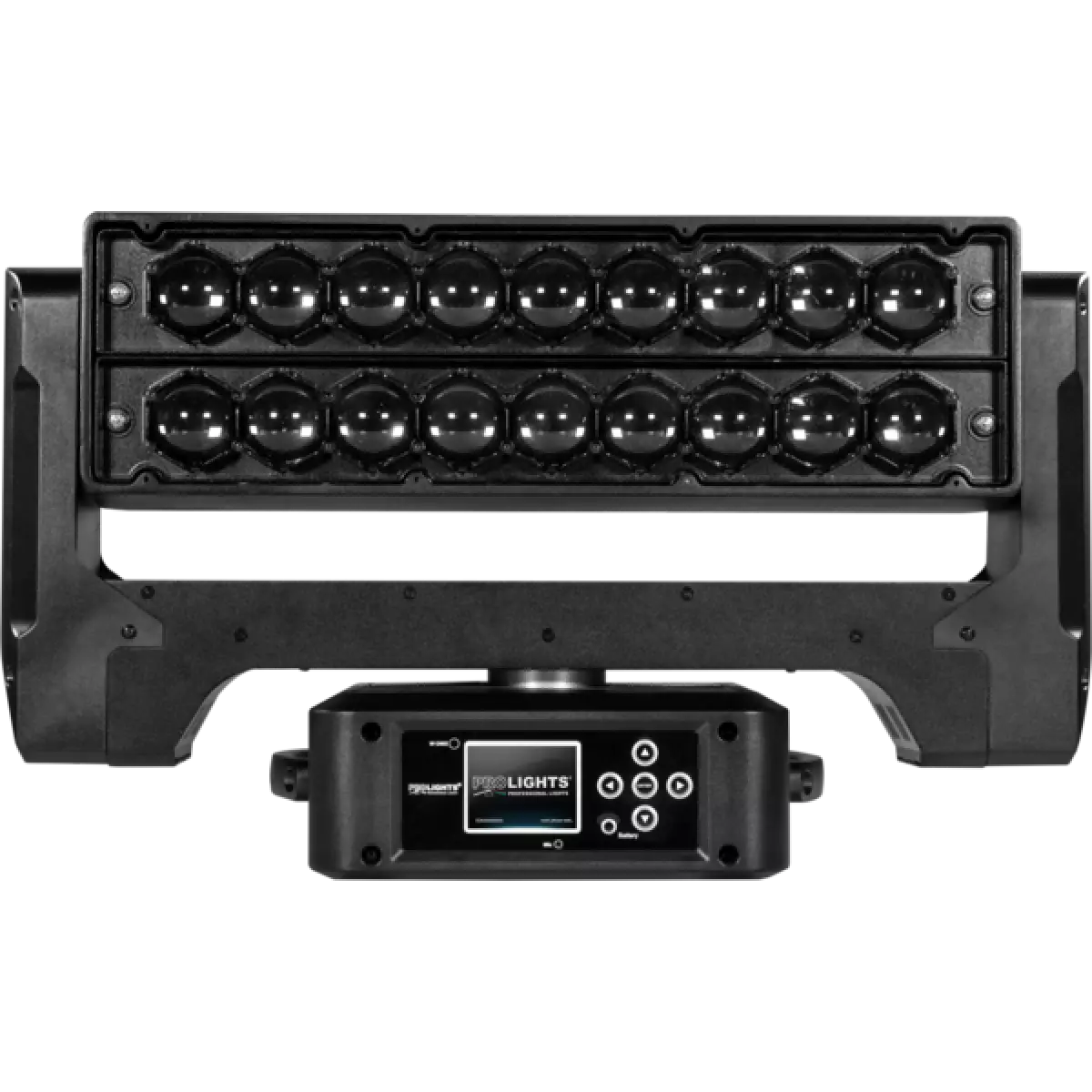
Air 18Z
Order Code: AIR18Z
Source
18x15W RGBW Osram Ostar LEDs
Zoom range
6° - 66° motorised linear zoom
IP rating
IP20
Weight
13kg / 28.66lbs
Key Features
- 18x15W RGBW Osram Ostar LEDs
- 1:11 / 6° - 66° zoom range
- Continuous pan rotation
- Dual zoom
- Pixel control of every individual LED
- Advanced onboard effects generator with dynamic macros, static patterns, adjustable foreground and background colours, speed and rotation
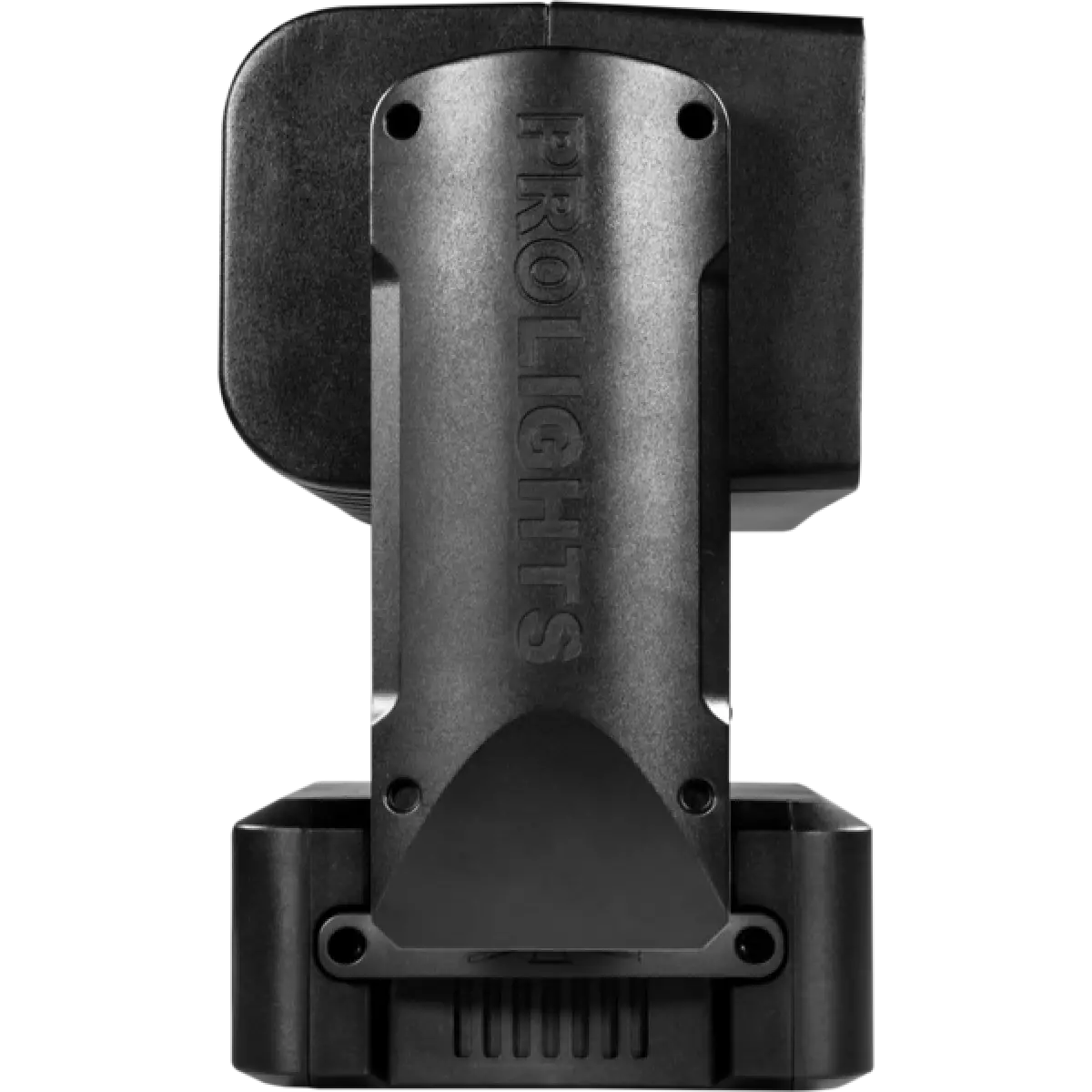
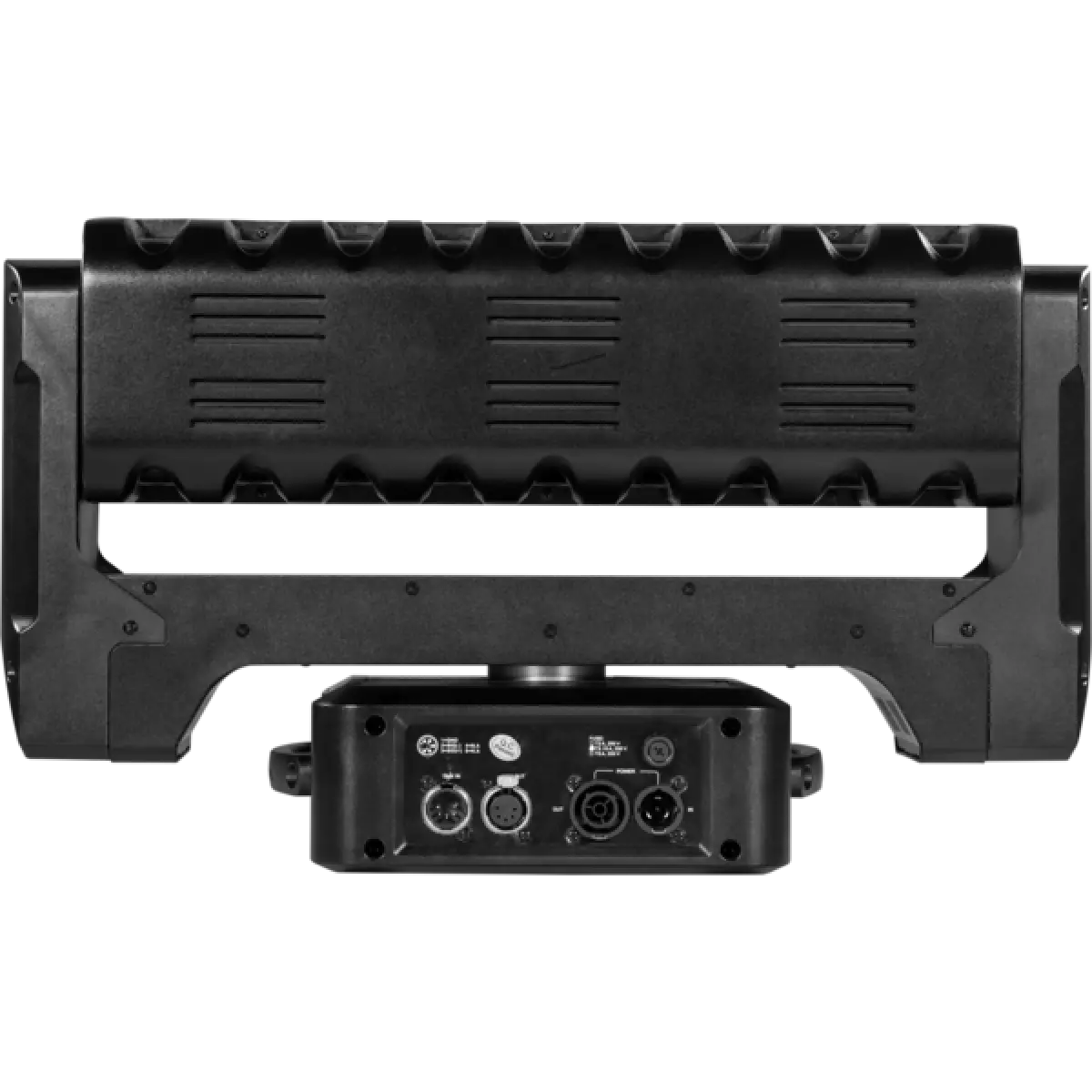
Air 18Z is a true designers tool. Taking the LEDs, optical system and effects of the DIAMOND family into a linear form factor for a flexible new look on stage.
With individual pixel control, infinite pan, and independant zoom for each line of pixels, the creative possibilities of the Air 18Z are endless.
Air 18Z is a true designers tool. Taking the LEDs, optical system and effects of the DIAMOND family into a linear form factor for a flexible new look on stage.With individual pixel control, infinite p...
Read more