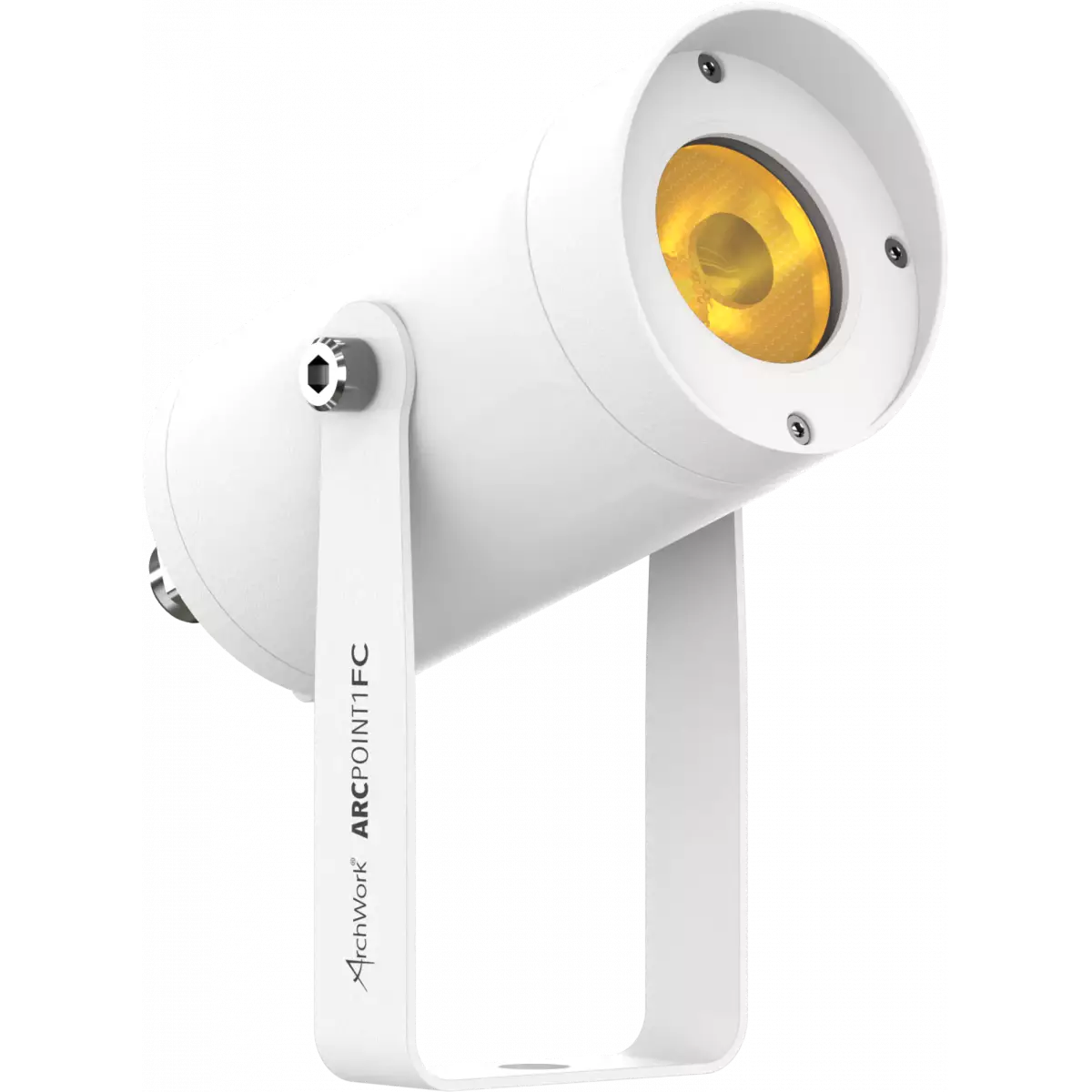
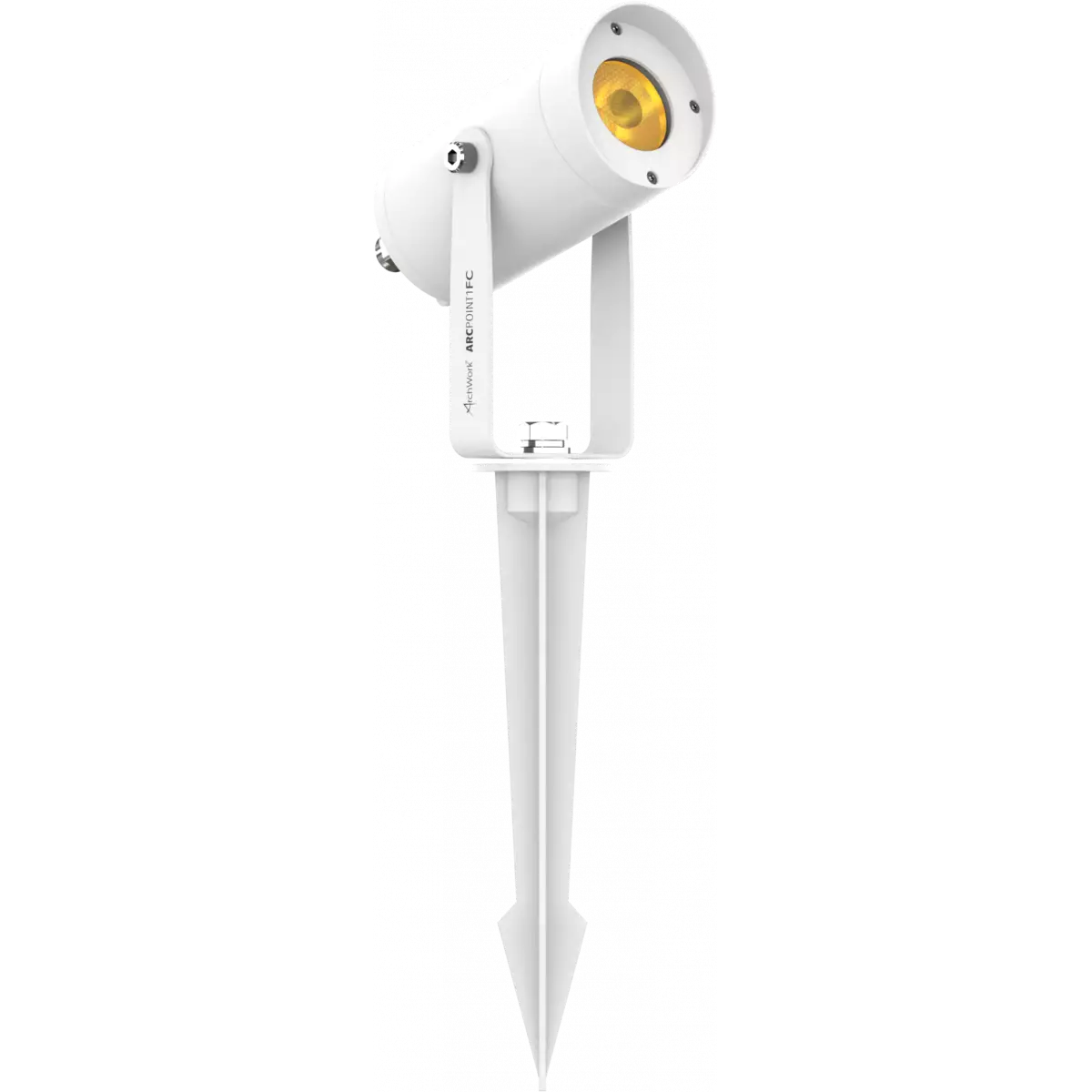
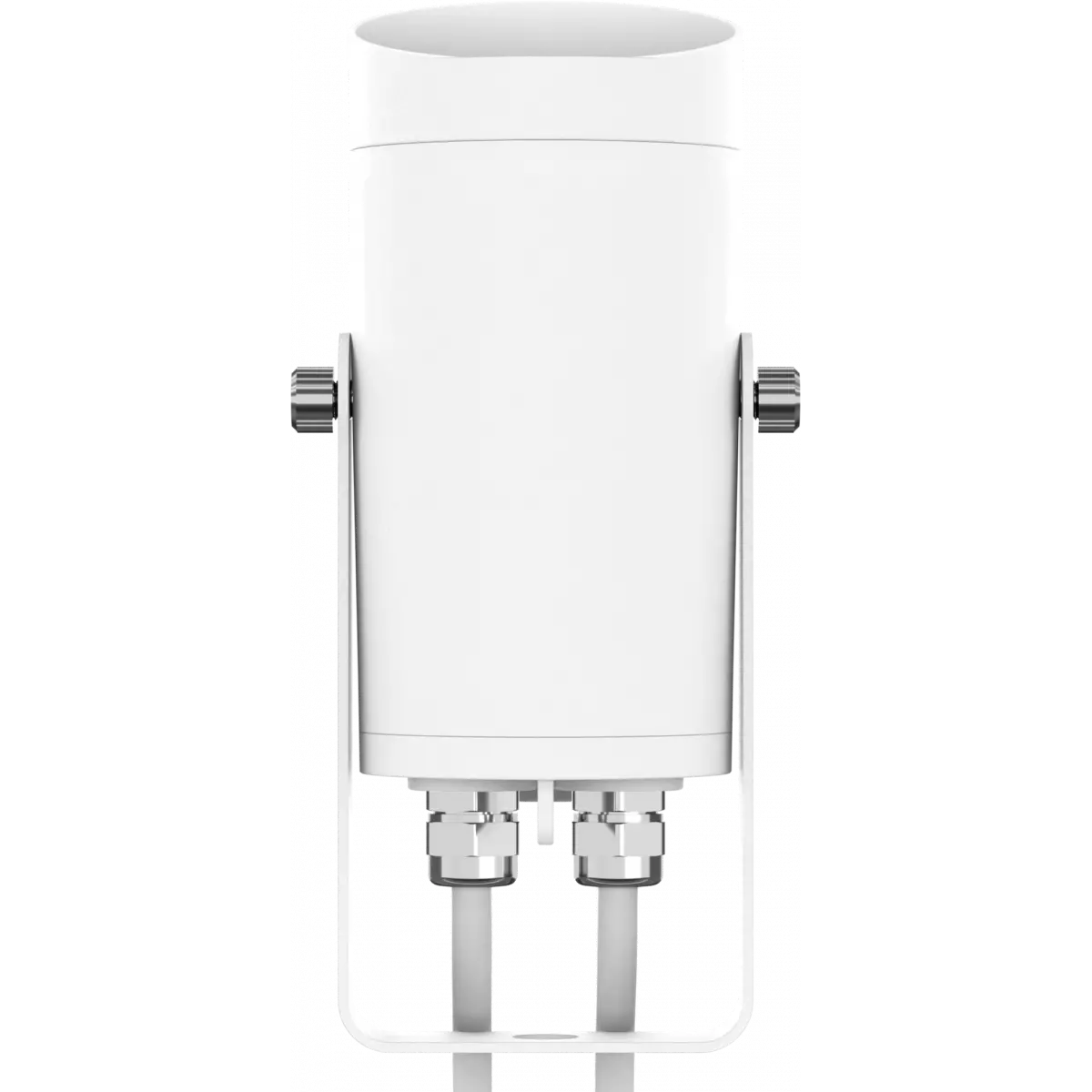
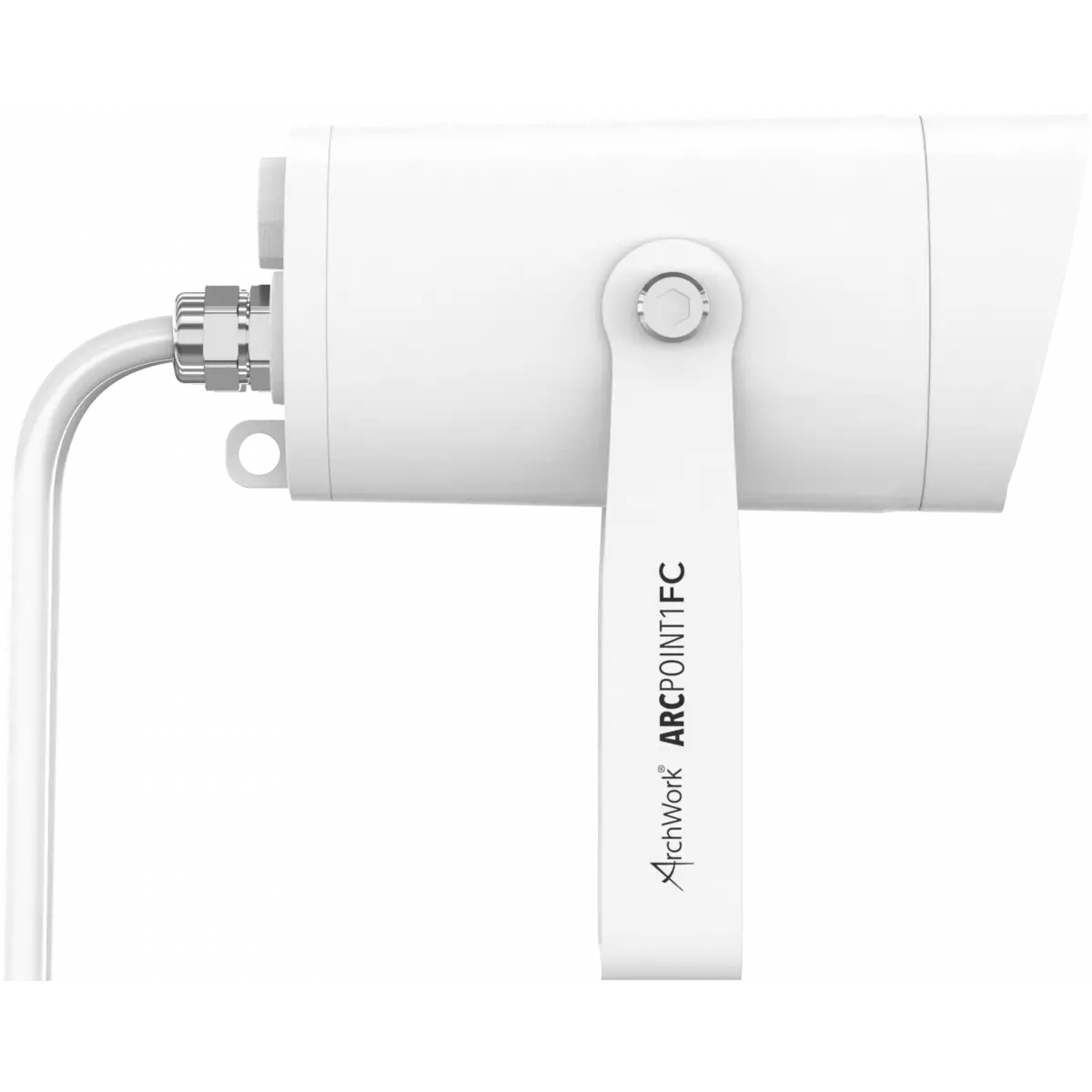
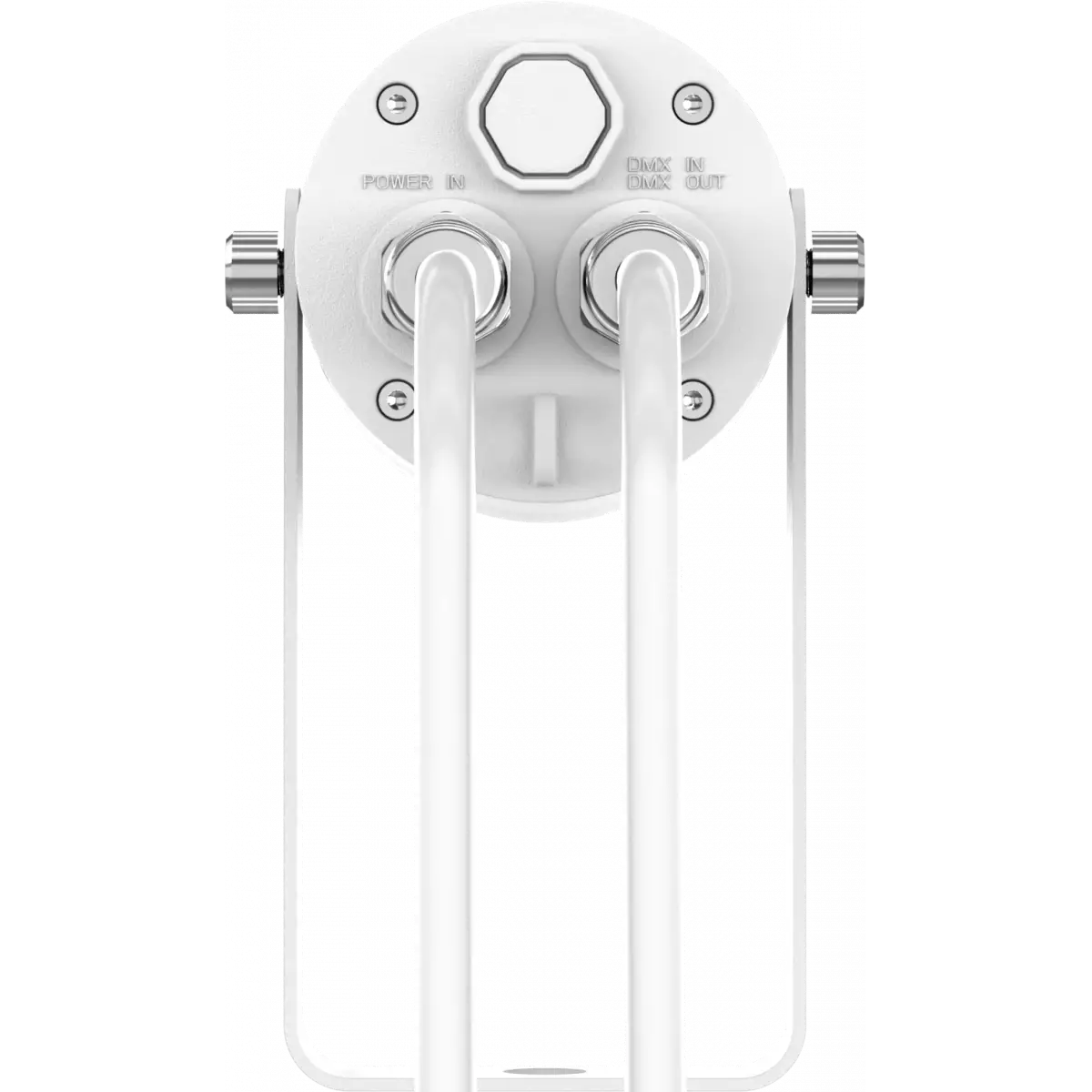
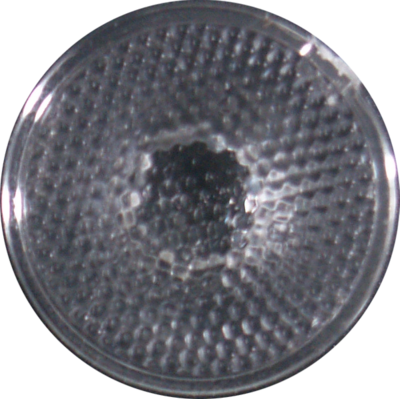
ArcPoint 1 is a compact exterior accent LED fixture designed for outdoor. The luminaire is equipped with a single Full Colour LED emitter delivering a wide spectrum of colours and whites all in a very compact housing. The fixture is supplied with a ground spike in the box, for easy implementation as garden light, and with the on board bracket it can be also implemented in larger foorprint installations as decor or accent light. The special design (IP66) and the innovative RDM control technology, makes ArcPoint 1 suitable for all weather conditions.
Read less| Code | Color Synthesis | Lens | |
|---|---|---|---|
|
|
ARCPOINT1FC
|
Full Color | 15° |
|
|
ARCPOINT1TU
DISCONTINUED
|
Tungsten | 15° |
|
|
ARCPOINT1DY
DISCONTINUED
|
Daylight | 15° |
Technical documentation and support files
| File name | File size | Download | |
|---|---|---|---|
| Arcpoint1_A4_DATASHEET_(IT).pdf(06/05/2021) | 251KB | ||
| Arcpoint1_A4_DATASHEET_(EN).pdf(03/09/2021) | 252KB |
| File name | File size | Download | |
|---|---|---|---|
| Arcpoint1fc_USER_MANUAL_ITEN.pdf(08/06/2017) | 759KB |
| File name | File size | Download | |
|---|---|---|---|
| Arcpoint1_DMX_CHARTS.pdf(10/02/2018) | 44KB |
| File name | File size | Download | |
|---|---|---|---|
| archwork_arcpoint1fc_ies files.zip(09/10/2020) | 8KB | ||
| archwork_arcpoint1fc_ldt files.zip(09/10/2020) | 7KB | ||
| Arcpoint1fc_PHOTOMETRICS_REPORT.pdf(09/10/2020) | 2MB | ||
| Download DIALux product catalogue | - |
| File name | File size | Download | |
|---|---|---|---|
| Arcpoint1_3D.rfa(23/04/2021) | 1MB | ||
| Arcpoint1_3D.skp(23/07/2021) | 267KB | ||
| Arcpoint1_CAD_2D.dwg(26/02/2021) | 515KB | ||
| Arcpoint1_CAD_3D.dwg(16/07/2021) | 504KB | ||
| Arcpoint1fc_TECHNICAL_DRAWING.pdf(26/02/2021) | 98KB | ||
| ARCPOINT1_SYMBOLS.zip | 633KB |
| File name | File size | Download | |
|---|---|---|---|
| Prolights Dialux Plug-In(03/03/2025) | 192MB |
PROLIGHTS product firmware can be updated in several ways, depending on the product and file extension. The available methods are listed in the product specifications in the CONTROL - Firmware upgrade section.
| Method/Device | File extension | Needed software | Instructions |
|---|---|---|---|
| UPBOXPRO (*) | .PRL |
UpBox_Tool | Guide |
| USB port | .PRL |
No software needed | see User Manual |
| Ethernet port | .EHEX |
Professional Uploader | Guide |
| Ethernet port | .ALF |
DMX Workshop | Guide |
(*) You can still use UPBOX1 and UPBOX2 by checking their compatibility on the product accessories page. To use UPBOX2, you need to download the drivers from the following link.
Update Tool: UPBOXPRO |
||||
| Check hardware changelog before downloading firmware | ||||
| Revision | Release date | Firmware changelog | HW Compatibility | |
|---|---|---|---|---|
| 1.3 STABLE | 27/03/2021 | Added Stand Alone Mode control via RDM. | ||
Subscribe to our Newsletter