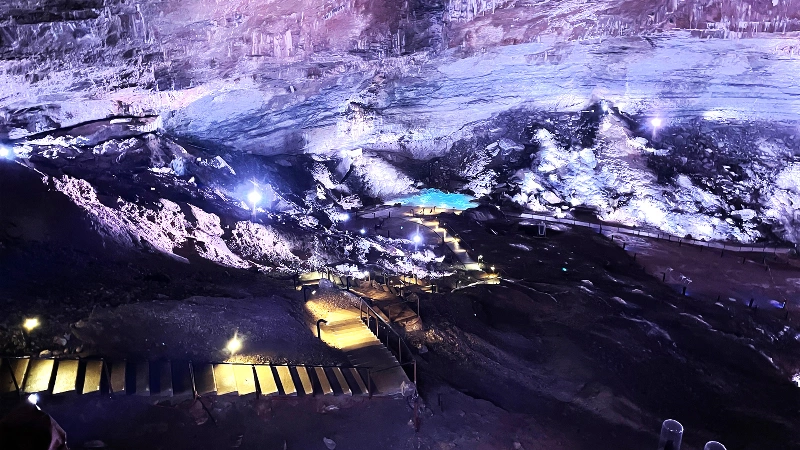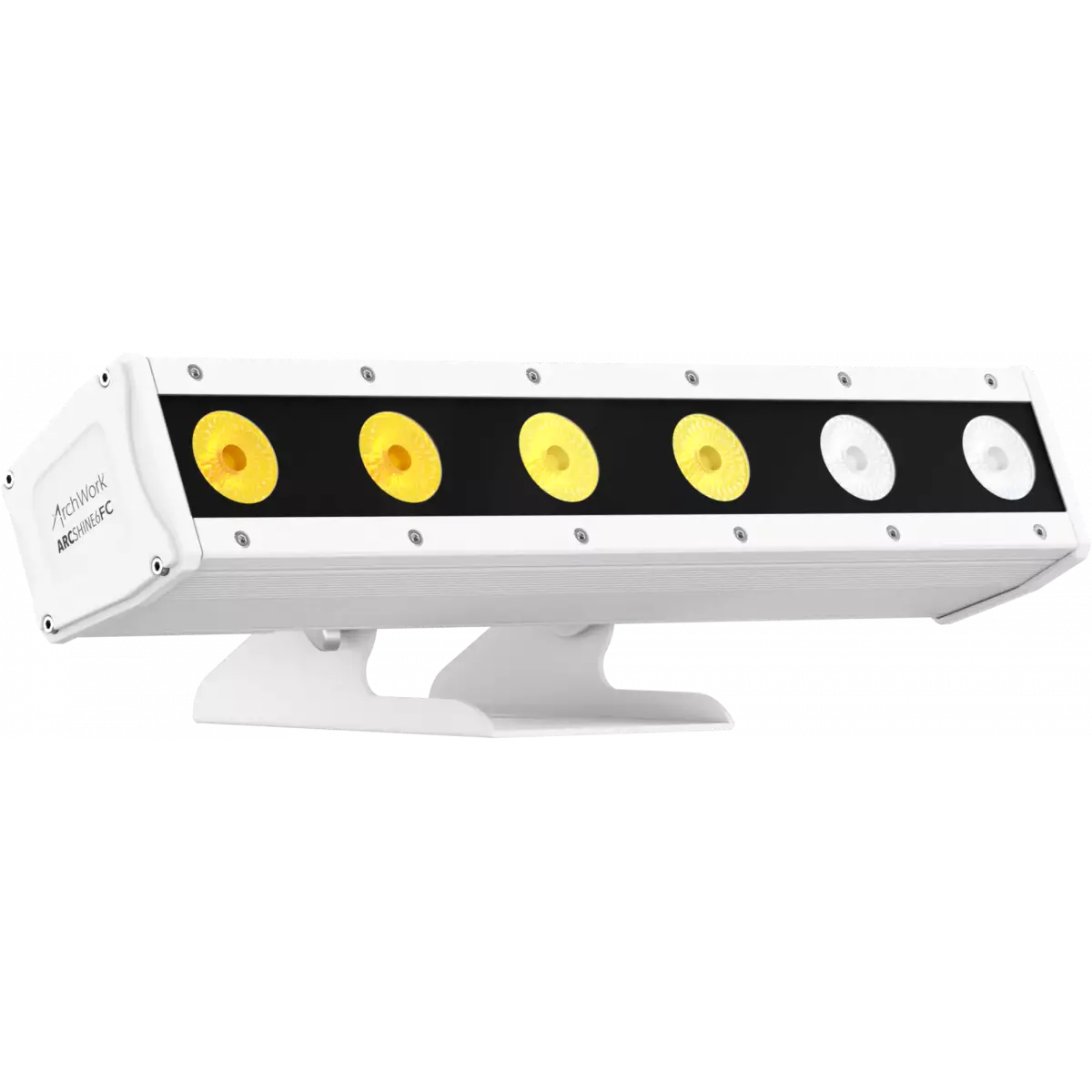
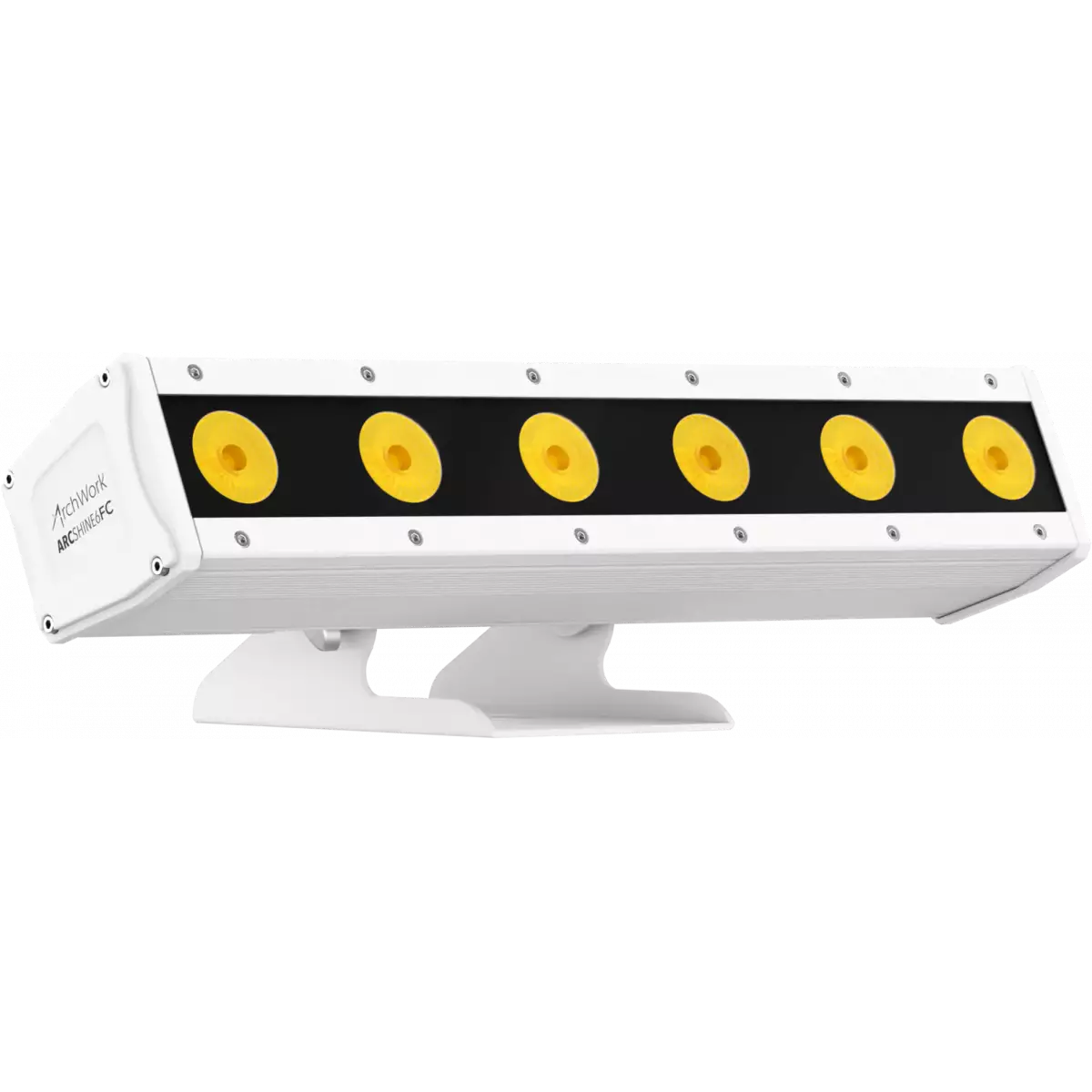
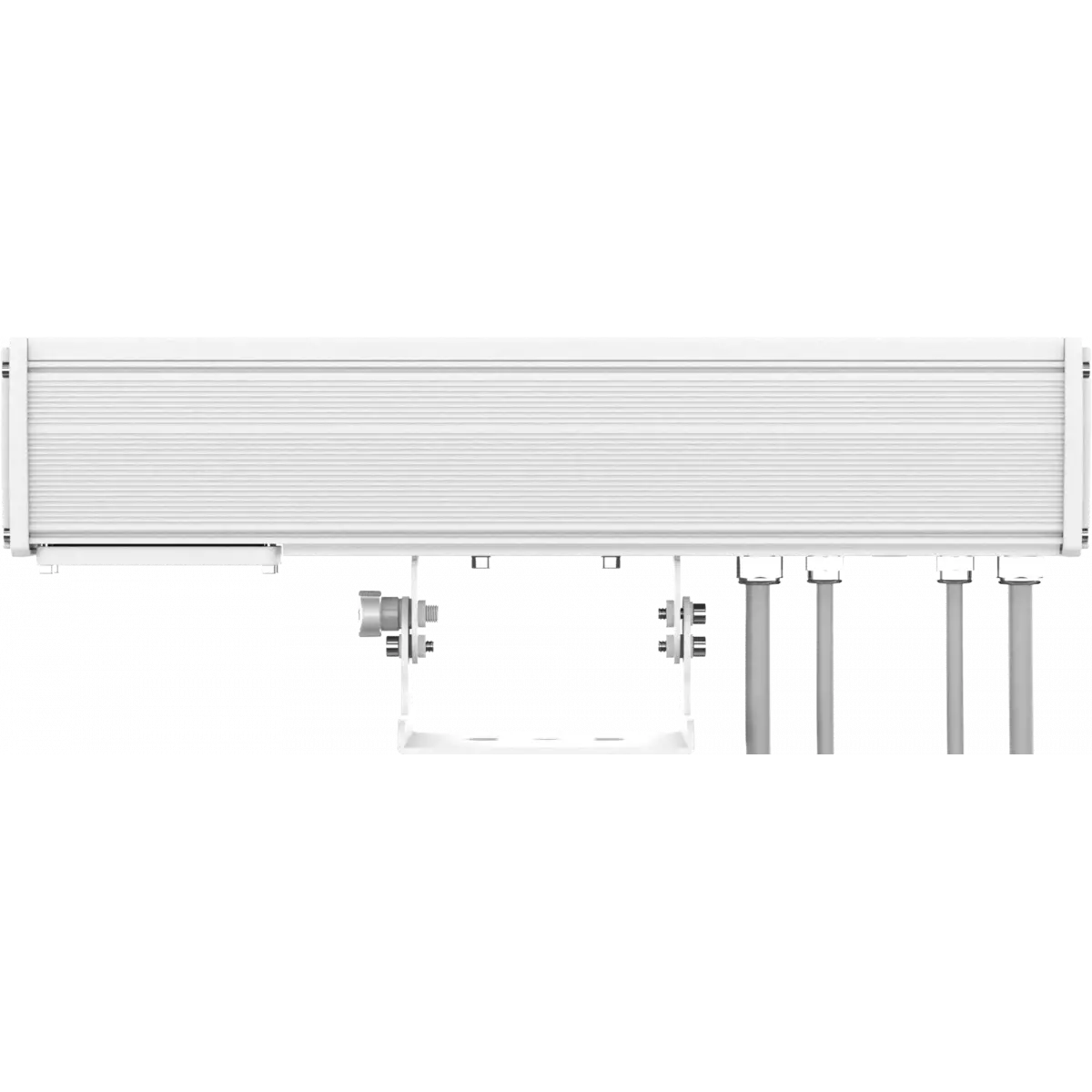
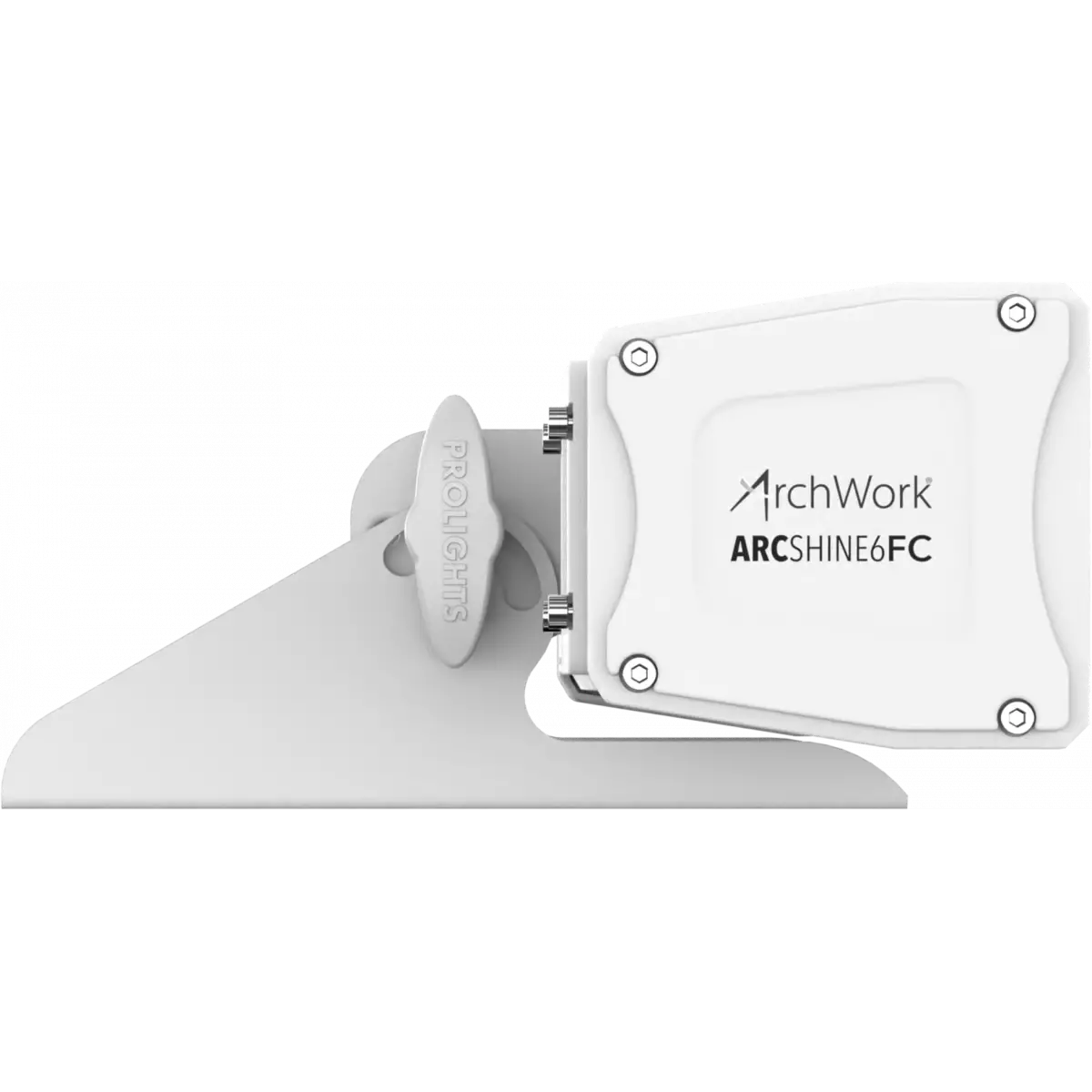
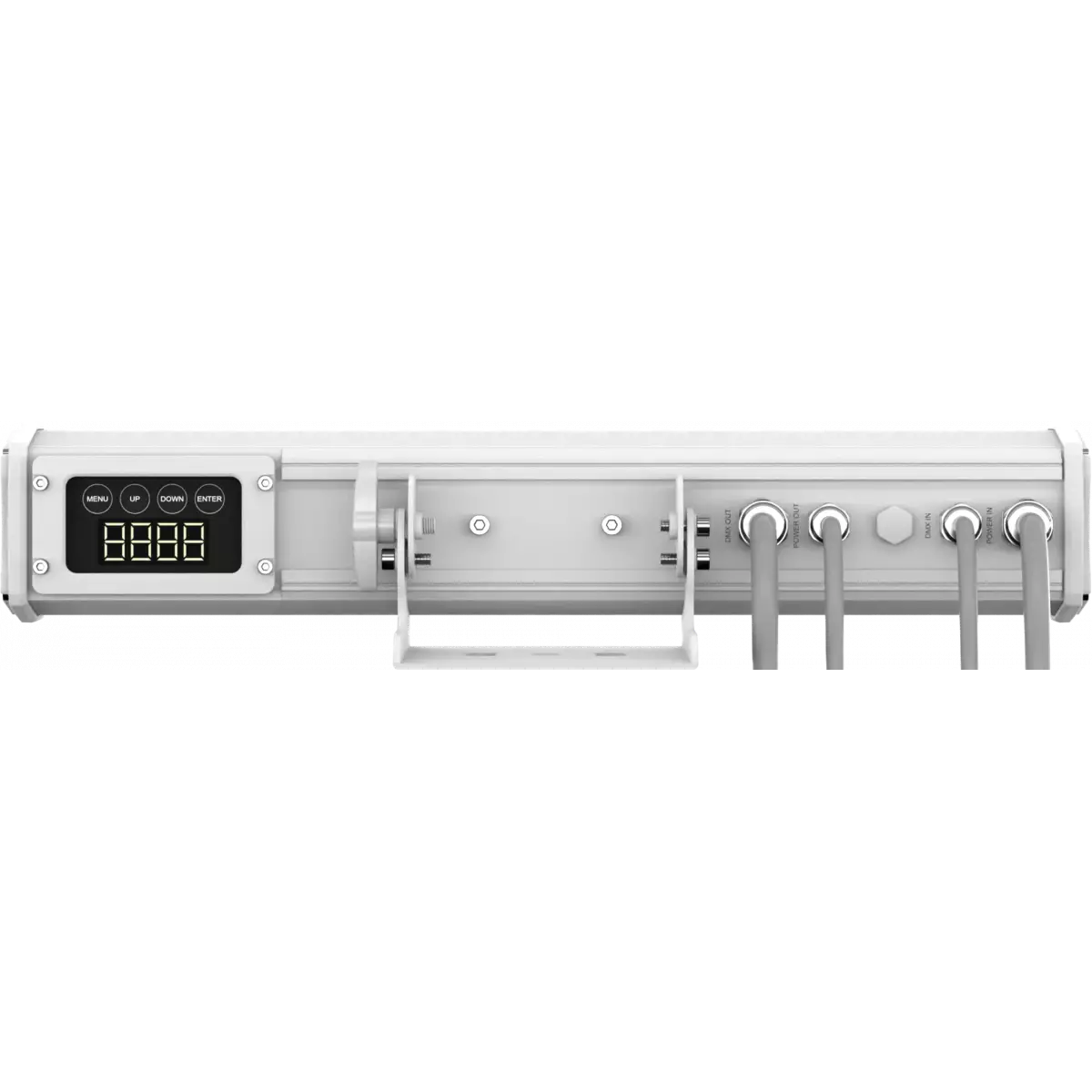
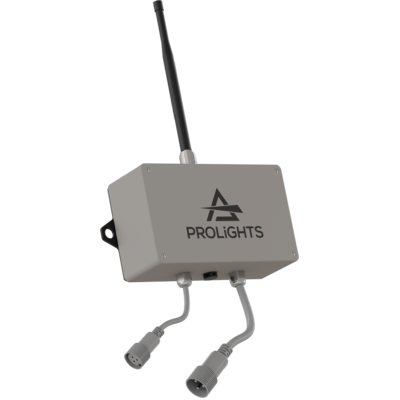


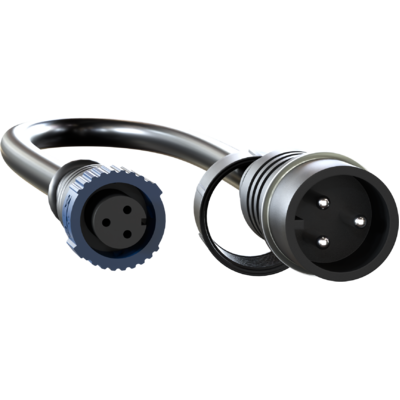
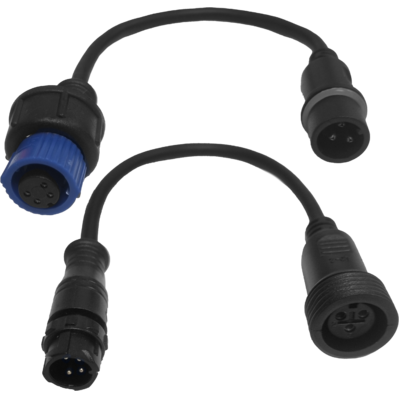


ArcShine 6 is a linear wall washer of 50 cm with 6x8W RGBW/FC LEDs source designed for outdoor installations where a high-performance linear projector with superb brightness and chromatic precision is required. The linear shape design and the slim profile allows the ArcShine 6 to be easily integrated into any architectural design both indoor and outdoor (IP66) due to the construction of chassis in die-cast aluminium and tempered glass. This linear luminaire also features individual pixel control of each emitters for extended dynamic and creative possibilities.
Read less| Code | Color Synthesis | |
|---|---|---|
|
|
ARCSHINE6FC
|
Full Color |
|
|
ARCSHINE6TU
DISCONTINUED
|
Tungsten |
Technical documentation and support files
| File name | File size | Download | |
|---|---|---|---|
| Arcshine6_A4_DATASHEET_(IT).pdf(06/05/2021) | 281KB | ||
| Arcshine6_A4_DATASHEET_(EN).pdf(03/09/2021) | 272KB |
| File name | File size | Download | |
|---|---|---|---|
| Arcshine6fc_USER_MANUAL_ITEN.pdf(08/06/2017) | 2MB |
| File name | File size | Download | |
|---|---|---|---|
| Arcshine6_DMX_CHARTS.pdf(11/08/2014) | 1MB |
| File name | File size | Download | |
|---|---|---|---|
| archwork_arcshine6_ies files.zip(14/04/2021) | 36KB | ||
| archwork_arcshine6_ldt files.zip(07/10/2020) | 16KB | ||
| Arcshine6fc_PHOTOMETRICS_REPORT.pdf(09/10/2020) | 2MB | ||
| Download DIALux product catalogue | - |
| File name | File size | Download | |
|---|---|---|---|
| Arcshine6fc_3D.rfa(22/04/2021) | 484KB | ||
| Arcshine6_3D.skp(23/07/2021) | 354KB | ||
| Arcshine6_CAD_2D.dwg(26/02/2021) | 1MB | ||
| Arcshine6_CAD_3D.dwg(16/07/2021) | 528KB | ||
| Arcshine6fc_CAD_2DSYMBOLS.dwg(09/03/2020) | 20KB | ||
| Arcshine6_TECHNICAL_DRAWING.pdf(26/02/2021) | 118KB | ||
| ARCSHINE6_SYMBOLS.zip | 685KB | ||
| PROLIGHTS_VECTORWORKS_v2025_LIBRARY.vwx(13/05/2025) | 321MB | ||
| PROLIGHTS_VECTORWORKS_v2020_LIBRARY.vwx(13/05/2025) | 276MB |
| File name | File size | Download | |
|---|---|---|---|
| Prolights Dialux Plug-In(03/03/2025) | 192MB |
PROLIGHTS product firmware can be updated in several ways, depending on the product and file extension. The available methods are listed in the product specifications in the CONTROL - Firmware upgrade section.
| Method/Device | File extension | Needed software | Instructions |
|---|---|---|---|
| UPBOXPRO (*) | .PRL |
UpBox_Tool | Guide |
| USB port | .PRL |
No software needed | see User Manual |
| Ethernet port | .EHEX |
Professional Uploader | Guide |
| Ethernet port | .ALF |
DMX Workshop | Guide |
(*) You can still use UPBOX1 and UPBOX2 by checking their compatibility on the product accessories page. To use UPBOX2, you need to download the drivers from the following link.
Update Tool: UPBOXPRO |
||||
| Check hardware changelog before downloading firmware | ||||
| Revision | Release date | Firmware changelog | HW Compatibility | |
|---|---|---|---|---|
| 1.1 STABLE | 28/10/2015 | Improved firmware functionality. | ||
Subscribe to our Newsletter