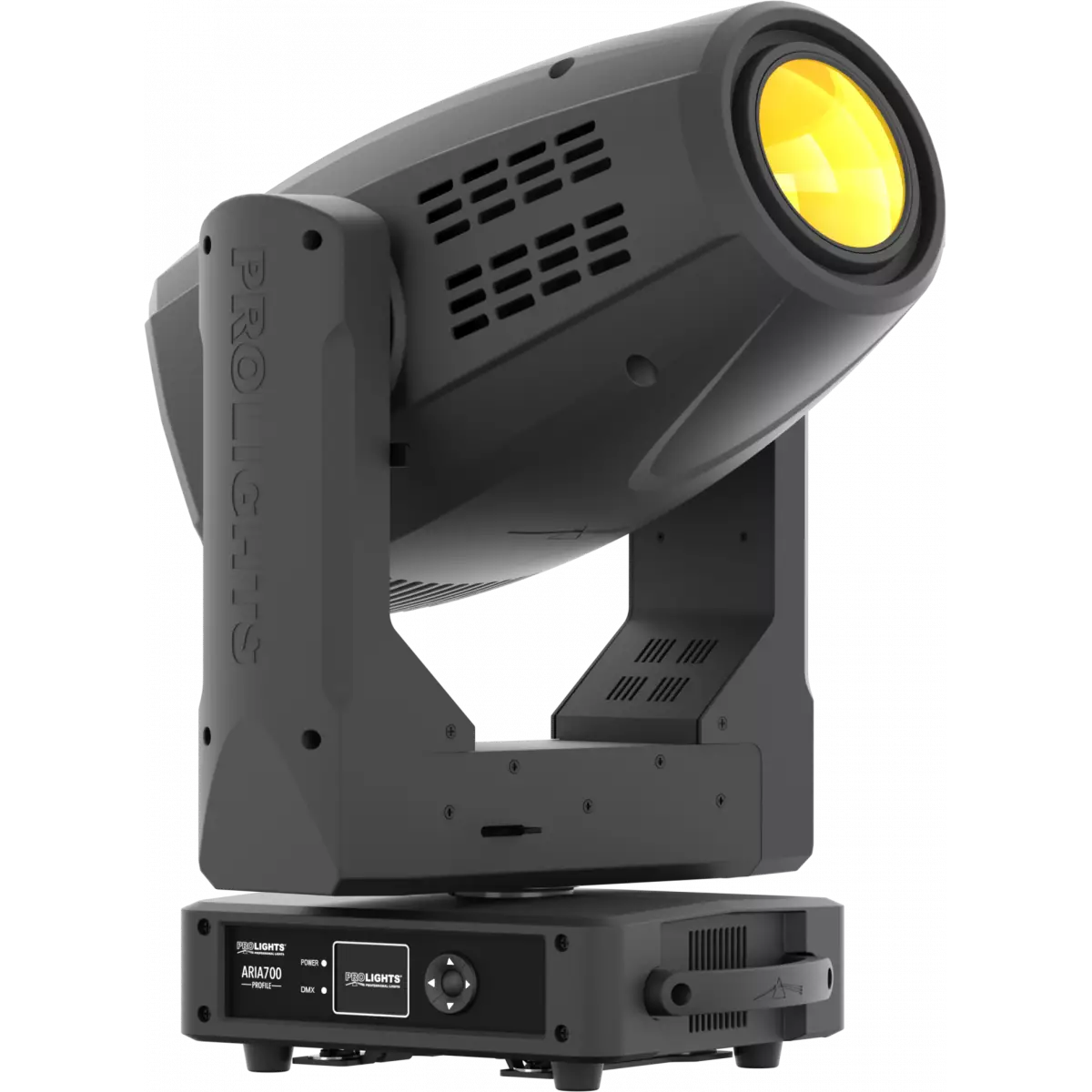
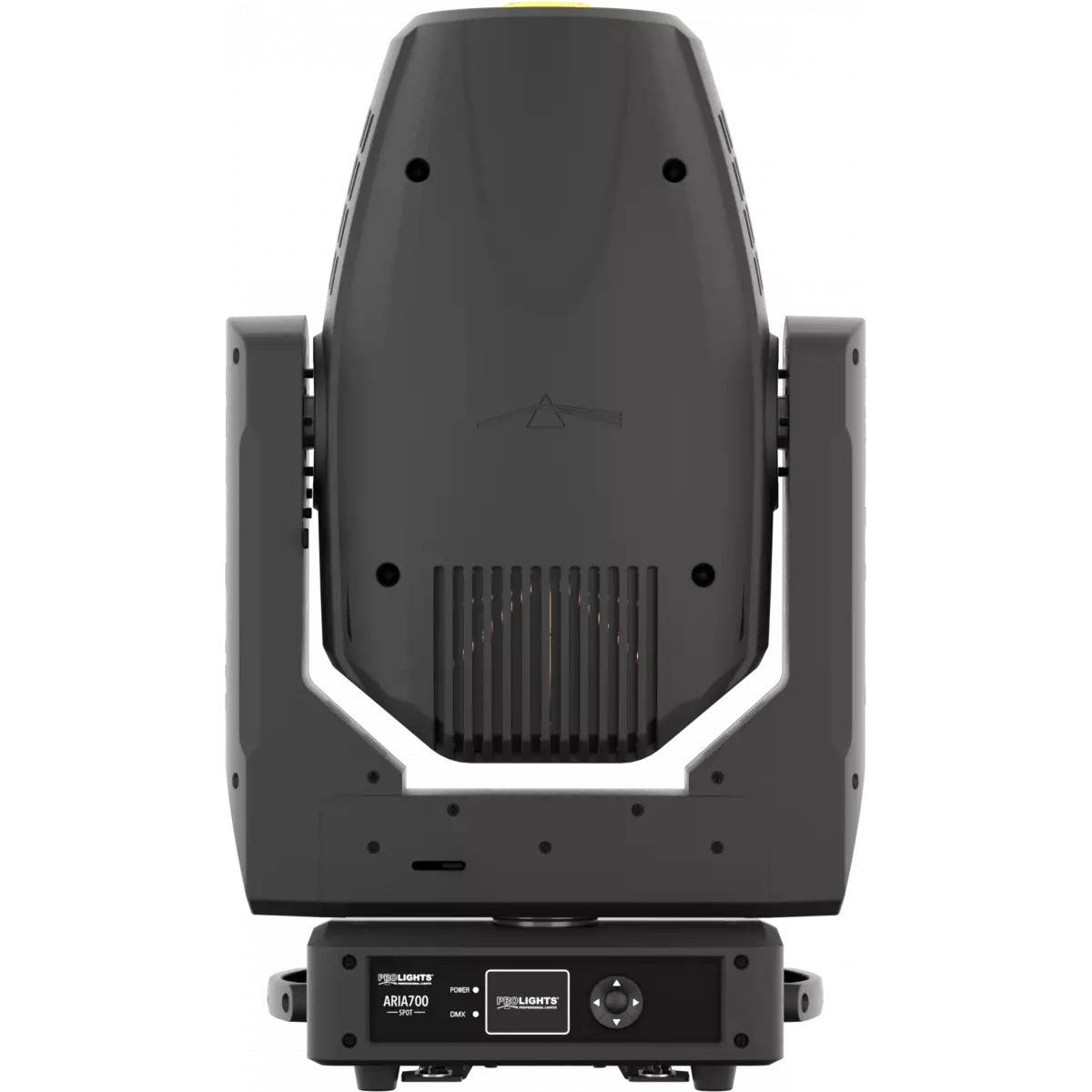
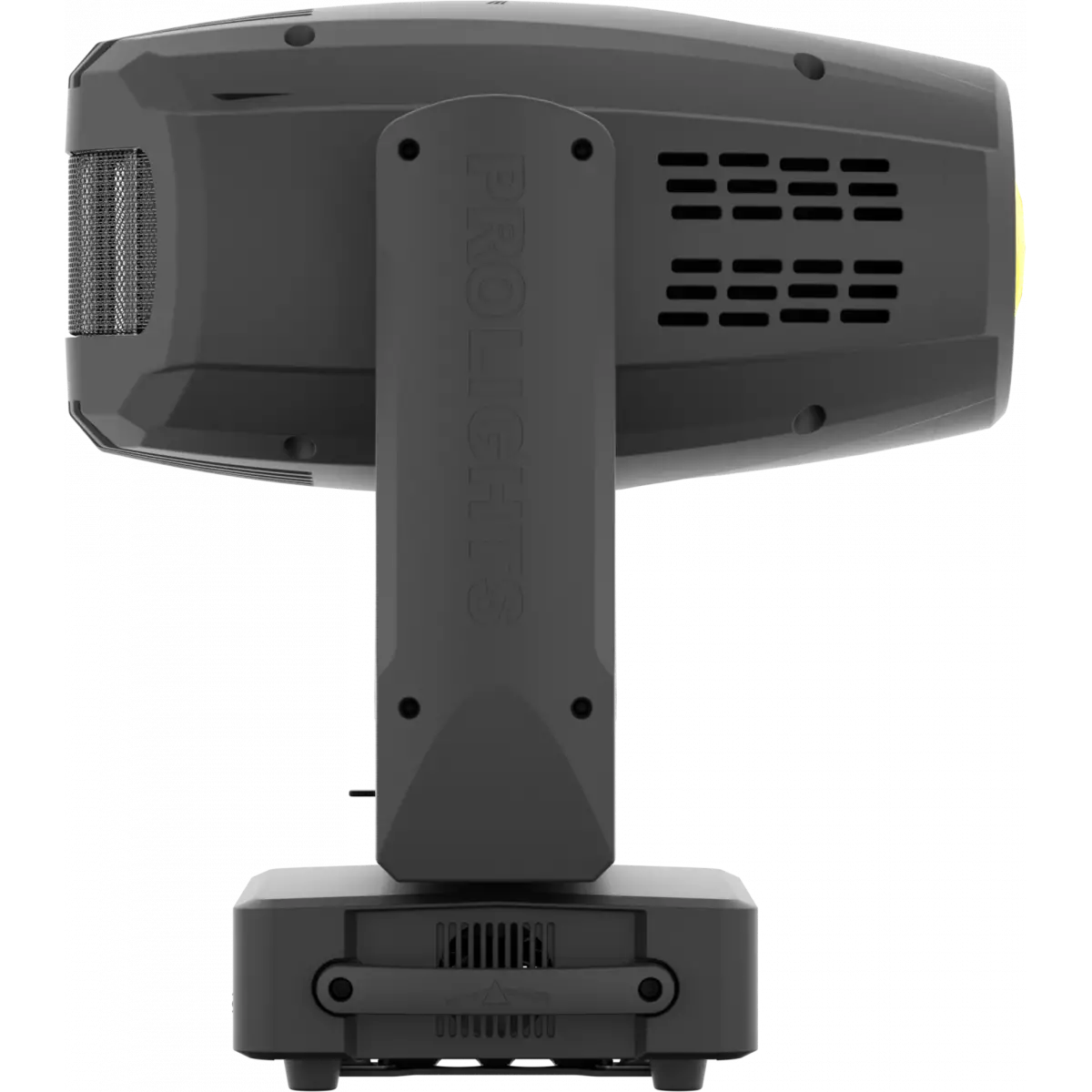
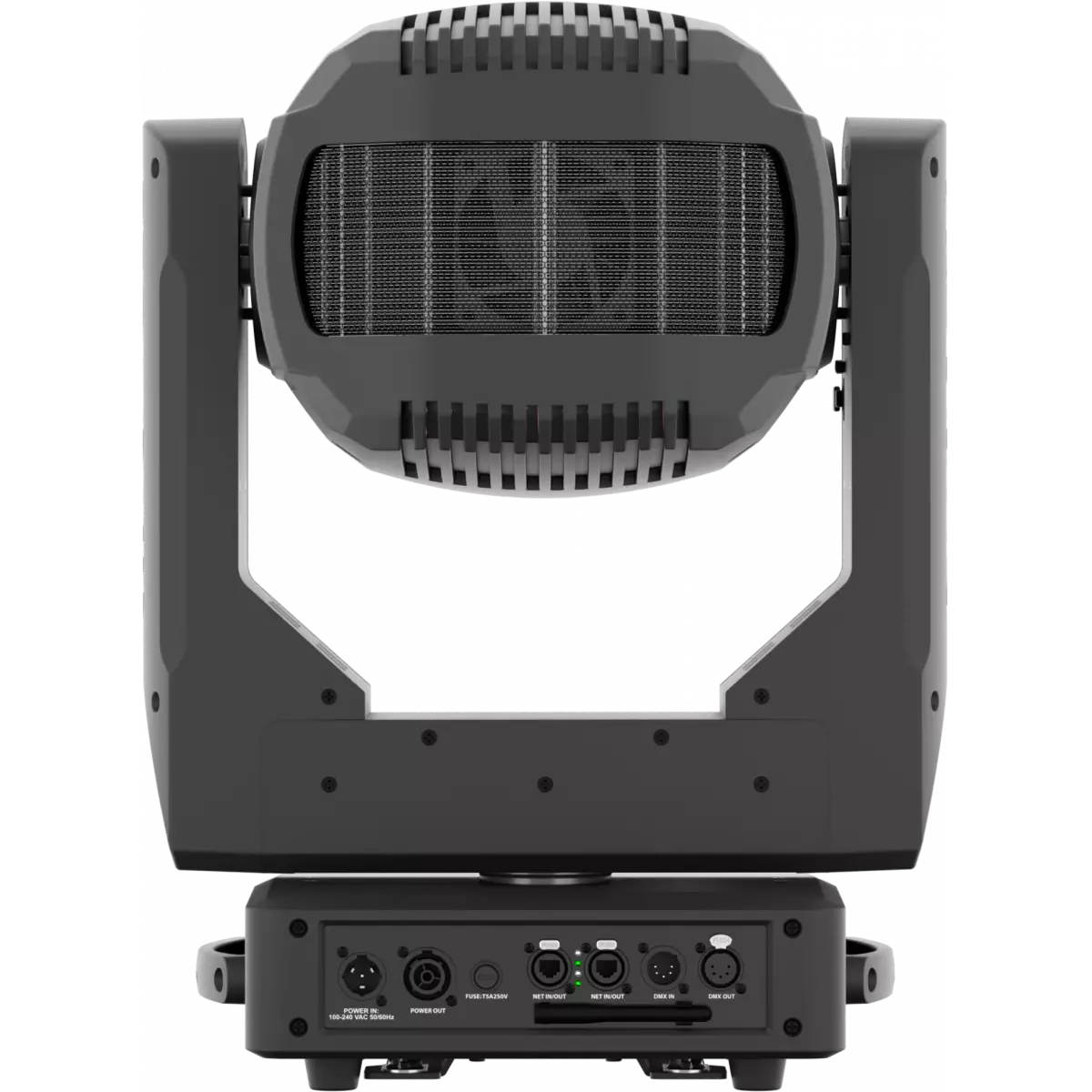
Order Code: ARIA700SPOT
Aria 700 is a 400W theatrical LED luminaire designed to bring refinement and silence to the stage. Featuring a custom RGBW engine delivering an extensive colour palette and an optical system designed to allow the layering of effects. The Aria 700 puts the theatre into LED.
Read lessDiscover the Aria 700Spot in action
Technical documentation and support files
| File name | File size | Download | |
|---|---|---|---|
| Aria700spot_A4_DATASHEET.pdf(05/03/2020) | 637KB |
| File name | File size | Download | |
|---|---|---|---|
| Aria700spot_USER_MANUAL_ITEN.pdf(07/08/2019) | 2MB | ||
| Aria700spot_Wireless_Protocol_Compatibilit_EN.pdf(12/06/2023) | 4MB |
| File name | File size | Download |
|---|
| File name | File size | Download | |
|---|---|---|---|
| prolights_aria700spot_full_narrow angle 10°.ies(17/07/2018) | 22KB | ||
| prolights_aria700spot_full_wide angle 45°.ies(17/07/2018) | 22KB | ||
| Download DIALux product catalogue | - |
| File name | File size | Download | |
|---|---|---|---|
| Aria700spot_3D.rvt(09/03/2020) | 536KB | ||
| Aria700spot_CAD_2D.dwg(14/07/2020) | 13MB | ||
| Aria700spot_CAD_3D.dwg(09/10/2019) | 1MB | ||
| Aria700spot_CAD_2DSYMBOLS.dwg(09/03/2020) | 318KB | ||
| Aria700spot_TECHNICAL_DRAWING.pdf(14/07/2020) | 567KB | ||
| PROLIGHTS_VECTORWORKS_v2025_LIBRARY.vwx(13/05/2025) | 321MB | ||
| PROLIGHTS_VECTORWORKS_v2020_LIBRARY.vwx(13/05/2025) | 276MB | ||
| VECTORWORKS_SYMBOLS.vwx(09/03/2020) | 413KB |
| File name | File size | Download | |
|---|---|---|---|
| Aria700spot_GOBOS.pdf(25/03/2020) | 572KB |
| File name | File size | Download | |
|---|---|---|---|
| Professional Uploader(03/03/2025) | 19MB |
PROLIGHTS product firmware can be updated in several ways, depending on the product and file extension. The available methods are listed in the product specifications in the CONTROL - Firmware upgrade section.
| Method/Device | File extension | Needed software | Instructions |
|---|---|---|---|
| UPBOXPRO (*) | .PRL |
UpBox_Tool | Guide |
| USB port | .PRL |
No software needed | see User Manual |
| Ethernet port | .EHEX |
Professional Uploader | Guide |
| Ethernet port | .ALF |
DMX Workshop | Guide |
(*) You can still use UPBOX1 and UPBOX2 by checking their compatibility on the product accessories page. To use UPBOX2, you need to download the drivers from the following link.
Update Tool: UPBOXPRO |
||||
| Check hardware changelog before downloading firmware | ||||
| Revision | Release date | Firmware changelog | HW Compatibility | |
|---|---|---|---|---|
| 1.5 STABLE | 04/11/2019 | Improved zoom and focus functionality. | Rev. 1 Rev. 2 |
|
| 1.2 STABLE | 27/09/2018 | All functions are sincronized between OLD and NEW module profile and spot versions. | ||
Subscribe to our Newsletter