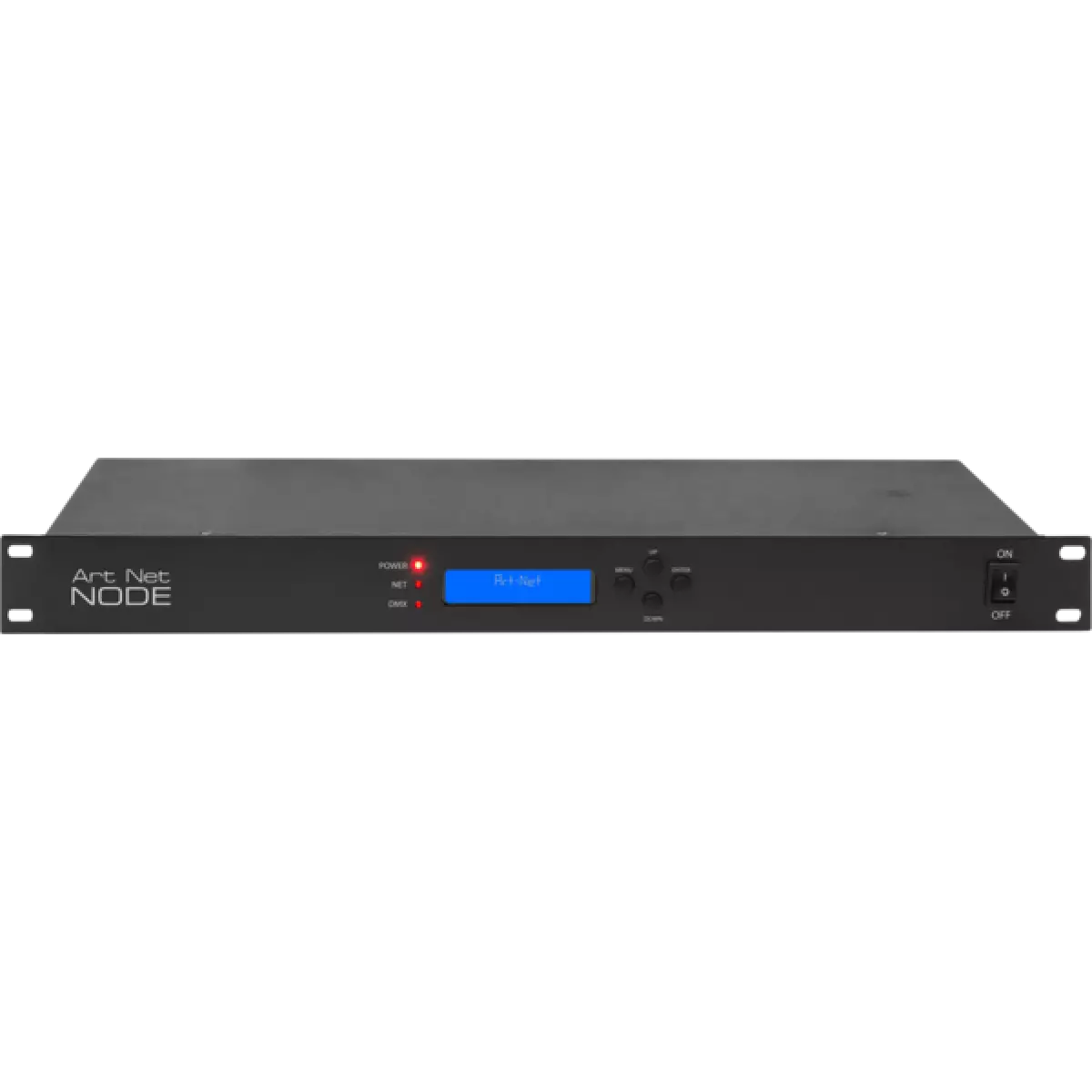
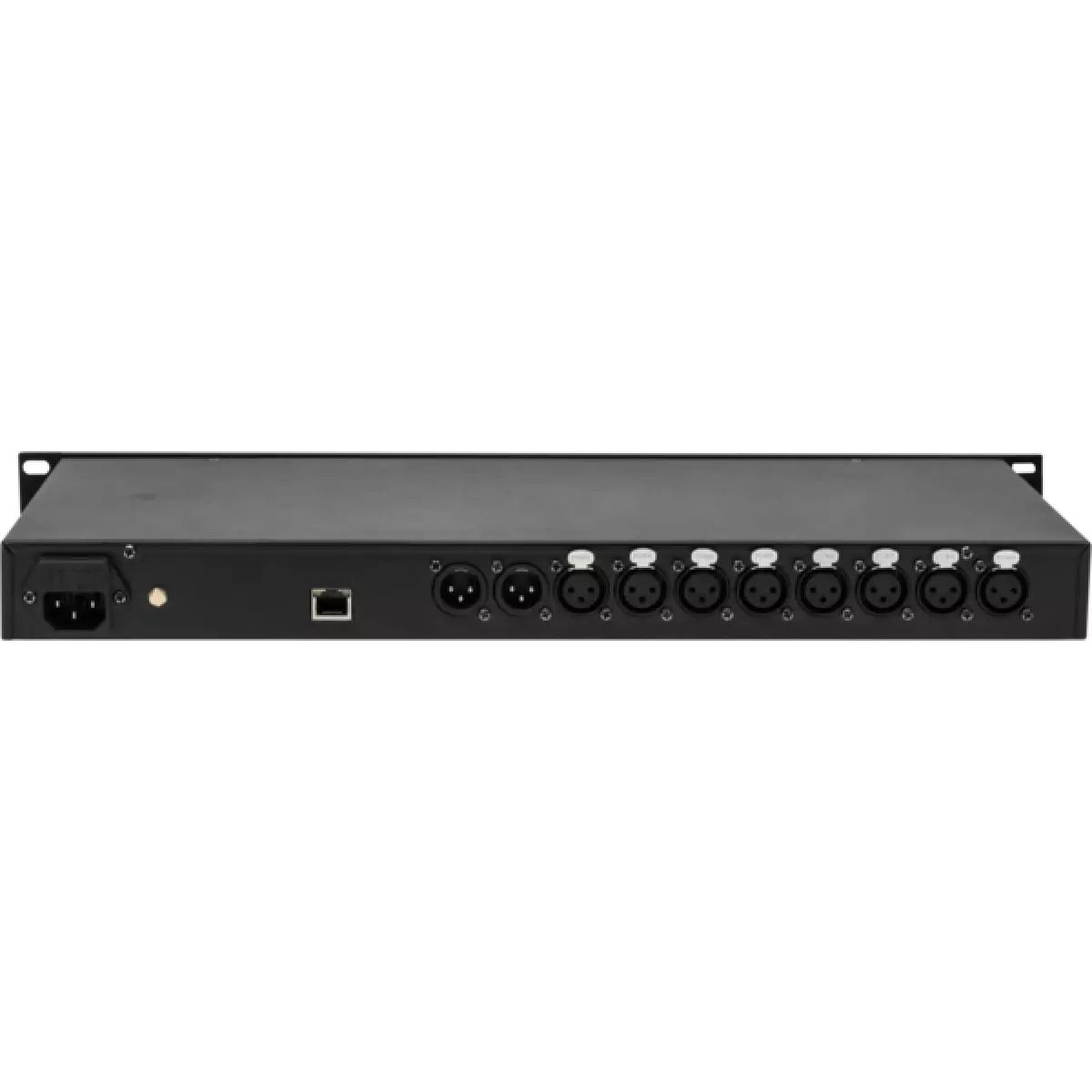
ARTNETNODE

ArtNet Node

Weight
1,8kg / 3.97lbs 

Key Features

  • 8 universes supported
  • Input: 1 x Art-Net, 2 x DMX512
  • Output: 8 x DMX512

ARTNETNODE is a versatile rack-mountable Art-Net to DMX adapter with an integrated optical DMX splitter. It has two DMX inputs and eight opto-isolated DMX outputs which can be assigned to either of the DMX inputs or to the Art-Net input.

Read less
ARTNETNODE is a versatile rack-mountable Art-Net to DMX adapter with an integrated optical DMX splitter. It has two DMX inputs and eight opto-isolated DMX outputs which can be assigned to either of th...

Versions

Code Connectors
ARTNETNODE3P
ARTNETNODE3P DISCONTINUED
XLR 3p
ARTNETNODE5P
ARTNETNODE5P
XLR 5p

Photo Gallery

Specifications

CONTROL
  • Art-Net channels: ch
  • Display: LCD display
  • Input: 1 x ArtNet, 2 x DMX512
  • Output: 8 x DMX512
  • Other: available with 3 / 5 pole XLR connectors
ELECTRICAL
  • Mains power supply: 100-240 V 50/60 Hz
PHYSICAL
  • Signal connection: 3 / 5 xlr DMX, Art-Net
  • Power connection: IEC 10 A IN
  • Dimensions (WxHxD): 480x45x162mm / 18.9''x1.77''x6.38''
  • Rack unit: 1 standard 19'' rack unit made of steel
  • Weight: 1,8kg / 3.97lbs
CERTIFICATIONS / APPROVALS
  • Certifications / Approvals: CE, UKCA
BOX CONTENT
  • 1 x ARTNETNODE
  • 1 x 1,5 meters BARE END - IEC power cable
  • User Manual

Accessories & Related Products

Optional C6002B

Slim aluminum clamp, 200kg loading, 48-51mm tubes, M10 bolt, Black&White& White

Order Code: C6002B

Optional RSR0630B

Steel security cable for hanging bodies, inox steel shackle, L=60 cm, black

Order Code: RSR0630B

Optional TOUR53413L03

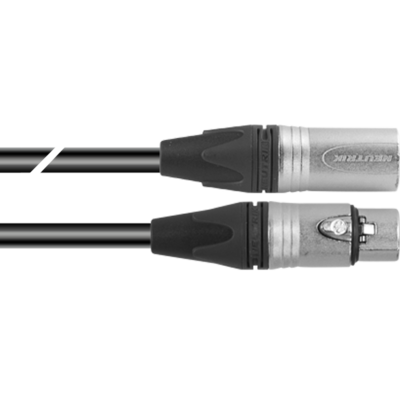
Dmx cable HC5340. CANC3MXX XLR 3p->CANC3FXX XLR (f) 3p, L.3m

Order Code: TOUR53413L03

Optional TOUR53415L03

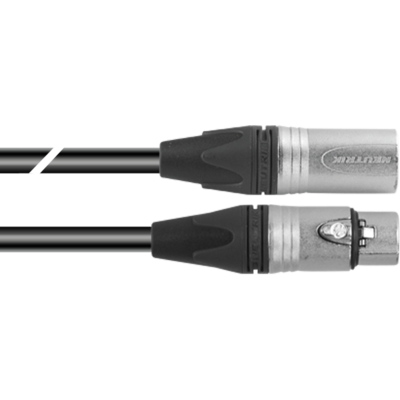
Dmx cable HC5340. CANC5MXX XLR 5p->CANC5FXX XLR (f) 5p, L.3m

Order Code: TOUR53415L03

Optional UPBOXPRO

Firmware uploader kit, USB IN, 5-pin XLR DMX OUT connector

Order Code: UPBOXPRO

Downloads

Technical documentation and support files

User manual User manual

File name File size Download
User manualArtnetnode_USER_MANUAL_ITEN.pdf(23/07/2018)552KB

CAD symbols & drawings CAD symbols & drawings

File name File size Download
2DArtnetnode_CAD_2D.dwg(11/05/2021)161KB
Technical drawingArtnetnode_TECHNICAL_DRAWING.pdf(11/05/2021)88KB

Firmware


Firmware update instructions

1 Download the firmware (complete download is available on Customer Care - contact support@prolights.it for more info)

2 Download the updater software UpBox_Tool 

3 Follow the instructions in the following guide
-------------------------------------------------------------------------------
Additional info:
  • Firmware updates require the UPBOXPRO compatible with all Prolights products
  • It's possible to use UPBOX1 and UPBOX2 *DISCONTINUED* checking the compatibility in the below tab
  • UpBox_Tool  software is compatible with all interfaces (UPBOXPRO, UPBOX1 and UPBOX2)
  • It's possible to update NET boards (with .EHEX files) following this guide with software Professional Uploader 
Update Tool: UPBOXPRO UPBOXPRO
Check hardware changelog before downloading firmware
Revision Release date Firmware changelog HW Compatibility
2.8 STABLE 02/08/2024 Improvement:
  • It is possible to select any IP address on the unit and not only 2.X.X.X or 10.X.X.X
To perform the firmware update, follow these steps:
  1. update with CTR file on DMX IN PORT 2
  2. update with DISP file on DMX IN PORT 1

Info Request

NEWSLETTER

Subscribe to our Newsletter

Loading...