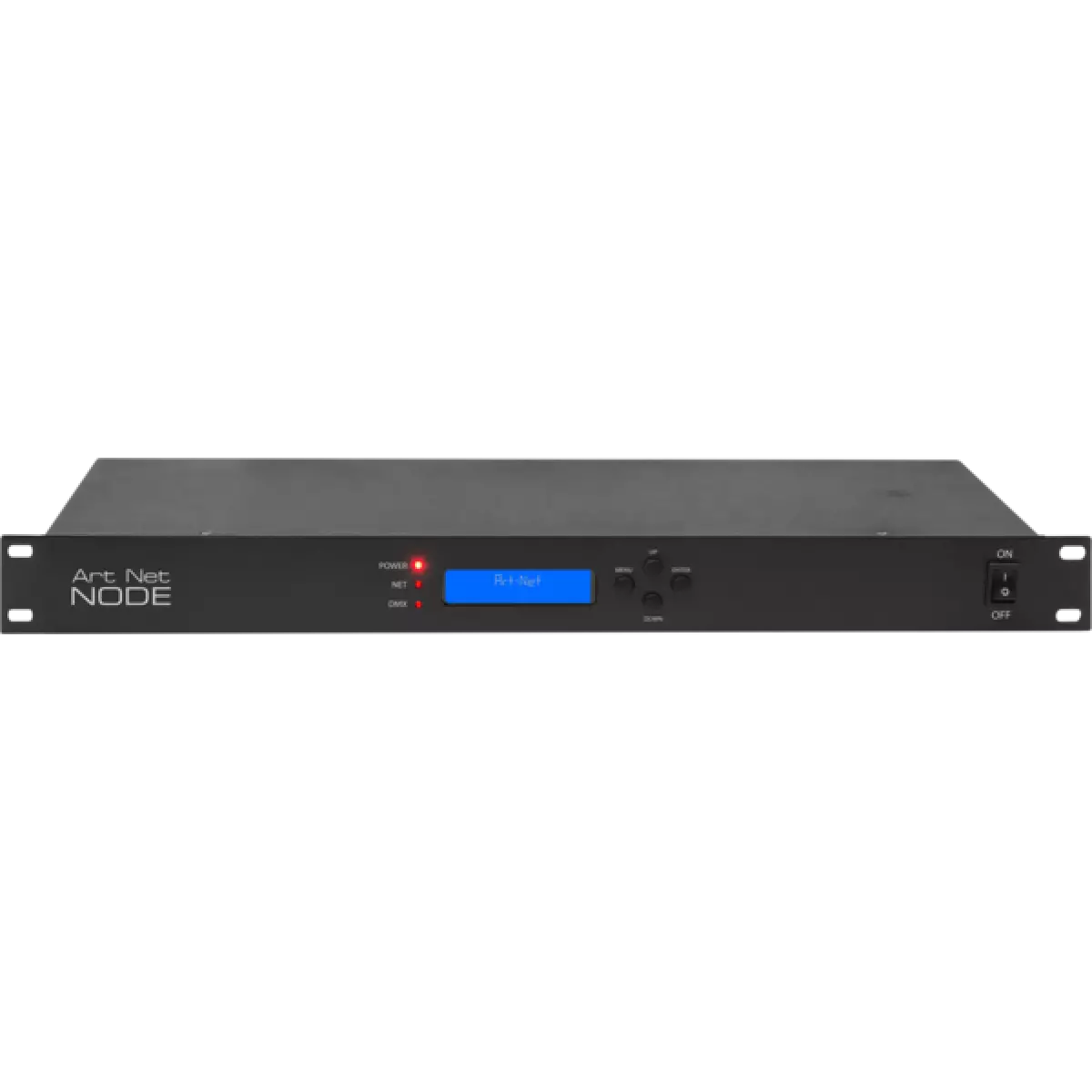
ARTNETNODE

ArtNet Node

Weight
1,8kg / 3.97lbs 

Key Features

  • 8 universes supported
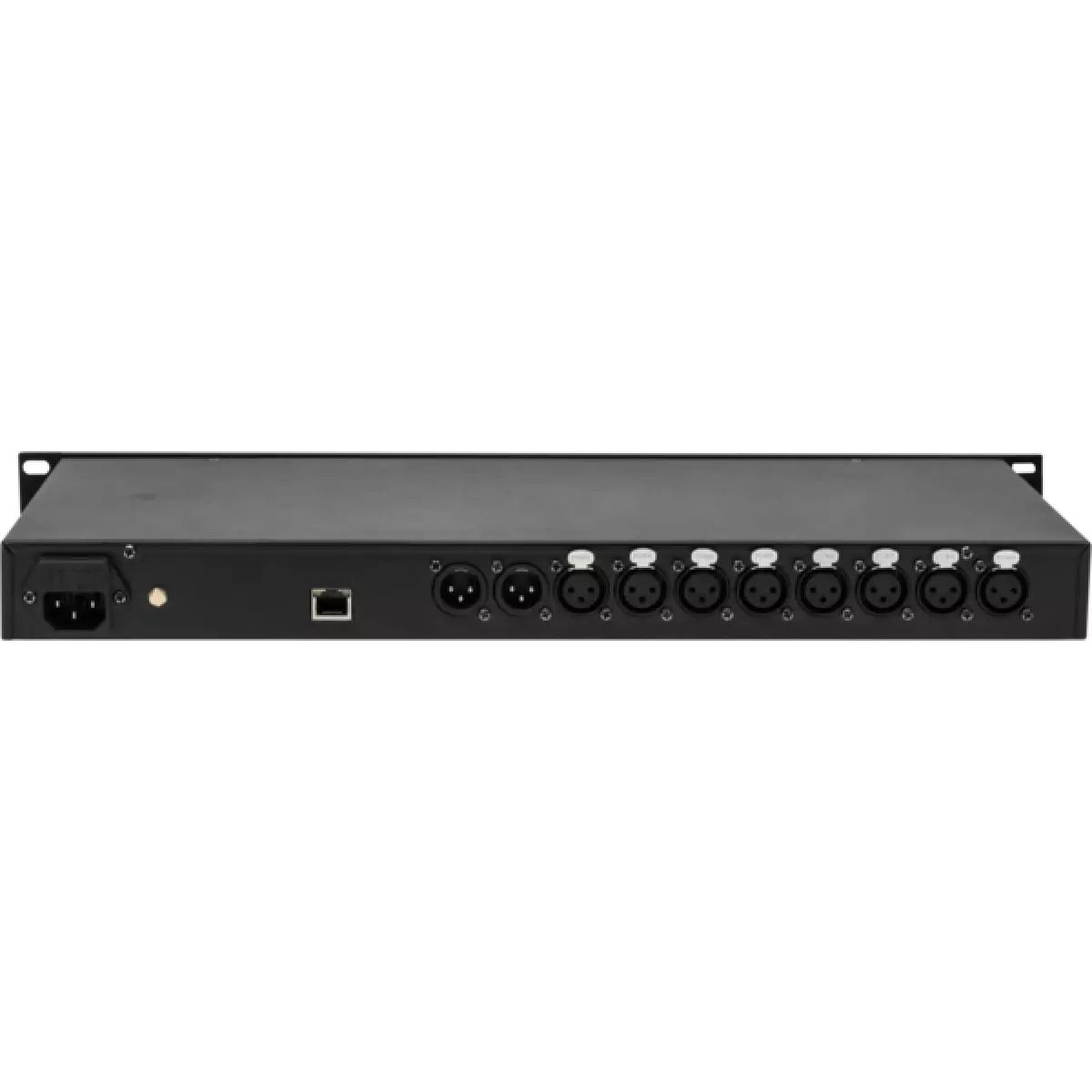
  • Input: 1 x RJ45, 2 x DMX512
  • Output: 8 x DMX512

ARTNETNODE is a versatile rack-mountable ArtNet/sACN to DMX adapter with an integrated optical DMX splitter. It has two DMX inputs and eight opto-isolated DMX outputs which can be assigned to either of the DMX inputs or to the Art-Net input.

Read less
ARTNETNODE is a versatile rack-mountable ArtNet/sACN to DMX adapter with an integrated optical DMX splitter. It has two DMX inputs and eight opto-isolated DMX outputs which can be assigned to either o...

Versions

Code Connectors
ARTNETNODE3P
ARTNETNODE3P DISCONTINUED
XLR 3p
ARTNETNODE5P
ARTNETNODE5P
XLR 5p

Photo Gallery

Specifications

CONTROL
  • Supported Protocols: Art-Net, sACN
  • Display: LCD display
  • Input: 1 x RJ45, 2 x DMX512
  • Output: 8 x DMX512
  • Other: available with 3 / 5 pole XLR connectors
ELECTRICAL
  • Mains power supply: 100-240V - 50/60Hz
  • Max power consumption (230V): 18W
  • Power connection: IEC 10 A IN
PHYSICAL
  • Suspension and fixing: rack unit
  • Housing: Metal
  • Finish: black
  • Dimensions (WxHxD): 480x45x162mm / 18.9''x1.77''x6.38''
  • Rack unit: 19"
  • Weight: 1,8kg / 3.97lbs
CERTIFICATIONS / APPROVALS
  • Compliance: CE, UKCA
BOX CONTENT
  • 1 x ARTNETNODE
  • 1 x 1,5 meters BARE END - IEC power cable
  • User Manual

Accessories & Related Products

Optional C6002B

Slim aluminum clamp, 200kg loading, 48-51mm tubes, M10 bolt, Black&White& White

Order Code: C6002B

Optional RSR0630B

Steel security cable for hanging bodies, inox steel shackle, L=60 cm, black

Order Code: RSR0630B

Optional TOUR53413L03

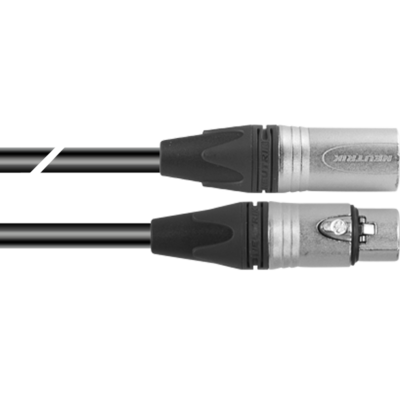
Dmx cable HC5340. CANC3MXX XLR 3p->CANC3FXX XLR (f) 3p, L.3m

Order Code: TOUR53413L03

Optional TOUR53415L03

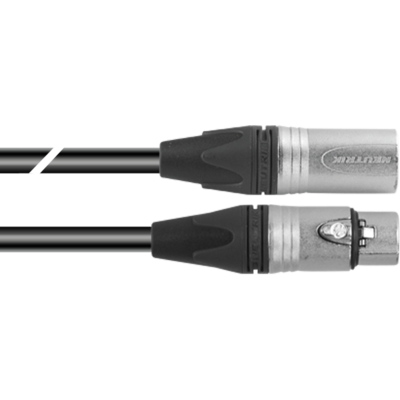
Dmx cable HC5340. CANC5MXX XLR 5p->CANC5FXX XLR (f) 5p, L.3m

Order Code: TOUR53415L03

Optional UPBOXPRO

Firmware uploader kit, USB IN, 5-pin XLR DMX OUT connector

Order Code: UPBOXPRO

Downloads

Technical documentation and support files

User manual User manual

File name File size Download
User manualArtnetnode_USER_MANUAL_ITEN.pdf(23/07/2018)552KB

CAD symbols & drawings CAD symbols & drawings

File name File size Download
2DArtnetnode_CAD_2D.dwg(11/05/2021)161KB
Technical drawingArtnetnode_TECHNICAL_DRAWING.pdf(11/05/2021)88KB

Firmware


Firmware Update Information

PROLIGHTS product firmware can be updated in several ways, depending on the product and file extension. The available methods are listed in the product specifications in the CONTROL - Firmware upgrade section.

Method/Device File extension Needed software Instructions
UPBOXPRO (*) .PRL UpBox_Tool Guide
USB port .PRL No software needed see User Manual 
Ethernet port .EHEX Professional Uploader Guide
Ethernet port .ALF DMX Workshop Guide

(*) You can still use UPBOX1 and UPBOX2 by checking their compatibility on the product accessories page. To use UPBOX2, you need to download the drivers from the following link.

Note: Some products without DMX or USB inputs may require an additional device and may not be compatible with UPBOXPRO. Check the product accessories page.

UPDATE Instructions

  1. Check the update methods available on your product in the CONTROL - Firmware upgrade section.
  2. Download the firmware and software dedicated for the update.
  3. Follow the update guide available in the firmware folder.
Update Tool: UPBOXPRO UPBOXPRO
Check hardware changelog before downloading firmware
Revision Release date Firmware changelog HW Compatibility
2.8 STABLE 02/08/2024 Improvement:
  • It is possible to select any IP address on the unit and not only 2.X.X.X or 10.X.X.X
To perform the firmware update, follow these steps:
  1. update with CTR file on DMX IN PORT 2
  2. update with DISP file on DMX IN PORT 1

Info Request

NEWSLETTER

Subscribe to our Newsletter

Loading...