Order Code: CHROMAROCK
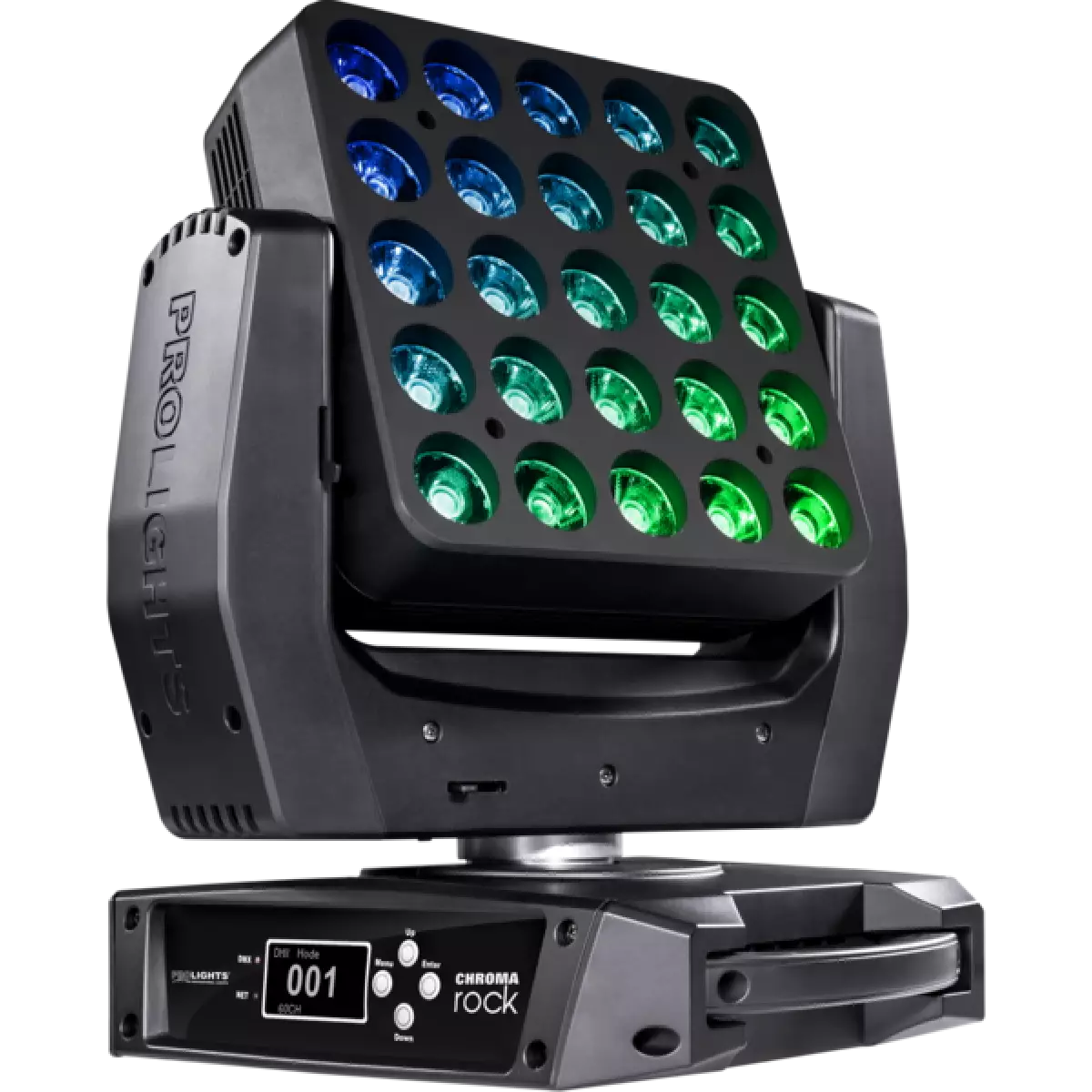
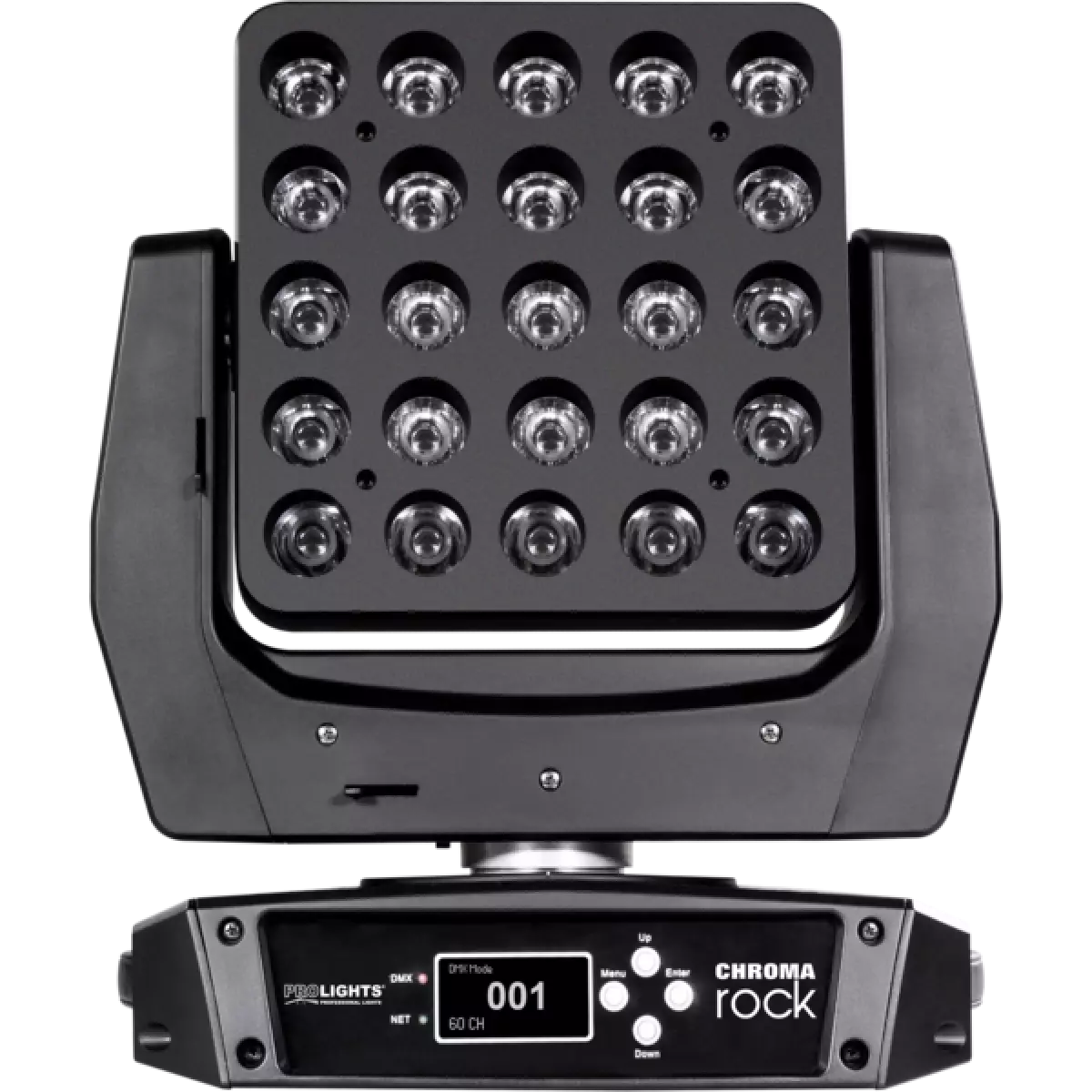
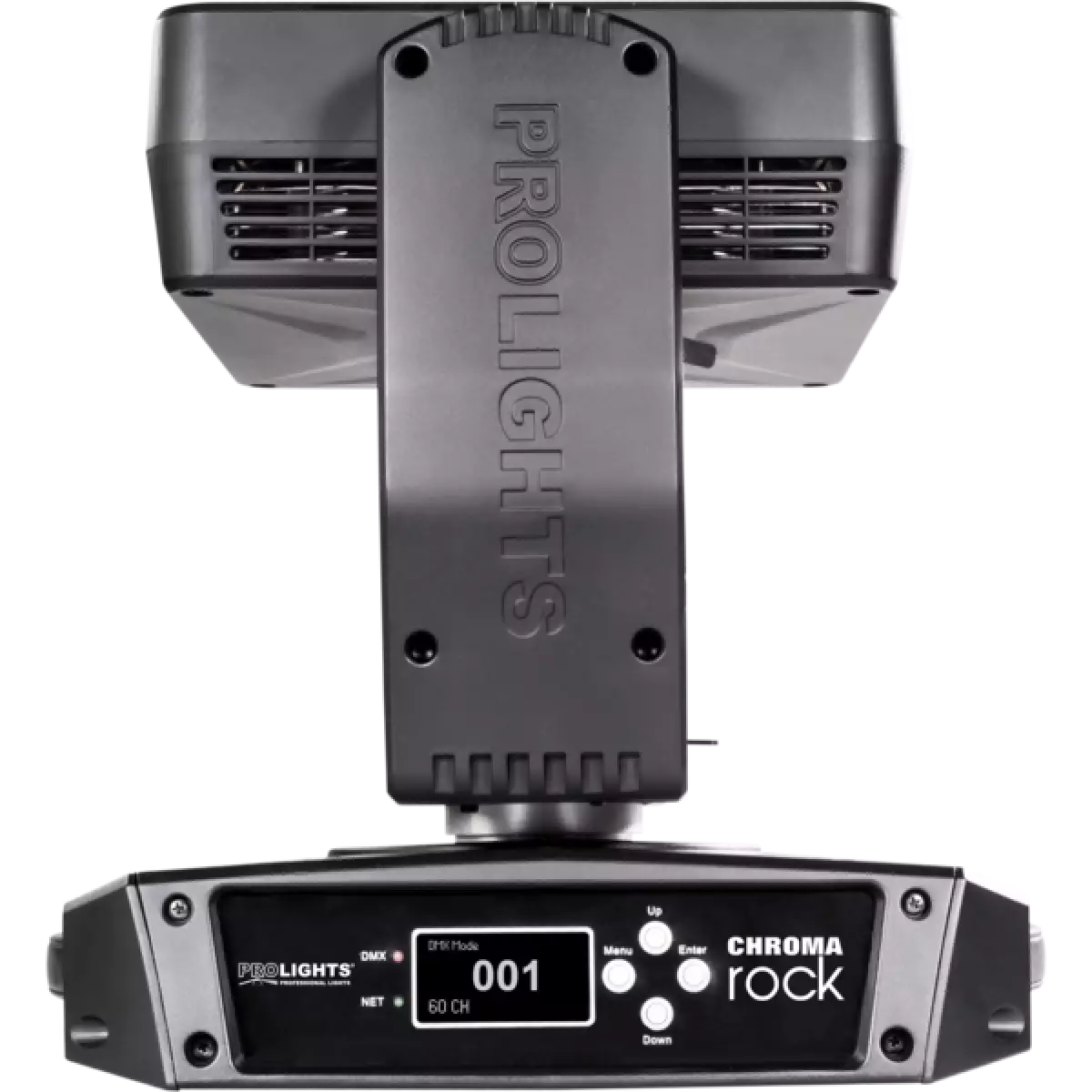
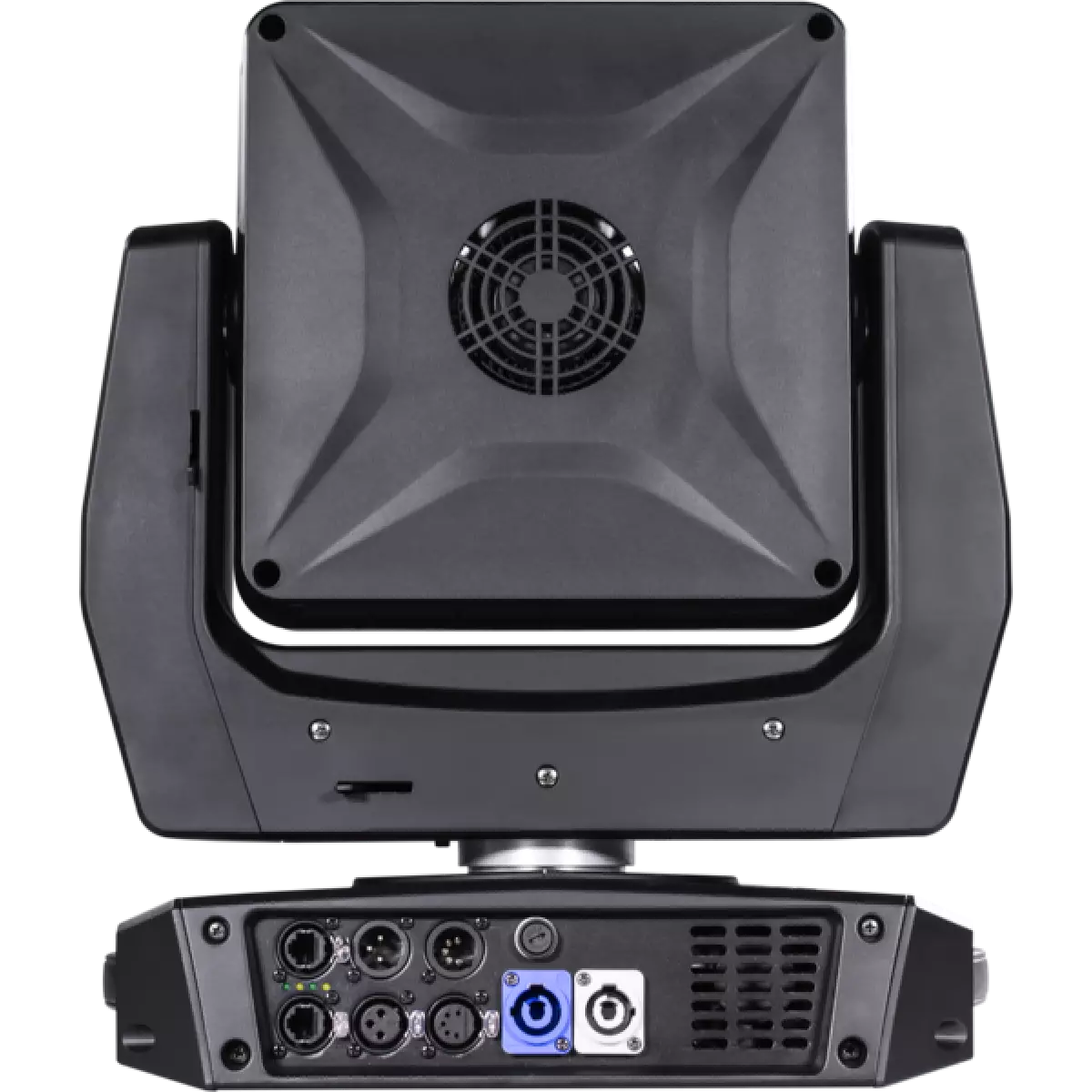
Chroma Rock combines an explosive output, pixel2pixel control and movements in a single projector. These new features provide a new and original tool for lighting designers to really let their creativity loose.
Moving pixel matrix with limitless colour generation. The optical group of Chroma Rock develops light beams of 9° - thin as pins are capable of channeling light in a highly directive projection with unprecedent brightness, creating volumetric effects and graphics in the air
Discover the Chroma Rock in action
Technical documentation and support files
| File name | File size | Download | |
|---|---|---|---|
| Chromarock_A4_DATASHEET(EN).pdf(02/04/2021) | 263KB |
| File name | File size | Download | |
|---|---|---|---|
| Chromarock_USER_MANUAL_ITEN.pdf(12/11/2014) | 3MB |
| File name | File size | Download | |
|---|---|---|---|
| Chromarock_DMX_CHARTS.pdf(09/01/2018) | 114KB |
| manufacturer fixture library (Link) | Link |
| prolights@chromarock@9_channel@initial.xmlp | Download |
| prolights@chromarock@10_channel@initial.xmlp | Download |
| prolights@chromarock@13_channel@initial.xmlp | Download |
| prolights@chromarock@18_channel@initial.xmlp | Download |
| prolights@chromarock@23_channel@initial.xmlp | Download |
| prolights@chromarock@81_channel@initial.xmlp | Download |
| prolights@chromarock@106_channel@initial.xmlp | Download |
| prolights@chromarock@113_channel@initial.xmlp | Download |
| prolights@chromarock@119_channel@initial.xmlp | Download |
| manufacturer fixture library (Link) | Link |
| manufacturer fixture library (Link) | Link |
| manufacturer fixture library (Link) | Link |
| chromarock 9 channel.fix2 | Download |
| chromarock 10 channel.fix2 | Download |
| chromarock 13 channel.fix2 | Download |
| chromarock 18 channel.fix2 | Download |
| chromarock 23 channel.fix2 | Download |
| chromarock 81 channel.fix2 | Download |
| chromarock 106 channel.fix2 | Download |
| chromarock 113 channel.fix2 | Download |
| chromarock 119 channel.fix2 | Download |
| manufacturer fixture library (Link) | Link |
| File name | File size | Download | |
|---|---|---|---|
| prolights_chromarock_blue_9°.ies(17/07/2018) | 30KB | ||
| prolights_chromarock_full_9°.ies(17/07/2018) | 30KB | ||
| prolights_chromarock_green_9°.ies(17/07/2018) | 30KB | ||
| prolights_chromarock_red_9°.ies(17/07/2018) | 30KB | ||
| prolights_chromarock_white_9°.ies(17/07/2018) | 30KB | ||
| Chromarock_PHOTOMETRICS.pdf(20/08/2019) | 2MB | ||
| Download DIALux product catalogue | - |
| File name | File size | Download | |
|---|---|---|---|
| Chromarock_CAD_2D.dwg(11/05/2021) | 2MB | ||
| Chromarock_CAD_3D.dwg(21/08/2018) | 11MB | ||
| Chromarock_TECHNICAL_DRAWING.pdf(11/05/2021) | 387KB |
PROLIGHTS product firmware can be updated in several ways, depending on the product and file extension. The available methods are listed in the product specifications in the CONTROL - Firmware upgrade section.
| Method/Device | File extension | Needed software | Instructions |
|---|---|---|---|
| UPBOXPRO (*) | .PRL |
UpBox_Tool | Guide |
| USB port | .PRL |
No software needed | see User Manual |
| Ethernet port | .EHEX |
Professional Uploader | Guide |
| Ethernet port | .ALF |
DMX Workshop | Guide |
(*) You can still use UPBOX1 and UPBOX2 by checking their compatibility on the product accessories page. To use UPBOX2, you need to download the drivers from the following link.
Update Tool: UPBOXPRO |
||||
| Check hardware changelog before downloading firmware | ||||
| Revision | Release date | Firmware changelog | HW Compatibility | |
|---|---|---|---|---|
| 1.2 STABLE | 04/12/2018 | 10 second default display backlight Note: .ALF file updated on 3/11/2025. |
||
Subscribe to our Newsletter