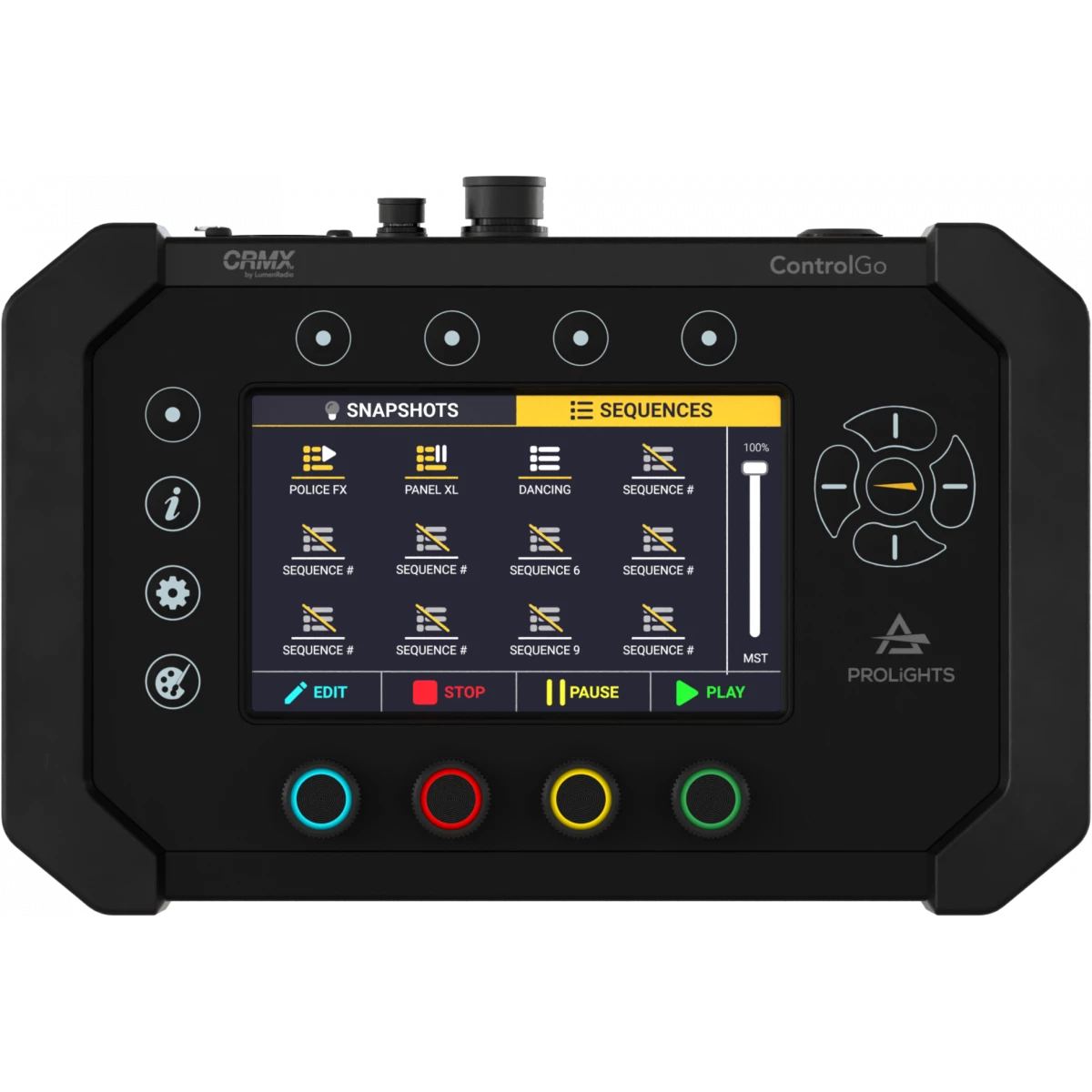
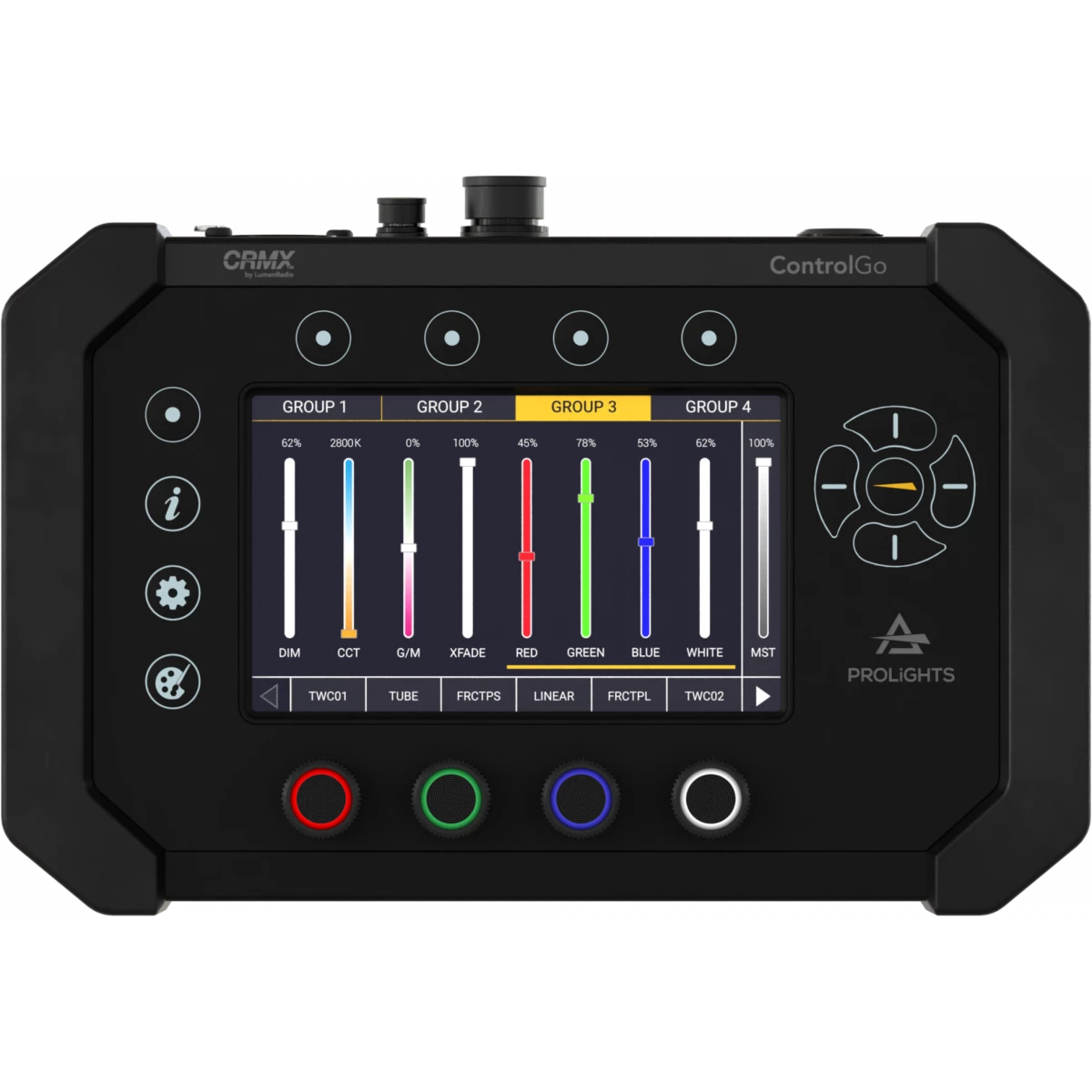

CONTROLGO

ControlGo

Order Code: CONTROLGO

IP rating
 IP20
Weight
0.6kg / 1.32lbs 

Key Features

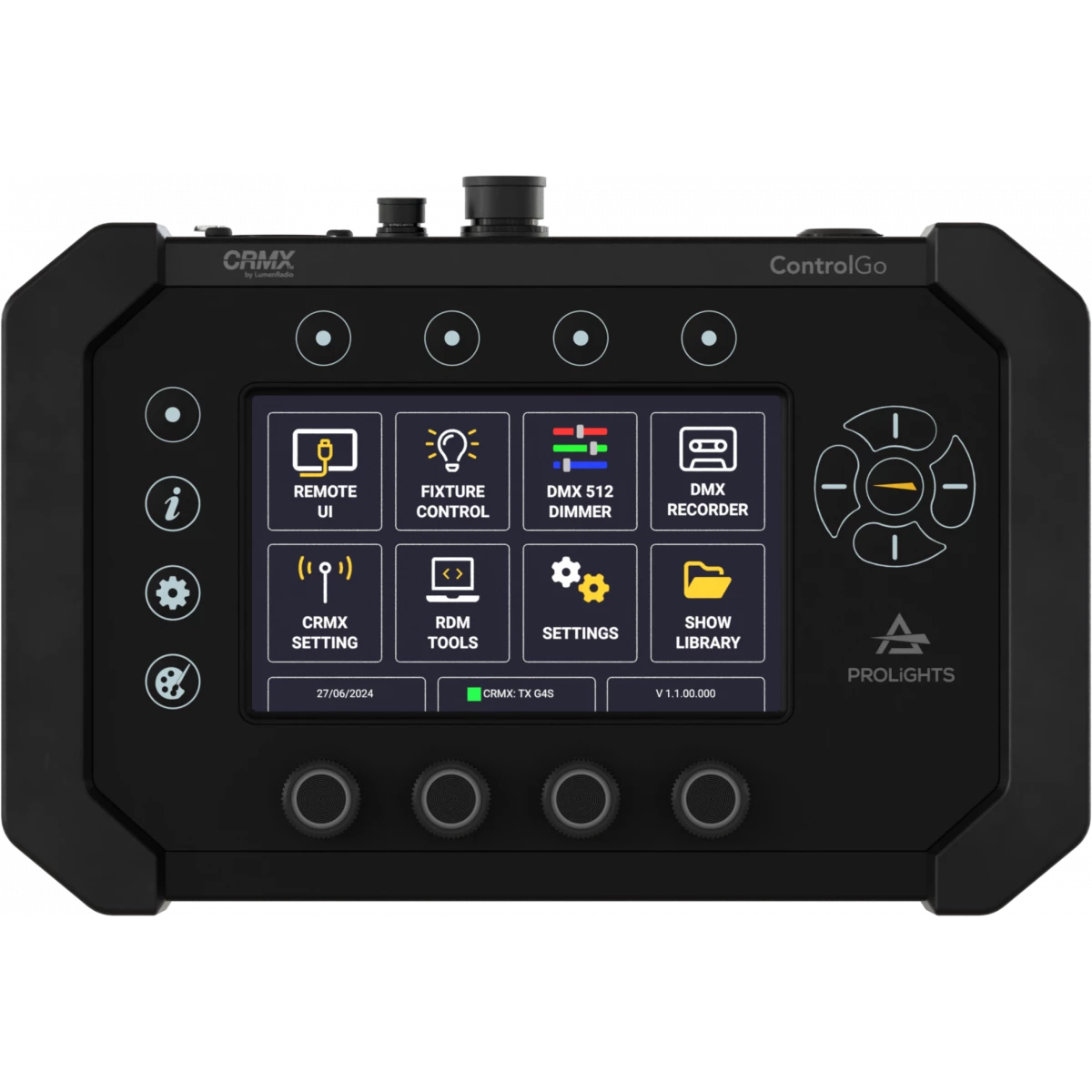
  • One Universe DMX Controller , RDM controller, DMX recorder, Remote UI
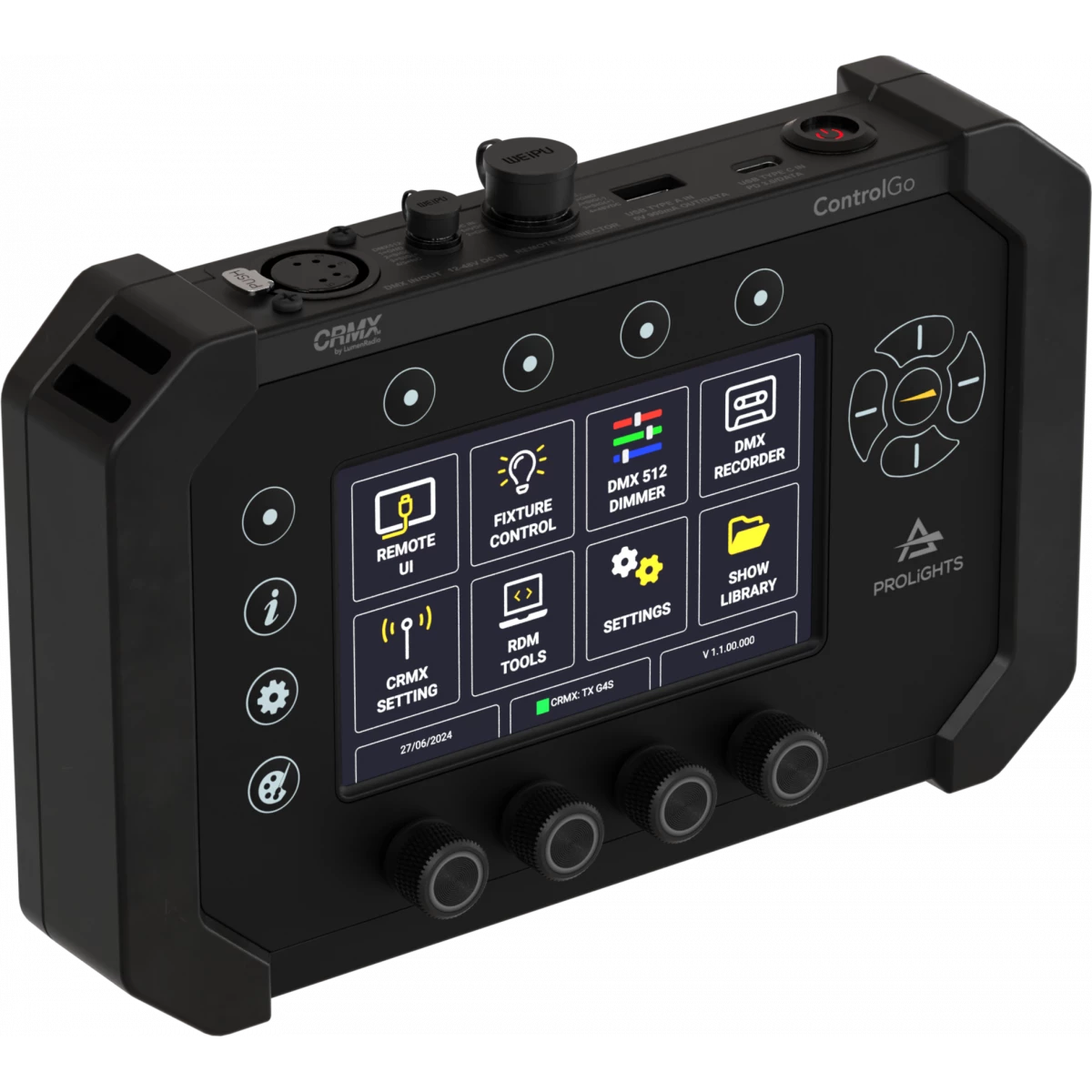
  • 5'' touchscreen with 4 RGB encoders and physical buttons for unprecedented user experience
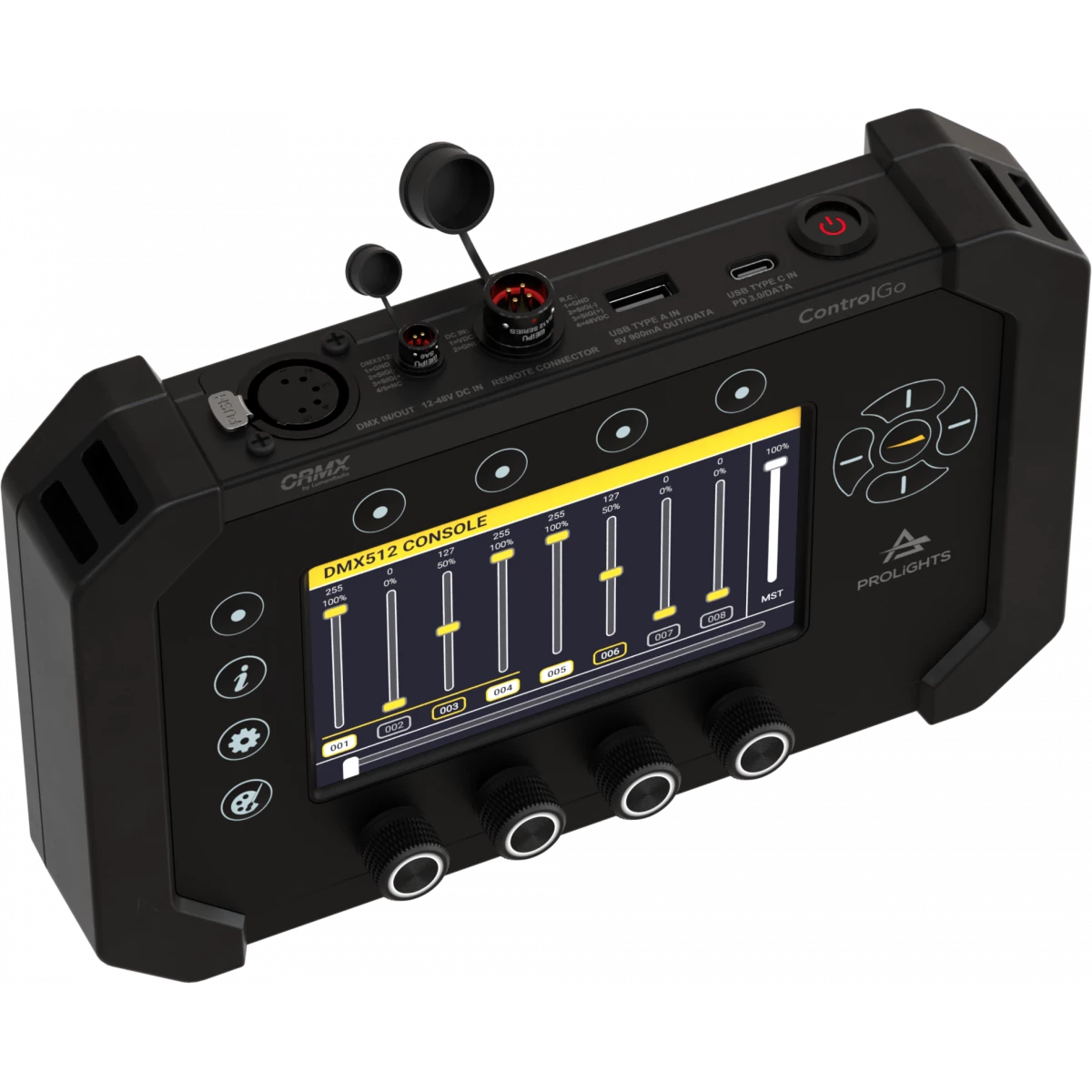
  • Signal output through XLR, Wireless CRMX, and remote UI connector
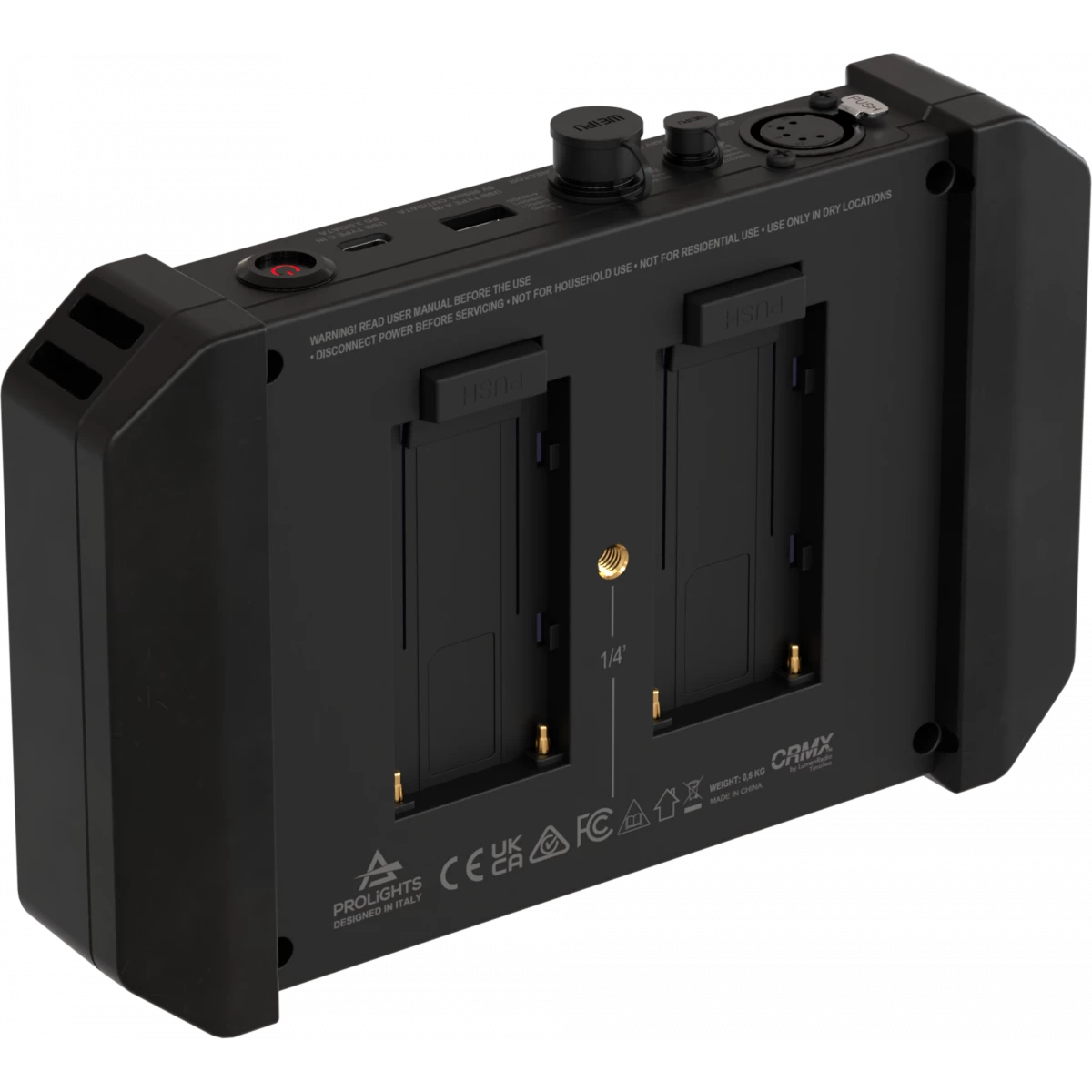
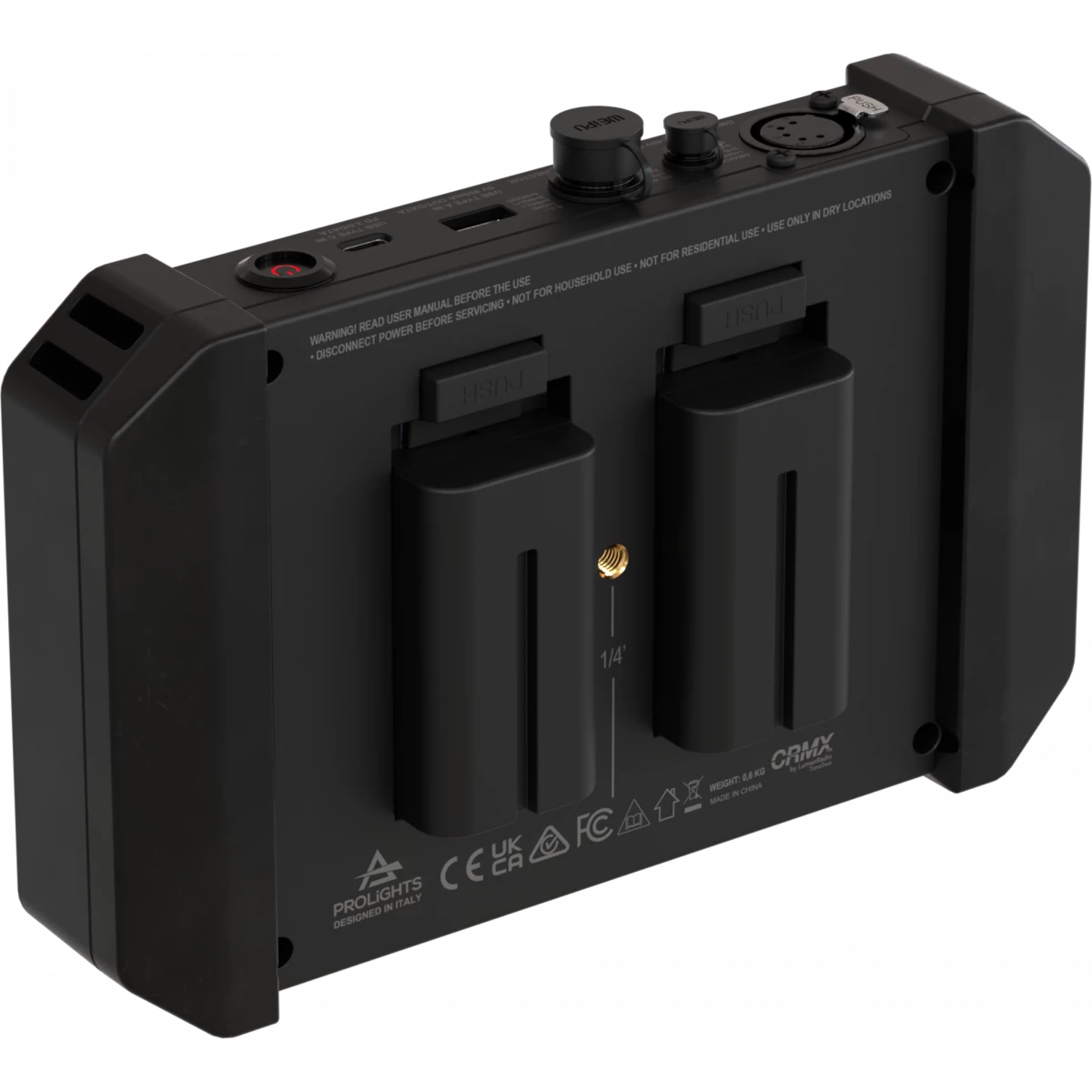
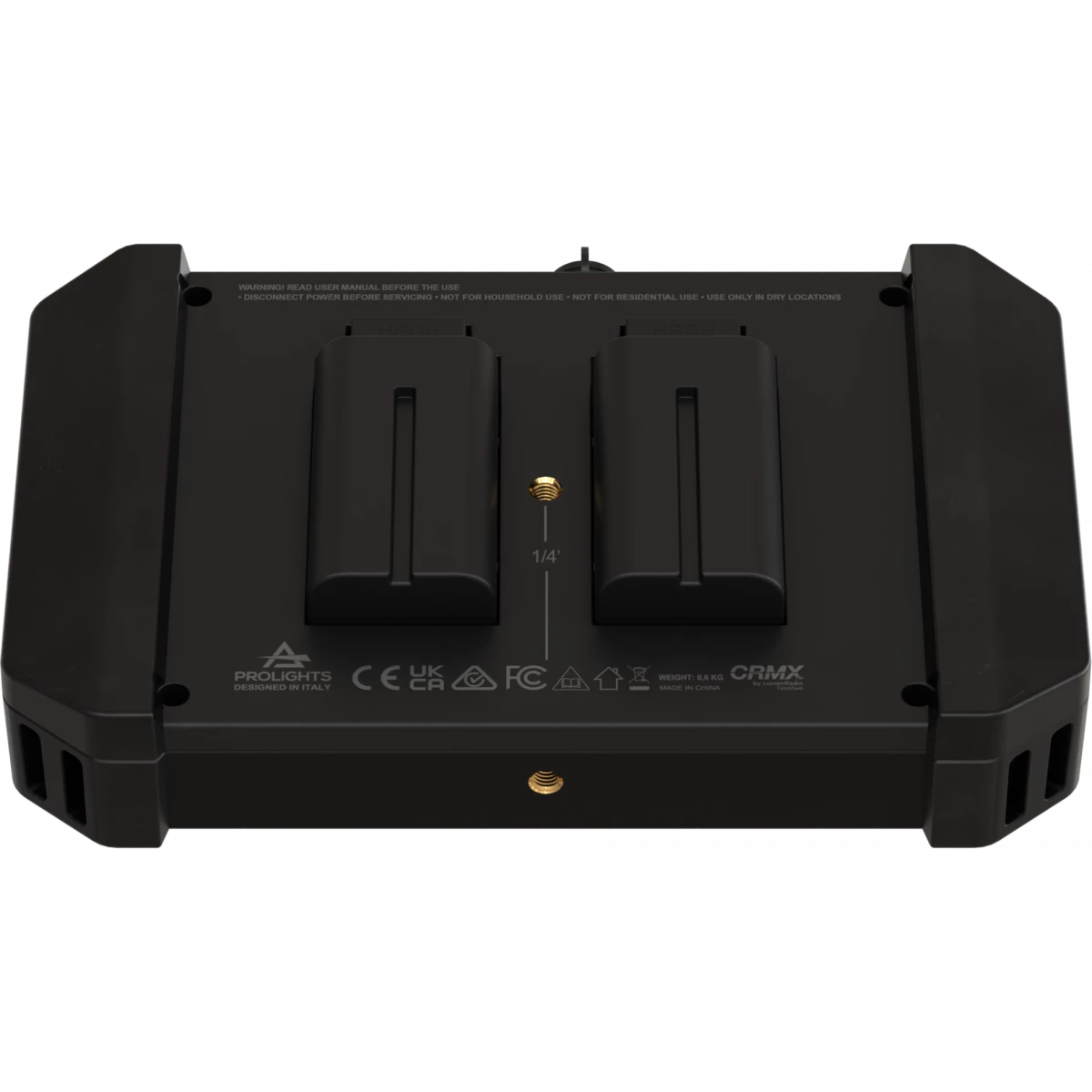
  • Power sources: NP-F batteries (batteries not included), V-mount adapter plate, 48V DC remote UI, 12-48V DC input through SF6-M 4p, USB type-C 5-12V power input (power cable not included)

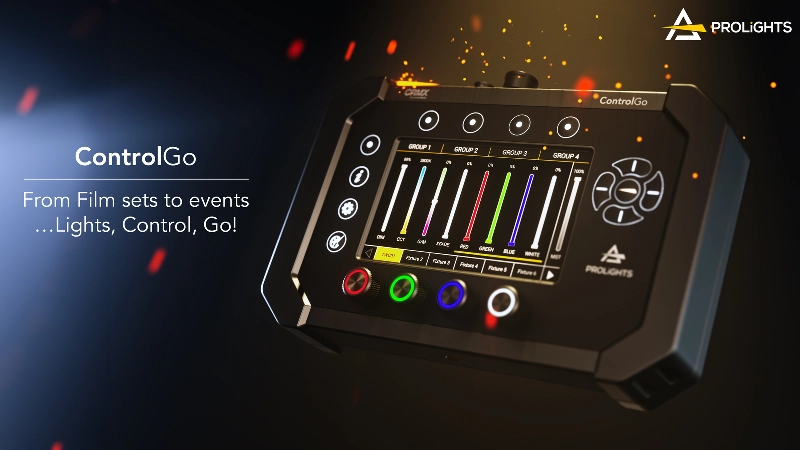
ControlGo  is the ultimately flexible, multi functional lighting controller. This incredibly versatile, simple to use tool combines a fixture remote, RDM Tool, CRMX transmitter, DMX controller and DMX recorder into a single, portable and durable device.
Whether flashing out a film set, setting addresses on a tradeshow stand, or controlling battery uplighters, the ControlGO is THE device you need to get up and running quickly and easily. 
Taking power from a host of options - NP-F or V-Lock batteries, DC 12-48V or USB-C - you won't find a place you cant find some power.
Featuring wired and CRMX wireless DMX & RDM, the ControlGO is compatible with up to 42 fixtures of any brand over 1 Universe. Its intuitive touchscreen interface, plus physical buttons and encoders, gives fast, easy and accurate access to its functions.

From Film sets to events … Lights, Control, Go!

Read less
ControlGo  is the ultimately flexible, multi functional lighting controller. This incredibly versatile, simple to use tool combines a fixture remote, RDM Tool, CRMX transmitter, DMX controller and DMX...

Photo Gallery

Specifications

BODY
  • Hardware on-board: see available accessories
  • Body: sturdy policarbonate body
  • Body colour: black
CONTROL
  • Protocols: CRMX+W-DMX, DMX512, RDM
  • DMX channels: 512channel
  • Wireless Control: included, LumenRadio TimoTwo DMX/RDM compatible with both CRMX, CRMX2 (as RX mode only) and W-DMX, Bluetooth capable
  • RDM: RDM for remote monitoring and settings
  • Display: 5" Touch LCD
  • Firmware upgrade: via DMX with UPBOXPRO/UPBOX1 (USB-DMX interface not included), via USB pen drive or onboard memory
  • Other: 4 rotary push-encoders with RGB backlight
ELECTRICAL
  • Low Voltage DC mains: 12-48V via DC IN, 48V via Remote Connector, 5-9-12-20V via PD3.0 over USB-C, 7.2V via battery slots
  • Max power consumption: 8W
BATTERY
  • Battery: 7.2V NP-F550/F570/F750/F770/F960/F970 type battery or V-Mounts (14.4V) via dedicated accessory
  • Other: Batteries not included with the device.
PHYSICAL
  • IP rating: IP20
  • Cooling: natural convection cooling enabled by a fanless design and a chassis engineered for passive heat dissipation
  • Signal connection: Seetronic XLR 5p OUT connector
  • Low Voltage DC connector: Weipu SA6(12-48V), Weipu SA12 (48V - RemoteConnector), USB type C PD3.0, Battery slots
  • Weight: 0.6kg / 1.32lbs
CERTIFICATIONS / APPROVALS
  • Certifications / Approvals: CE, RCM, FCC, cTUVus
BOX CONTENT
  • 1 x CONTROLGO
  • 1 x CTRGEVACASE
  • 2 x CTRGHANDLE
  • 1 x CTRGNL
  • 1 x PRLUSBCL015
  • 1 x User manual

Accessories & Related Products

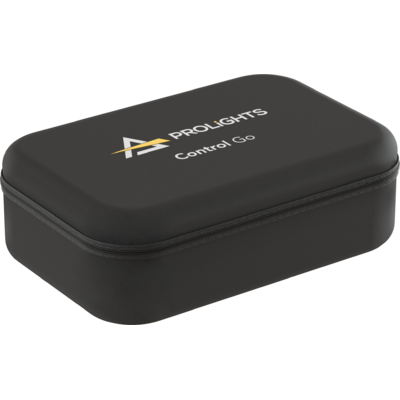
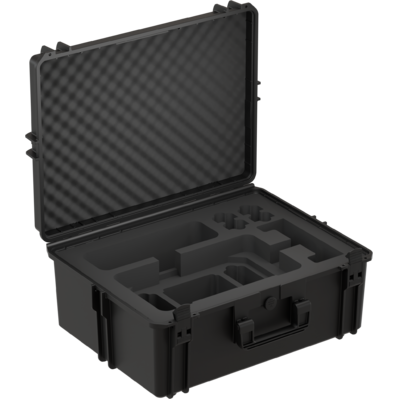
Included CTRGEVACASE

Eva Case for CONTROLGO

Order Code: CTRGEVACASE

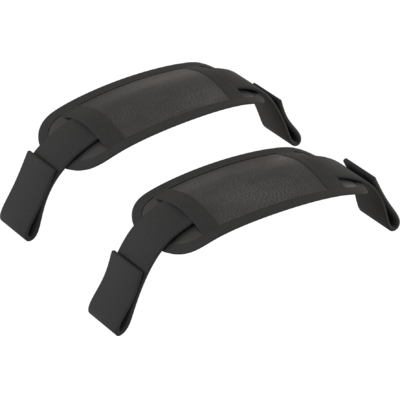
Included CTRGHANDLE

Soft handle for CONTROLGO (1pcs)

Order Code: CTRGHANDLE

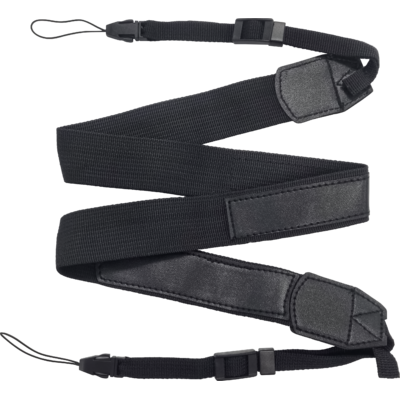
Included CTRGNL

Neck lanyard with double balancing and adjustable side strips for CONTROLGO

Order Code: CTRGNL

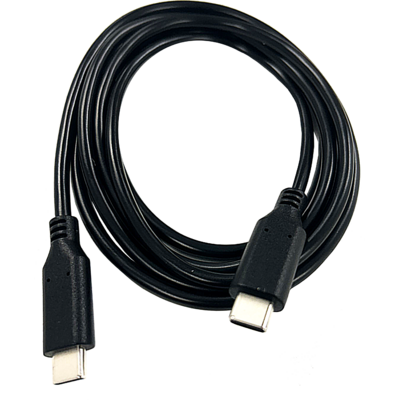
Included PRLUSBCL015

USB-C to USB-C cable, 1,5 meter lenght

Order Code: PRLUSBCL015

Optional CTRGABSC

Empty ABS case for CONTROLGO

Order Code: CTRGABSC

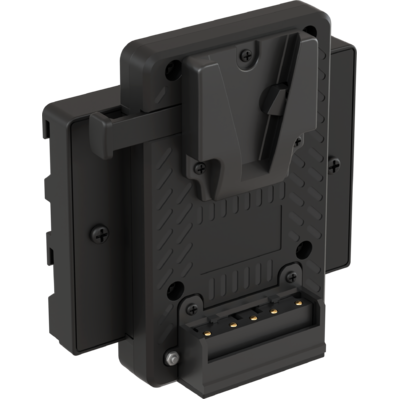
Optional CTRGVMADP

V-Mount adapter for CONTROLGO

Order Code: CTRGVMADP

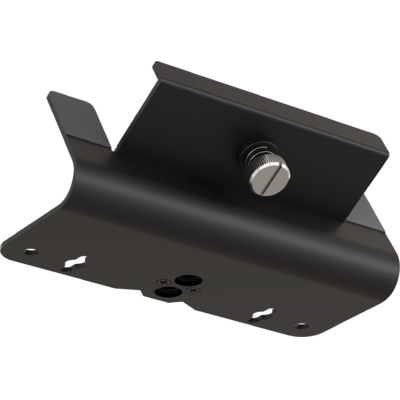
Optional CTRGQMP

Quick mount plate for CONTROLGO

Order Code: CTRGQMP

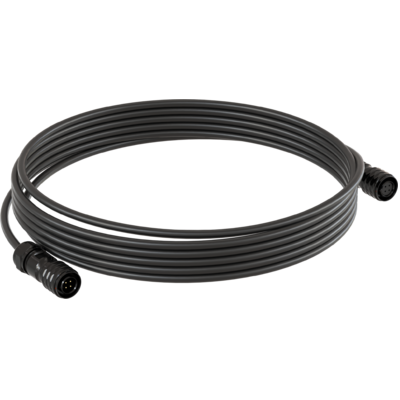
Optional CTRGCABLE

WEIPU SA12 7,5 m cable for CONTROLGO

Order Code: CTRGCABLE

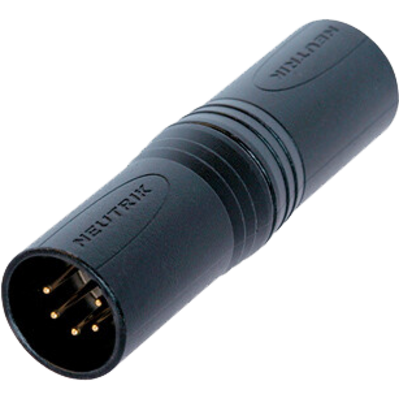
Optional CANA5MMB

5 pole XLR male - 5 pole XLR male adapter, black finishing

Order Code: CANA5MMB

Downloads

Technical documentation and support files

Data sheet & specs Data sheet & specs

File name File size Download
Letter datasheetControlgo_LETTER_DATASHEET_(EN).pdf(02/07/2024)322KB
Letter datasheetControlgo_A4_DATASHEET_(EN).pdf(01/07/2024)427KB
Tender SpecificationControlgo_TENDER_SPECIFICATION.pdf(17/06/2024)323KB

User manual User manual

CAD symbols & drawings CAD symbols & drawings
File name File size Download
3D SKPControlgo_3D.skp(21/12/2023)246KB
2DControlgo_CAD_2D.dwg(20/12/2023)2MB
3DControlgo_CAD_3D.dwg(21/12/2023)73KB
Technical drawingControlgo_TECHNICAL_DRAWING.pdf(20/12/2023)242KB

Firmware

Update Tool: {Upbox}
Check hardware changelog before downloading firmware
Revision Release date Firmware changelog HW Compatibility
1.1.00.0 STABLE 20/11/2024 Firmware update procedure:
  1. Format the USB stick in FAT32.
  2. Copy all the update files to the USB stick.
  3. Turn on the ControlGo and click on "Update".
  4. Select "sda1", then choose the file "updateControlGO_V1.1.00.0.sh" and install it.
  5. After the automatic reboot, go to ControlGO > Settings > Firmware Update > sda1 and select "CONTROLGO-V1.1.00.0.prl". Install the update by clicking on "Self Upgrade".
The detailed installation procedure is available in the attached PDF or on the website www.controlgo.it.

Known issues:
  1. DMX Recorded slots can be renamed but the new name is not been stored.

Info Request

News

NEWSLETTER

Subscribe to our Newsletter

Loading...