


 Data sheet & specs

 User manual
 DMX chart & personalities
 Photometrics

 CAD symbols & drawings





 Tech docs
 UPBOXPRO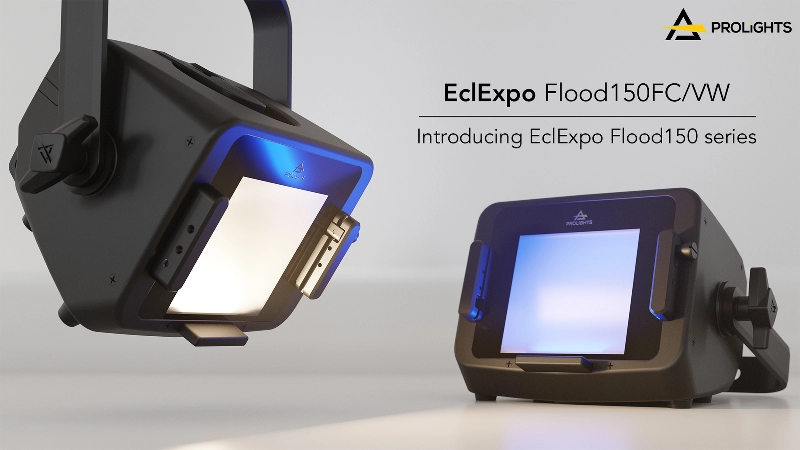

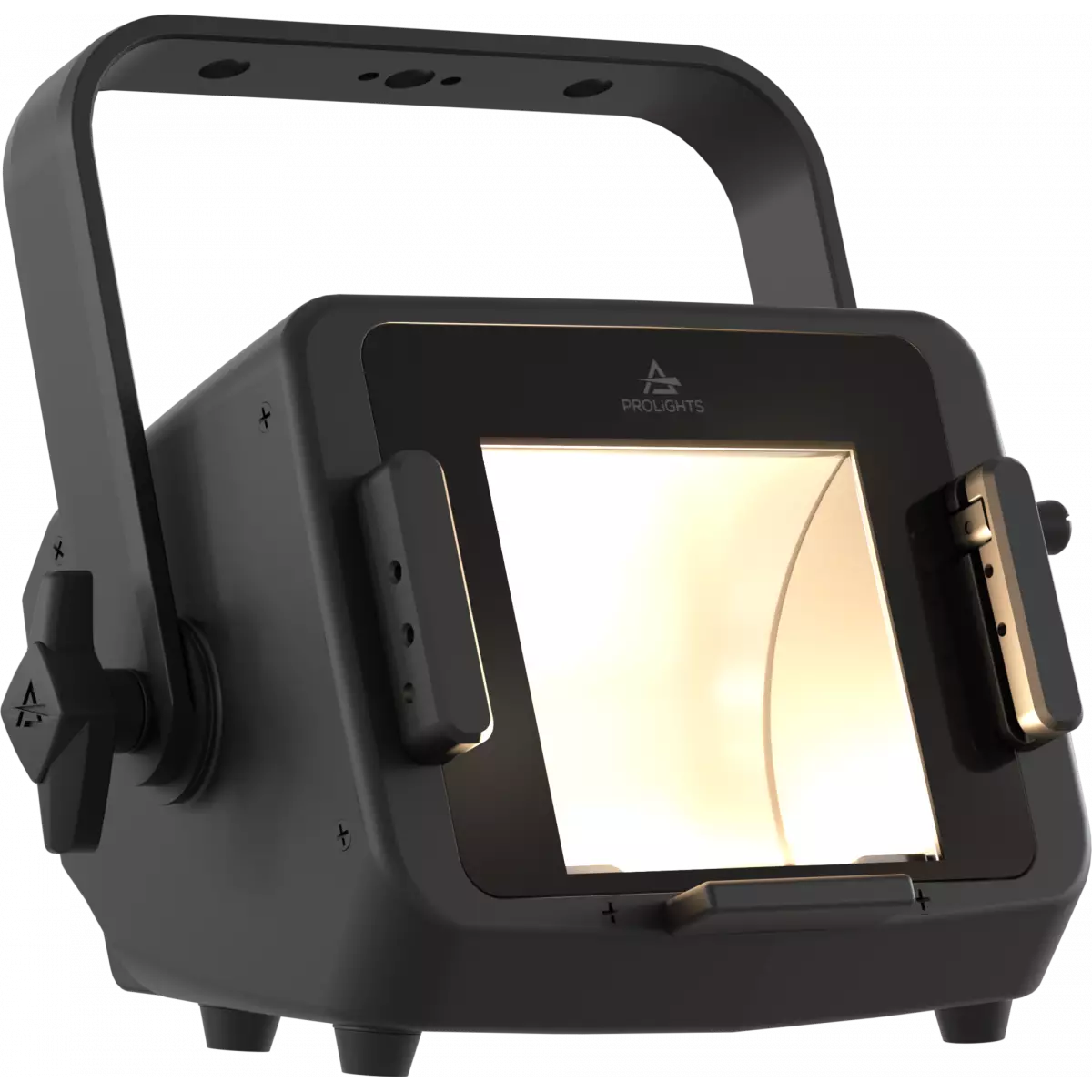
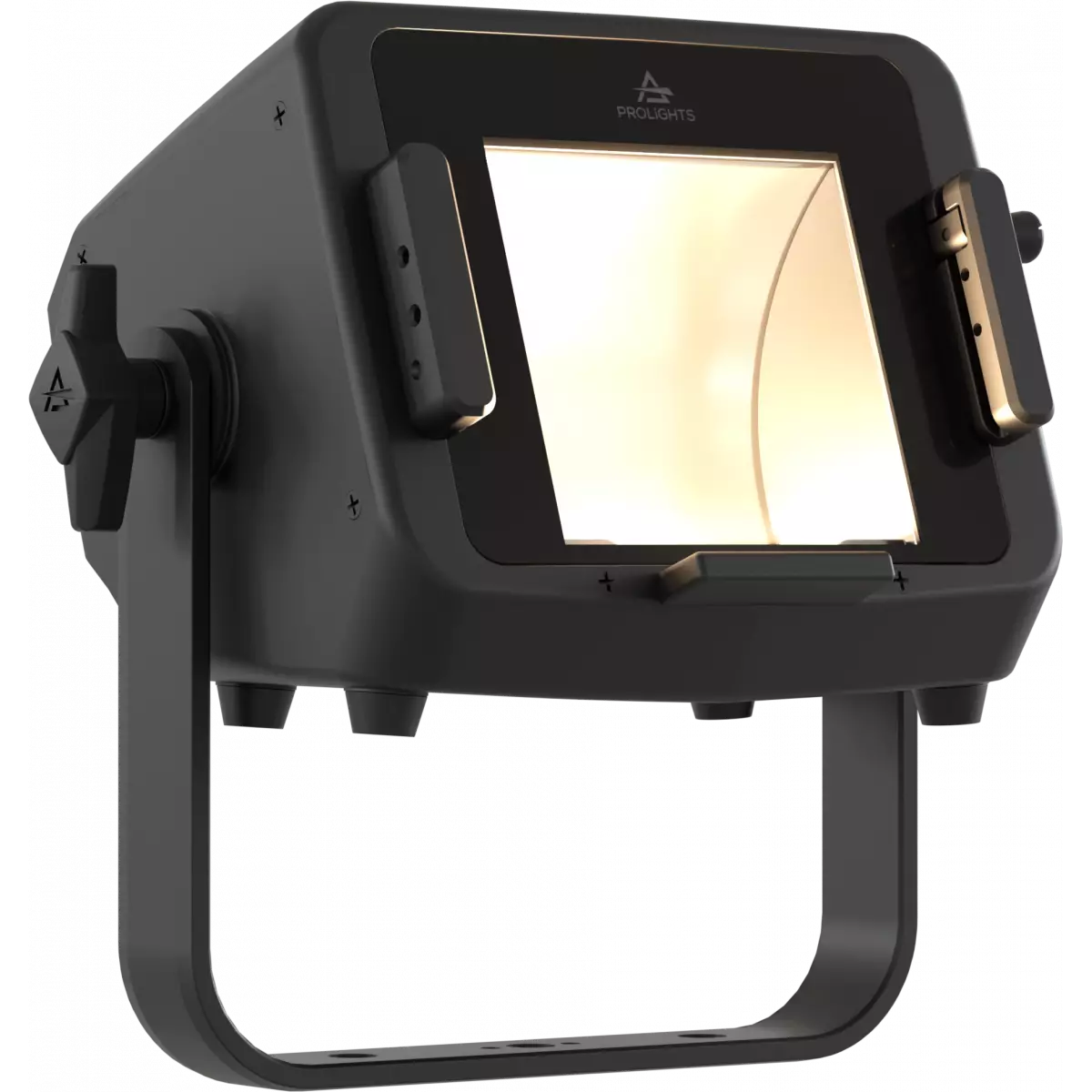
EclExpo Flood150VW
Order Code: ECLEXPOFL150VWBK
Source
150W Variable White LED
IP rating
IP20
Weight
3,2kg / 7.05lbs
Key Features
- 150W Variable White LED source, from 2,700K to 6,500K
- Asymmetric beam angle of 100° (horizontal) x 60° (vertical)
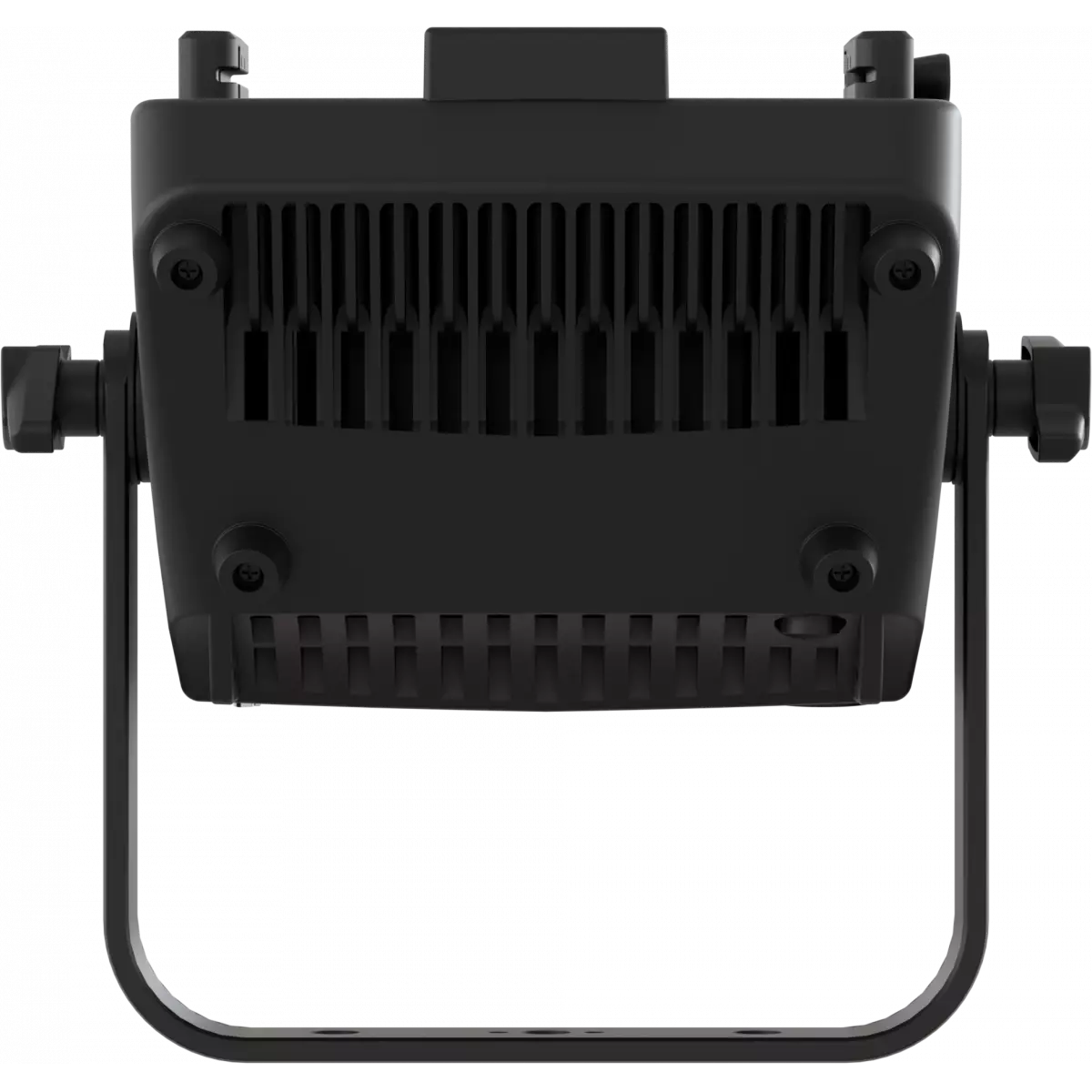
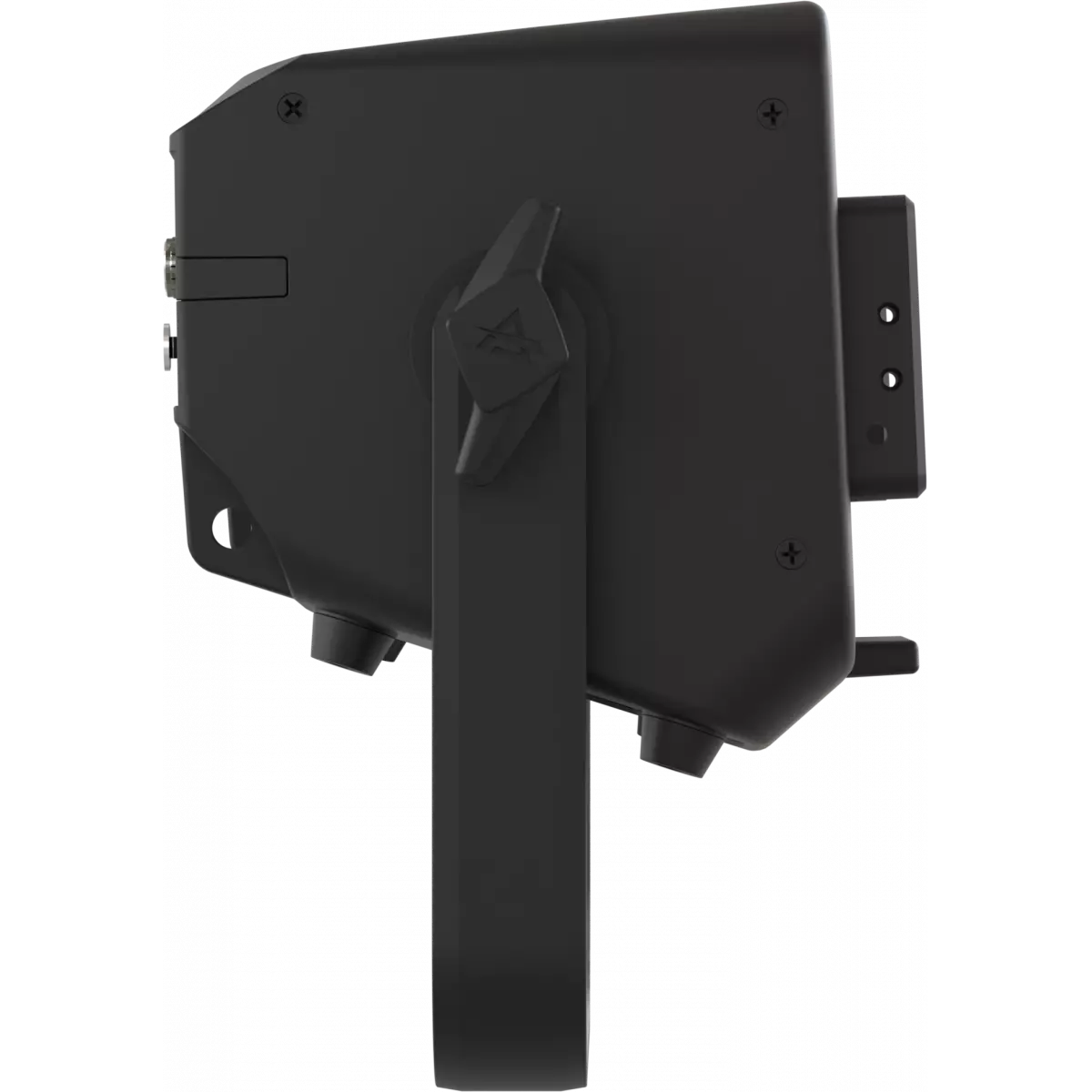
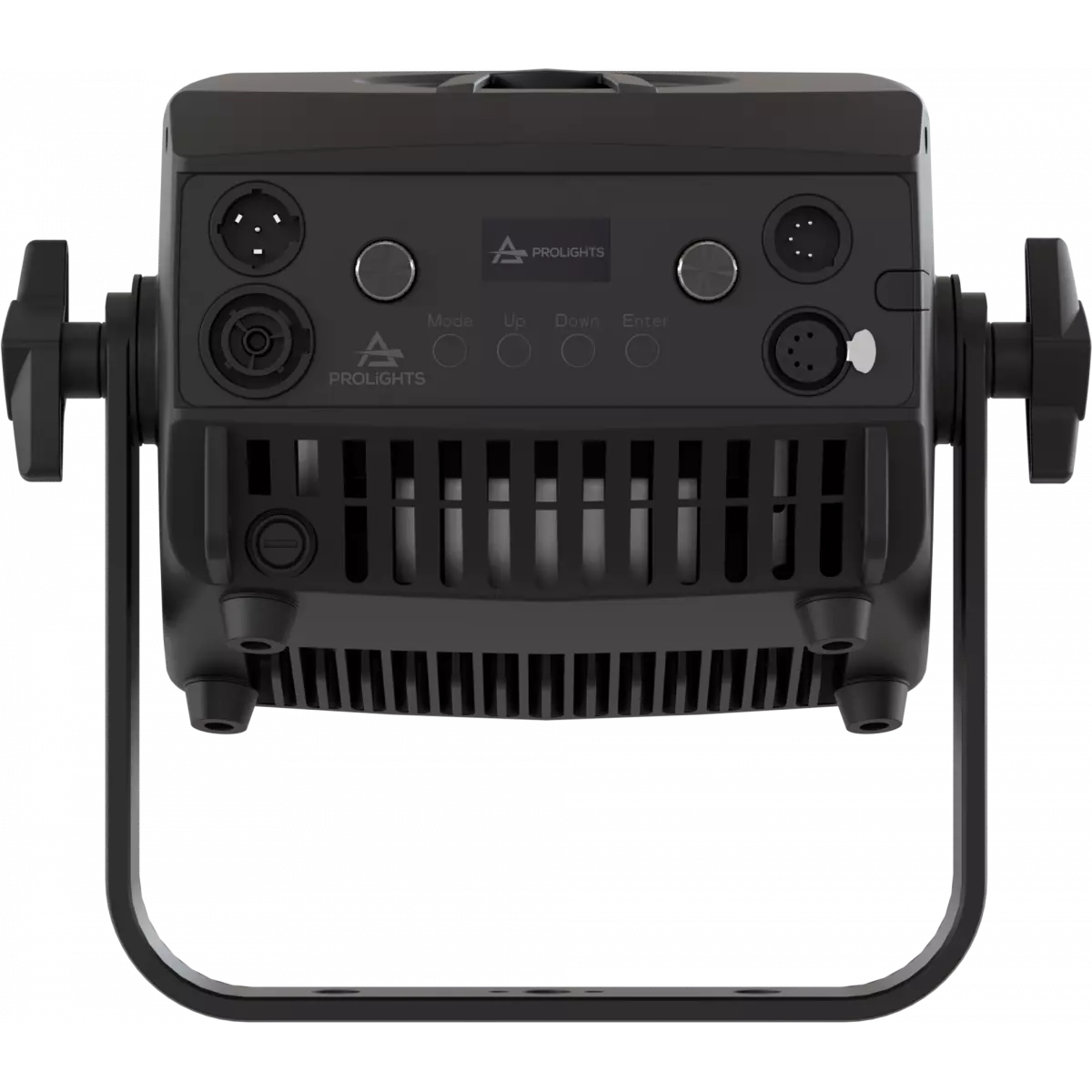
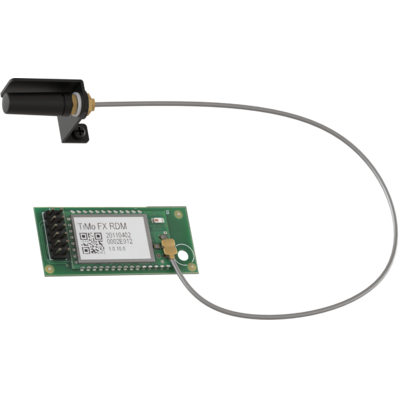
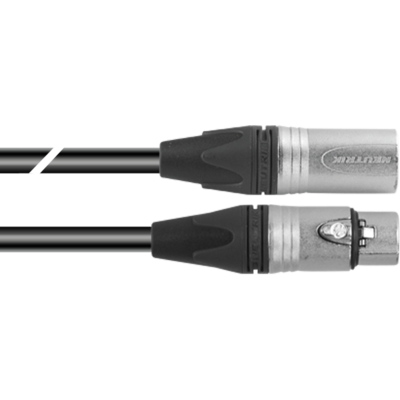
- Xlr5p in/through for DMX/RDM control and communication, optional W-DMX + CRMX, Stand-Alone mode through two rotatory knobs
The EclExpo Flood150 is a compact, bright, and versatile floodlight that is designed to be a substitute for traditional CDM, HMI, and tungsten small floods in tradeshows, theaters, or as a work light. Just like its classic predecessors, but with a custom LED source, this unit features a linear light source combined with a reflector, which ensures a wide coverage of 100° (Horizontal) x 60° (Vertical) of indirect light emission.
The EclExpo Flood150 is available in two source variants:
- FC, which utilizes RGB+WarmWhite calibrated LED with high Color Rendering.
- VW, which uses a bi-color Vari White LED source with a CCT range of 2,700K-6,500K.
This unit is incredibly user-friendly, offering immediate stand-alone access through the knobs or through wired DMX/RDM or Wireless CRM (optional). Timeless Elegance meets Green Innovation: The EclExpo Flood150 - Where Classic Beauty Embraces Modern Technology
The EclExpo Flood150 is a compact, bright, and versatile floodlight that is designed to be a substitute for traditional CDM, HMI, and tungsten small floods in tradeshows, theaters, or as a work light....
Read more
