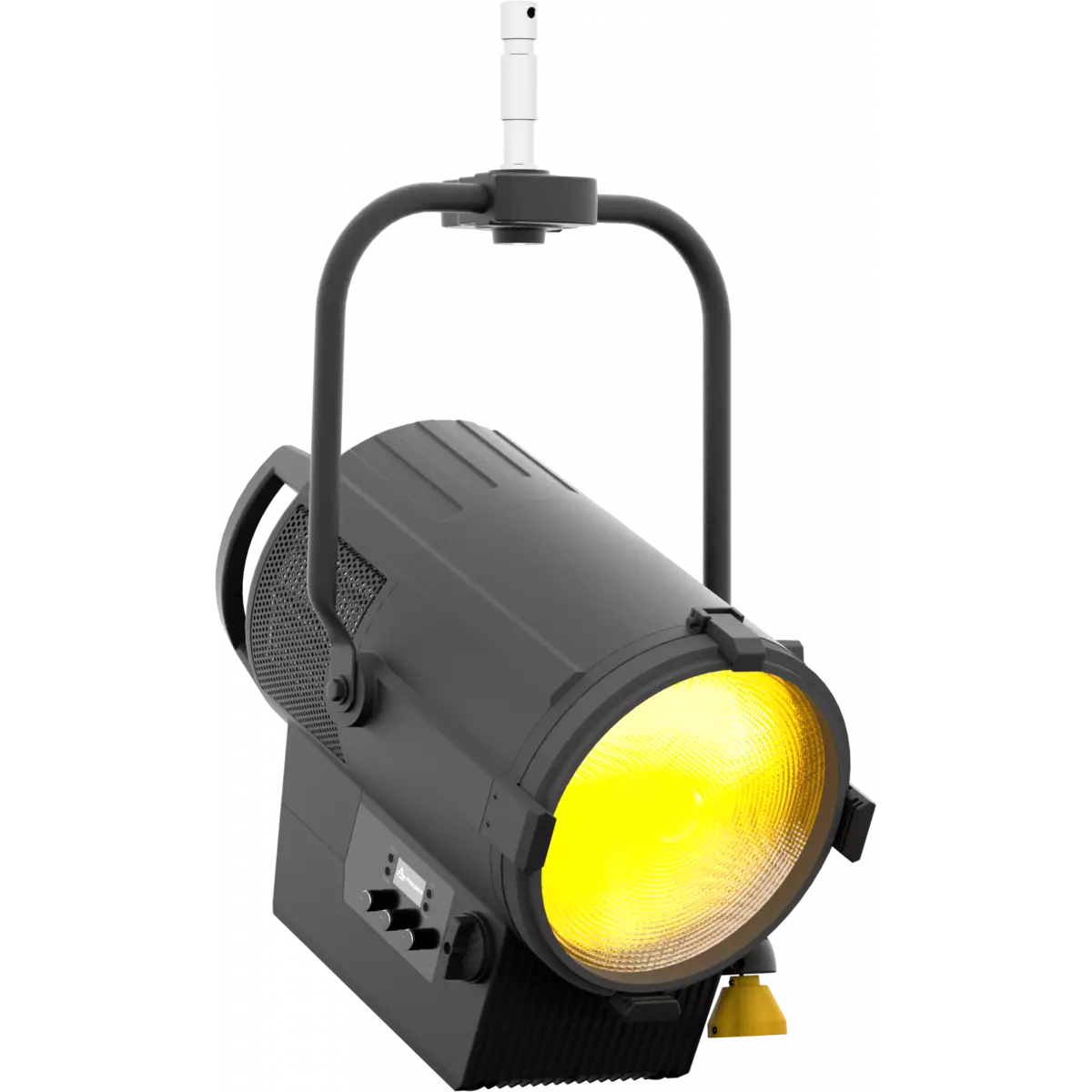
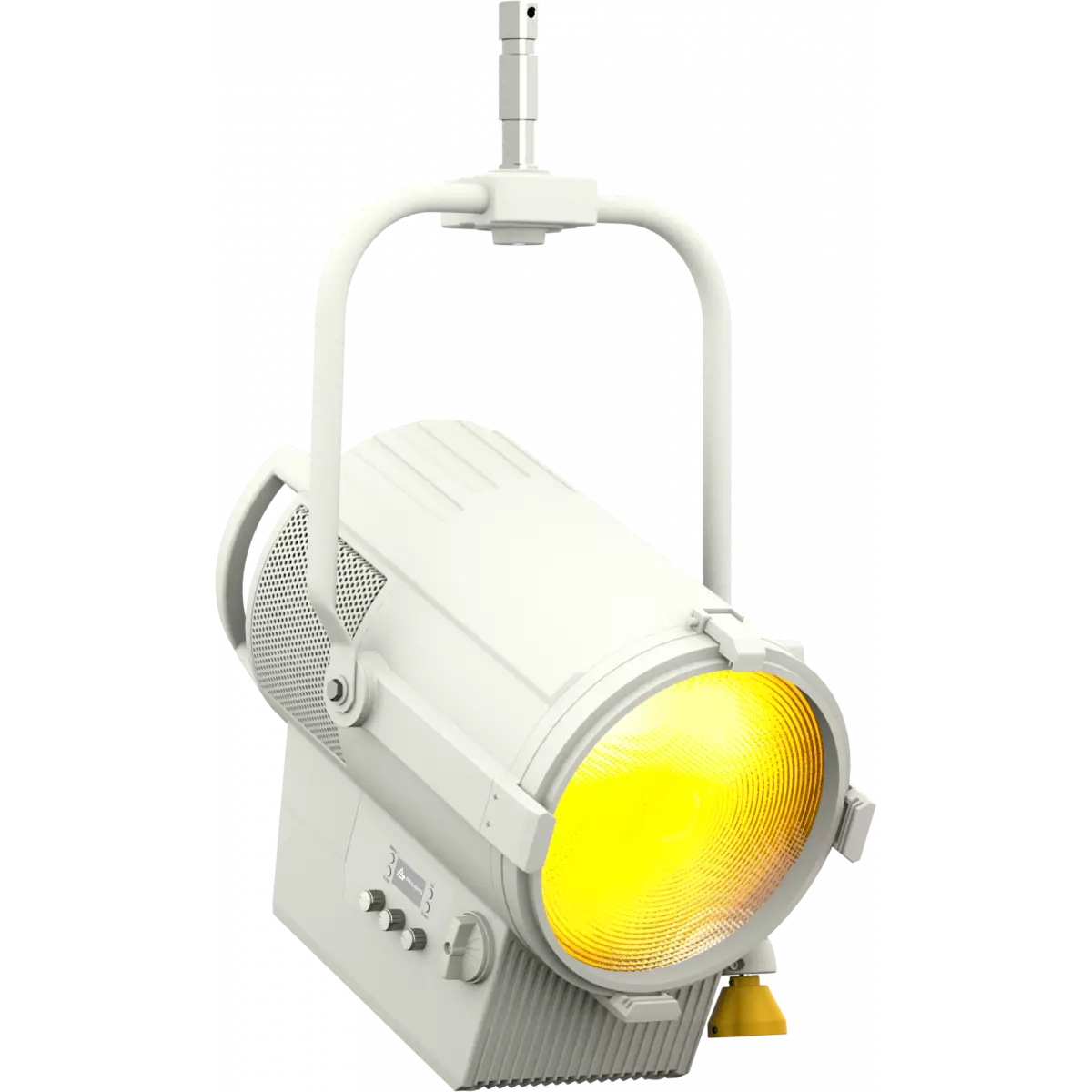
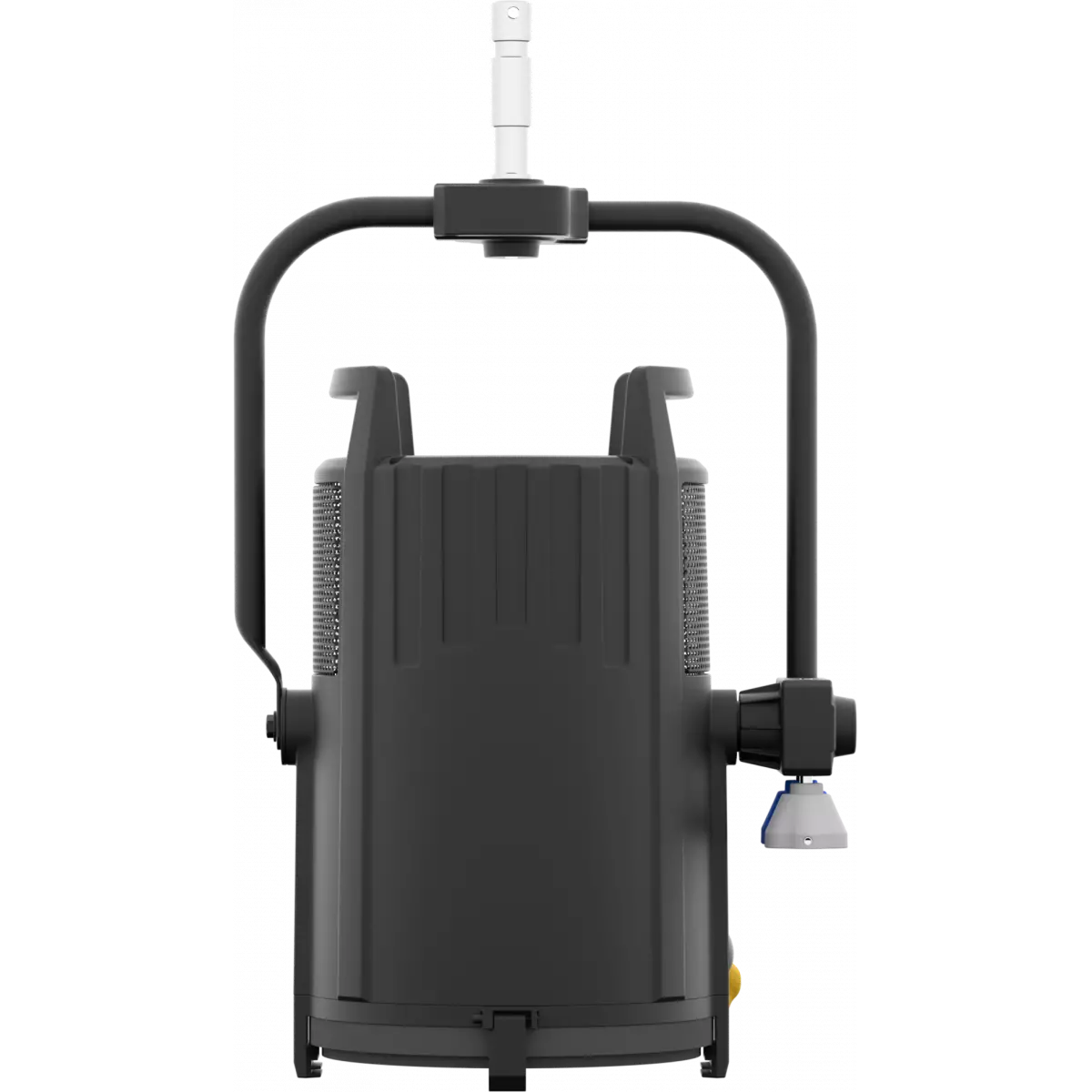
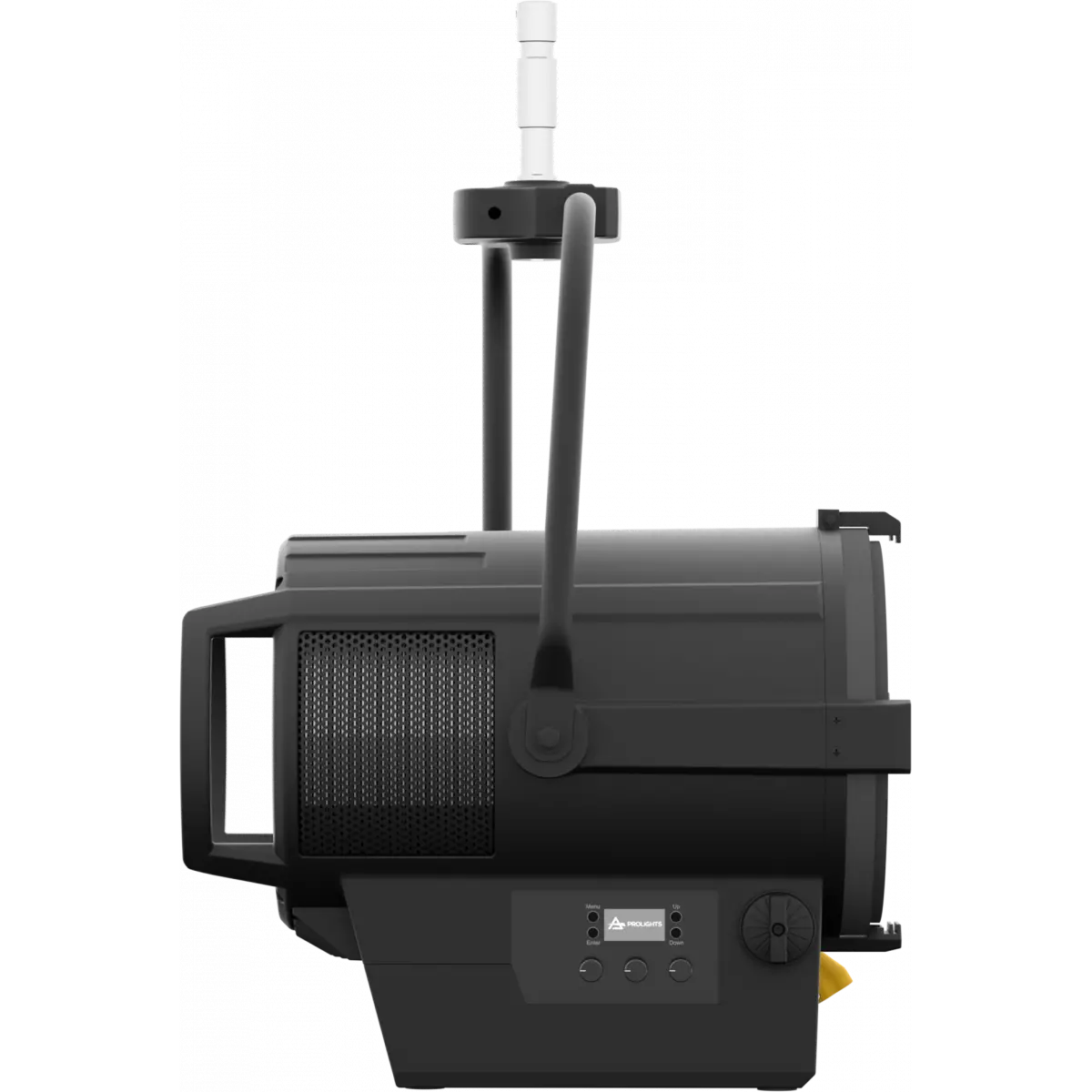
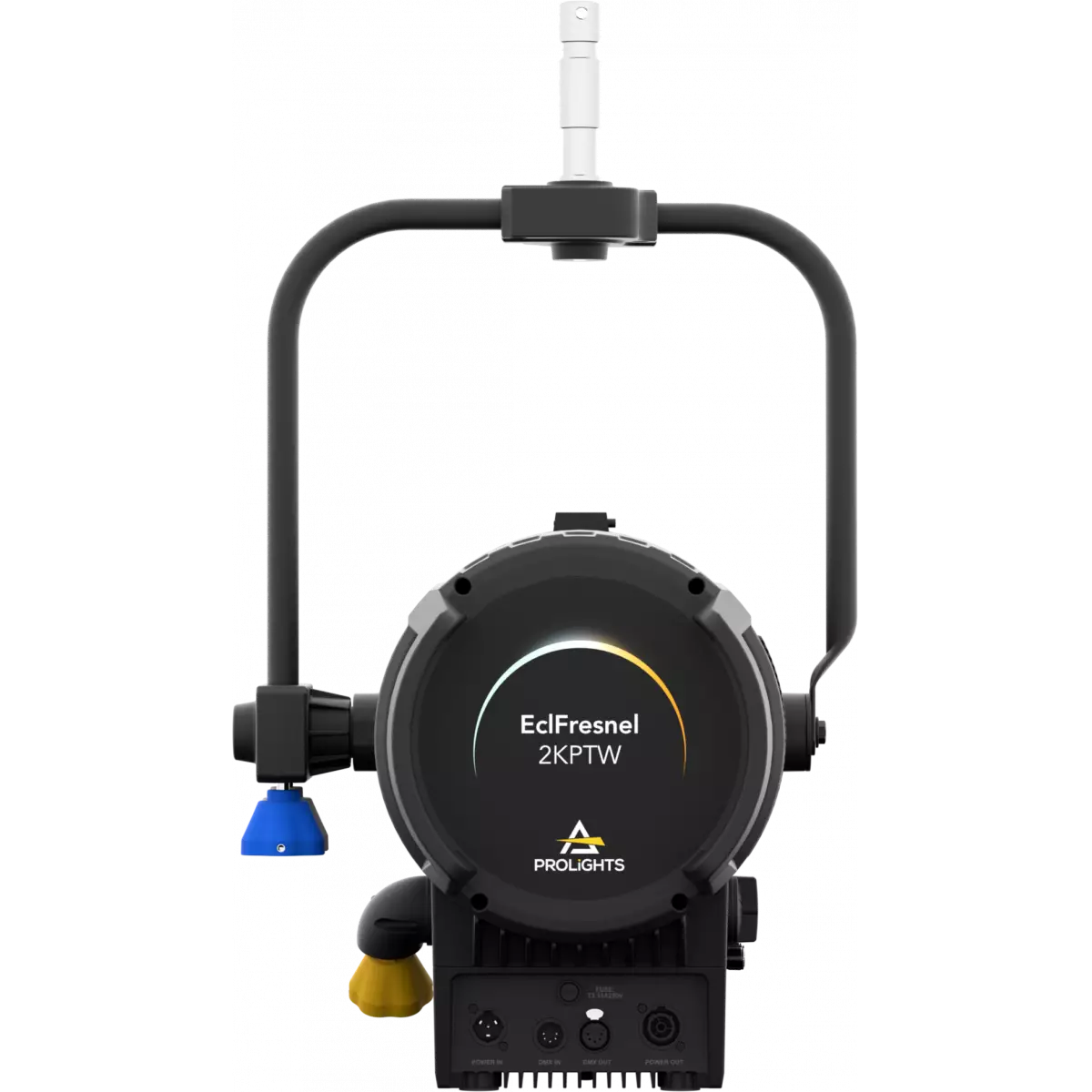
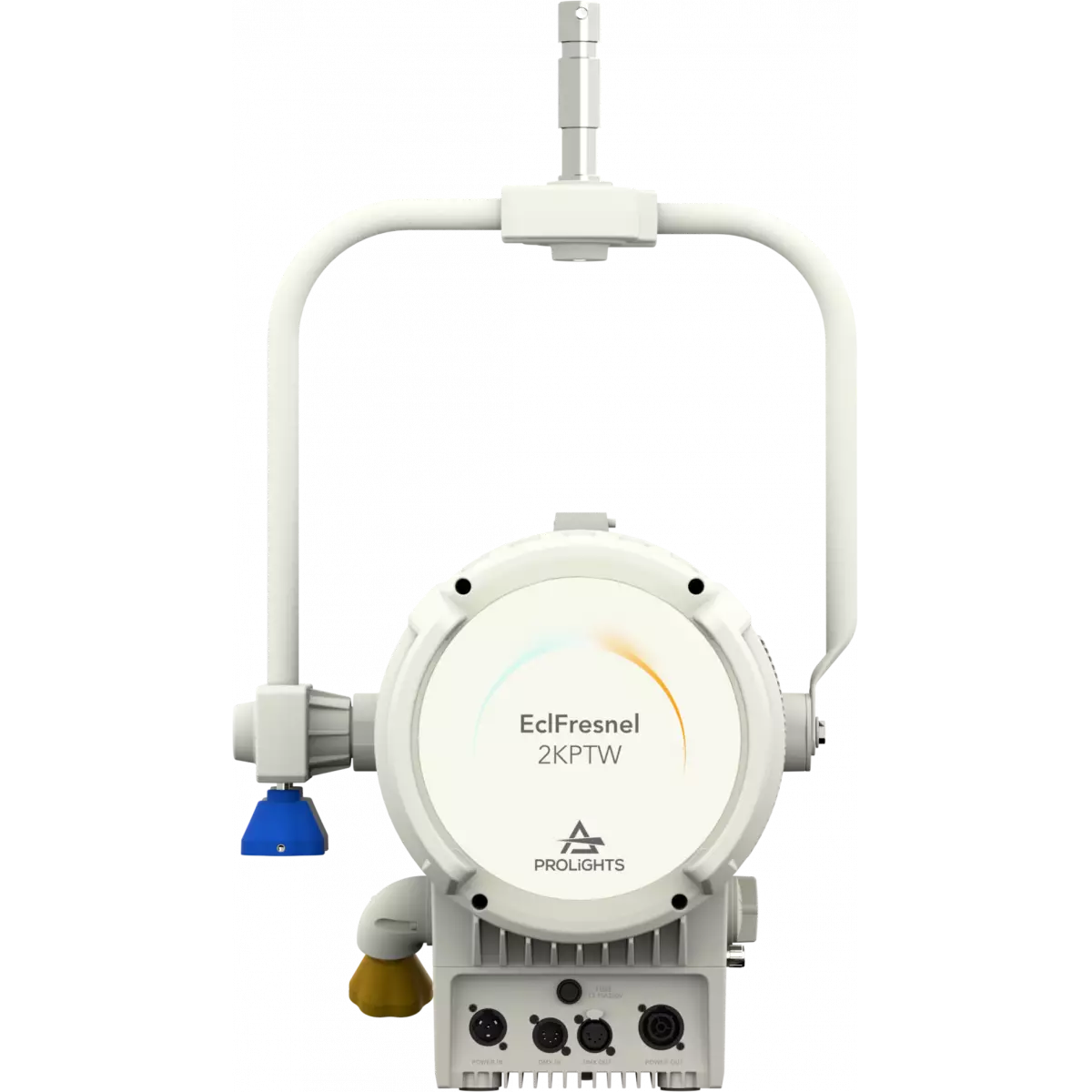
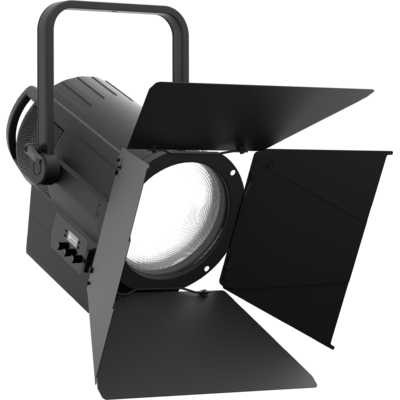
EclFresnel 2KPTW is an advanced LED replacement of traditional 2K Fresnel lamps. Offering 6 colour mixing, delivering high precision reproduction of the white spectrum from 2.800 K to 10.000 K with high CRI and extensive colour reproduction. The optical system harnesses the power of a 500W custom LED with 6 colours to create an even projection, beautiful colours and precise whites, with the option to apply +/- green and magenta correction to match other light sources. Featuring HDL dimming and tuning from 2.800 K to 10.000 K, the EclFresnel 2KPTW delivers both on performance and quality of output that is demanded from this level of light.
Read less| Code | Finishing | |
|---|---|---|
|
|
ECLFR2KPTW
|
Black |
|
|
ECLFR2KPTWWH
DISCONTINUED
|
White |
Discover the EclFresnel 2KPTW in action
Technical documentation and support files
| File name | File size | Download | |
|---|---|---|---|
| Eclfr2kptw_A4_DATASHEET_(IT).pdf(04/05/2021) | 630KB | ||
| Eclfr2kpt_A4_DATASHEET_(EN).pdf(31/10/2022) | 653KB |
| File name | File size | Download | |
|---|---|---|---|
| Eclfr2kptw_USER_MANUAL_EN.pdf(17/01/2025) | 6MB | ||
| GENERAL_SAFETY_INFORMATION.pdf(02/12/2022) | 12MB |
| File name | File size | Download | |
|---|---|---|---|
| Eclfr2kptw_DMX_CHARTS.pdf(17/01/2025) | 147KB |
| File name | File size | Download | |
|---|---|---|---|
| Eclfr2kpt_PHOTOMETRICS_REPORT.pdf(27/05/2021) | 4MB | ||
| Download DIALux product catalogue | - |
| File name | File size | Download | |
|---|---|---|---|
| ECLFR2KPT_3D_SKETCHUP.zip | 6MB | ||
| Eclfr2kpt_CAD_2D.dwg(29/12/2021) | 12MB | ||
| ECLFR2KPT_3D.zip | 2MB | ||
| Eclfr2kptw_CAD_2DSYMBOLS.dwg(29/12/2021) | 89KB | ||
| Eclfr2kpt_TECHNICAL_DRAWING.pdf(29/12/2021) | 795KB | ||
| ECLFR2KPT_SYMBOLS.zip | 2MB |
PROLIGHTS product firmware can be updated in several ways, depending on the product and file extension. The available methods are listed in the product specifications in the CONTROL - Firmware upgrade section.
| Method/Device | File extension | Needed software | Instructions |
|---|---|---|---|
| UPBOXPRO (*) | .PRL |
UpBox_Tool | Guide |
| USB | .PRL |
No software needed | see User Manual |
| NET CABLE | .EHEX |
Professional Uploader | Guide |
| NET CABLE | .ALF |
DMX Workshop | Guide |
(*) You can still use UPBOX1 and UPBOX2 by checking their compatibility on the product accessories page. To use UPBOX2, you need to download the drivers from the following link.
Update Tool: UPBOXPRO |
||||
| Check hardware changelog before downloading firmware | ||||
| Revision | Release date | Firmware changelog | HW Compatibility | |
|---|---|---|---|---|
| 1.4 STABLE | 26/06/2023 | New function:
|
Rev. 1 Rev. 2 Rev. 1.0 |
|
Update Tool: UPBOXPRO |
||||
| Check hardware changelog before downloading firmware | ||||
| Revision | Release date | Firmware changelog | HW Compatibility | |
|---|---|---|---|---|
| 1.3 STABLE | 07/10/2020 | Changed default setting on White Balance function from OFF to ADJUST. | Rev. 2 |
|
Subscribe to our Newsletter