
EclNanoPanel TWCPack

Order Code: ECLNPTWCPACK
Key Features
- Compact-sized soft light, with wireless control (CRMX and W-DMX) and battery-powered
- 30W RGB + Warm White LED source, surprisingly powerful 1,800 lumen output.
- Magnetized beam-shaping optical accessories available
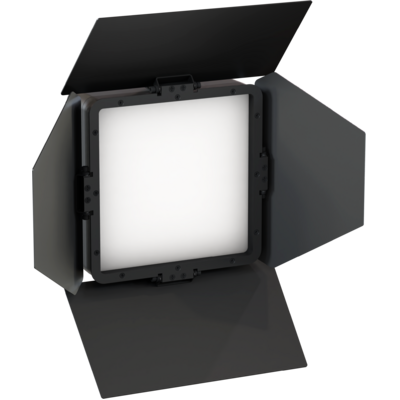
The EclNanoPanel TWC is the smallest member of the successful EclPanel range, containing all the outstanding features of the larger format soft lights in a compact-sized, battery-operated luminaire, with a surprisingly powerful 1,800 lumen output.
This compact-sized fixture has the same colour technology as the other soft lights, producing rich colours, high quality white tones, colour gel matching, and on-board pixel cinema effects.
The EclNanoPanel TWC has 3 precision encoder, with multiple Stand Alone control modes: CCT with +/- green shift, CCT presets, HSI for total control of hue, saturation and intensity, RAW RGBW mode, XY and FX mode, allowing to scroll through the built-in cinema effects engine.
Each of the 4 sections is controlled individually or simultaneously, allowing to play on-board customizable, cinematic effects through its built-in engine or from a console.
EclNanoPanel brings ultimate color control: RGBW, RGB, CMY, HSI, XY, RAW Direct, CCT Linear and CCT Presets with +/- green shift, Source emulation and industry-standard Color gels.
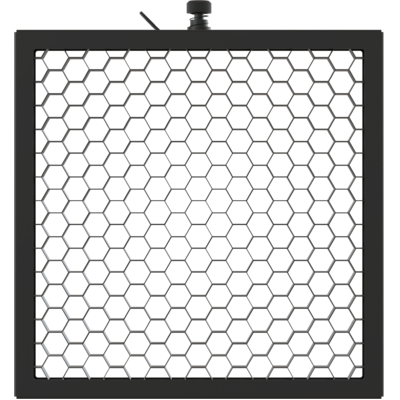
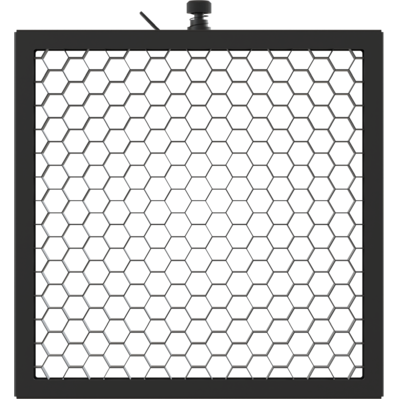
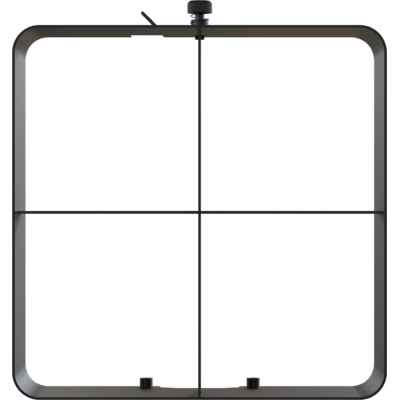
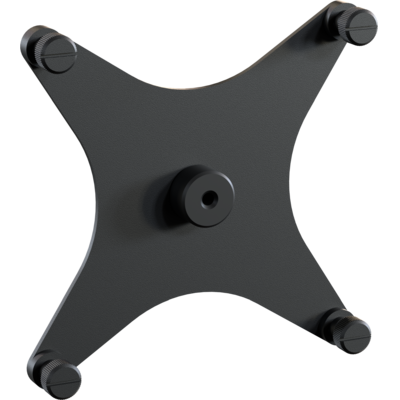
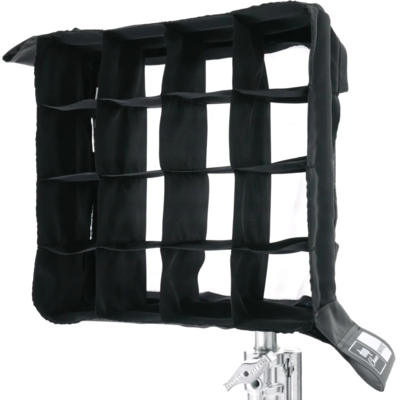
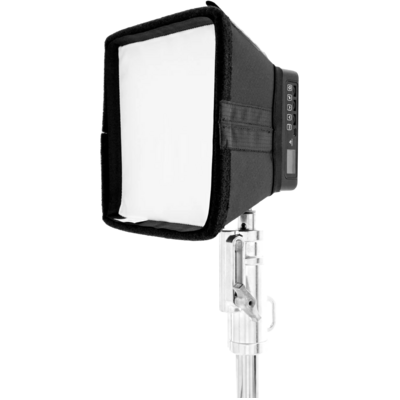
There are multiple, magnetized beam-shaping optical accessories available, including barndoors, diffusers, etc, and on-board threads for easy mounting on stands or camera rigs.
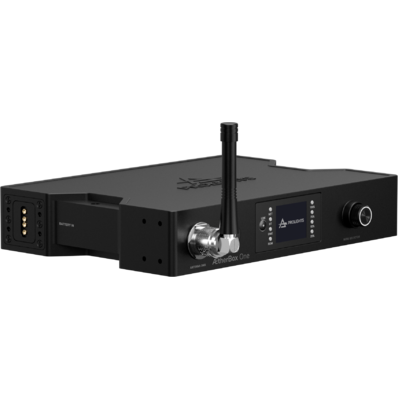
The fixture is controlled from its on-board user interface, or via the built-in Wireless DMX/RDM transceiver (CRMX and W-DMX).
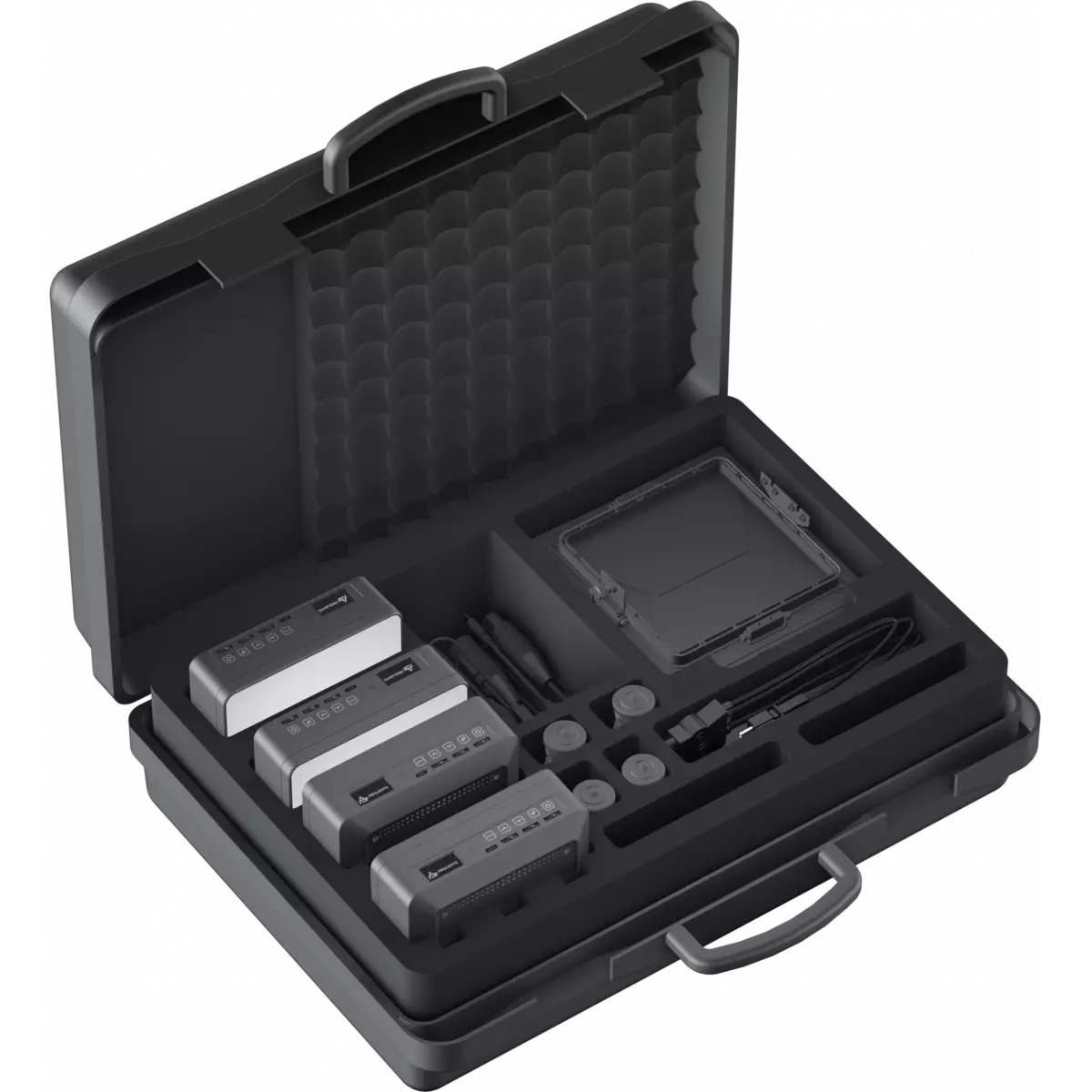
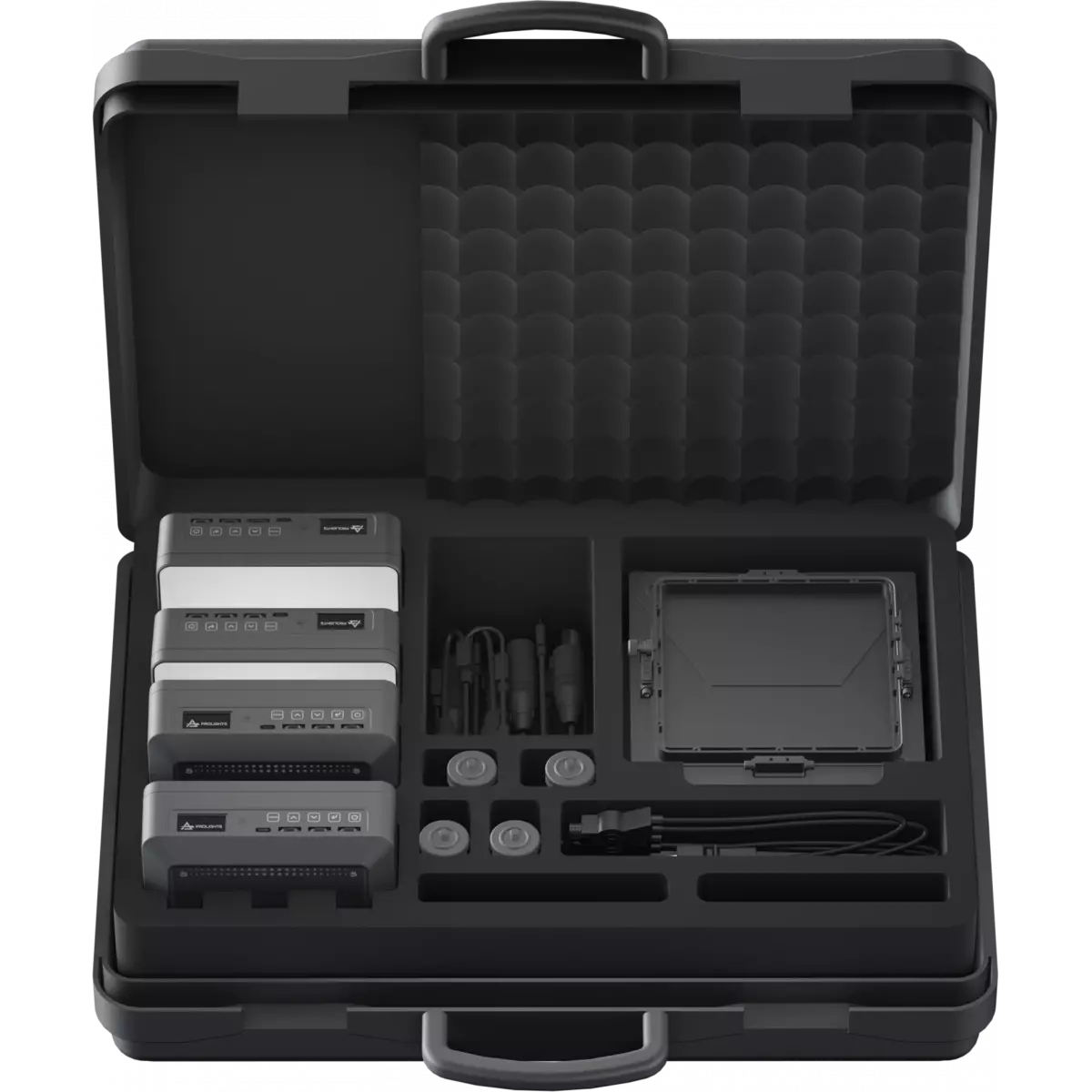
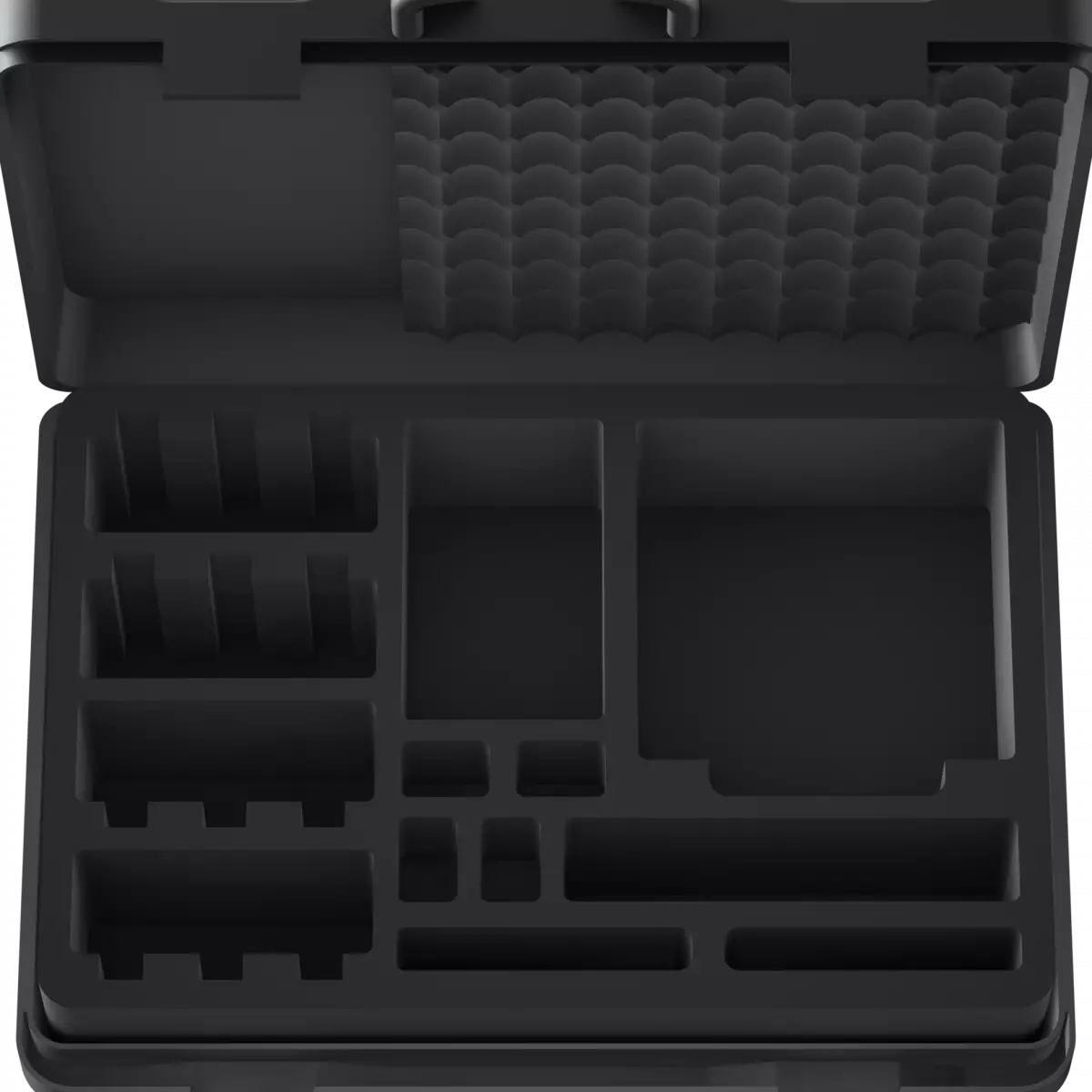
The pack includes:
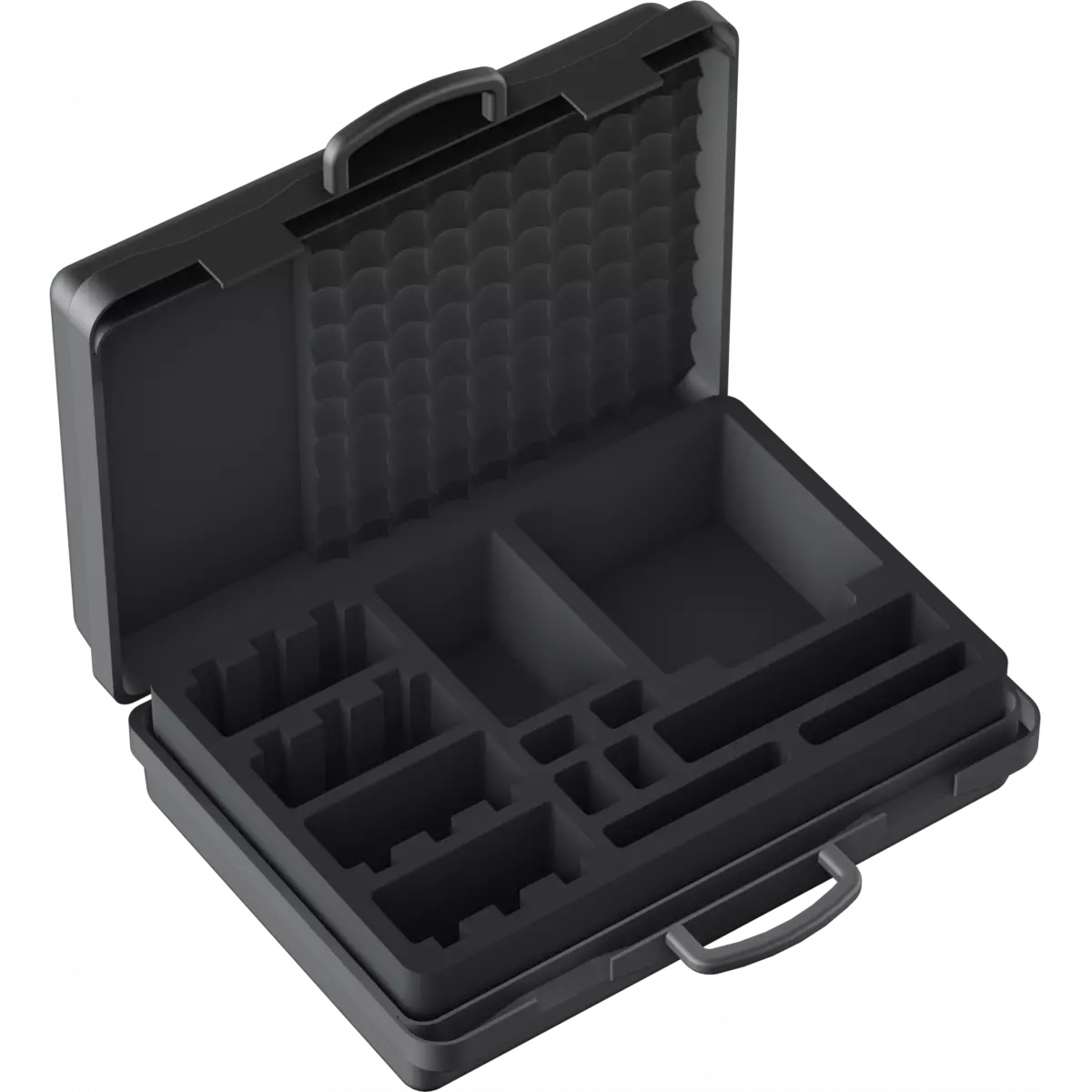
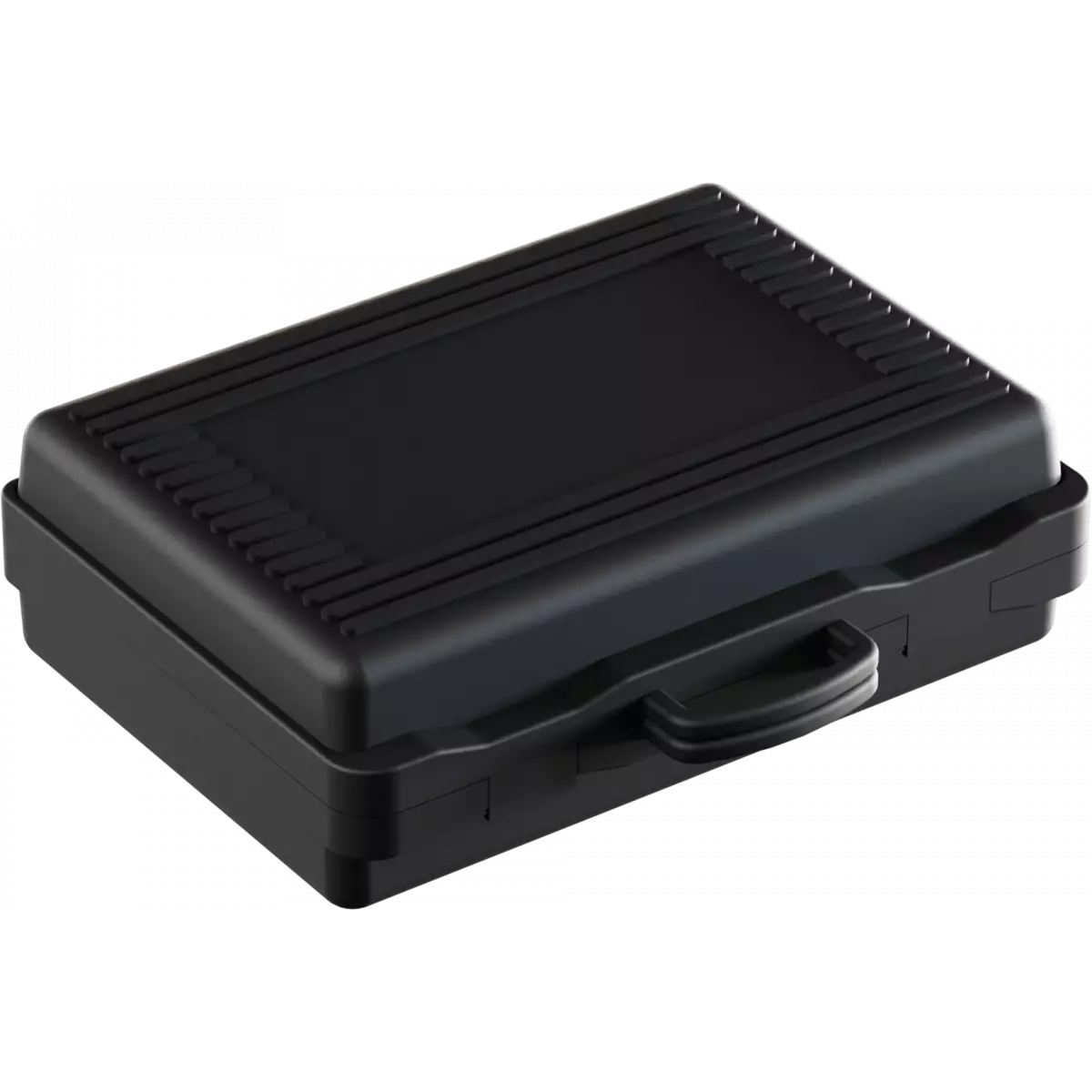
1 x ABS case
4 x ECLNANOPANELTWC (includes: ENPTWCFILTERLD on-board)
1 x 4-way charger
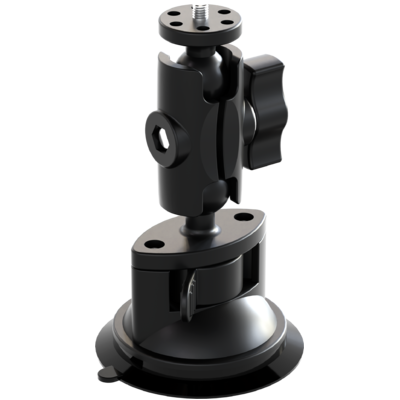
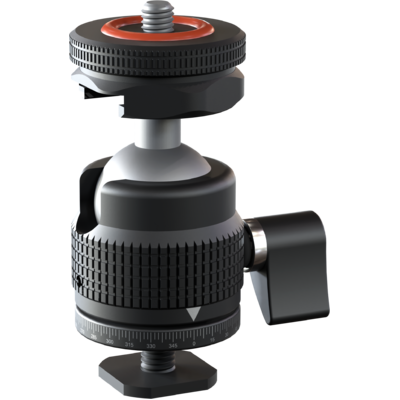
4 x position articulated joint (ENPTWCPAJ)
4 x barndoors (ENPTWCBD)
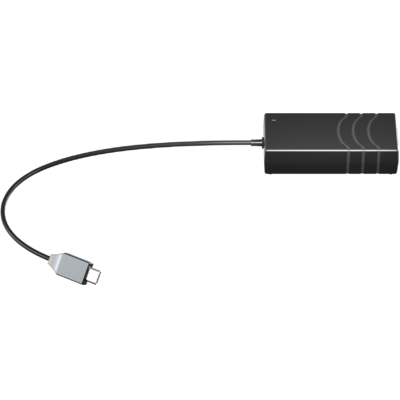
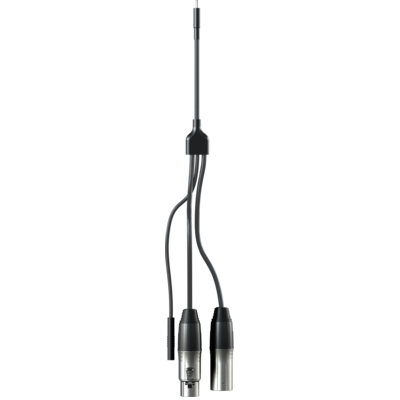
4 x Y Cable from XLR 5P male, XLR 5P female and USB-C female to USB-C male (ENPTWCYCABLE)
1 x User Manual










 Data sheet & specs
 User manual
 DMX chart & personalities
 CAD symbols & drawings

 UPBOXPRO