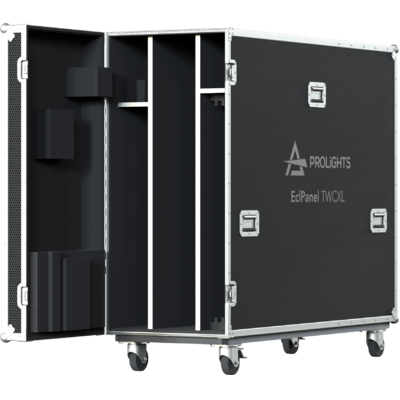
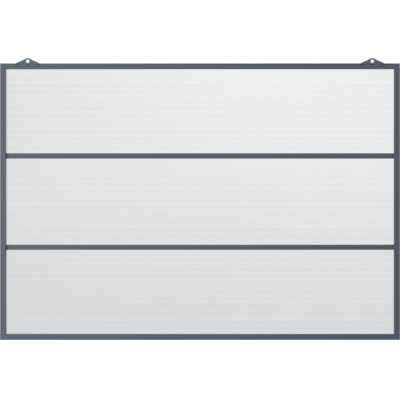



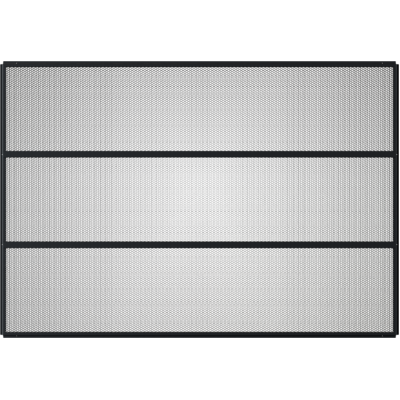
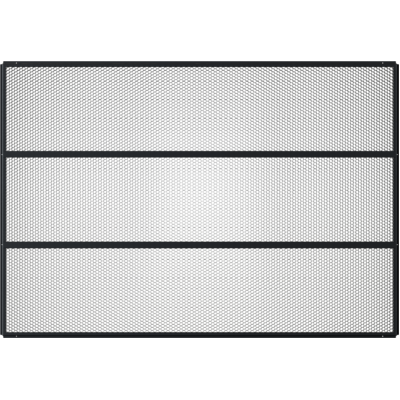
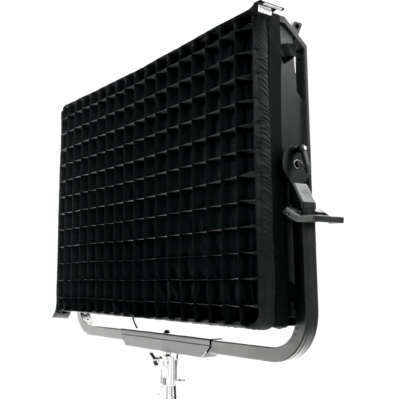
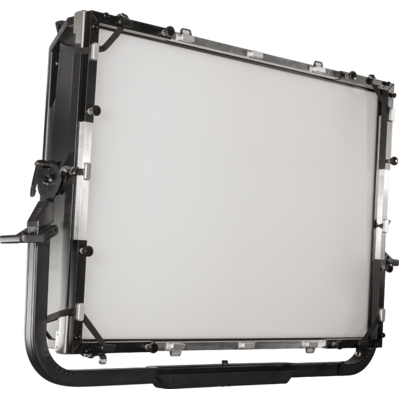
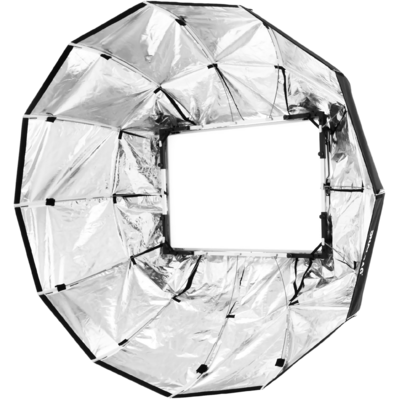
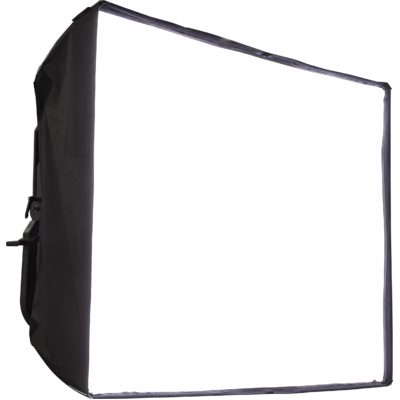



Order Code: ECLPANELTWCXL
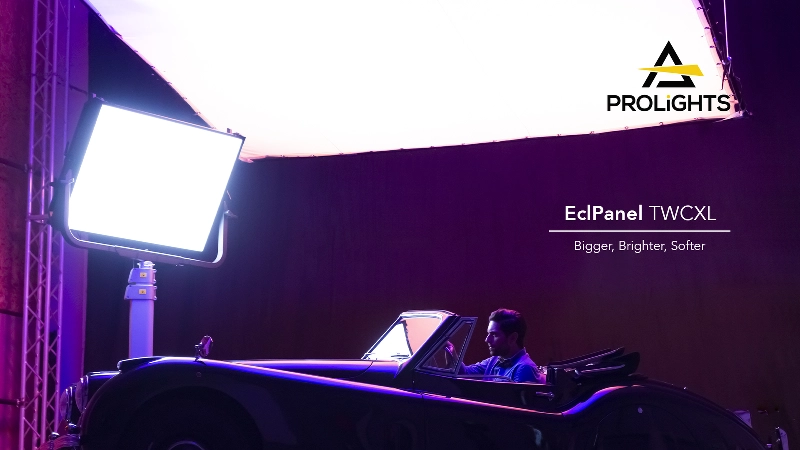
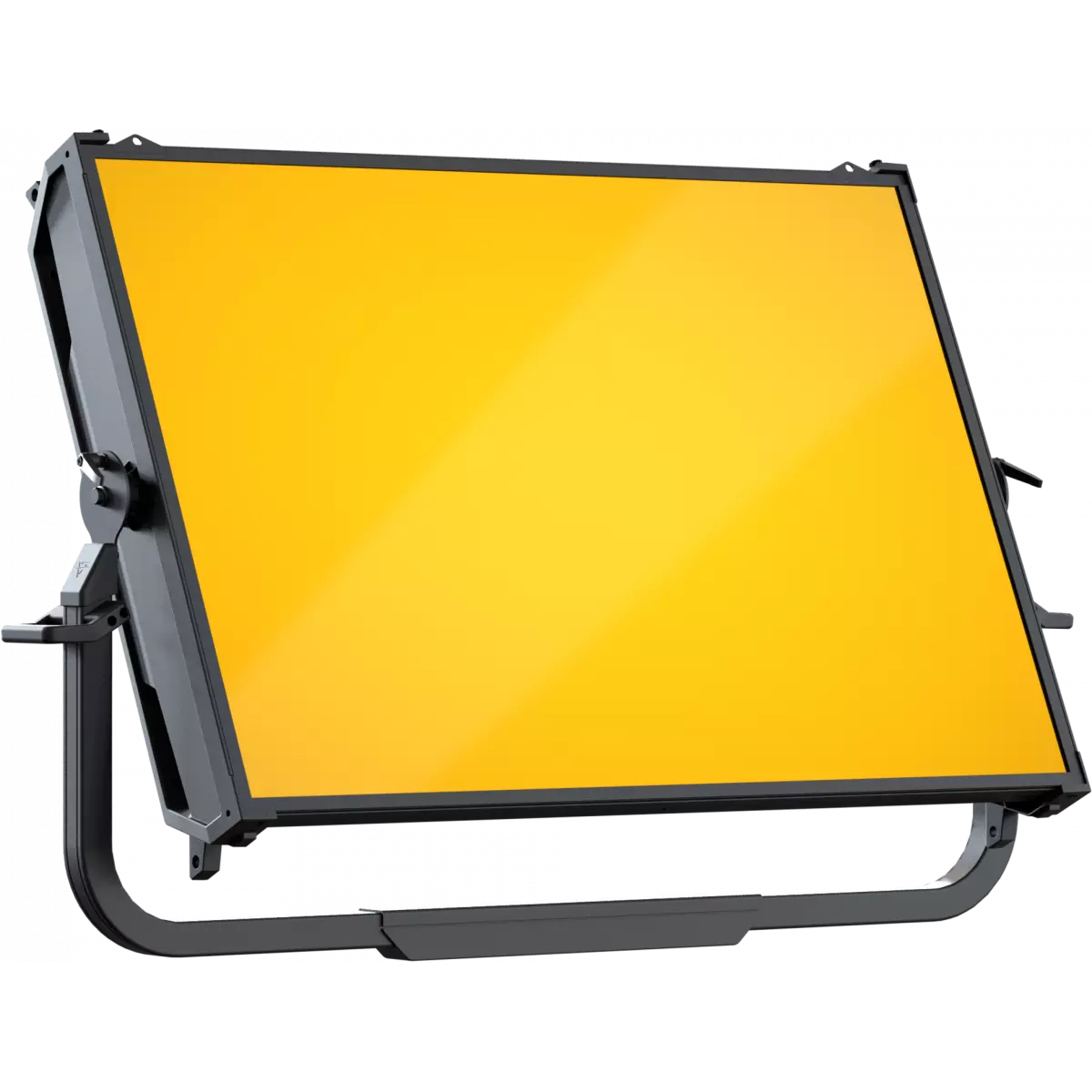
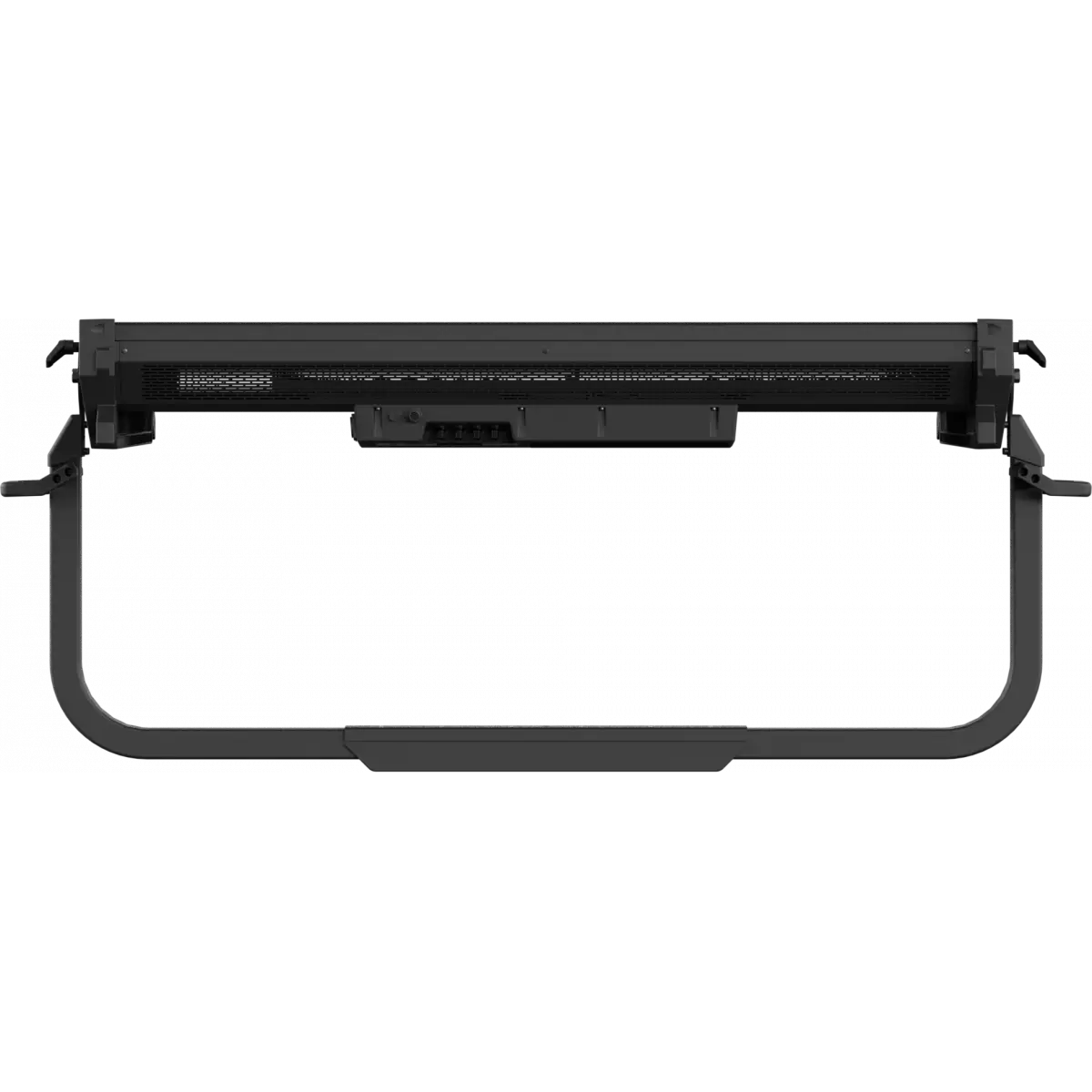
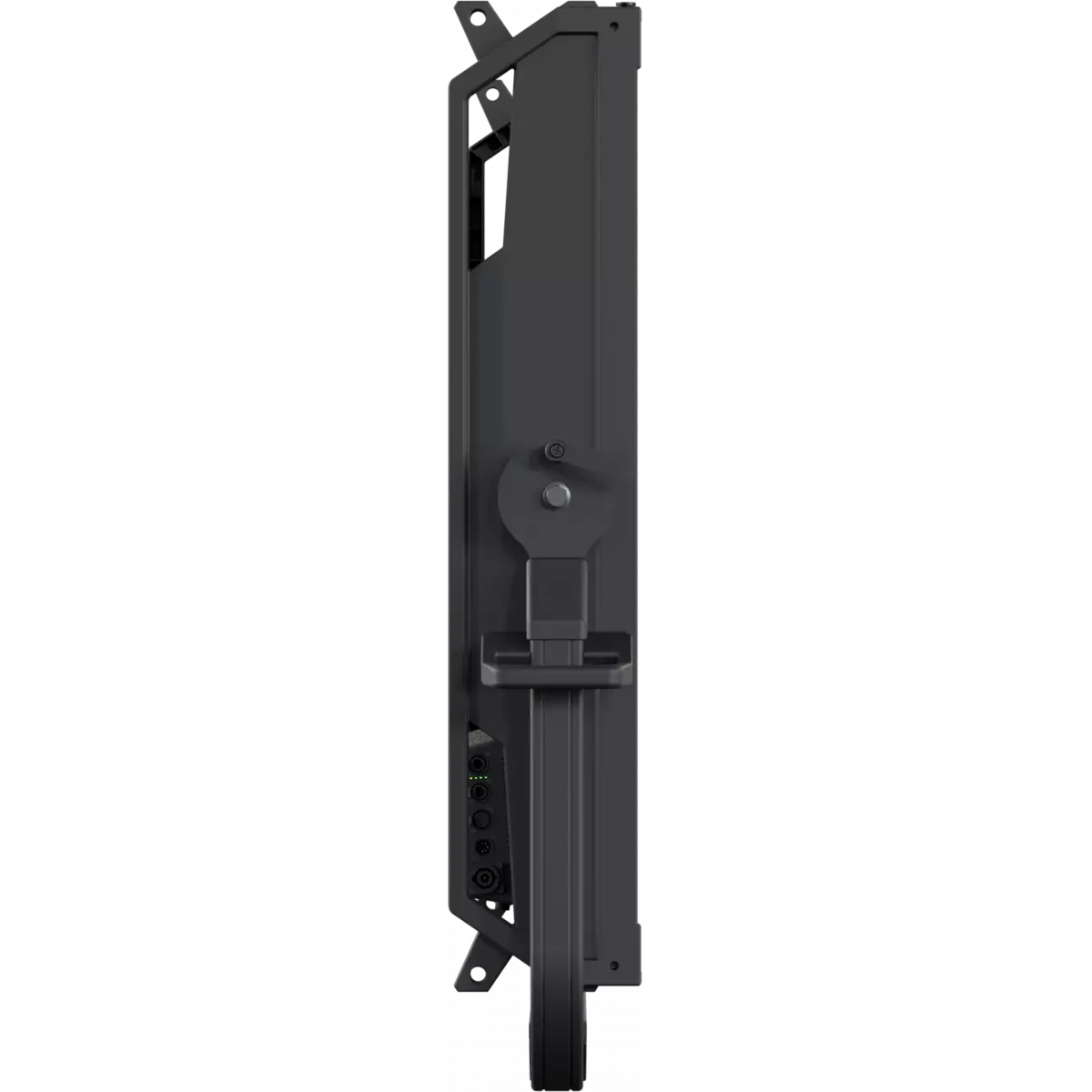
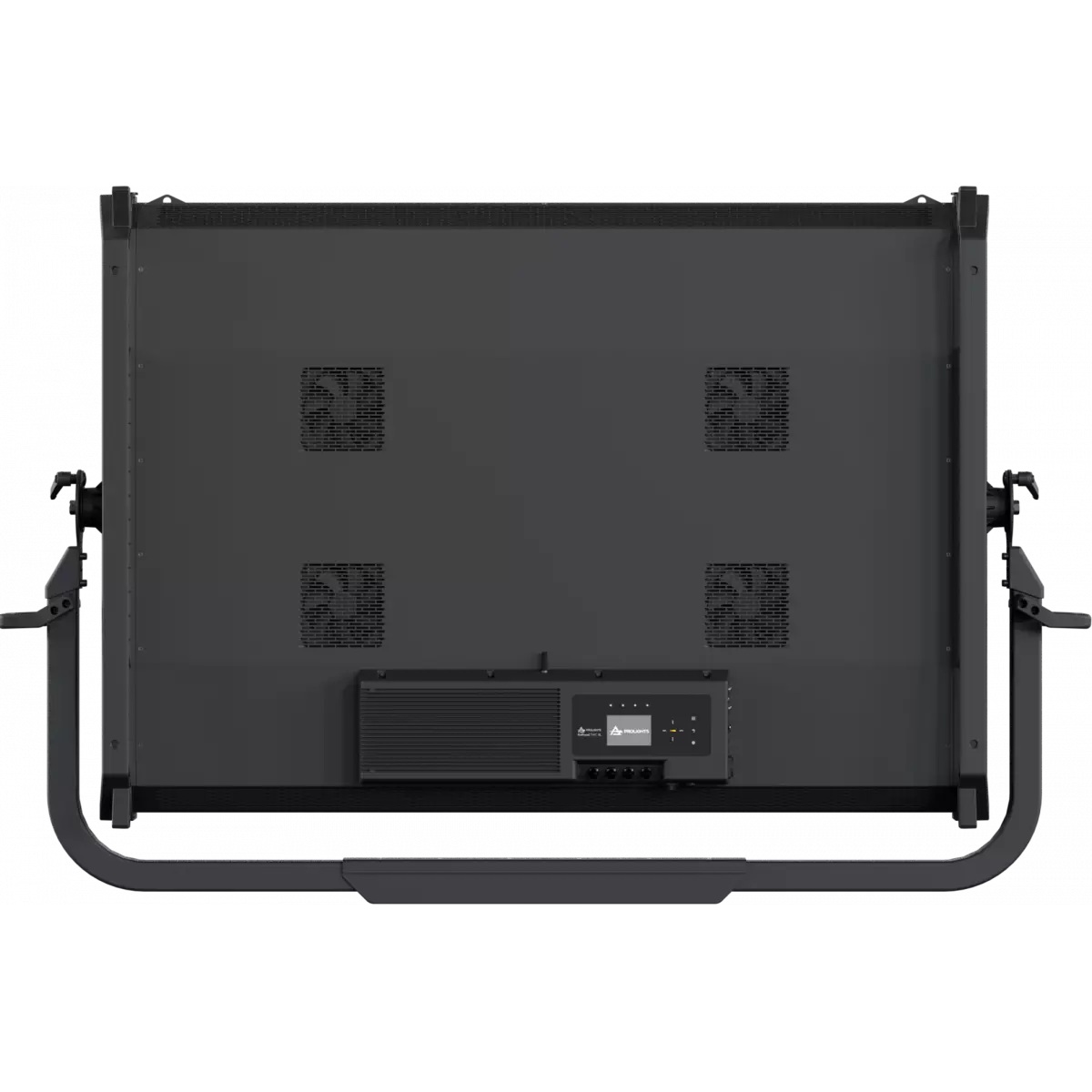
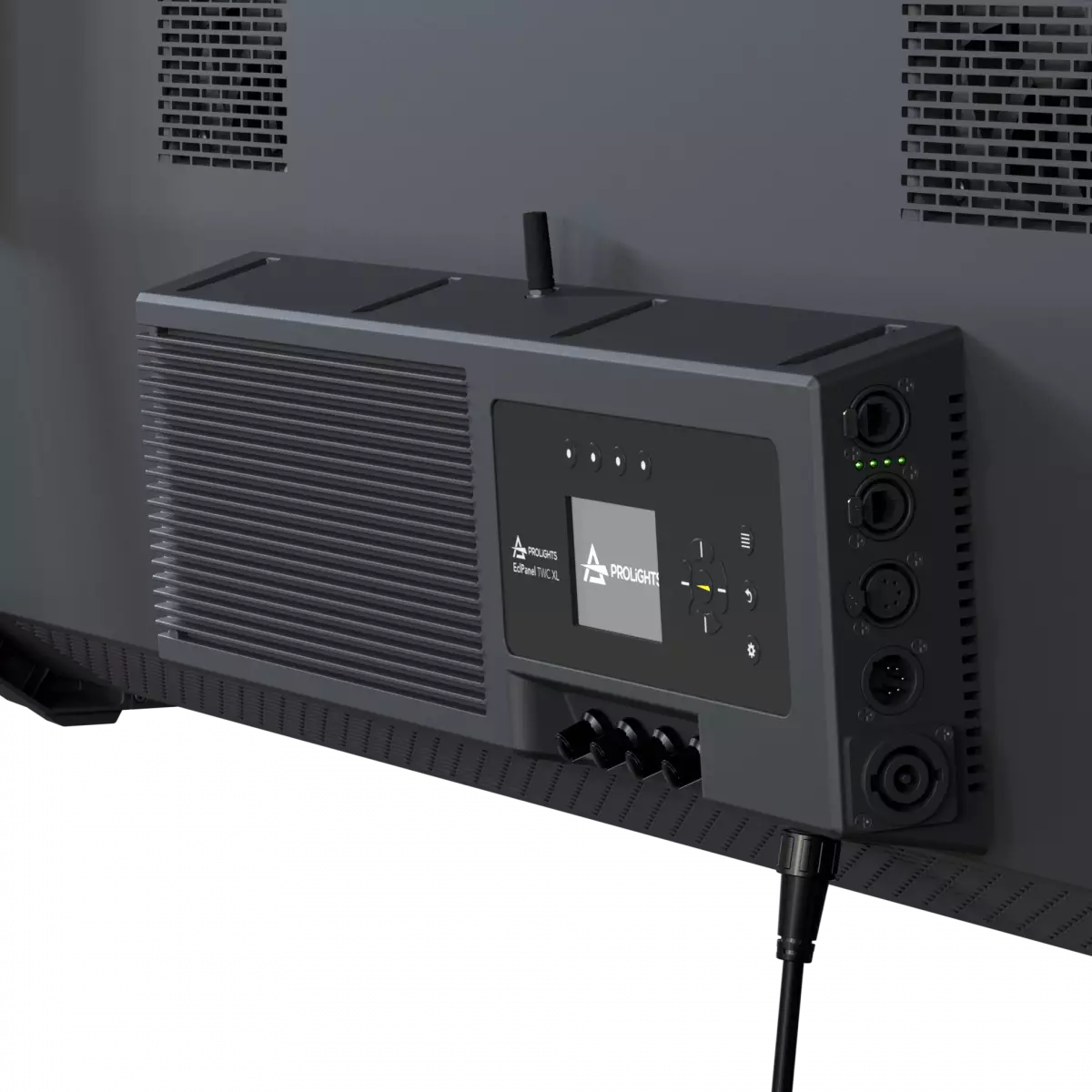
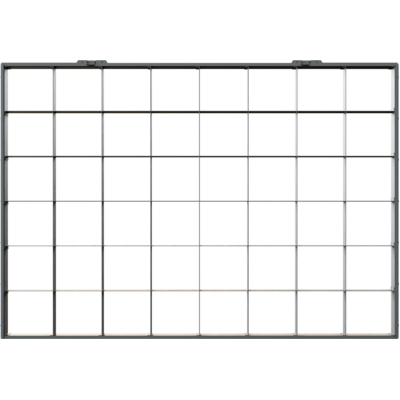
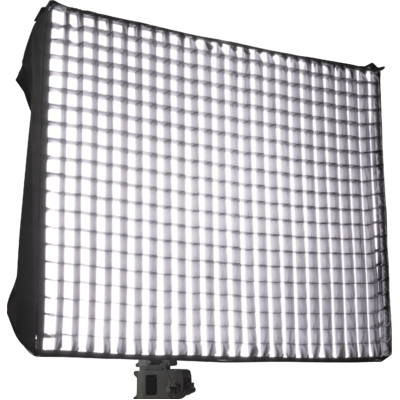
The EclPanel TWCXL is an ultra-bright LED soft light engineered for large scale Film & TV productions that provides an outstanding soft source of powerful lighting. The PROLIGHTS EclPanel TWCXL comes with a full range of white tones, from daylight to tungsten, attaining a superior light quality with high CRI, TLCI, and TM-30 values. The EclPanel TWCXL allows for quick and accurate local control through 4 rotatory knobs with three fully-featured modes: CCT with +/- green shift, HSI for total control of hue, saturation and intensity and FX mode to access the pixel cinema effects. Each of the 48 sections has individual control to play the customisable cinema effects or by pixel mapping from an external controller. The unit has an onboard driver, a built-in power supply, a Wireless transceiver for remote DMX and RDM control, and network connectivity (Art-Net, sACN).
Read lessDiscover the EclPanel TWCXL in action
Technical documentation and support files
| File name | File size | Download | |
|---|---|---|---|
| Eclpaneltwcxl_A4_DATASHEET_(EN).pdf(27/09/2024) | 712KB | ||
| Eclpaneltwcxl_TENDER_SPECIFICATION.pdf(08/09/2022) | 5MB |
| File name | File size | Download | |
|---|---|---|---|
| Eclpaneltwcxl_USER_MANUAL_EN.pdf(07/11/2024) | 8MB | ||
| GENERAL_SAFETY_INFORMATION.pdf(02/12/2022) | 12MB | ||
| Eclpaneltwcxl_Wireless_Protocol_Compatibilit_EN.pdf(12/06/2023) | 4MB |
| File name | File size | Download | |
|---|---|---|---|
| Eclpaneltwcxl_DMX_CHARTS.pdf(07/11/2024) | 3MB |
| manufacturer fixture library (Link) | Link |
| manufacturer fixture library (Link) | Link |
| manufacturer fixture library (Link) | Link |
| manufacturer fixture library (Link) | Link |
| manufacturer fixture library (Link) | Link |
| manufacturer fixture library (Link) | Link |
| manufacturer fixture library (Link) | Link |
| manufacturer fixture library (Link) | Link |
| manufacturer fixture library (Link) | Link |
| File name | File size | Download | |
|---|---|---|---|
| prolights_eclpaneltwcxl_ies files.zip(06/07/2022) | 23KB | ||
| prolights_eclpaneltwcxl_ldt files.zip(06/07/2022) | 19KB | ||
| Eclpaneltwcxl_PHOTOMETRICS_REPORT.pdf(06/07/2022) | 6MB | ||
| Download DIALux product catalogue | - |
| File name | File size | Download | |
|---|---|---|---|
| ECLPANELTWCXL_3D_SKETCHUP.zip | 1MB | ||
| ECLPANELTWCXL_2D.zip | 58MB | ||
| ECLPANELTWCXL_3D.zip | 1MB | ||
| ECLPANELTWCXL_2DSYMBOLS.zip | 78KB | ||
| ECLPANELTWCXL_TECHNICAL DRAWINGS.zip | 2MB | ||
| ECLPANELTWCXL_SYMBOLS.zip | 1MB | ||
| PROLIGHTS_VECTORWORKS_v2025_LIBRARY.vwx(13/05/2025) | 321MB | ||
| PROLIGHTS_VECTORWORKS_v2020_LIBRARY.vwx(13/05/2025) | 276MB |
PROLIGHTS product firmware can be updated in several ways, depending on the product and file extension. The available methods are listed in the product specifications in the CONTROL - Firmware upgrade section.
| Method/Device | File extension | Needed software | Instructions |
|---|---|---|---|
| UPBOXPRO (*) | .PRL |
UpBox_Tool | Guide |
| USB port | .PRL |
No software needed | see User Manual |
| Ethernet port | .EHEX |
Professional Uploader | Guide |
| Ethernet port | .ALF |
DMX Workshop | Guide |
(*) You can still use UPBOX1 and UPBOX2 by checking their compatibility on the product accessories page. To use UPBOX2, you need to download the drivers from the following link.
Update Tool: UPBOXPRO |
||||
| Check hardware changelog before downloading firmware | ||||
| Revision | Release date | Firmware changelog | HW Compatibility | |
|---|---|---|---|---|
| 1.1.03.0 STABLE | 01/08/2024 | Note: In order to perform the update correctly, fixture needs to be on FW 1.0.01.0016 or higher. If the fixture has FW release < 1.0.01.0016, please update to 1.0.01.0016 first. New Functions:
|
Rev. 1.0 Rev. 1.1 |
|
| 1.0.01.0016 BETA | 16/09/2022 | New functions:
|
Rev. 1.0 |
|
Subscribe to our Newsletter