Order Code: LIONCR
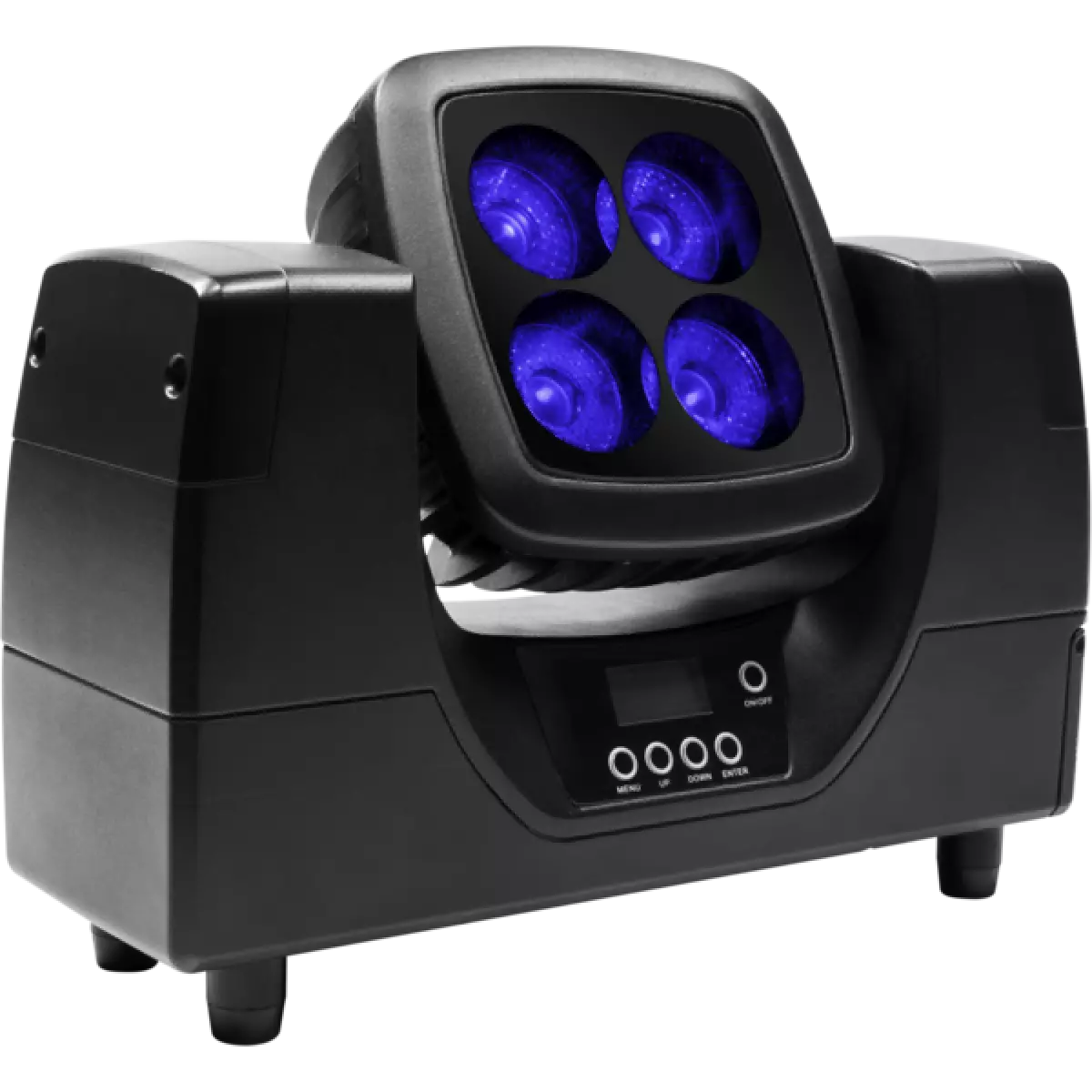
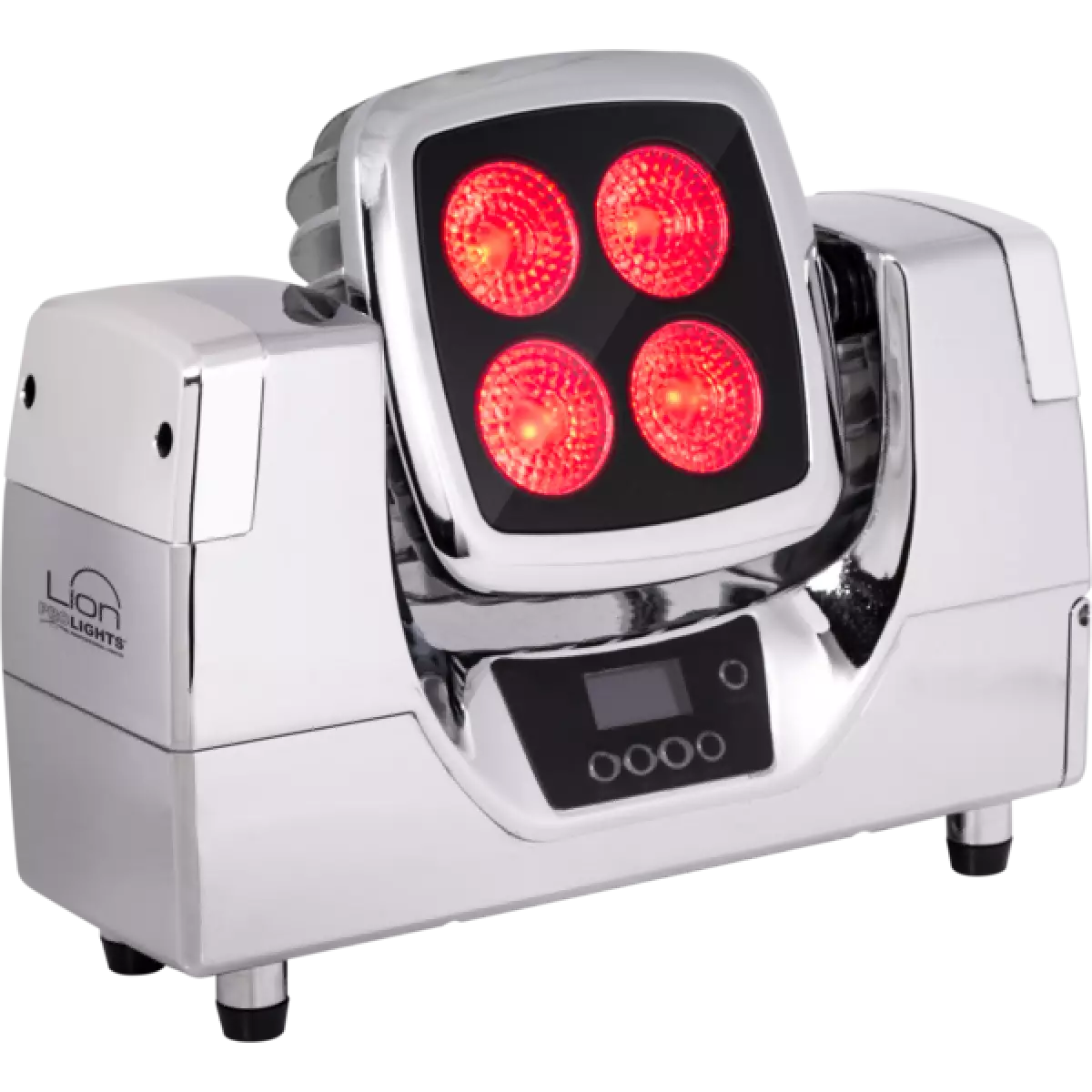
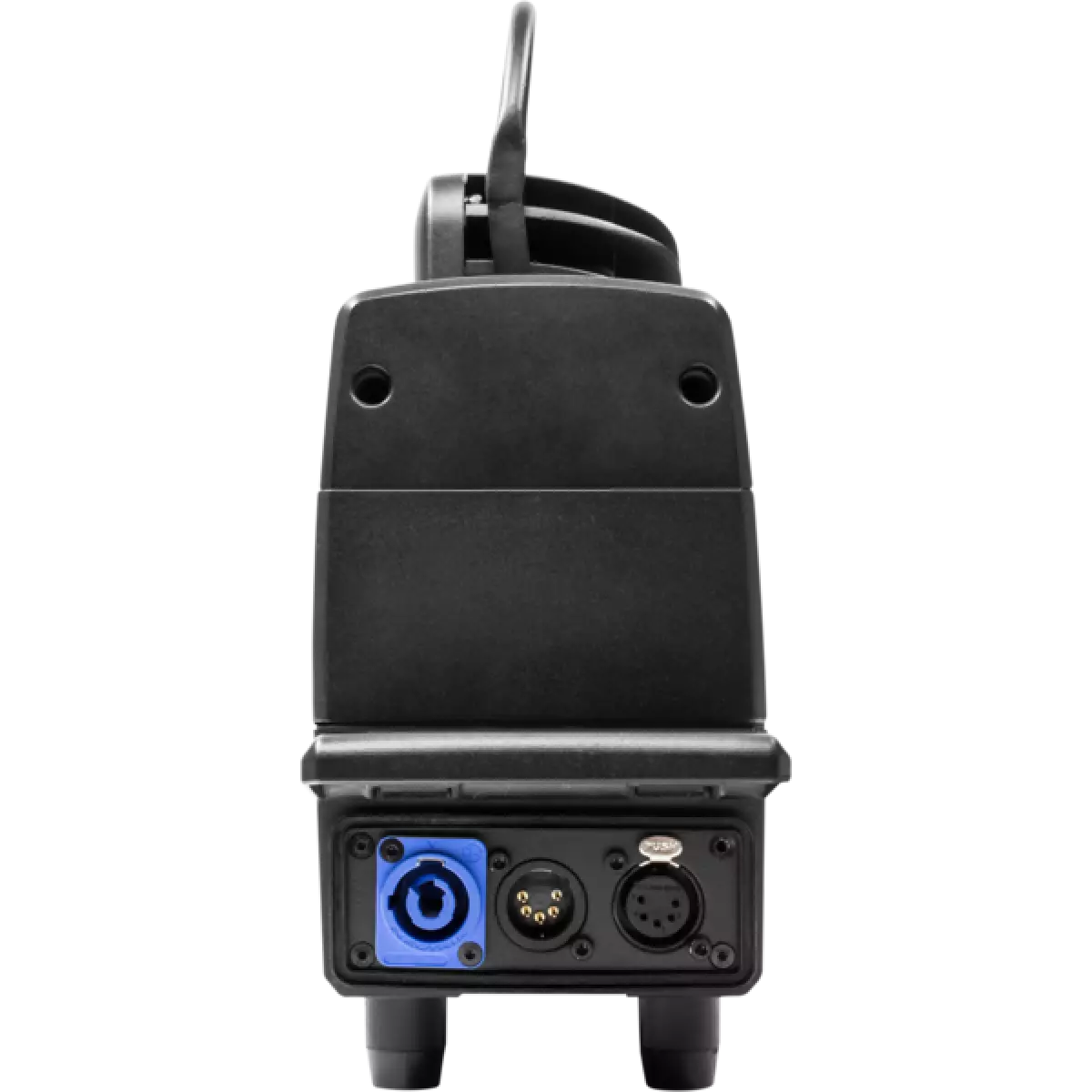
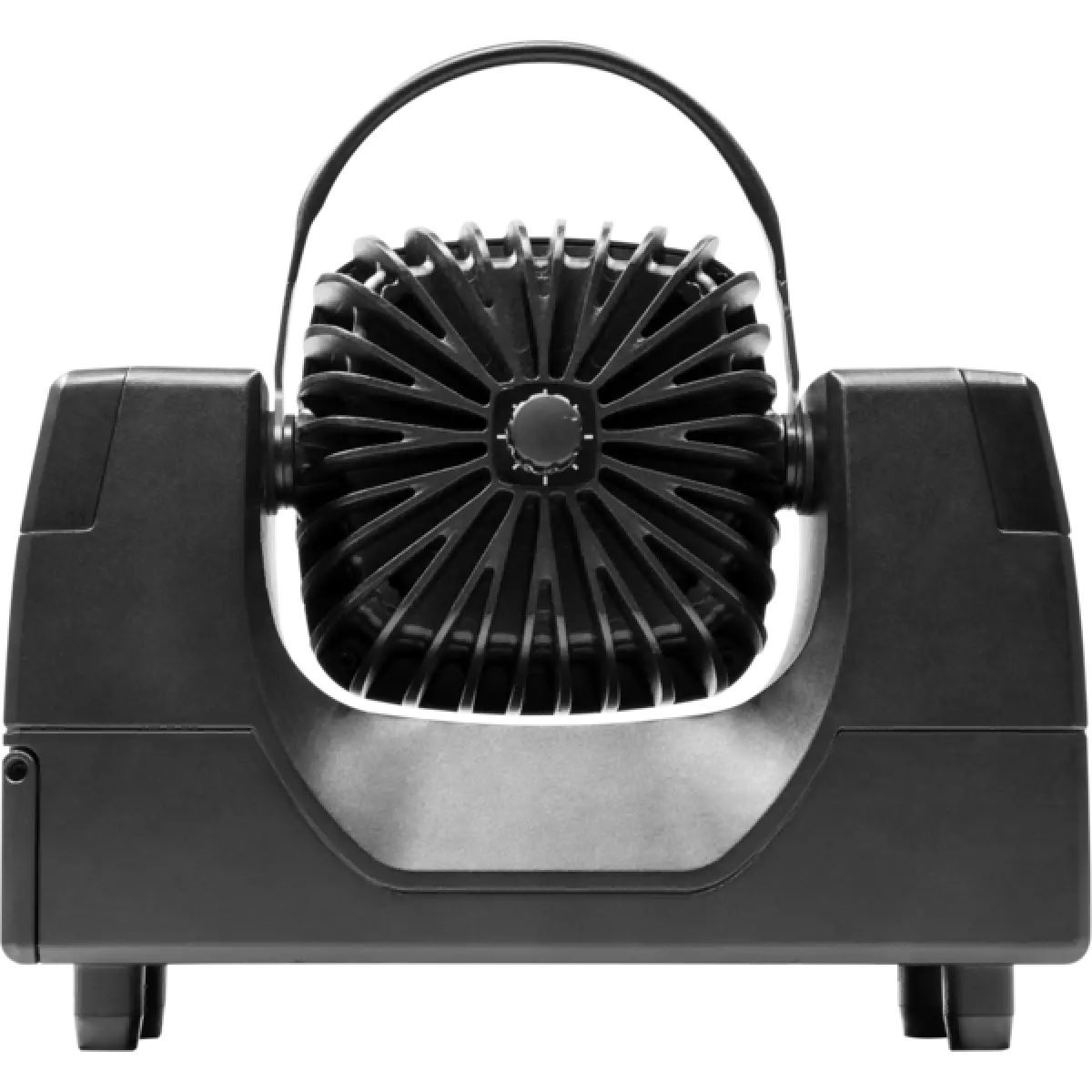
LION is a portable battery-powered light designed to be extremely flexible and versatile thanks to its waterproof design. With adjustable tilt of the LED block, manual zoom enabling adjustment of the beam spread and cable-free operation through WDMX receiver on-board LION really is special. LION is a rental-friendly tool, lightweight, portable and can be loaded in the fast-charge case. Can be used as a universal projector in architectural projects, showrooms, wedding parties, conferences, exhibitions, fashion shows and concerts.
Read lessDiscover the Lion in action
Technical documentation and support files
| File name | File size | Download | |
|---|---|---|---|
| Lion_USER_MANUAL_ITEN.pdf(07/02/2023) | 2MB | ||
| GENERAL_BATTERY_SAFETY_INFO.pdf(27/04/2023) | 3MB | ||
| Lion_GENERAL_SAFETY_INFO.pdf(26/04/2023) | 10MB | ||
| Lion_Wireless_Protocol_Compatibilit_EN.pdf(12/06/2023) | 4MB |
| File name | File size | Download |
|---|
| File name | File size | Download | |
|---|---|---|---|
| prolights_lion_all_narrow angle.ies(24/10/2018) | 30KB | ||
| prolights_lion_all_wide angle.ies(24/10/2018) | 30KB | ||
| prolights_lion_blue_narrow angle.ies(24/10/2018) | 30KB | ||
| prolights_lion_blue_wide angle.ies(24/10/2018) | 30KB | ||
| prolights_lion_green_narrow angle.ies(24/10/2018) | 30KB | ||
| prolights_lion_green_wide angle.ies(24/10/2018) | 30KB | ||
| prolights_lion_red_narrow angle.ies(24/10/2018) | 30KB | ||
| prolights_lion_red_wide angle.ies(24/10/2018) | 30KB | ||
| prolights_lion_white_narrow angle.ies(24/10/2018) | 30KB | ||
| prolights_lion_white_wide angle.ies(24/10/2018) | 30KB | ||
| Download DIALux product catalogue | - |
| File name | File size | Download | |
|---|---|---|---|
| Lion_CAD_2D.dwg(28/04/2021) | 2MB | ||
| Lion_CAD_3D.dwg(10/10/2019) | 15MB | ||
| Lion_TECHNICAL_DRAWING.pdf(28/04/2021) | 327KB |
PROLIGHTS product firmware can be updated in several ways, depending on the product and file extension. The available methods are listed in the product specifications in the CONTROL - Firmware upgrade section.
| Method/Device | File extension | Needed software | Instructions |
|---|---|---|---|
| UPBOXPRO (*) | .PRL |
UpBox_Tool | Guide |
| USB port | .PRL |
No software needed | see User Manual |
| Ethernet port | .EHEX |
Professional Uploader | Guide |
| Ethernet port | .ALF |
DMX Workshop | Guide |
(*) You can still use UPBOX1 and UPBOX2 by checking their compatibility on the product accessories page. To use UPBOX2, you need to download the drivers from the following link.
Update Tool: UPBOXPRO |
||||
| Check hardware changelog before downloading firmware | ||||
| Revision | Release date | Firmware changelog | HW Compatibility | |
|---|---|---|---|---|
| 1.5 STABLE | 04/12/2018 | 10 second default display backlight. | ||
Subscribe to our Newsletter