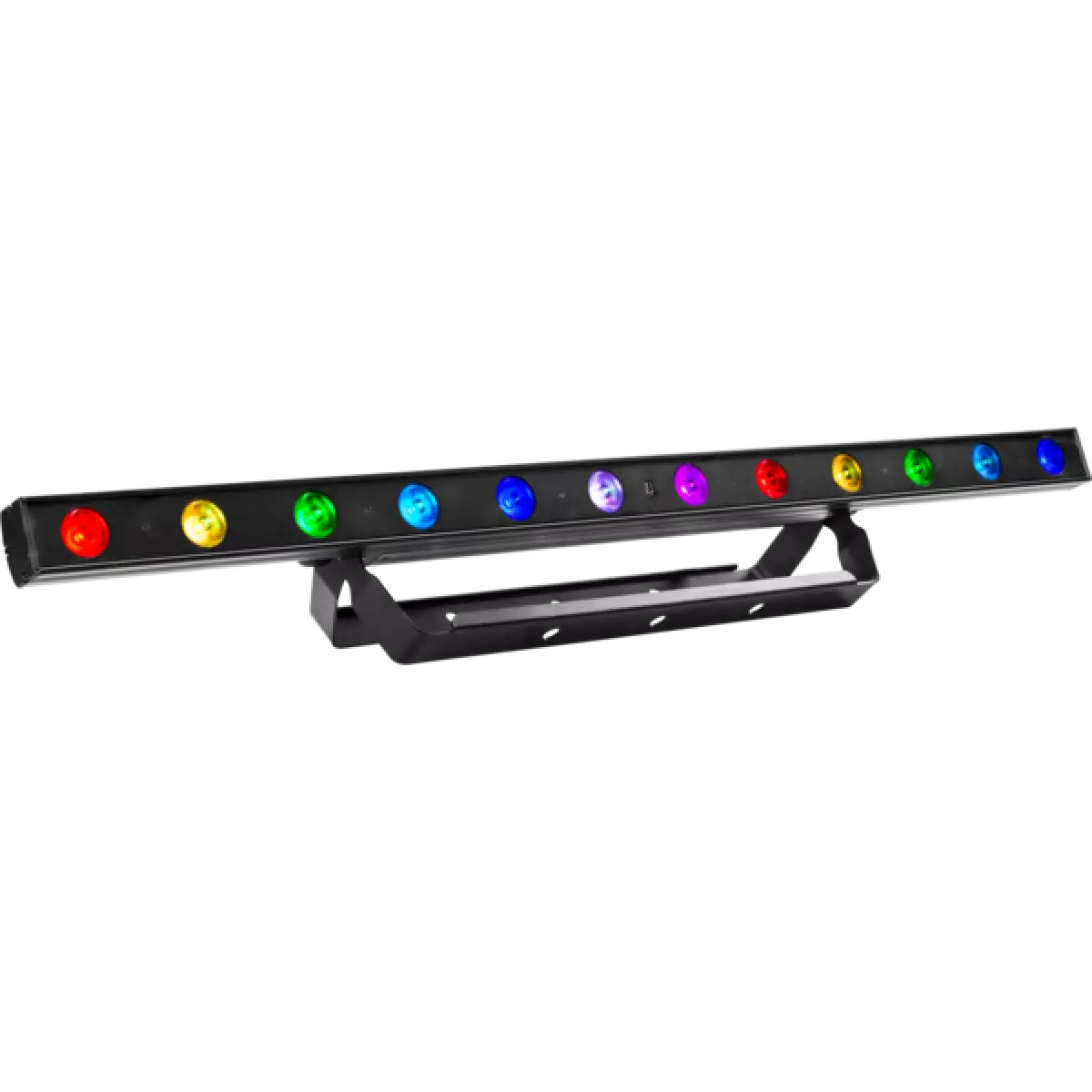
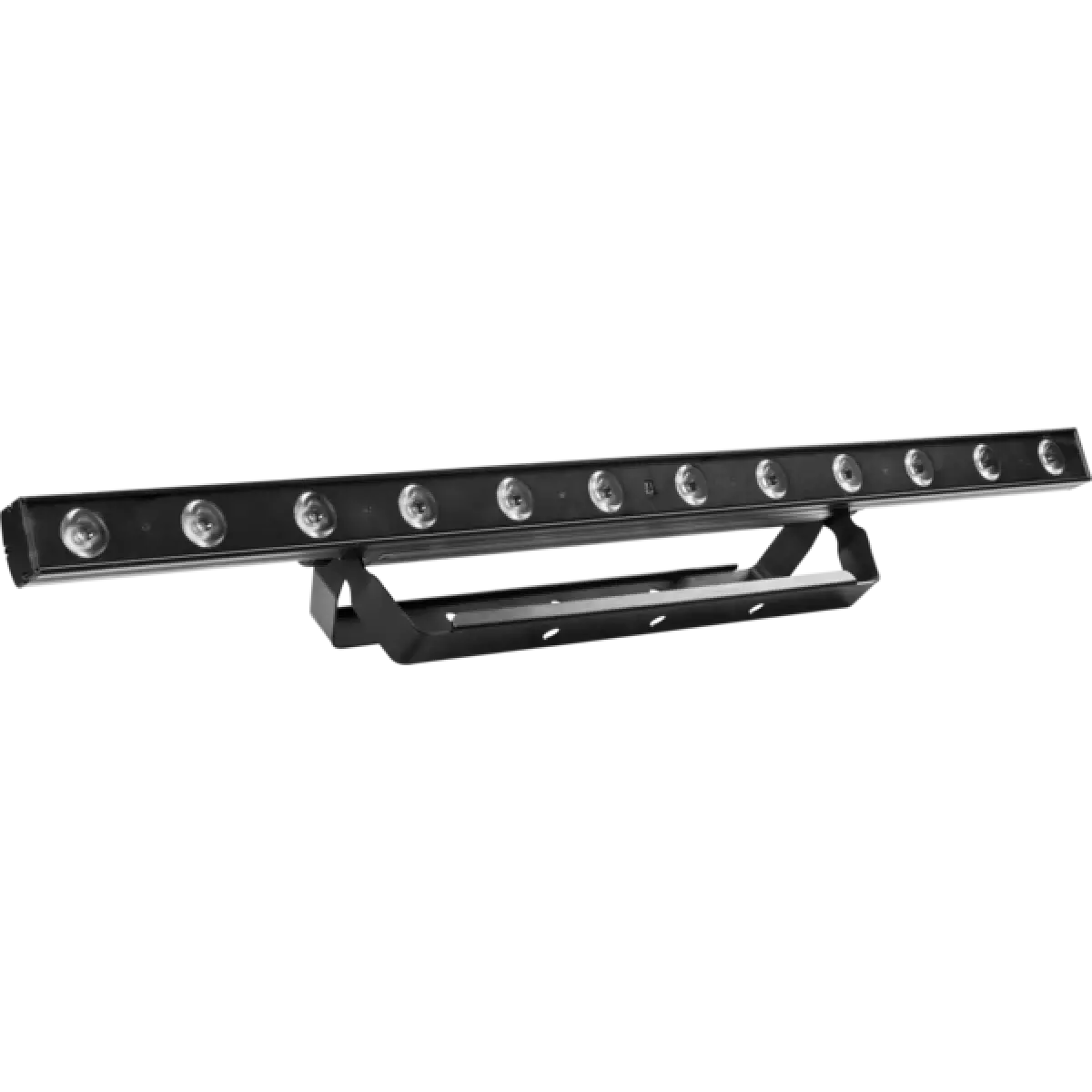
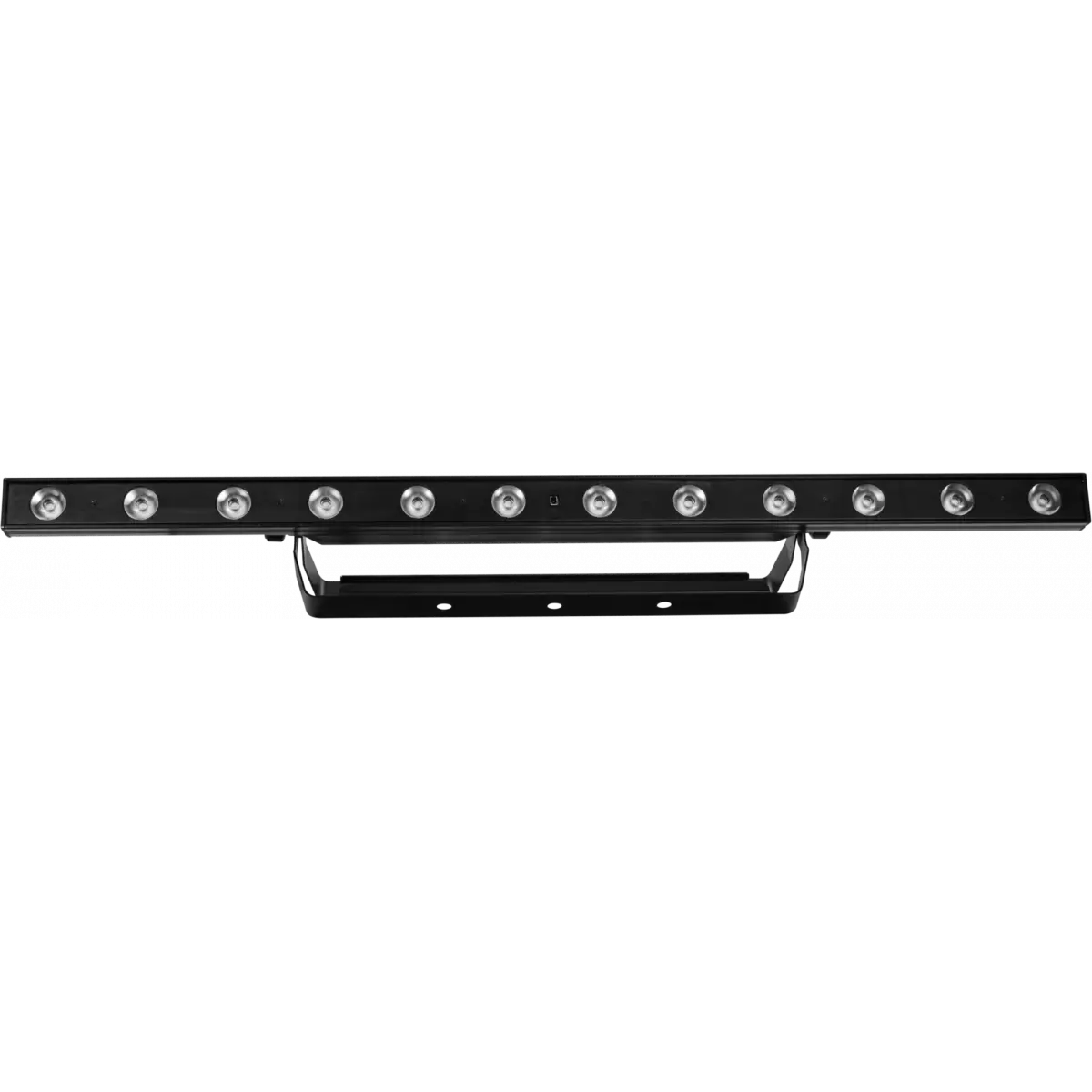
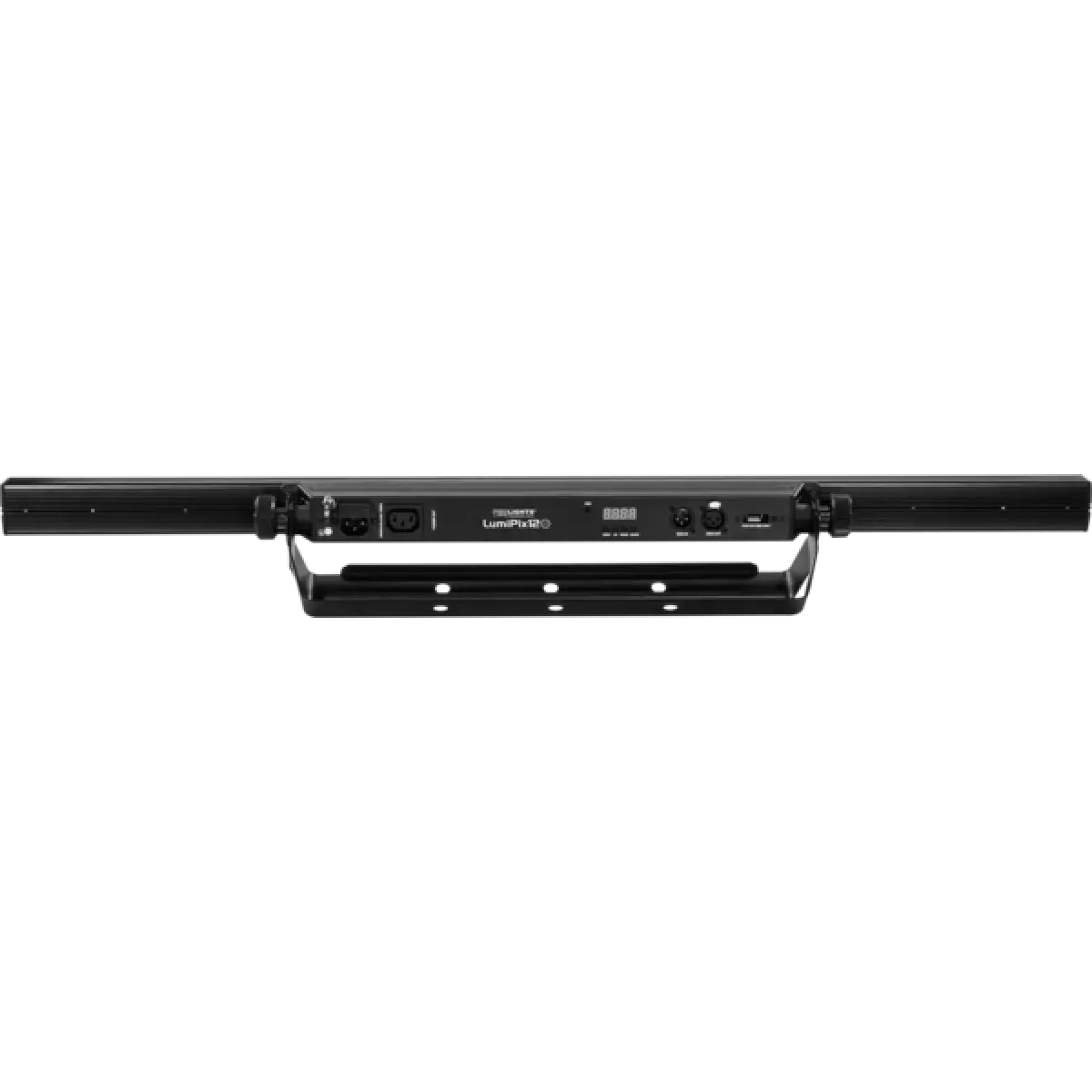
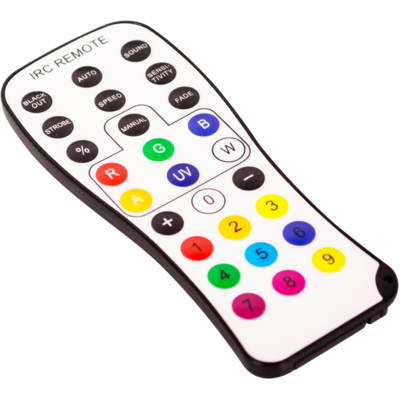
Order Code: LUMIPIX12UT
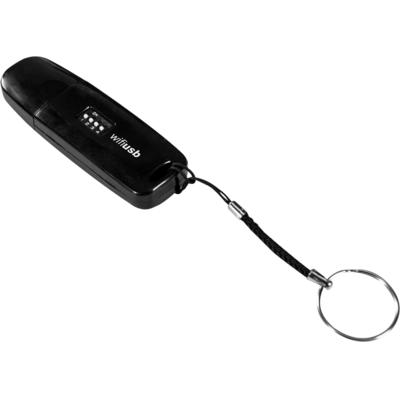
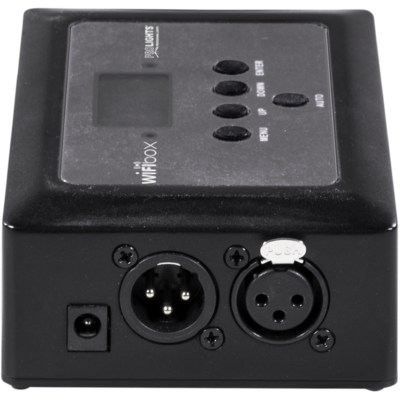
LumiPix 12UT is a linear colour changer fitted with luminous high-efficiency 12x3W RGB LED. The management system is fully customisable in line with the user requirements, from 3 to 41 channels management mode pixel control and for the independent control of each individual LED. LumiPix 12UT offers advanced capabilities for effects generation such as video or LED arrays-activated music. LumiPix 12UT can be also controlled wireless through the optional USB WIFI transceiver in combination with WIFIBOX and SmartColor app.
Read lessTechnical documentation and support files
| File name | File size | Download | |
|---|---|---|---|
| Lumipix12ut_A4_DATASHEET_(IT).pdf(30/04/2021) | 178KB | ||
| Lumipix12ut_A4_DATASHEET(EN).pdf(02/09/2021) | 159KB |
| File name | File size | Download | |
|---|---|---|---|
| Lumipix12ut_USER_MANUAL_ITEN.pdf(18/06/2018) | 1MB |
| File name | File size | Download |
|---|
| manufacturer fixture library (Link) | Link |
| prolights_lumipix12ut_3ch.hed | Download |
| prolights_lumipix12ut_4ch.hed | Download |
| prolights_lumipix12ut_6ch.hed | Download |
| prolights_lumipix12ut_7ch.hed | Download |
| prolights_lumipix12ut_8ch.hed | Download |
| prolights_lumipix12ut_9ch.hed | Download |
| prolights_lumipix12ut_12ch.hed | Download |
| prolights_lumipix12ut_18ch.hed | Download |
| prolights_lumipix12ut_36ch.hed | Download |
| prolights_lumipix12ut_41ch.hed | Download |
| lumipix 12 ut 3 channel.fix2 | Download |
| lumipix 12 ut 4 channel.fix2 | Download |
| lumipix 12 ut 6 channel.fix2 | Download |
| lumipix 12 ut 7 channel.fix2 | Download |
| lumipix 12 ut 8 channel.fix2 | Download |
| lumipix 12 ut 9 channel.fix2 | Download |
| lumipix 12 ut 12 channel.fix2 | Download |
| lumipix 12 ut 18 channel.fix2 | Download |
| lumipix 12 ut 36 channel.fix2 | Download |
| lumipix 12 ut 41 channel.fix2 | Download |
| File name | File size | Download | |
|---|---|---|---|
| Lumipix12ut_TECHNICAL_DRAWING.pdf(25/02/2021) | 154KB |
PROLIGHTS product firmware can be updated in several ways, depending on the product and file extension. The available methods are listed in the product specifications in the CONTROL - Firmware upgrade section.
| Method/Device | File extension | Needed software | Instructions |
|---|---|---|---|
| UPBOXPRO (*) | .PRL |
UpBox_Tool | Guide |
| USB port | .PRL |
No software needed | see User Manual |
| Ethernet port | .EHEX |
Professional Uploader | Guide |
| Ethernet port | .ALF |
DMX Workshop | Guide |
(*) You can still use UPBOX1 and UPBOX2 by checking their compatibility on the product accessories page. To use UPBOX2, you need to download the drivers from the following link.
Update Tool: UPBOXPRO |
||||
| Check hardware changelog before downloading firmware | ||||
| Revision | Release date | Firmware changelog | HW Compatibility | |
|---|---|---|---|---|
| 1.1 STABLE | 11/01/2016 | Improved fade sincronization. | ||
Subscribe to our Newsletter