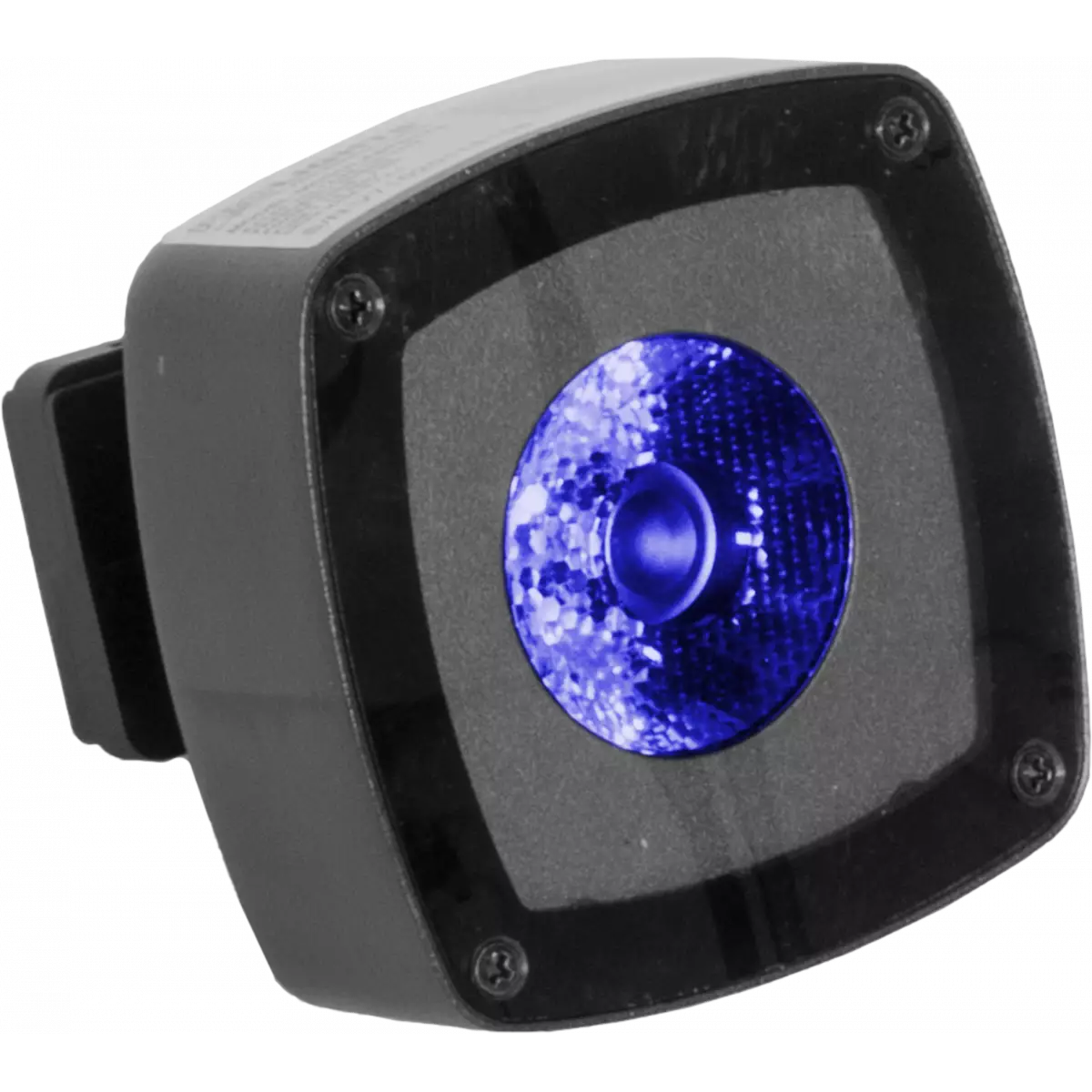
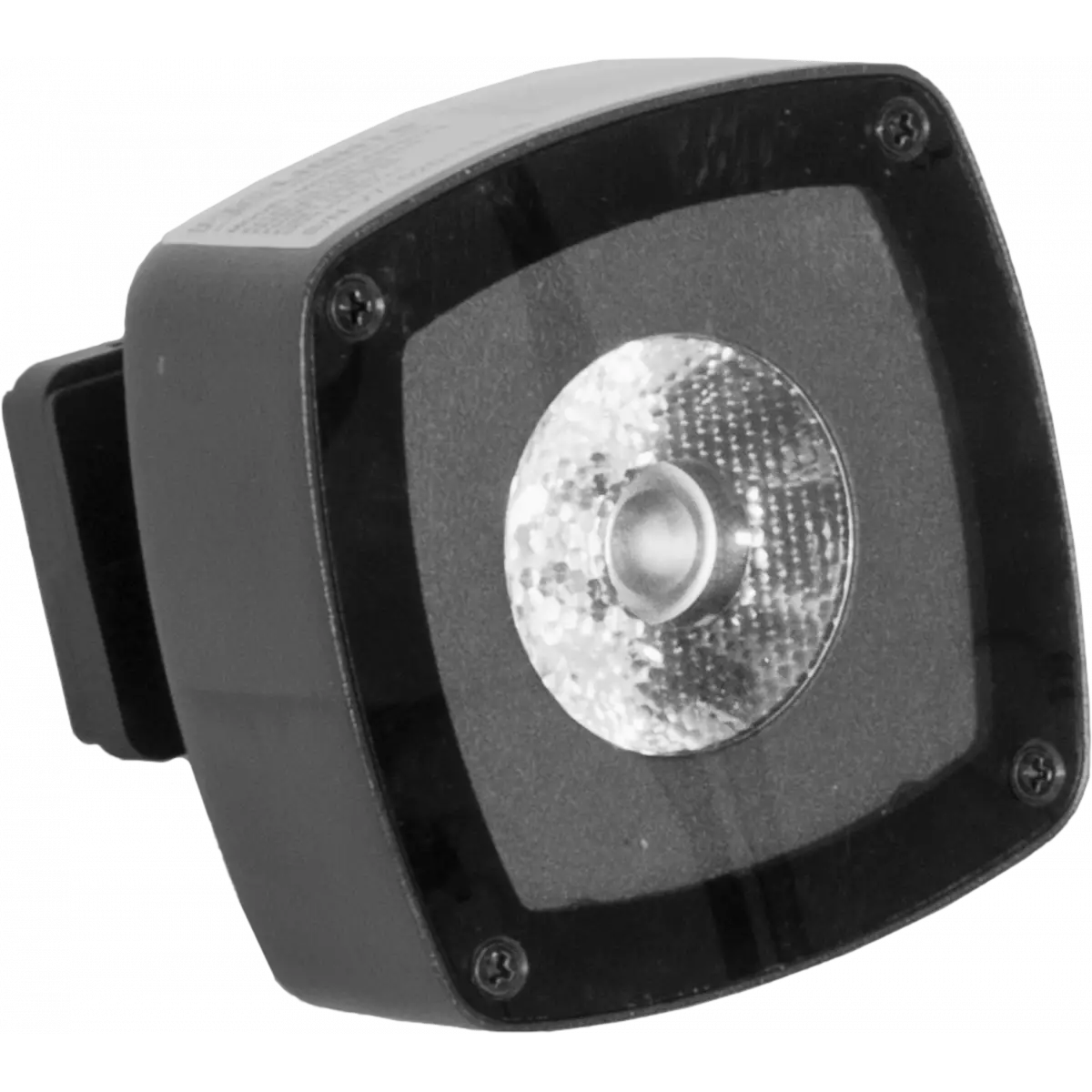
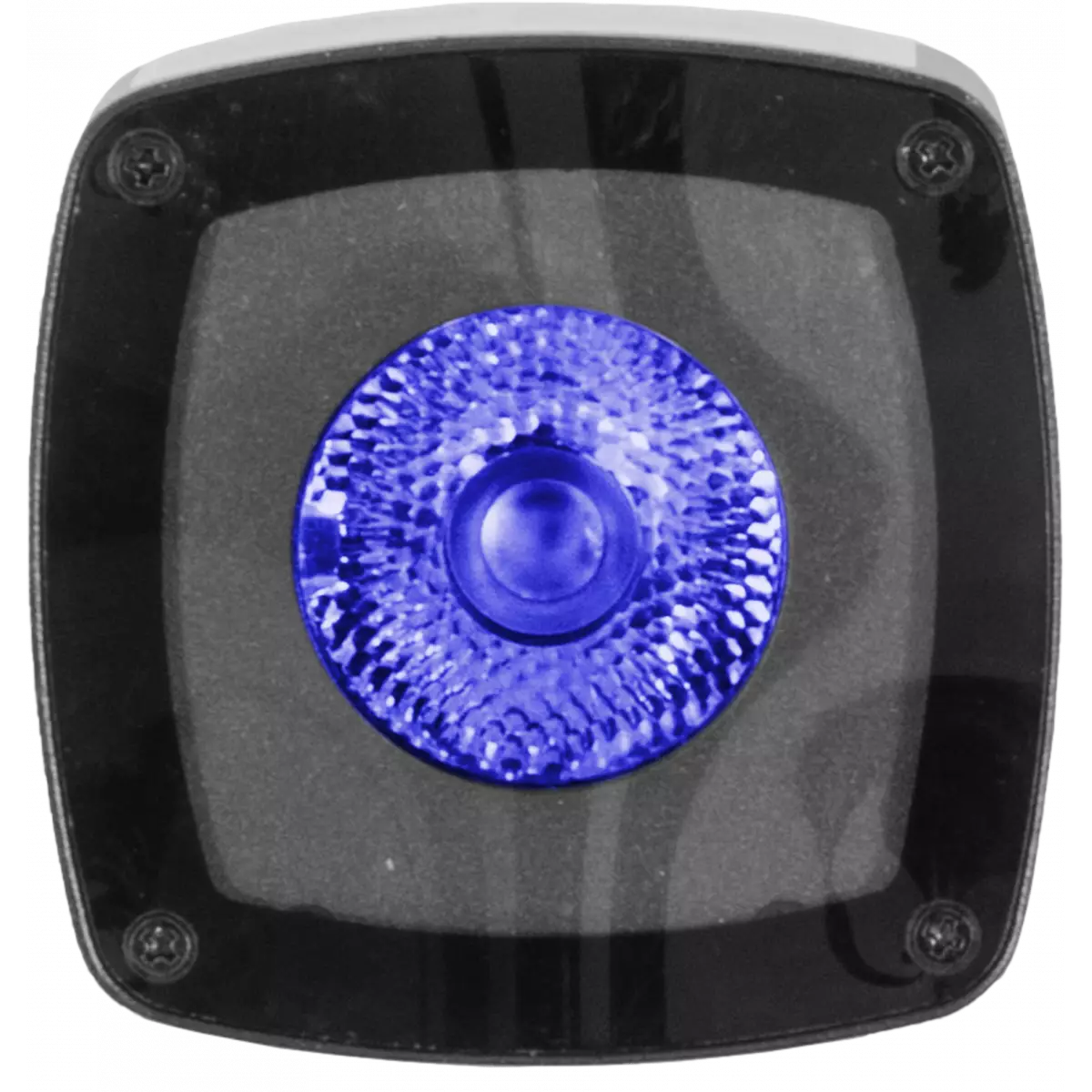
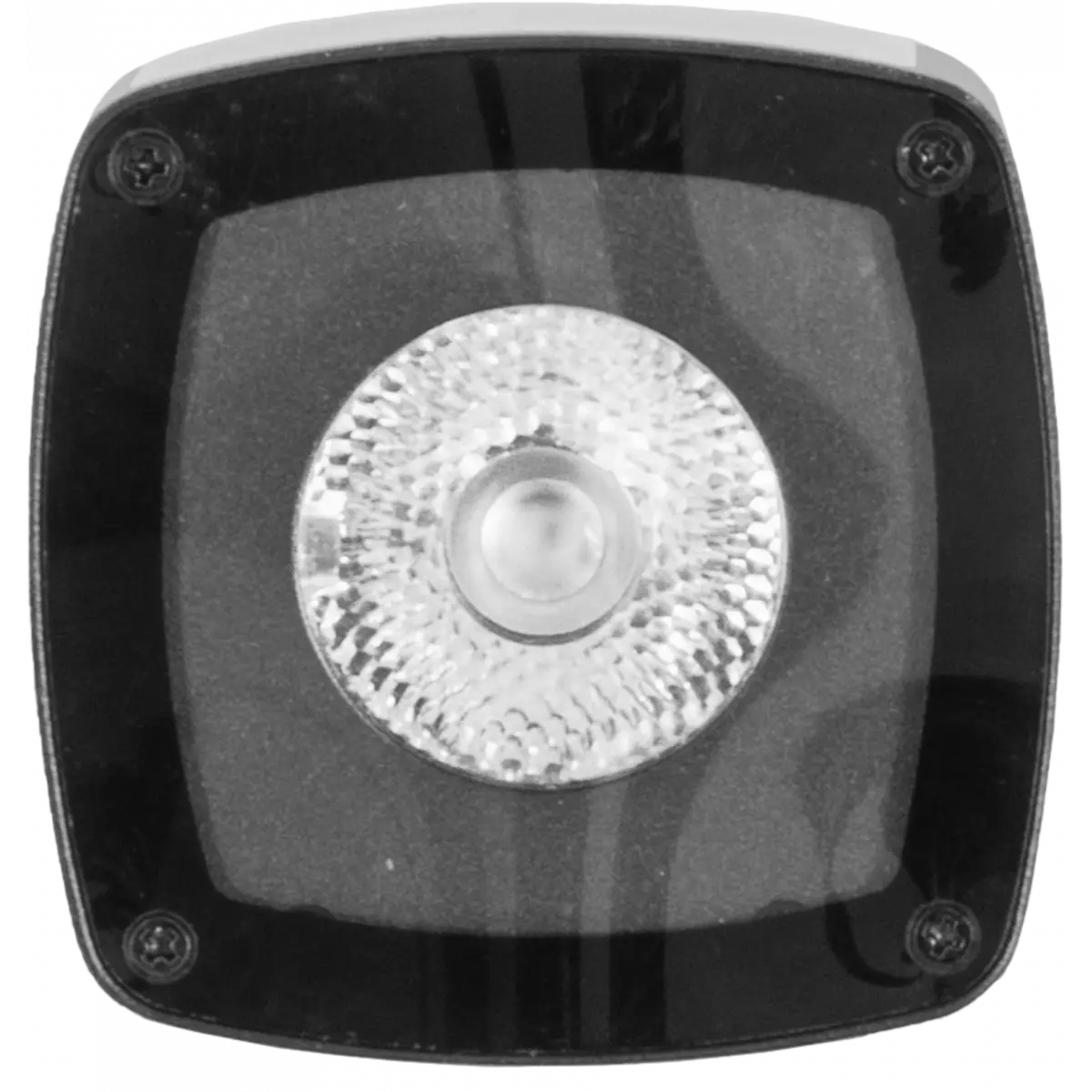
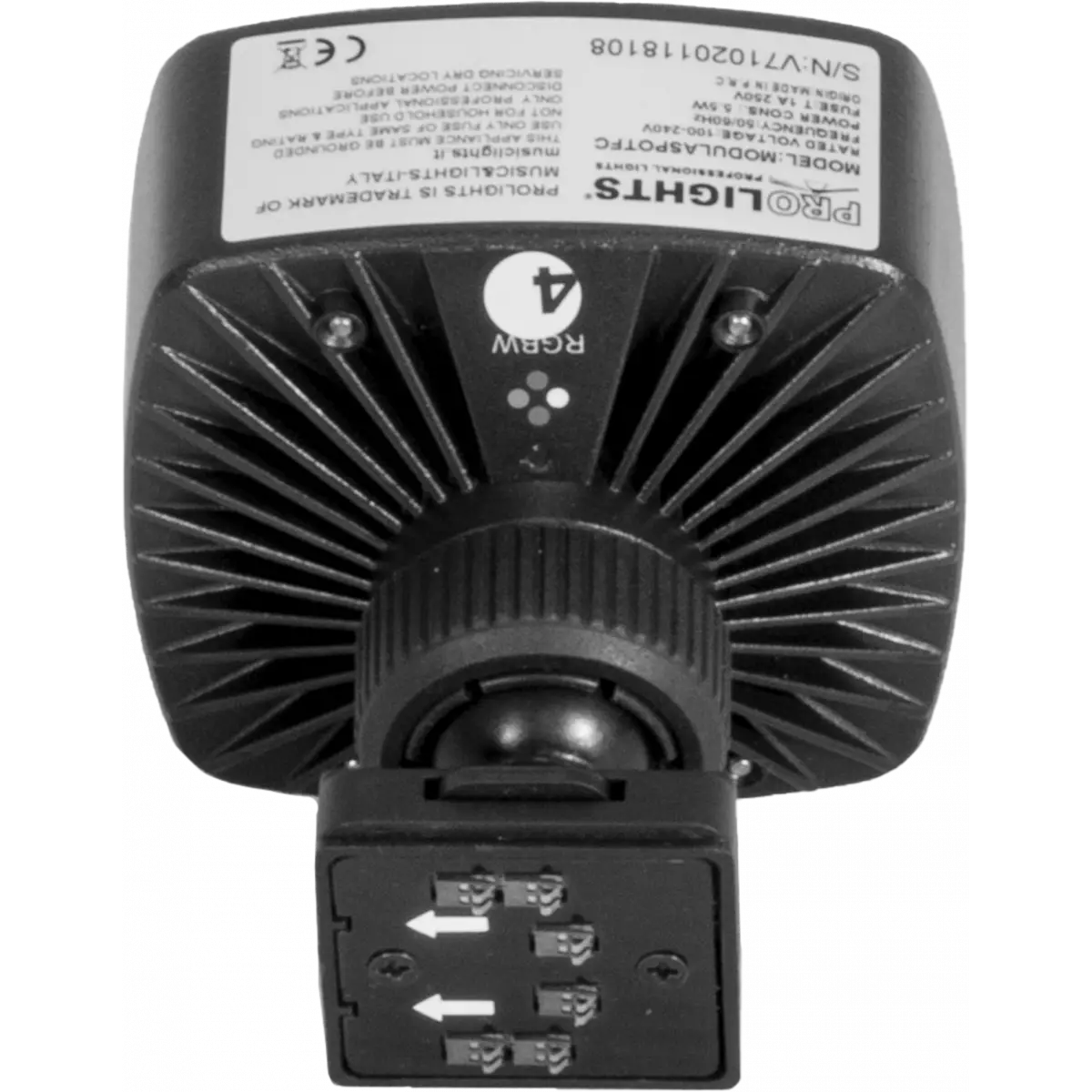
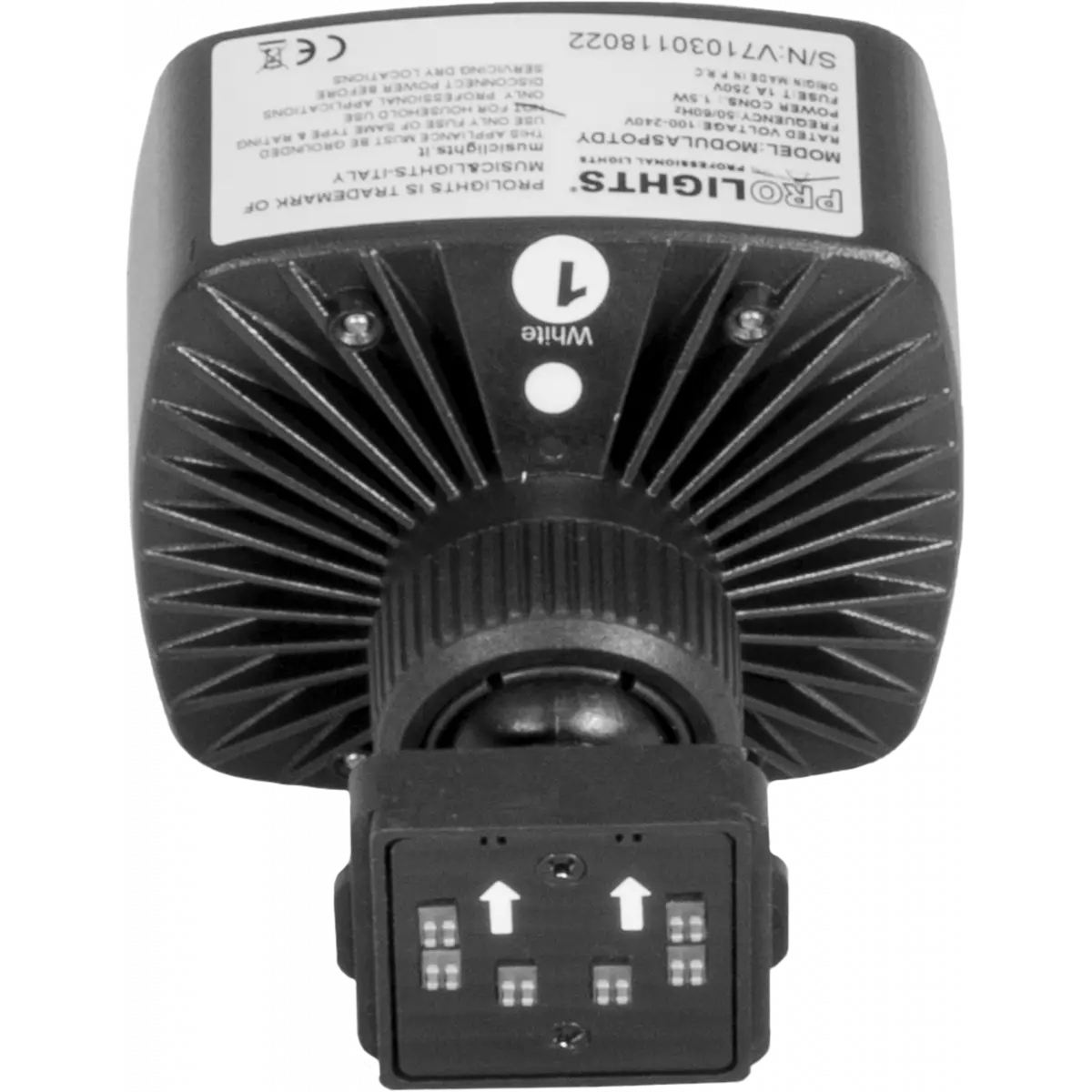
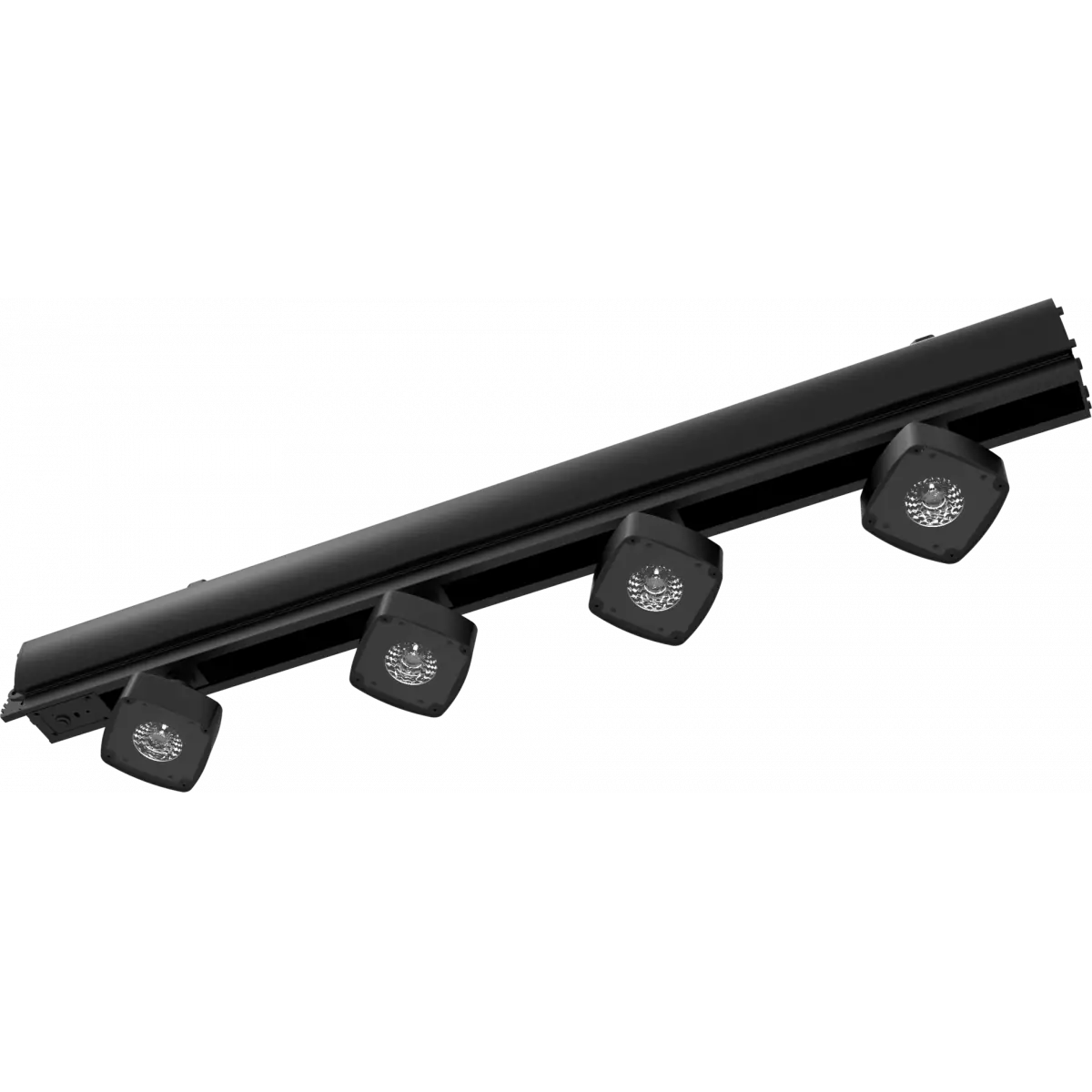
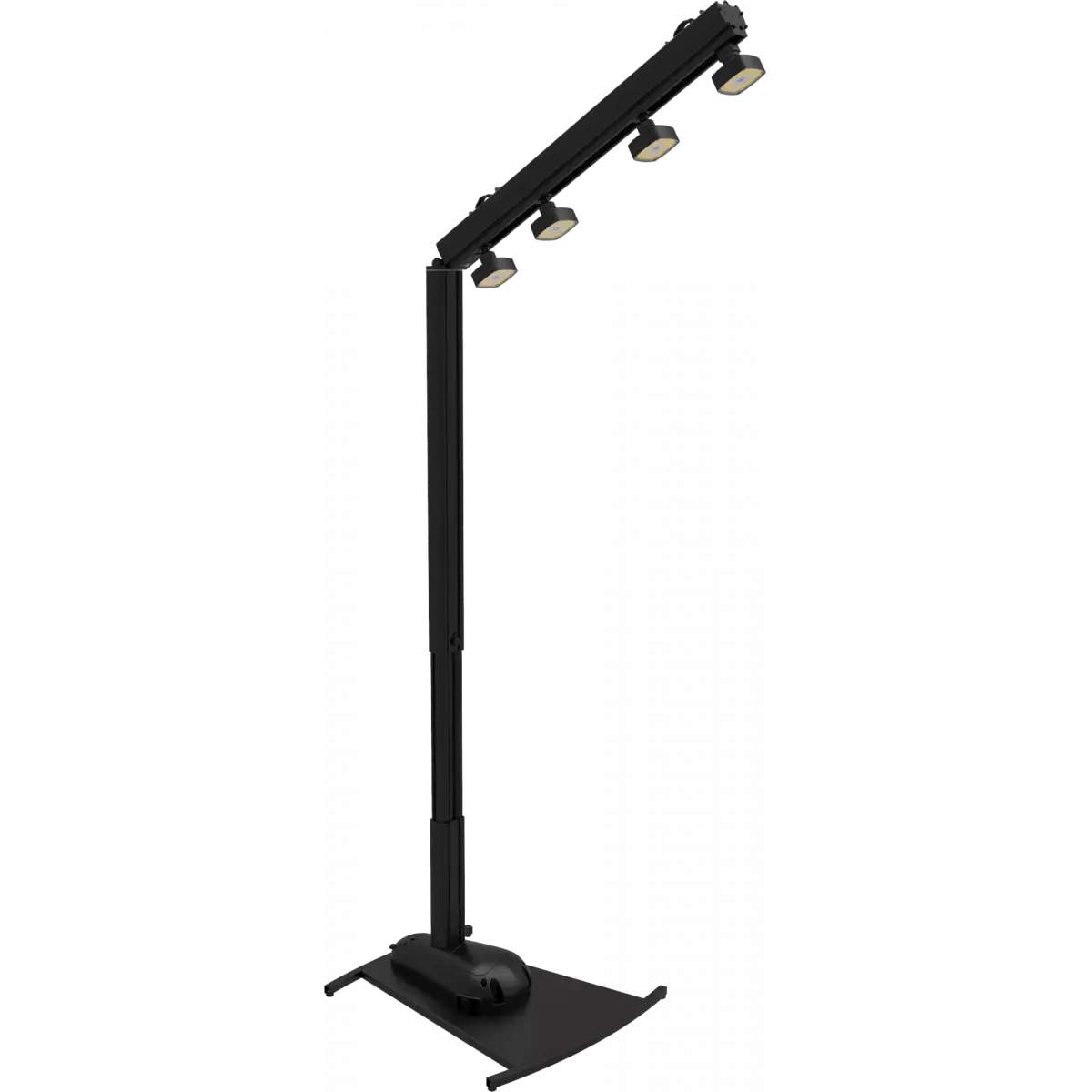
MODULASPOT

Modulaspot

Source
(FC) RGBW 10 W - (DY) 3W 
Weight
0,25kg / 0.55lbs 

Versions

Code Quantity Source Colour Beam angle
MODULASPOTFC
MODULASPOTFC
2 10 W LED RGBW 15°
MODULASPOTDY
MODULASPOTDY EOL
2 3 W LED White 5600K 15°

Photo Gallery

Specifications

LIGHT SOURCE
  • Source: (FC) RGBW 10 W - (DY) 3W
  • Source CCT: (DY) 5.600K
  • Luminous flux: (1xDY) 194 lm - (1xFC) 254
  • Lux: (1xDY) 5.320 lux - (1xFC) 5.150lx @1 m full
  • Lux: (1xDY) 477 lux - (1xFC) 453lx @3 m full
  • CRI: (DY) 70,9 - (FC) 37,6
  • Other: Max 6pc MODULASPOT per SMARTMODULA
  • Source life expectancy: > 50.000 h
OPTICS
  • Beam angle: 15°
  • Field angle: 23°
ELECTRICAL
  • Max power consumption (230V): (Single FC) 5,5 W - (Full FC) 33 W - (Single DY) 1,5 W - (Full DY) 9W
PHYSICAL
  • Dimensions (WxHxD): 80x80x110mm / 3.15''x3.15''x4.33''
  • Weight: 0,25kg / 0.55lbs
CERTIFICATIONS / REPORTS
  • Compliance: CE
BOX CONTENT
  • 2 x MODULASPOT

Accessories & Related Products

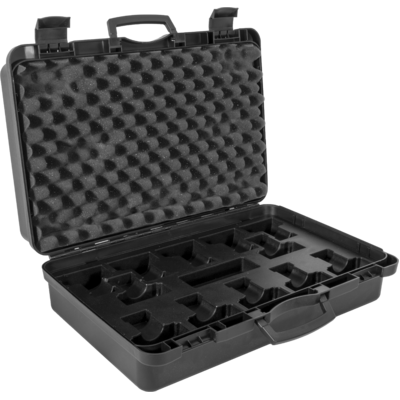
(Optional) MSPOT12CASE

ABS case to contain 12xMODULASPOT

Order Code: MSPOT12CASE

(Optional) UPBOXPRO

Firmware uploader kit, USB IN, 5-pin XLR DMX OUT connector

Order Code: UPBOXPRO

Downloads

Technical documentation and support files

Photometrics Photometrics

CAD symbols & drawings CAD symbols & drawings

File name File size Download
2DModulaspot_CAD_2D.dwg(20/08/2018)719KB
3DModulaspot_CAD_3D.dwg(20/08/2018)4MB
Technical drawingModulaspot_TECHNICAL_DRAWING.pdf(09/05/2019)159KB

Firmware


Firmware Update Information

Methods are listed in the product specs - ELECTRONICS > Firmware upgrade.

Method / Device Extension Required software Instructions
UPBOXPRO (*) .PRL UpBox_Tool Guide
USB port .PRL No software needed see User Manual
Ethernet port .EHEX Professional Uploader Guide
Ethernet port .ALF DMX Workshop Guide

(*) UPBOX1 and UPBOX2 are still usable - check compatibility on the product accessories page. UPBOX2 requires drivers from this link.

Note: Some products without DMX or USB inputs may require an additional device and may not be compatible with UPBOXPRO - see the products list.

Update procedure
  1. Check the update methods on your product (ELECTRONICS> Firmware upgrade).
  2. Download the firmware and the dedicated software.
  3. Follow the update guide included in the firmware folder.
Update Tool: UPBOXPRO UPBOXPRO
Check hardware changelog before downloading firmware
Revision Release date Firmware changelog HW Compatibility
1.1.04 STABLE 08/06/2018

Info Request

NEWSLETTER

Subscribe to our Newsletter

Loading...