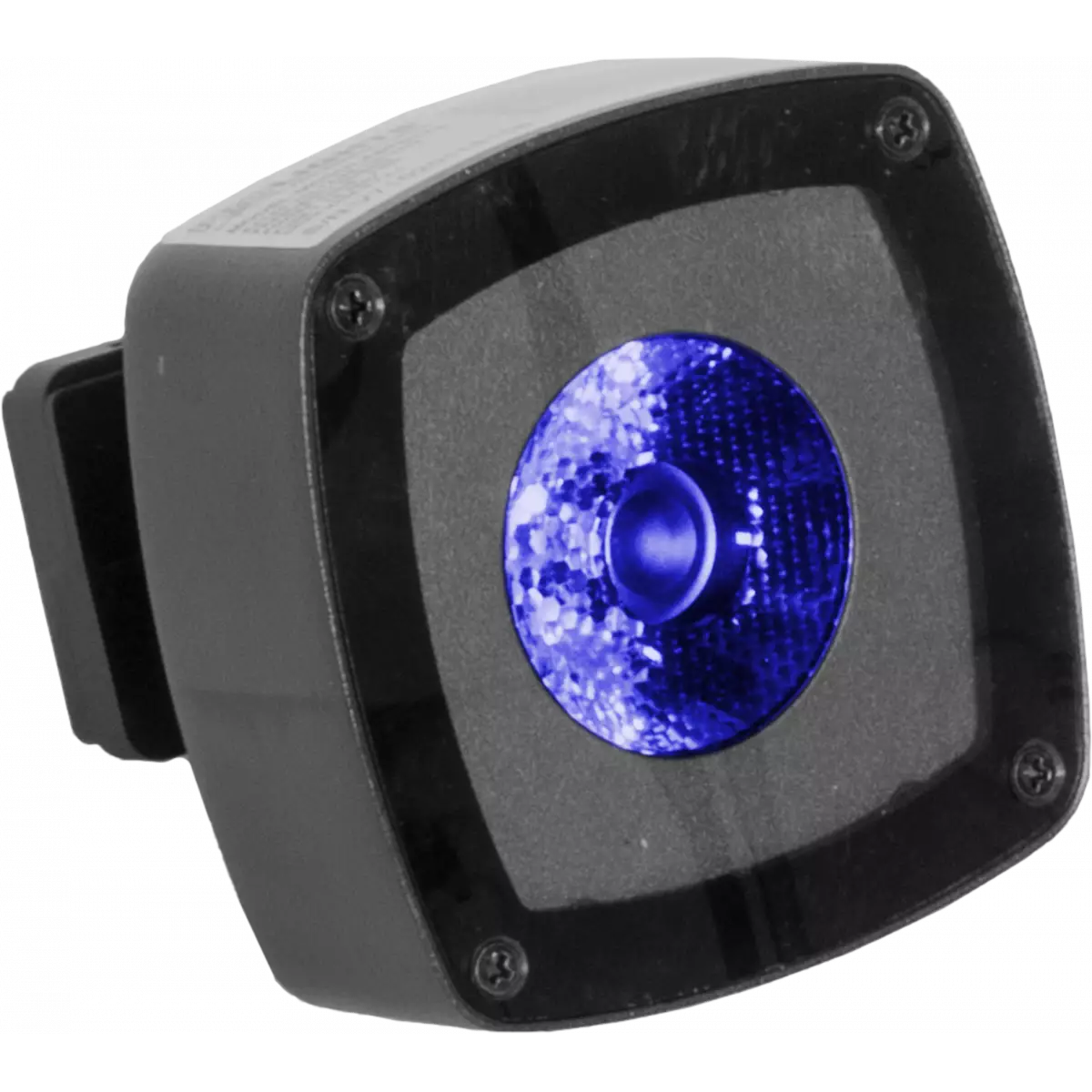
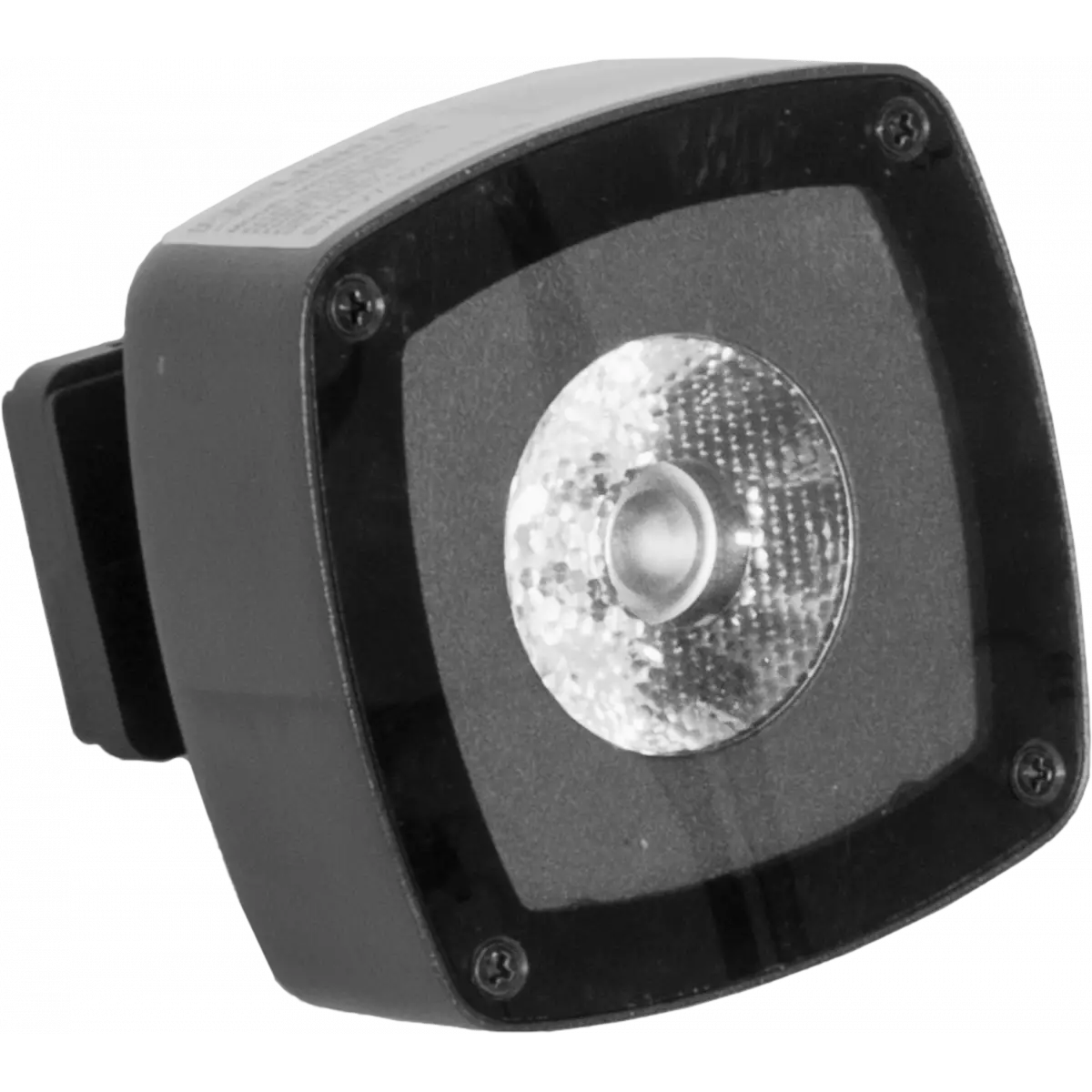
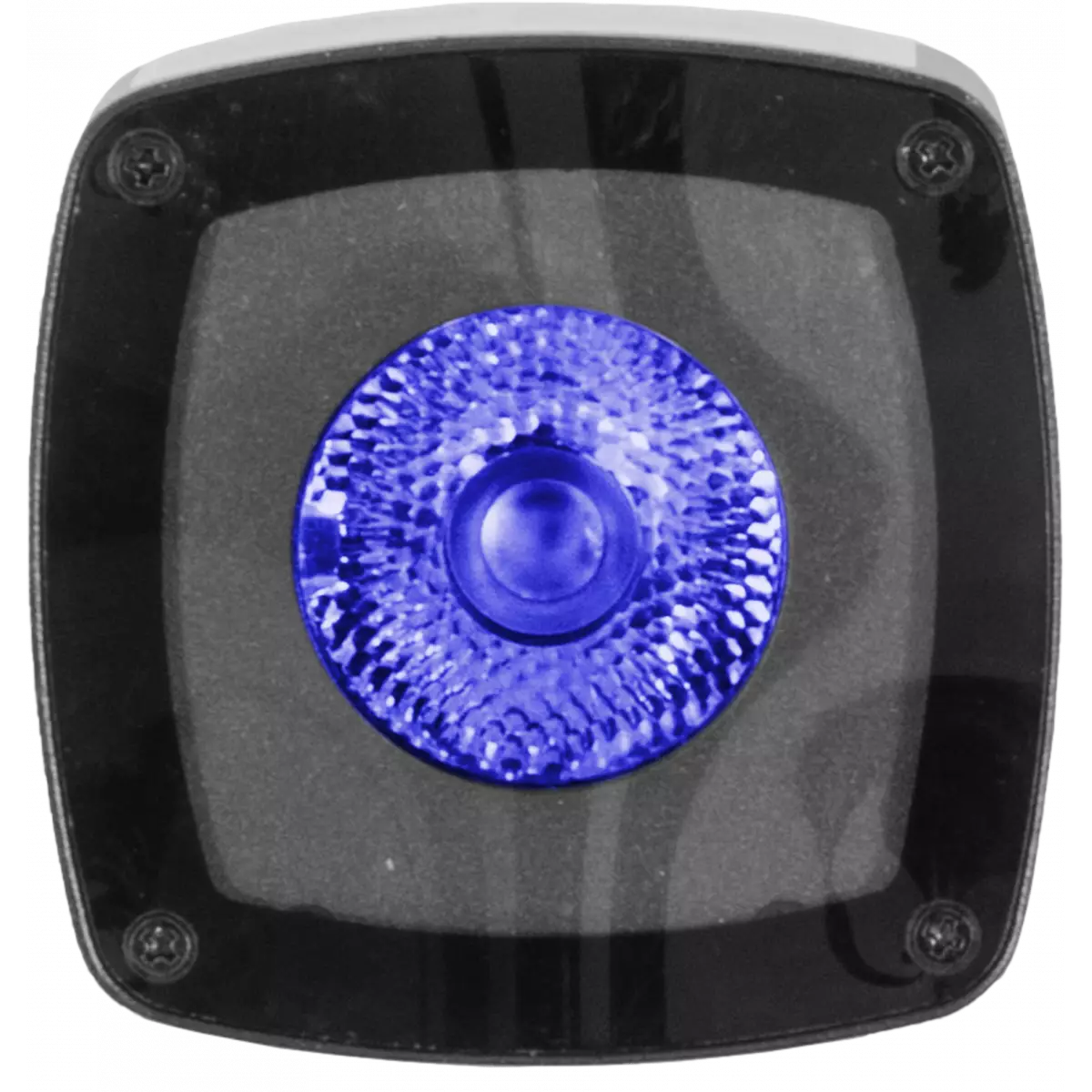
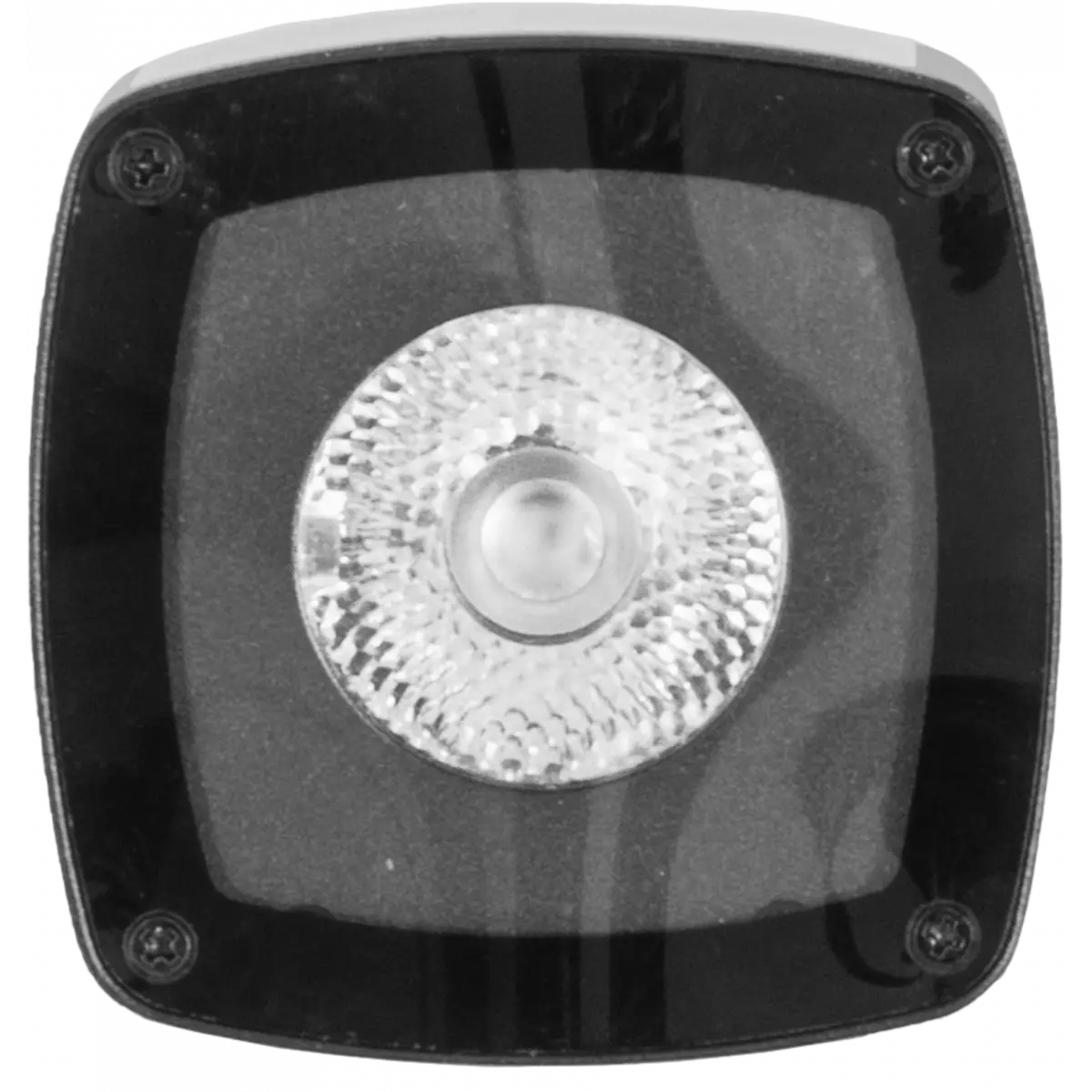
MODULASPOT

Modulaspot

Source
(FC) 10 W - (DY) 3W White LED
Weight
0,25kg / 0.55lbs 

Versions

Code Quantity Source Colour Beam angle
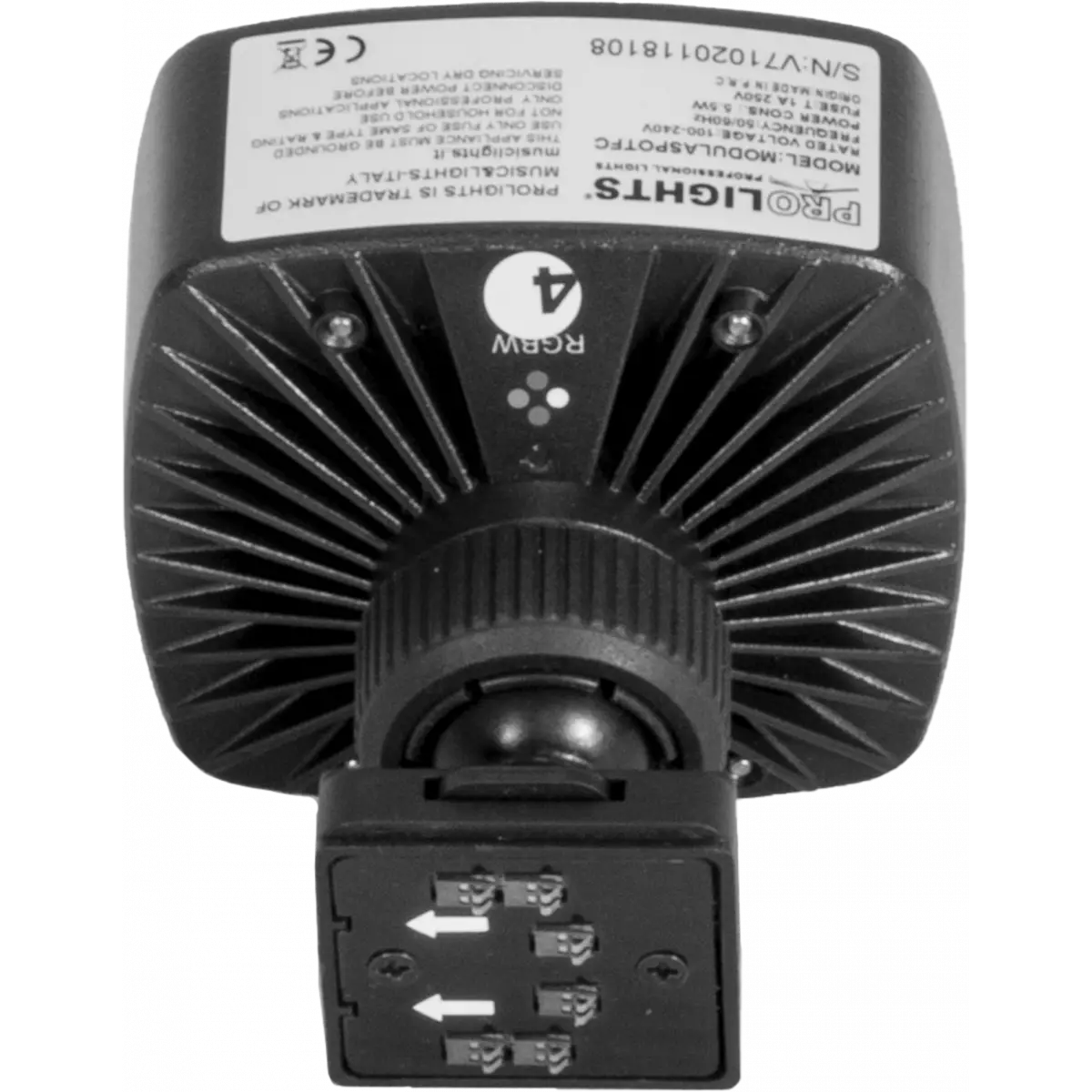
MODULASPOTFC
MODULASPOTFC
2 10 W LED RGBW 15°
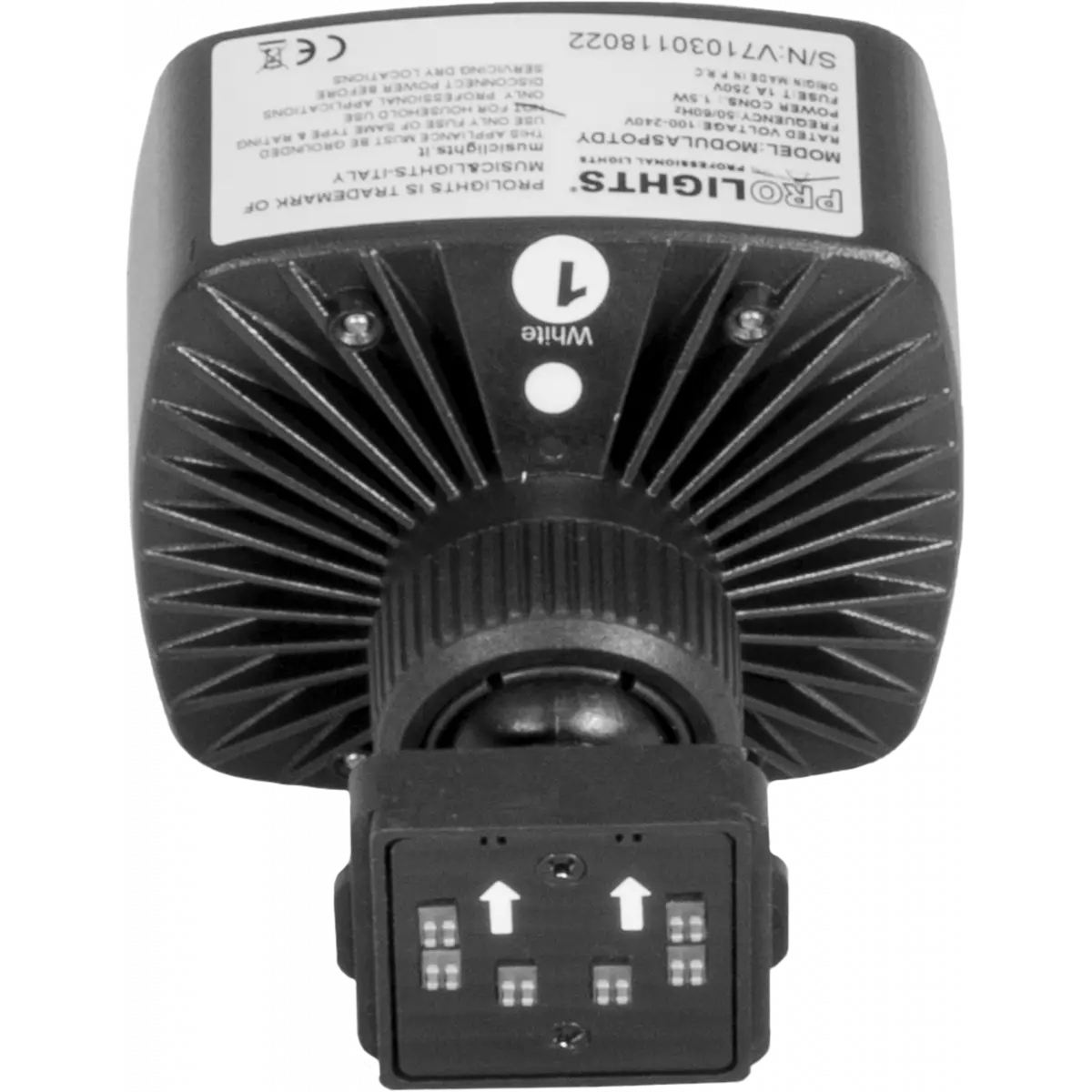
MODULASPOTDY
MODULASPOTDY
2 3 W LED White 5600K 15°

Photo Gallery

Specifications

LIGHT SOURCE
  • Source: (FC) 10 W - (DY) 3W White LED
  • Source CCT: (DY) 5.600K
  • Luminous flux: (1xDY) 194 lm - (1xFC) 254
  • Lux: (1xDY) 5.320 lux - (1xFC) 5.150lx @1 m full
  • Lux: (1xDY) 477 lux - (1xFC) 453lx @3 m full
  • CRI: (DY) 70,9 - (FC) 37,6
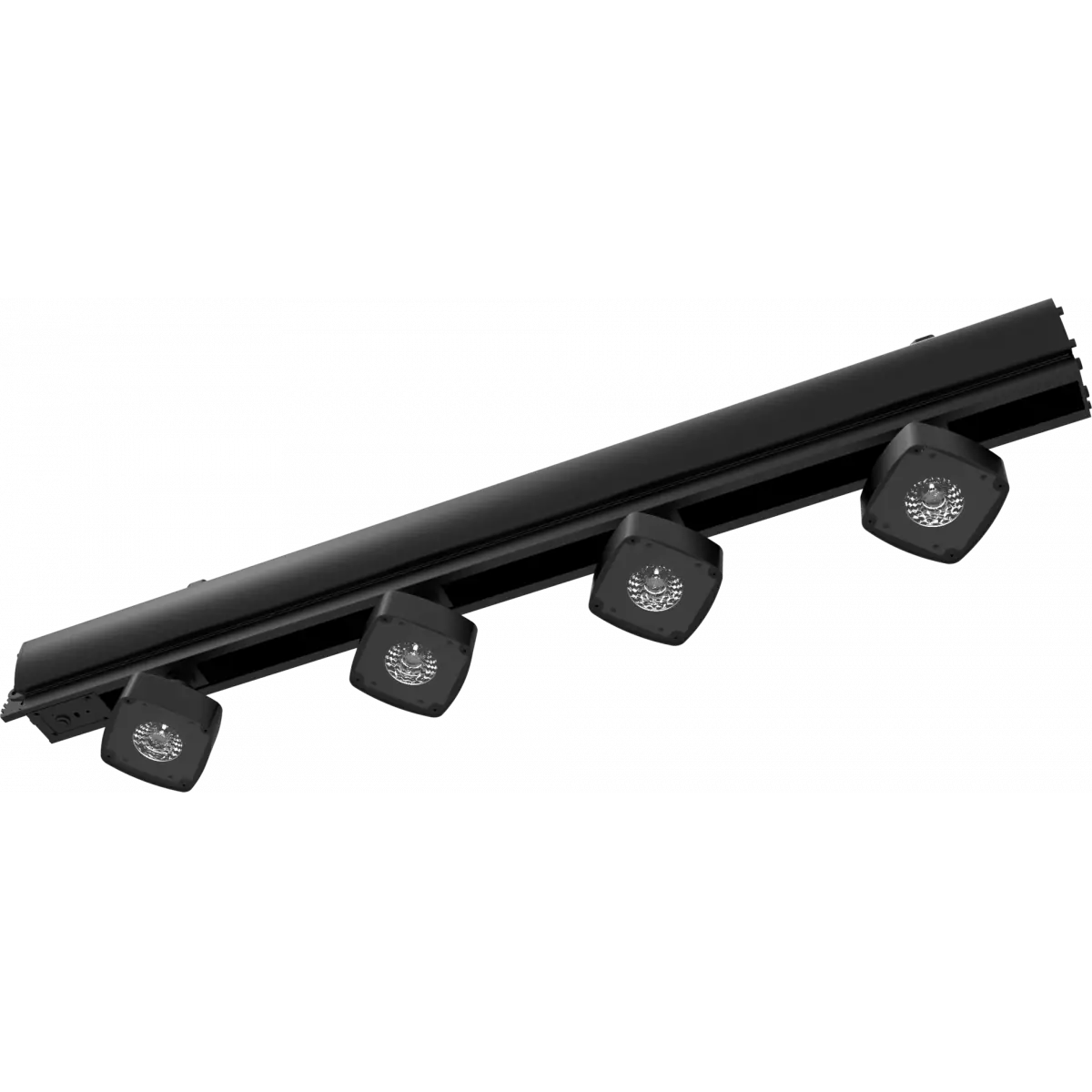
  • Other: Max 6pc MODULASPOT per SMARTMODULA
  • Source life expectancy: > 50.000 h
OPTICS
  • Beam angle: 15°
  • Field angle: 23°
ELECTRICAL
  • Max power consumption: (Single FC) 5,5 W - (Full FC) 33 W - (Single DY) 1,5 W - (Full DY) 9 W
PHYSICAL
  • Dimensions (WxHxD): 80x80x110mm / 3.15''x3.15''x4.33''
  • Weight: 0,25kg / 0.55lbs
CERTIFICATIONS / APPROVALS
  • Certifications / Approvals: CE
BOX CONTENT
  • 2 x MODULASPOT
  • User Manual

Accessories & Related Products

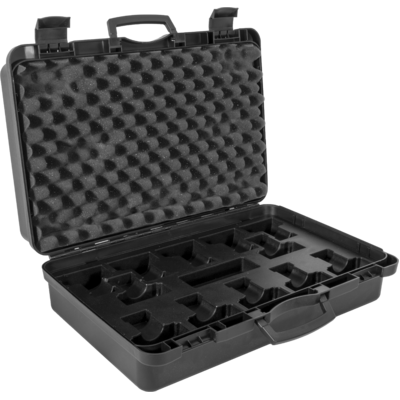
Optional MSPOT12CASE

ABS case to contain 12xMODULASPOT

Order Code: MSPOT12CASE

Optional UPBOXPRO

Firmware uploader kit, USB IN, 5-pin XLR DMX OUT connector

Order Code: UPBOXPRO

Downloads

Technical documentation and support files

Photometrics Photometrics

CAD symbols & drawings CAD symbols & drawings

File name File size Download
2DModulaspot_CAD_2D.dwg(20/08/2018)719KB
3DModulaspot_CAD_3D.dwg(20/08/2018)4MB
Technical drawingModulaspot_TECHNICAL_DRAWING.pdf(09/05/2019)159KB

Firmware


Firmware Update Information

PROLIGHTS product firmware can be updated in several ways, depending on the product and file extension. The available methods are listed in the product specifications in the CONTROL - Firmware upgrade section.

Method/Device File extension Needed software Instructions
UPBOXPRO (*) .PRL UpBox_Tool Guide
USB port .PRL No software needed see User Manual 
Ethernet port .EHEX Professional Uploader Guide
Ethernet port .ALF DMX Workshop Guide

(*) You can still use UPBOX1 and UPBOX2 by checking their compatibility on the product accessories page. To use UPBOX2, you need to download the drivers from the following link.

Note: Some products without DMX or USB inputs may require an additional device and may not be compatible with UPBOXPRO. Check the product accessories page.

UPDATE Instructions

  1. Check the update methods available on your product in the CONTROL - Firmware upgrade section.
  2. Download the firmware and software dedicated for the update.
  3. Follow the update guide available in the firmware folder.
Update Tool: UPBOXPRO UPBOXPRO
Check hardware changelog before downloading firmware
Revision Release date Firmware changelog HW Compatibility
1.1.04 STABLE 08/06/2018

Info Request

NEWSLETTER

Subscribe to our Newsletter

Loading...