




Order Code: PIXIEZOOMXB
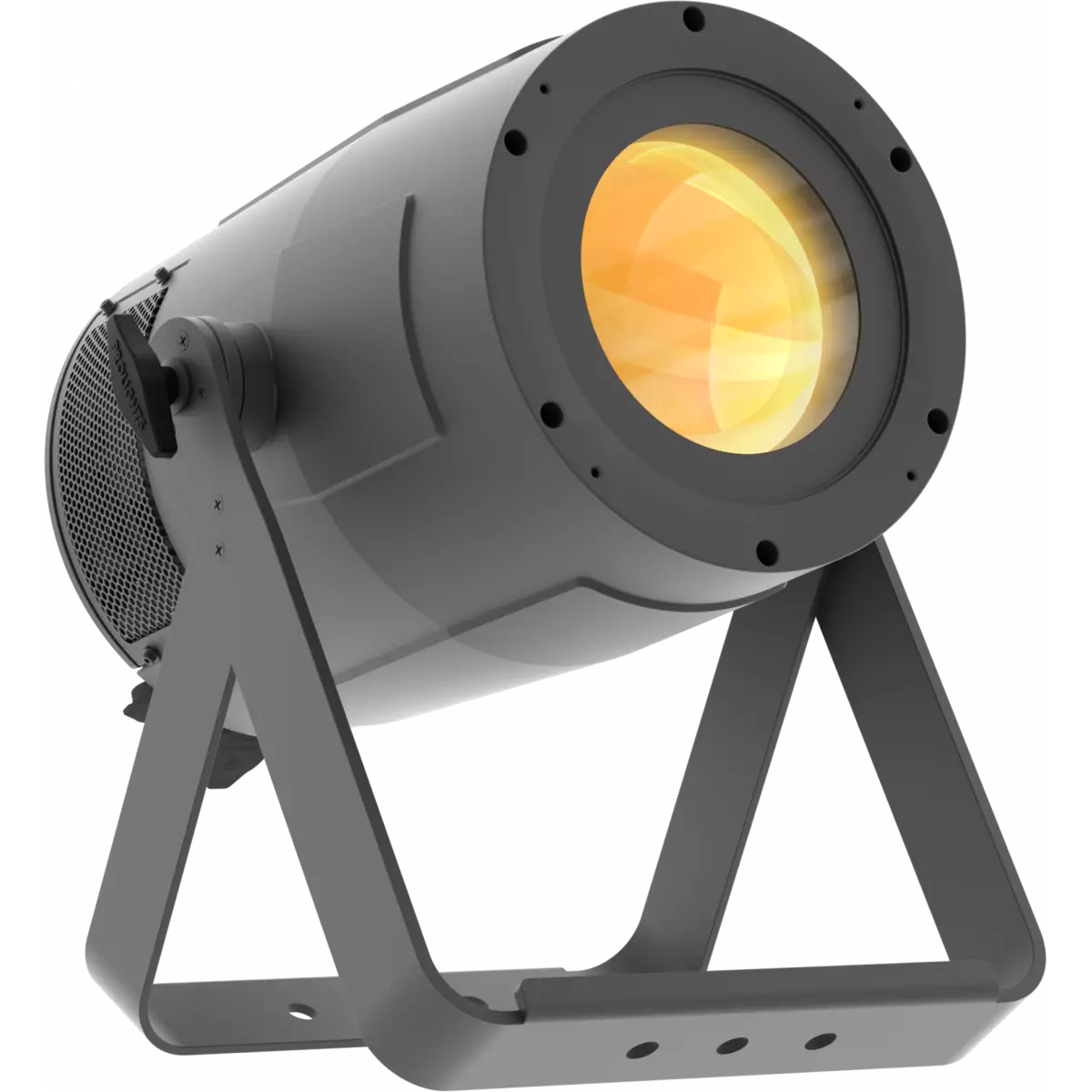
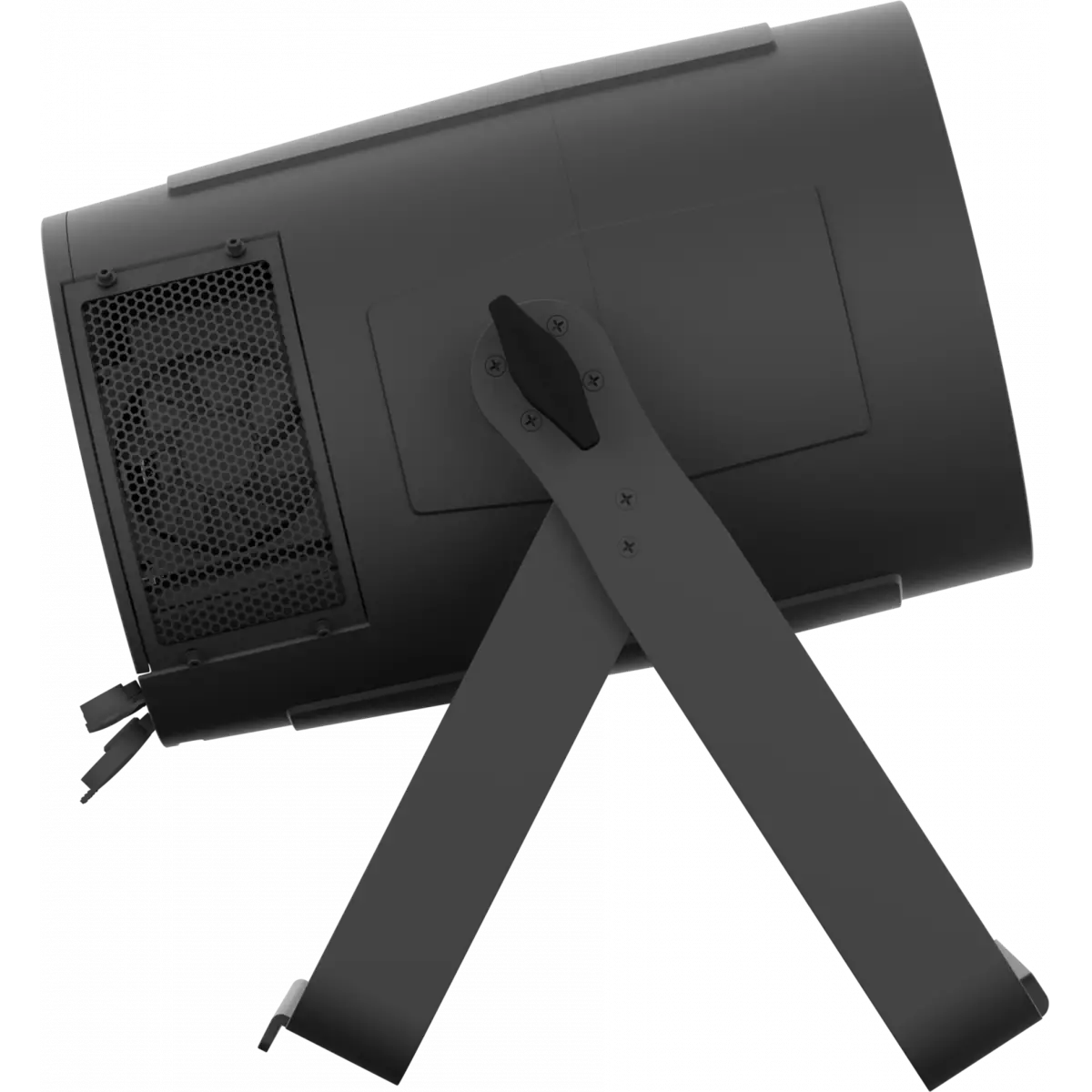
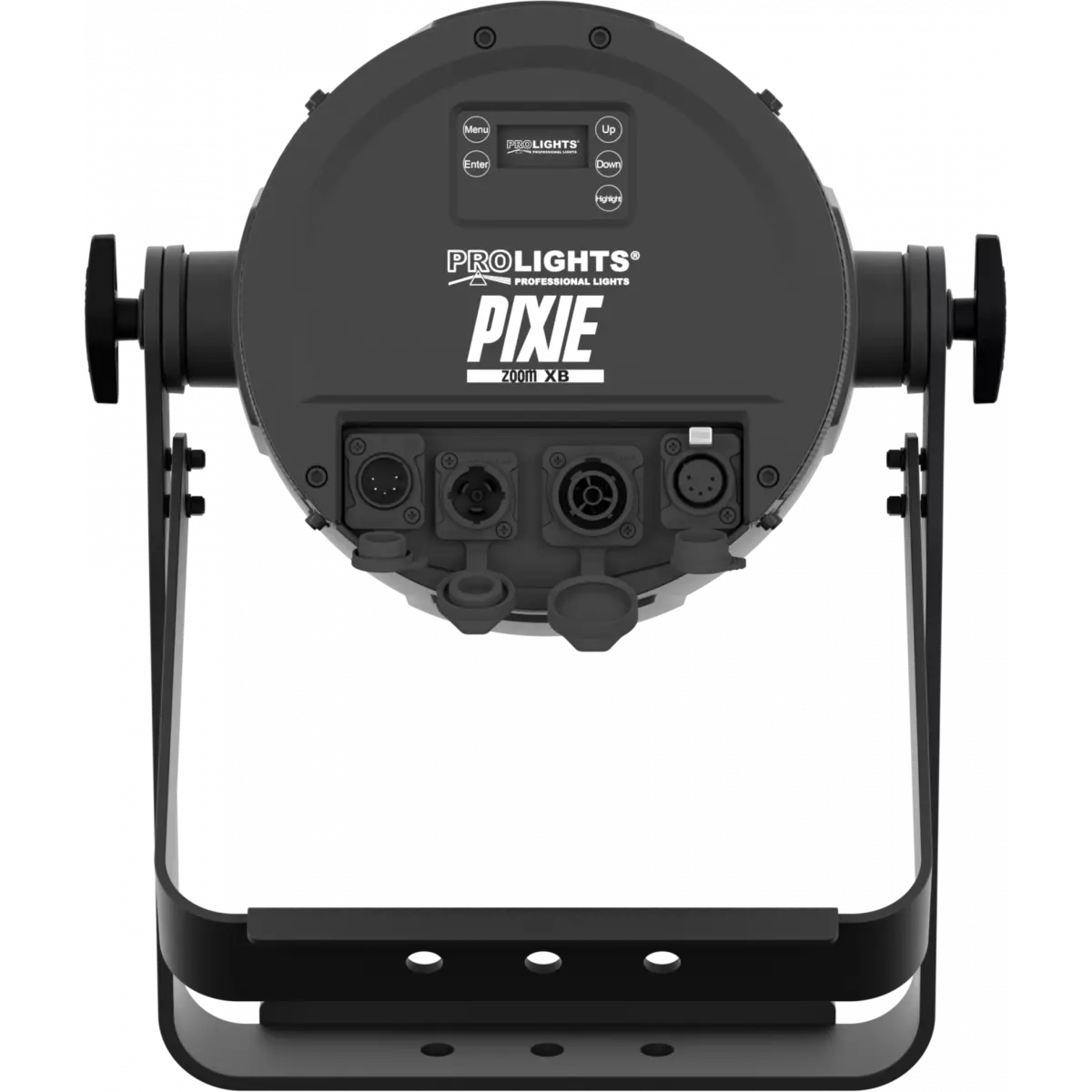
Pixie ZoomXB is a super bright single-source IP rated LED PAR featuring a 7° - 42° linear zoom and a fully homogenised output. Pixie ZoomXB is equipped with a proprietary 280W RGB + Warm White LED module which delivers a high-quality white reproduction with high CRI and TLCI parameters as well an extremely precise colour tuning. Pixie ZoomXB is an ideal solution for any application where users want a superior light quality but without the view of multi-cell fixtures. Being IP rated and offering a wide zoom range, the Pixie ZoomXB offers unprecedented flexibility and is a truly indispensable fixture for every rental company.
Read lessDiscover the Pixie ZoomXB in action
Technical documentation and support files
| File name | File size | Download | |
|---|---|---|---|
| Pixiezoomxb_A4_DATASHEET_(IT).pdf(30/04/2021) | 438KB | ||
| Pixiezoomxb_A4_DATASHEET_(EN).pdf(06/09/2024) | 430KB |
| File name | File size | Download | |
|---|---|---|---|
| Pixiezoomxb_USER_MANUAL.pdf(26/10/2019) | 14MB | ||
| Pixiezoomxb_Wireless_Protocol_Compatibilit_EN.pdf(12/06/2023) | 4MB |
| File name | File size | Download | |
|---|---|---|---|
| Pixiezoomxb_DMX_CHARTS.pdf(26/10/2019) | 53KB |
| File name | File size | Download | |
|---|---|---|---|
| prolights_pixiezoomxb_ies files.zip(09/09/2020) | 42KB | ||
| prolights_pixiezoomxb_ldt files.zip(09/09/2020) | 32KB | ||
| Pixiezoomxb_PHOTOMETRICS_REPORT.pdf(16/03/2020) | 4MB | ||
| Download DIALux product catalogue | - |
| File name | File size | Download | |
|---|---|---|---|
| Pixiezoomxb_3D.rfa(23/04/2021) | 988KB | ||
| Pixiezoomxb_3D.skp(23/03/2020) | 2MB | ||
| Pixiezoomxb_CAD_2D.dwg(28/04/2021) | 9MB | ||
| Pixiezoomxb_CAD_3D.dwg(24/03/2020) | 356KB | ||
| Pixiezoomxb_CAD_2DSYMBOLS.dwg(09/03/2020) | 62KB | ||
| Pixiezoomxb_TECHNICAL_DRAWING.pdf(28/04/2021) | 825KB | ||
| PROLIGHTS_VECTORWORKS_v2025_LIBRARY.vwx(13/05/2025) | 321MB | ||
| PROLIGHTS_VECTORWORKS_v2020_LIBRARY.vwx(13/05/2025) | 276MB | ||
| VECTORWORKS_SYMBOLS.vwx(09/03/2020) | 648KB |
PROLIGHTS product firmware can be updated in several ways, depending on the product and file extension. The available methods are listed in the product specifications in the CONTROL - Firmware upgrade section.
| Method/Device | File extension | Needed software | Instructions |
|---|---|---|---|
| UPBOXPRO (*) | .PRL |
UpBox_Tool | Guide |
| USB port | .PRL |
No software needed | see User Manual |
| Ethernet port | .EHEX |
Professional Uploader | Guide |
| Ethernet port | .ALF |
DMX Workshop | Guide |
(*) You can still use UPBOX1 and UPBOX2 by checking their compatibility on the product accessories page. To use UPBOX2, you need to download the drivers from the following link.
Update Tool: UPBOXPRO |
||||
| Check hardware changelog before downloading firmware | ||||
| Revision | Release date | Firmware changelog | HW Compatibility | |
|---|---|---|---|---|
| 1.4 STABLE | 26/11/2024 | Improvement:
|
Rev. 1.0 Rev. 1.1 |
|
Subscribe to our Newsletter