SOLAR21

Solar 21

DISCONTINUO

Order Code: SOLAR21

Source
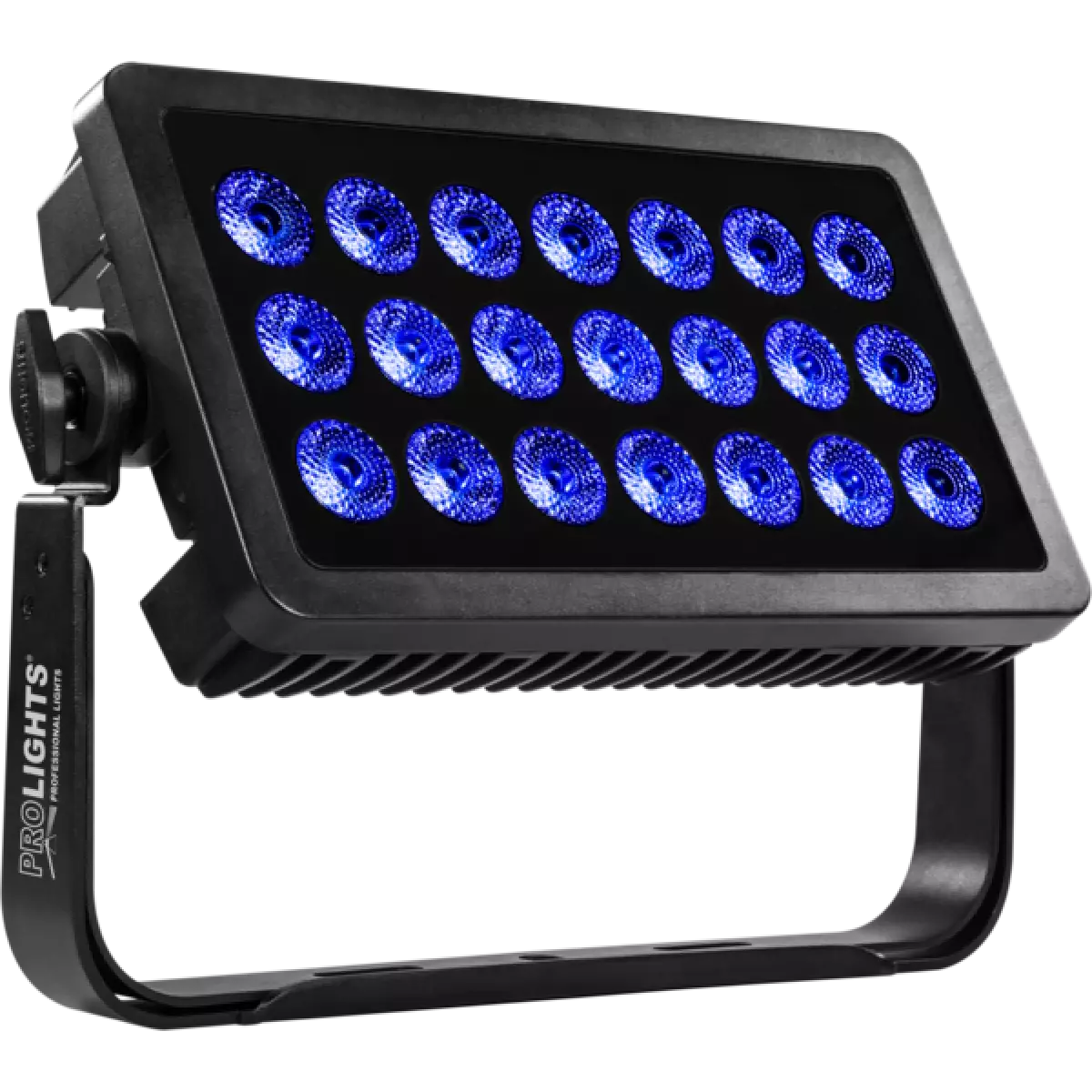
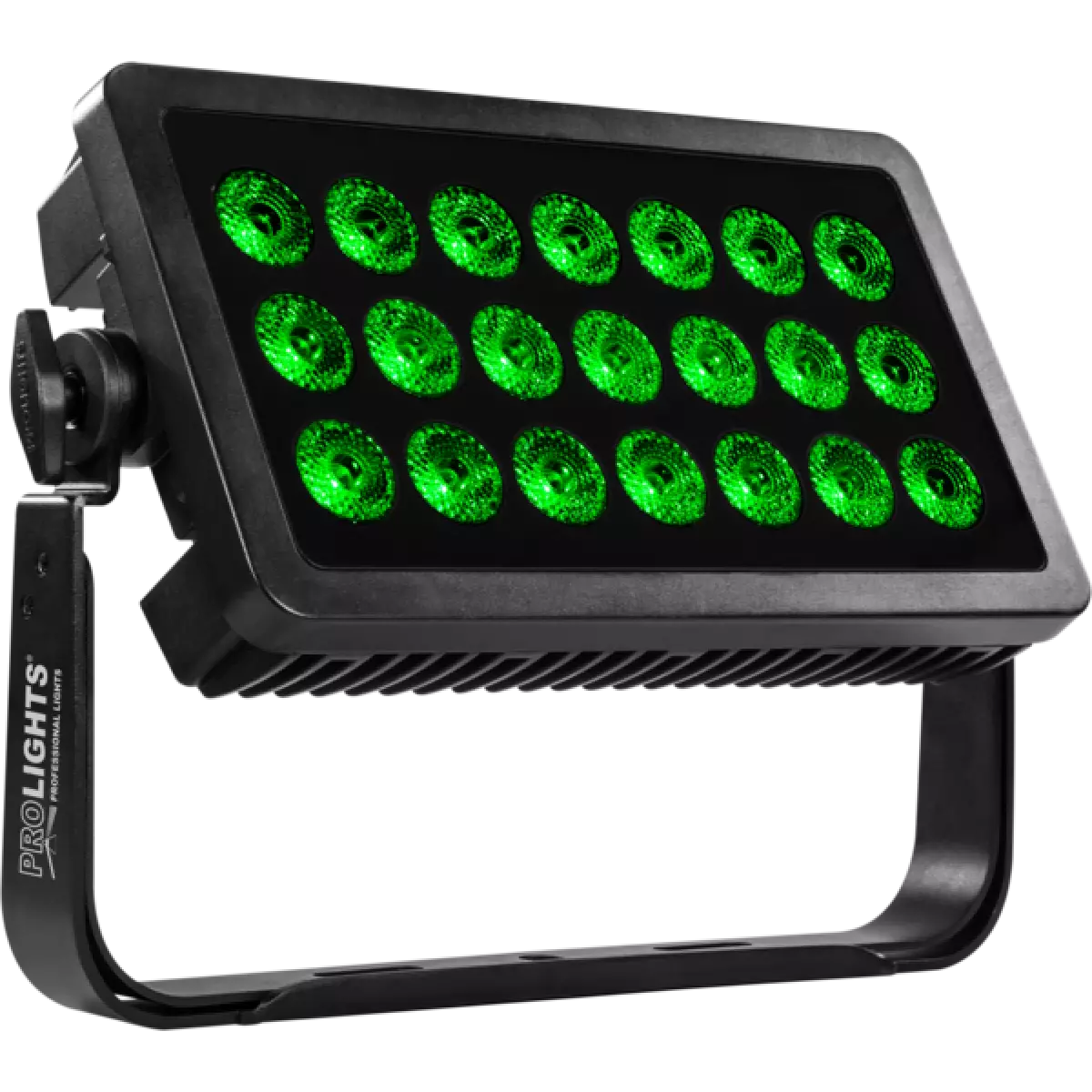
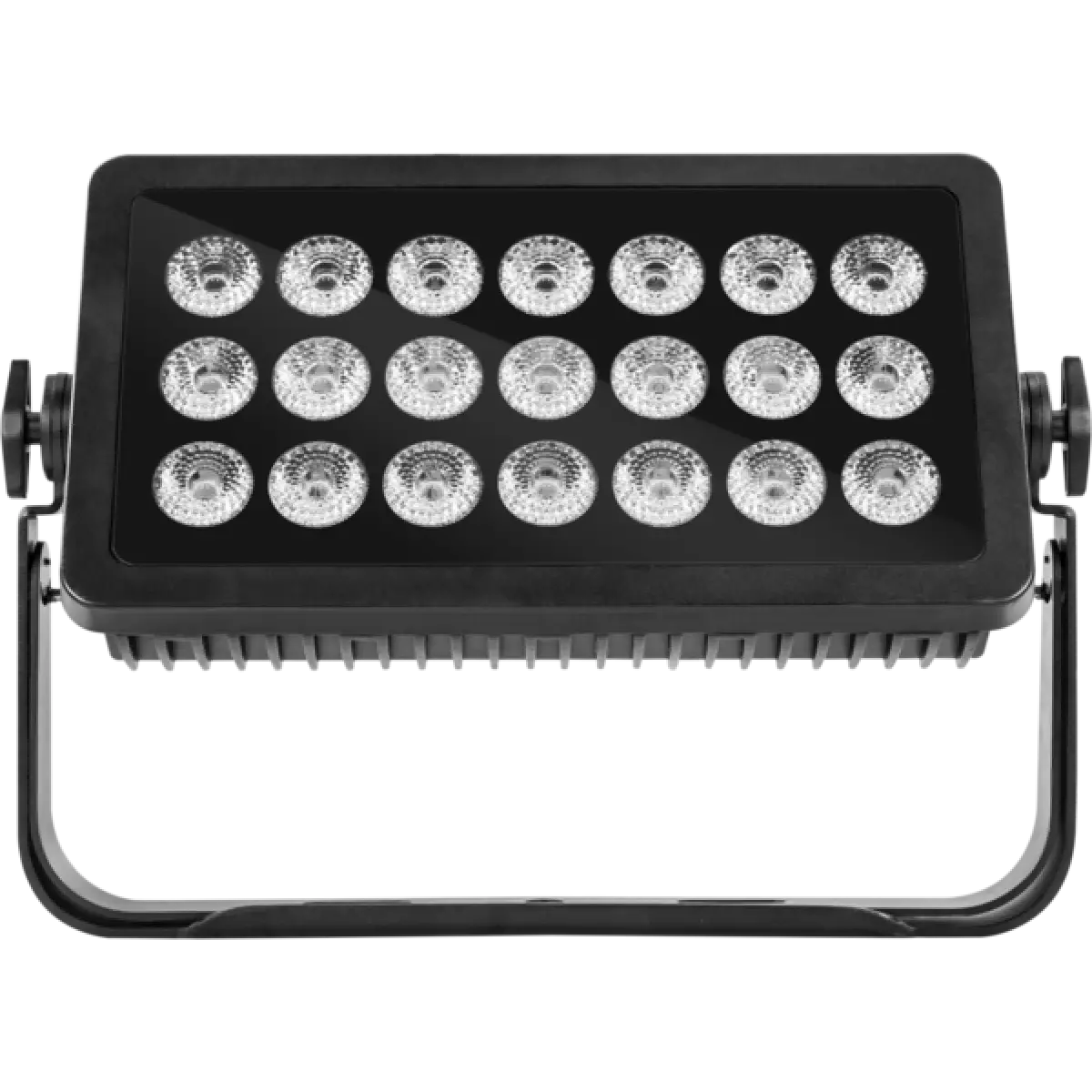
21x10W RGBW LEDs
IP rating
 IP65 for temporary outdoor use
Weight
8,5kg / 18.74lbs 

Key Features

  • 21x10 W RGBW LEDs deliver powerful output with an outstanding spectrum
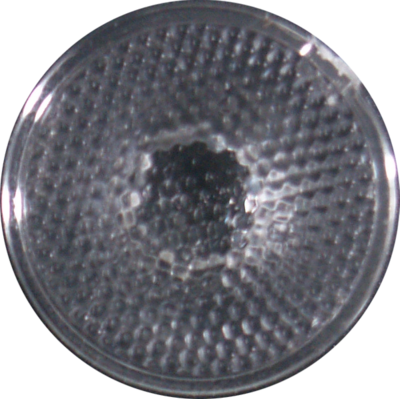
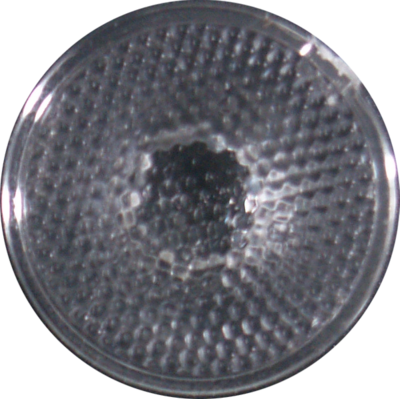
  • Available in 25° or 45° lens options
  • Solid IP65 housing with convection cooling

SOLAR21 is a powerful IP65 LED wash light designed to make buildings and outdoor structures really stand out. Ideal for corporate events, festivals and outdoor stage washes the SOLAR family packs a big punch.

Read less
SOLAR21 is a powerful IP65 LED wash light designed to make buildings and outdoor structures really stand out. Ideal for corporate events, festivals and outdoor stage washes the SOLAR family packs a bi...

Photo Gallery

Specifications

LIGHT SOURCE
  • Source: 21x10W RGBW LEDs
  • Luminous flux: 6'032
  • Lux: 4'072lx @3 m full
  • Source life expectancy: > 50.000 h
OPTICS
  • Beam angle: 25°
  • Field angle: 37°
  • Lens diameter: 45mm / 1.77''
COLOUR SYSTEM
  • CCT: CCT control through dedicated DMX channel
  • White presets: 3.000 K ~ 10.000K
  • Colour wheel: virtual colour wheel with macros
  • Macros: built-in white presets
DYNAMIC EFFECTS
  • Static mode: selection of static colour
  • Manual mode: manual adjustment of colour
  • Auto mode: built-in programs with execution speed adjustment
CONTROL
  • Supported Protocols: DMX512
  • DMX channels: 4 / 6 / 11ch
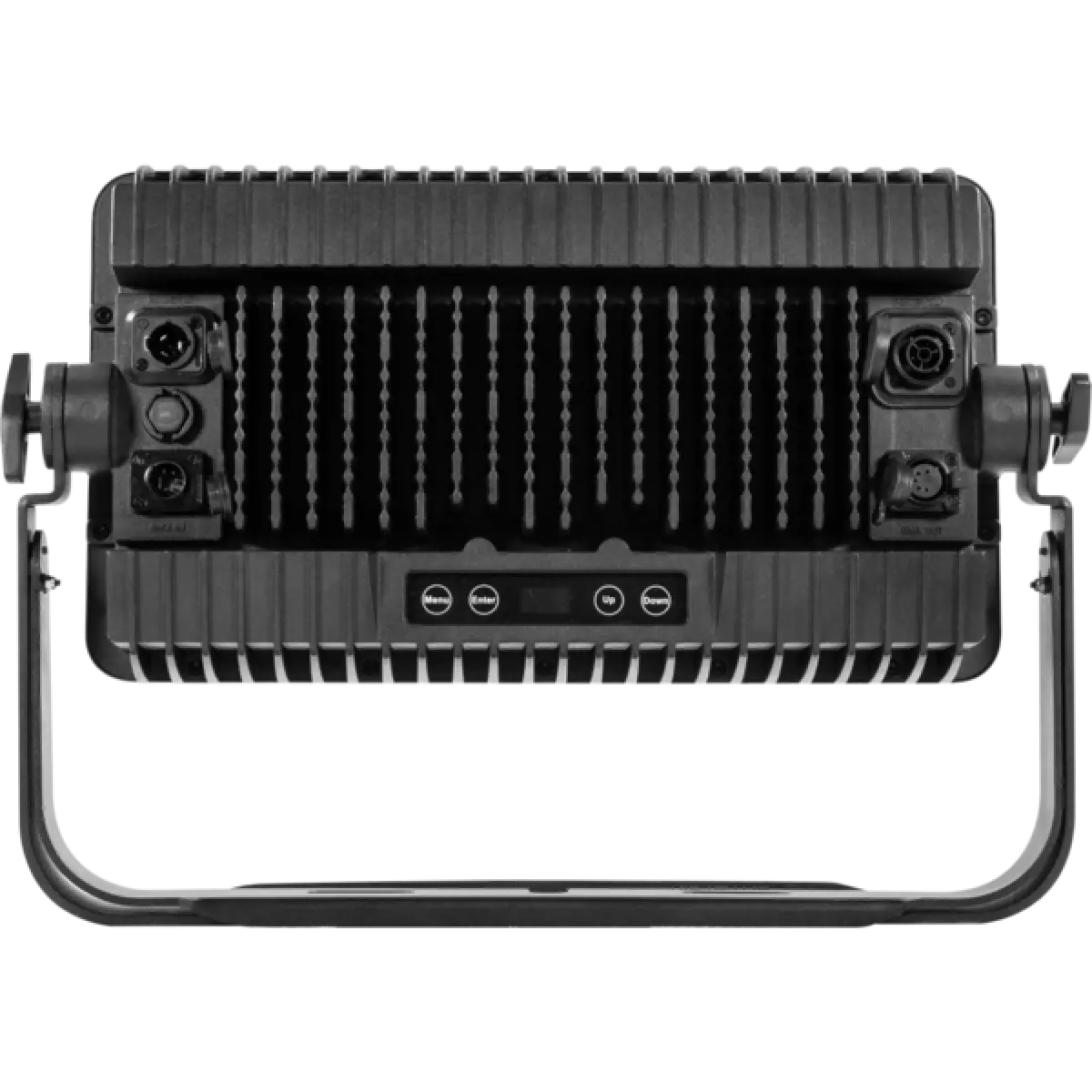
  • Display: black OLED touch display
  • Master/Slave: for synchronised operation of more units linked in a chain
ELECTRONICS
  • Dimmer: linear 0 - 100% electronic dimmer
  • Dimmer curves: 4 selectable dimming modes available
  • Strobe / shutter: 1 - 30 Hz, electronic
  • Display battery: included, self-charging battery backup
  • Selectable PWM: 600 to 25000 Hz (selectable steps)
  • Firmware upgrade with: via DMX with UPBOXPRO/UPBOX1 (not included)
CONNECTIONS
  • Power connection: Seetronic powerCON waterproof IN/OUT connectors
  • Signal connection: Seetronic XLR 5p IN/OUT connectors
ELECTRICAL
  • Mains power supply: 100-240V - 50/60Hz
  • Max power consumption (230V): 176,6W
  • Output (at 230V): 21 units on a single power line
  • Max power consumption (120V): 178W
  • Output (at 120V): 11 units on a single power line
PHYSICAL
  • IP rating: IP65 for temporary outdoor use
  • Cooling: fan-free with natural convection
  • Housing: Sturdy die-cast aluminium body
  • Finish: black
  • Operating temperature: Ta -20 to +45 °C (-4 to +113 °F)
  • Dimensions (WxHxD): 494x349.5x98.5mm / 19.45''x13.76''x3.88''
  • Weight: 8,5kg / 18.74lbs
INSTALLATION
  • Suspension and fixing: double bracket for hanging and floor positioning

Accessories & Related Products

(Included) ARCLUMIL25D45

Optic lens 25°, D.45mm

Order Code: ARCLUMIL25D45

(Optional) ARCLUMIL15D45

Optic lens 15°, D.45mm

Order Code: ARCLUMIL15D45

(Optional) UPBOXPRO

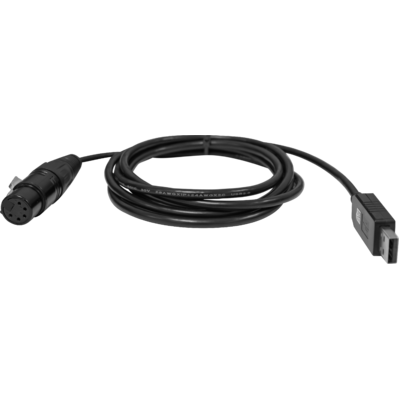
Firmware uploader kit, USB IN, 5-pin XLR DMX OUT connector

Order Code: UPBOXPRO

Downloads

Technical documentation and support files

User manual User manual

File name File size Download
User manualSolar21_USER_MANUAL_ITEN.pdf(17/03/2017)1MB

DMX chart & personalities DMX chart & personalities

File name File size Download
DMX chartSolar21_DMX_CHARTS.pdf(07/11/2017)73KB

SOLAR21 Firmware rev. 2.4

manufacturer fixture library (Link) Link
prolights_solar21_4ch.hedDownload
prolights_solar21_6ch.hedDownload
prolights_solar21_11ch.hedDownload
manufacturer fixture library (Link) Link
prolights_solar21_ma2.zipDownload
manufacturer fixture library (Link) Link
solar 21 4 channel.fix2Download
solar 21 6 channel.fix2Download
solar 21 11 channel.fix2Download

Photometrics Photometrics

File name File size Download
IESprolights_solar21_ies_files.zip(10/04/2026)83KB
PhotometricsSolar21_PHOTOMETRICS.pdf(07/08/2018)592KB
DialuxDownload DIALux product catalogue-

CAD symbols & drawings CAD symbols & drawings

File name File size Download
2DSolar21_CAD_2D.dwg(23/08/2018)3MB
3DSolar21_CAD_3D.dwg(09/10/2019)44MB
Technical drawingSolar21_TECHNICAL_DRAWING.pdf(09/05/2019)468KB

Firmware


Firmware Update Information

Methods are listed in the product specs - ELECTRONICS > Firmware upgrade.

Method / Device Extension Required software Instructions
UPBOXPRO (*) .PRL UpBox_Tool Guide
USB port .PRL No software needed see User Manual
Ethernet port .EHEX Professional Uploader Guide
Ethernet port .ALF DMX Workshop Guide

(*) UPBOX1 and UPBOX2 are still usable - check compatibility on the product accessories page. UPBOX2 requires drivers from this link.

Note: Some products without DMX or USB inputs may require an additional device and may not be compatible with UPBOXPRO - see the products list.

Update procedure
  1. Check the update methods on your product (ELECTRONICS> Firmware upgrade).
  2. Download the firmware and the dedicated software.
  3. Follow the update guide included in the firmware folder.
Update Tool: UPBOXPRO UPBOXPRO
Check hardware changelog before downloading firmware
Revision Release date Firmware changelog HW Compatibility
2.4 STABLE 17/12/2018 10 second default display backlight.

Info Request

NEWSLETTER

Subscribe to our Newsletter

Loading...