Order Code: Z8STRIP
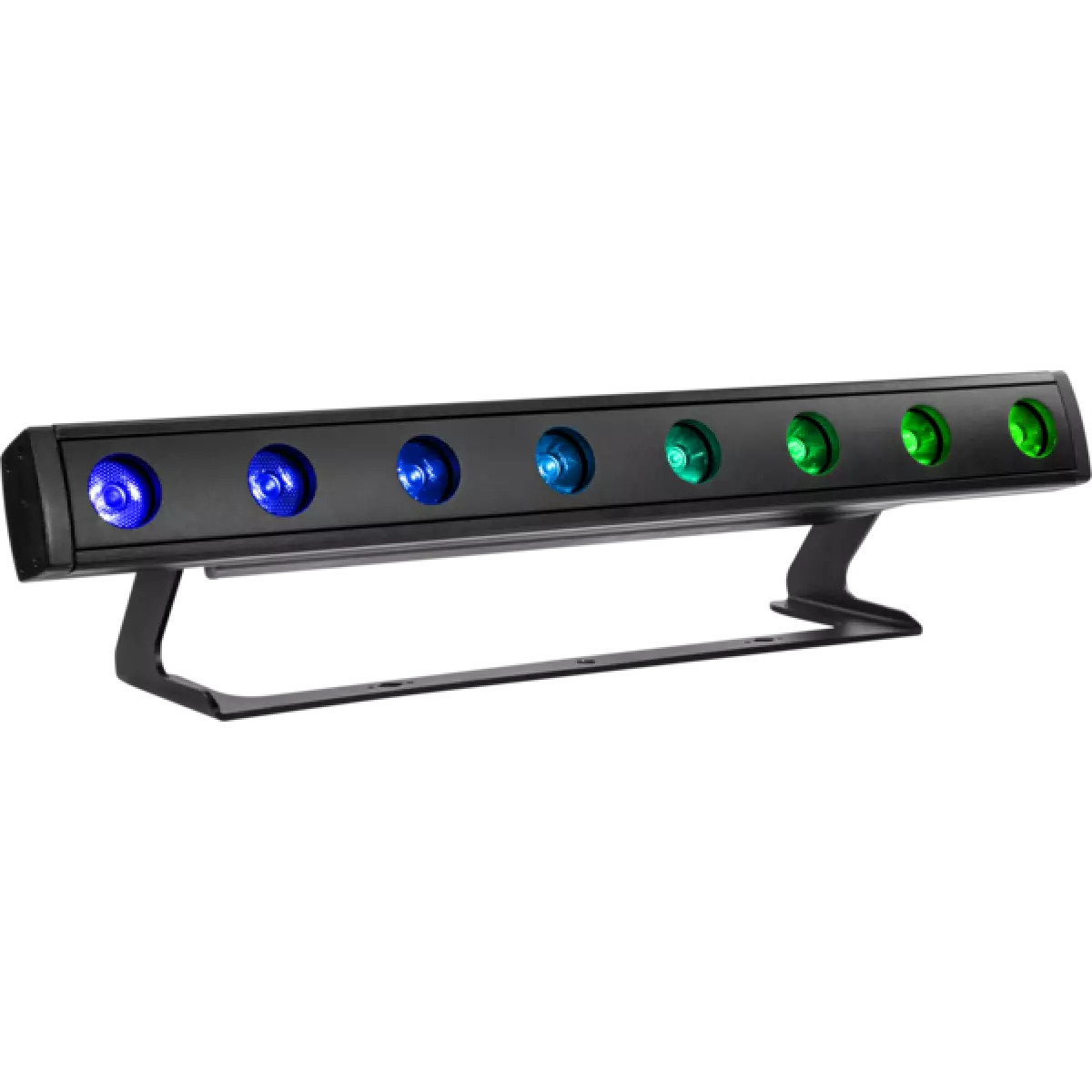
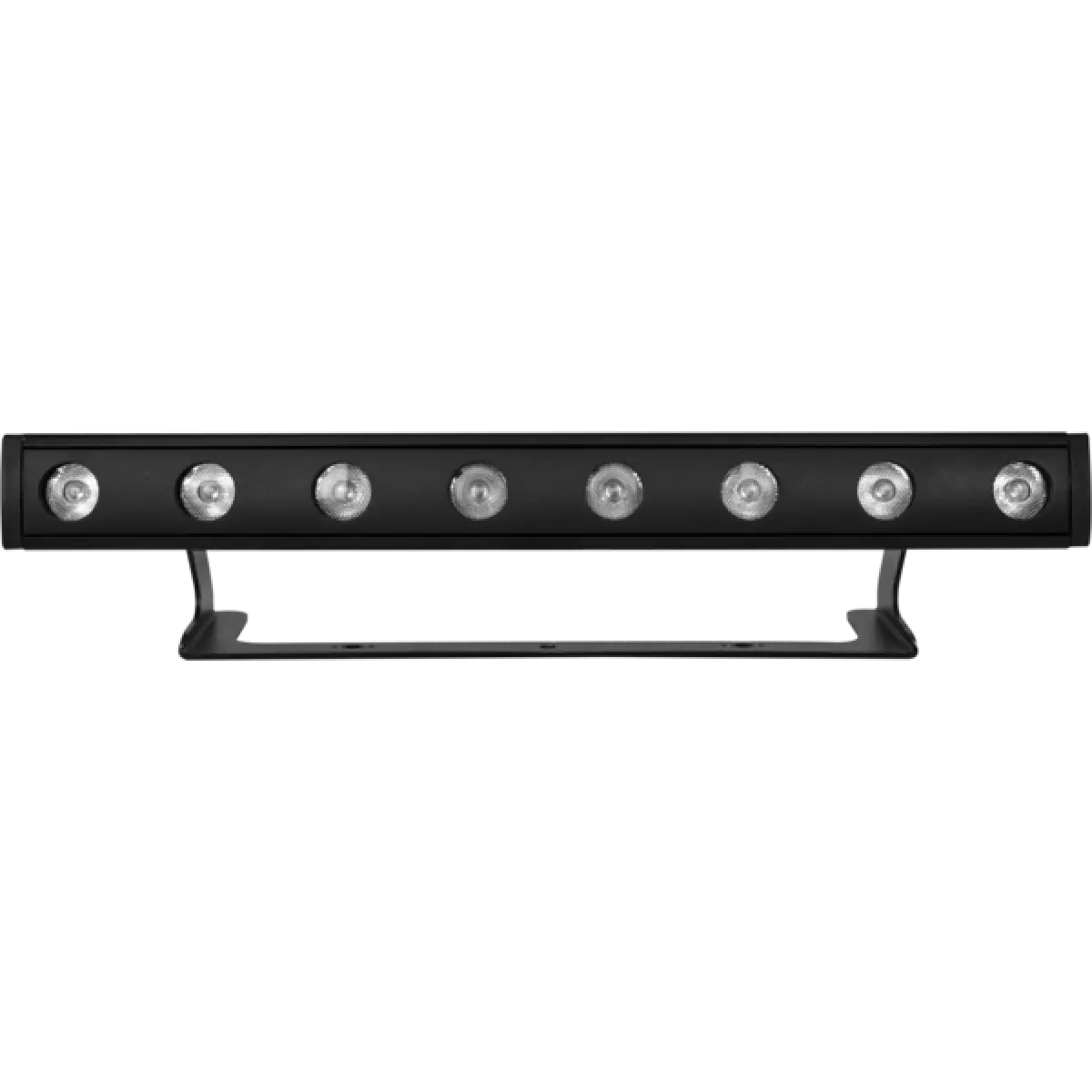
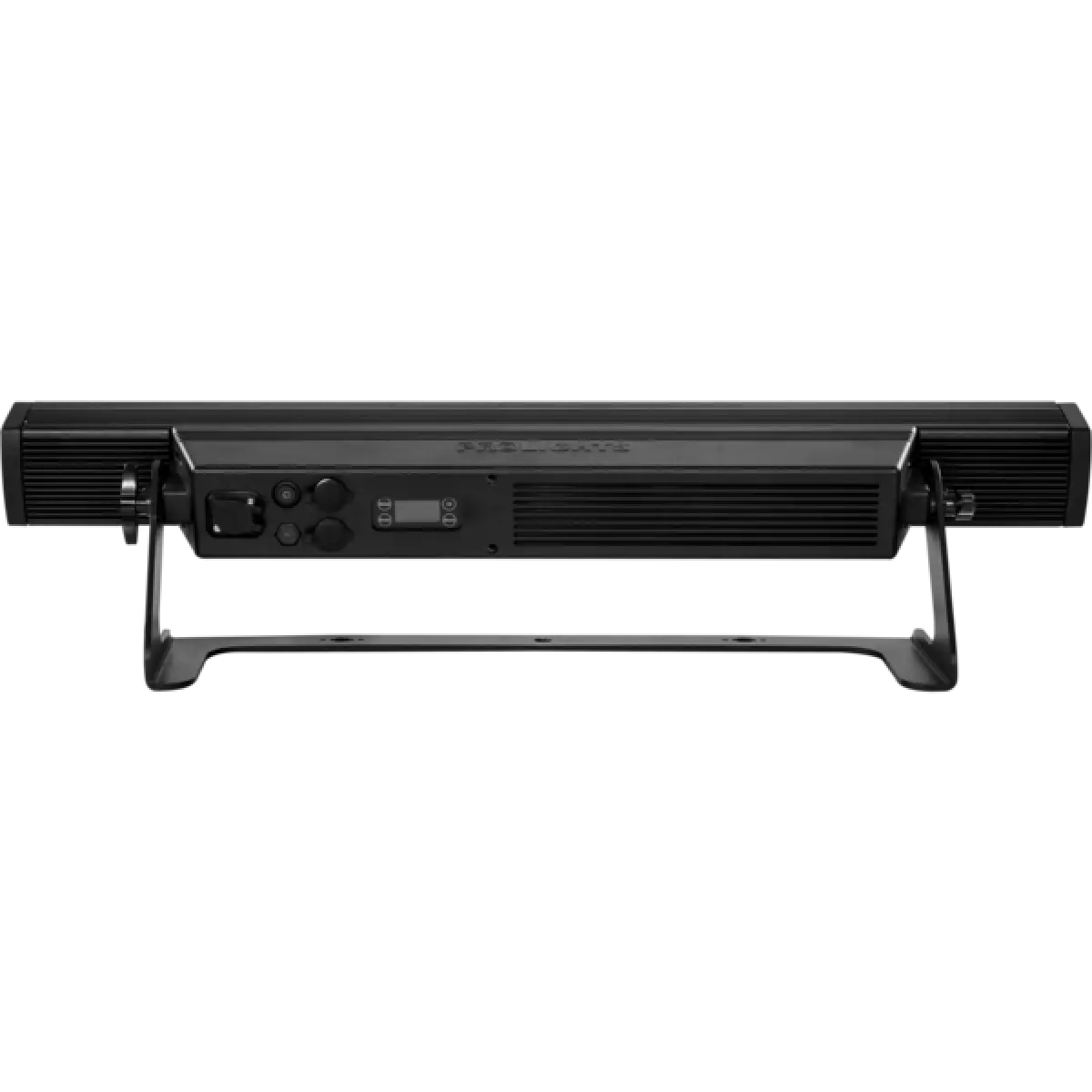
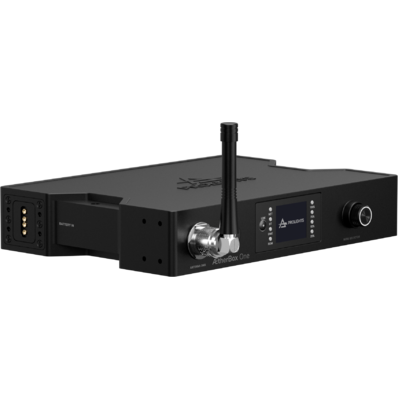
Z 8Strip is a new generation battery operated fixture that marks a new step in wireless lighting technology, being one of the brightest portable fixtures in the event industry. Z 8Strip is encased in IP65 rated housing allowing it to meet any working condition. Featuring 8x10 W high-power RGBW full colour CREE LEDs pixel controlled to achieve high brightness and can also a favourite for temporary architectural installations. Z 8Strip is equipped with a lithium battery pack allowing it to be left out for up to 16 hours (colour-changing) and W-DMX control for full cable-free operations.
Read lessTechnical documentation and support files
| File name | File size | Download | |
|---|---|---|---|
| Z8strip_A4_DATASHEET_(IT).pdf(04/05/2021) | 198KB | ||
| Z8strip_A4_DATASHEET_(EN).pdf(02/09/2021) | 199KB |
| File name | File size | Download | |
|---|---|---|---|
| Z8strip_USER_MANUAL_ITEN.pdf(07/02/2023) | 1MB | ||
| GENERAL_BATTERY_SAFETY_INFO.pdf(27/04/2023) | 3MB | ||
| Z8strip_GENERAL_SAFETY_INFO.pdf(26/04/2023) | 10MB | ||
| Z8strip_Wireless_Protocol_Compatibilit_EN.pdf(12/06/2023) | 4MB |
| File name | File size | Download | |
|---|---|---|---|
| Z8strip_DMX_CHARTS.pdf(01/02/2018) | 56KB |
| File name | File size | Download | |
|---|---|---|---|
| prolights_z8strip_blue_10°.ies(25/07/2018) | 64KB | ||
| prolights_z8strip_full_10°.ies(25/07/2018) | 64KB | ||
| prolights_z8strip_green_10°.ies(25/07/2018) | 64KB | ||
| prolights_z8strip_red_10°.ies(25/07/2018) | 64KB | ||
| prolights_z8strip_white_10°.ies(25/07/2018) | 64KB | ||
| Download DIALux product catalogue | - |
| File name | File size | Download | |
|---|---|---|---|
| Z8strip_3D.rvt(09/03/2020) | 377KB | ||
| Z8strip_3D.skp(26/03/2020) | 265KB | ||
| Z8strip_CAD_2D.dwg(28/04/2021) | 2MB | ||
| Z8strip_CAD_3D.dwg(18/02/2020) | 658KB | ||
| Z8strip_CAD_2DSYMBOLS.dwg(09/03/2020) | 57KB | ||
| Z8strip_TECHNICAL_DRAWING.pdf(28/04/2021) | 181KB | ||
| PROLIGHTS_VECTORWORKS_v2025_LIBRARY.vwx(13/05/2025) | 321MB | ||
| PROLIGHTS_VECTORWORKS_v2020_LIBRARY.vwx(13/05/2025) | 276MB | ||
| VECTORWORKS_SYMBOLS.vwx(09/03/2020) | 219KB |
PROLIGHTS product firmware can be updated in several ways, depending on the product and file extension. The available methods are listed in the product specifications in the CONTROL - Firmware upgrade section.
| Method/Device | File extension | Needed software | Instructions |
|---|---|---|---|
| UPBOXPRO (*) | .PRL |
UpBox_Tool | Guide |
| USB port | .PRL |
No software needed | see User Manual |
| Ethernet port | .EHEX |
Professional Uploader | Guide |
| Ethernet port | .ALF |
DMX Workshop | Guide |
(*) You can still use UPBOX1 and UPBOX2 by checking their compatibility on the product accessories page. To use UPBOX2, you need to download the drivers from the following link.
Update Tool: UPBOXPRO |
||||
| Check hardware changelog before downloading firmware | ||||
| Revision | Release date | Firmware changelog | HW Compatibility | |
|---|---|---|---|---|
| 1.3 STABLE | 17/12/2018 | 10 second default display backlight. | Rev. 1 |
|
Subscribe to our Newsletter