Order Code: ECLPARFC
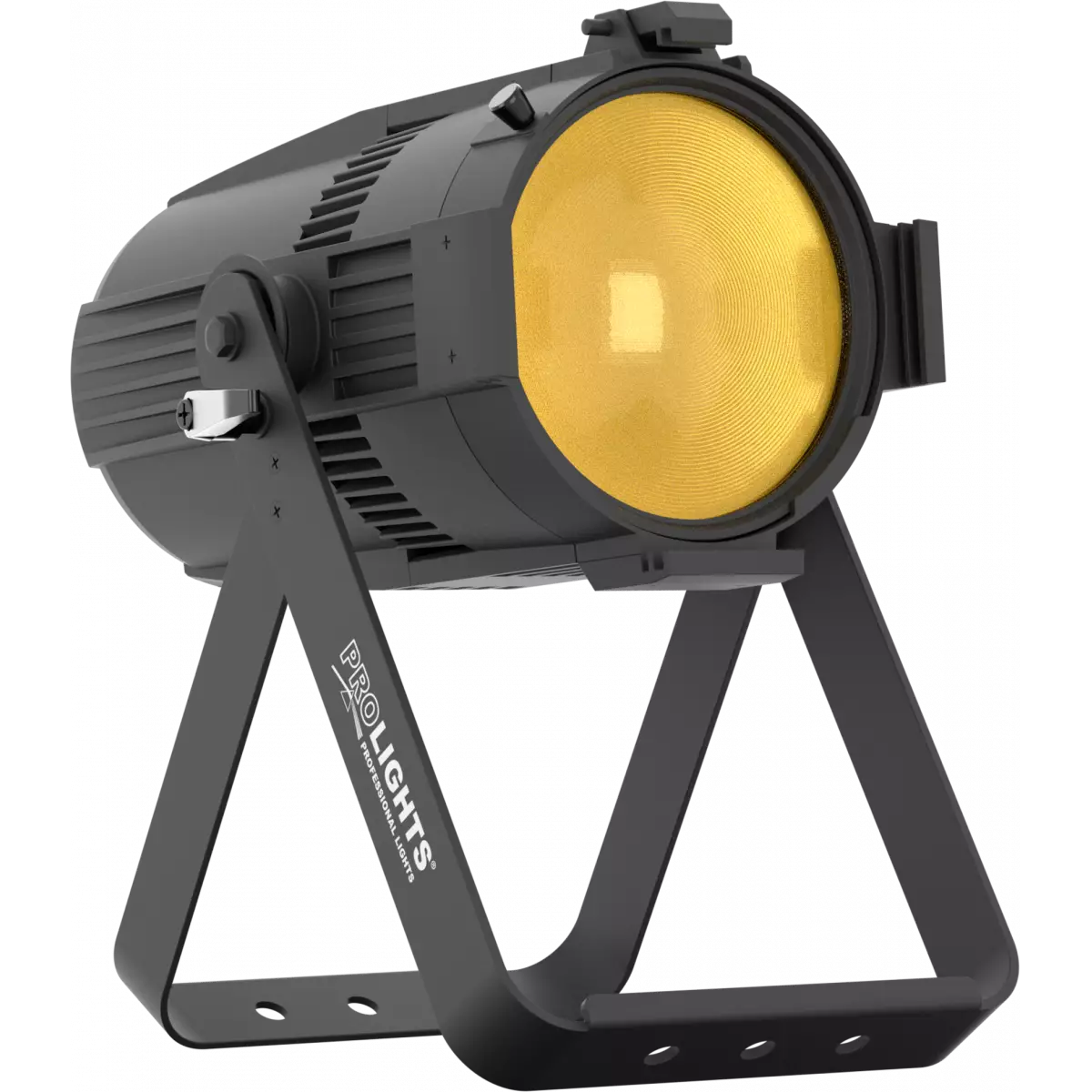
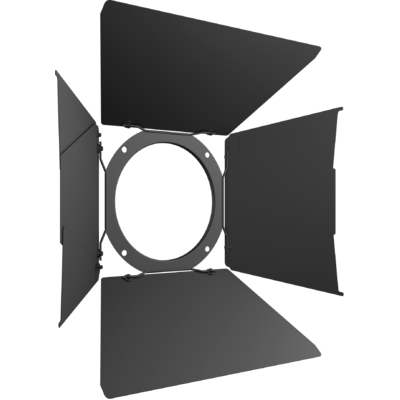
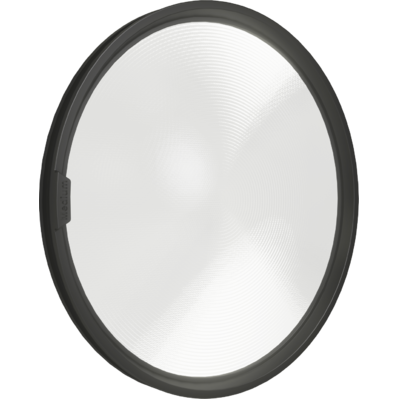
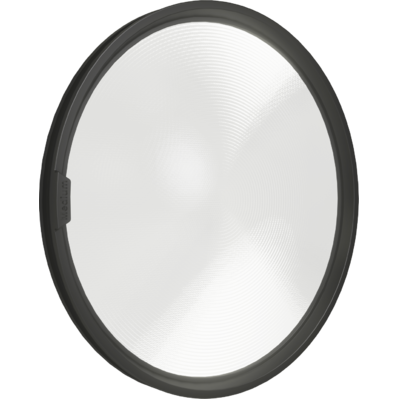
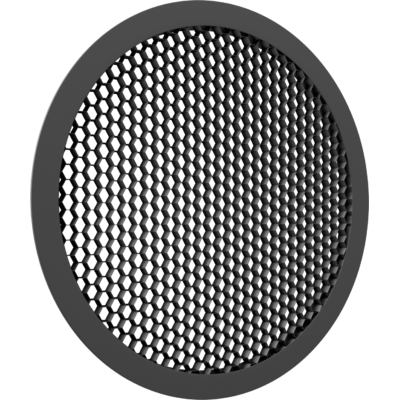
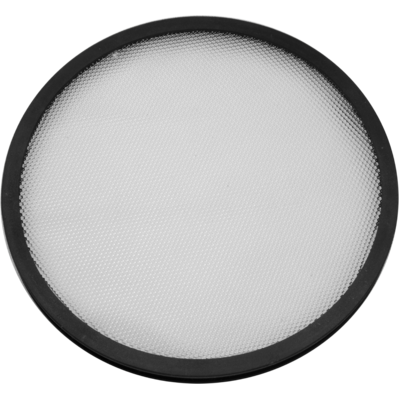
EclPar FC is a range of multipurpose LED fixtures with a single source, delivering silent operation, high quality of light and optical flexibility, designed to redefine the standard for theatrical, TVs and corporate applications. EclPar FC features a 150W RGB + Warm White and delivers a superior white CTC with +/- tint control, red-shift (CRI > 95 and R9 > 98 @3.200 K) and colour mixing. The fixture includes an extensive range of accessories including barn doors, filter frame, egg crate and a multitude of interchangeable lenses. EclPar FC features a smooth 16-bit dimming as well as RDM control and adjustable PWM providing eye-candy.
Read lessDiscover the EclPar FC in action
Technical documentation and support files
| File name | File size | Download | |
|---|---|---|---|
| Eclparfc_A4_DATASHEET_(IT).pdf(05/05/2021) | 415KB | ||
| Eclparfc_A4_DATASHEET_(EN).pdf(03/09/2021) | 419KB | ||
| Eclparfc_TENDER_SPECIFICATION.pdf(21/10/2020) | 4MB |
| File name | File size | Download | |
|---|---|---|---|
| Eclparfc_USER_MANUAL.pdf(11/12/2020) | 3MB |
| File name | File size | Download | |
|---|---|---|---|
| Eclparfc_DMX_CHARTS.pdf(11/12/2020) | 64KB |
| File name | File size | Download | |
|---|---|---|---|
| prolights_eclparfc_ies files.zip(10/07/2020) | 22KB | ||
| prolights_eclparfc_ldt files.zip(10/07/2020) | 17KB | ||
| Eclparfc_PHOTOMETRICS_REPORT.pdf(13/07/2020) | 4MB | ||
| Download DIALux product catalogue | - |
| File name | File size | Download | |
|---|---|---|---|
| Eclparfc_3D.rfa(23/04/2021) | 500KB | ||
| Eclparfc_3D.skp(23/07/2021) | 502KB | ||
| Eclparfc_CAD_2D.dwg(23/04/2020) | 8MB | ||
| Eclparfc_CAD_3D.dwg(19/07/2021) | 588KB | ||
| Eclparfc_CAD_2DSYMBOLS.dwg(23/04/2020) | 32KB | ||
| Eclparfc_TECHNICAL_DRAWING.pdf(23/04/2020) | 478KB | ||
| PROLIGHTS_VECTORWORKS_v2025_LIBRARY.vwx(13/05/2025) | 321MB | ||
| PROLIGHTS_VECTORWORKS_v2020_LIBRARY.vwx(13/05/2025) | 276MB | ||
| VECTORWORKS_SYMBOLS.vwx(04/10/2021) | 496KB |
PROLIGHTS product firmware can be updated in several ways, depending on the product and file extension. The available methods are listed in the product specifications in the CONTROL - Firmware upgrade section.
| Method/Device | File extension | Needed software | Instructions |
|---|---|---|---|
| UPBOXPRO (*) | .PRL |
UpBox_Tool | Guide |
| USB port | .PRL |
No software needed | see User Manual |
| Ethernet port | .EHEX |
Professional Uploader | Guide |
| Ethernet port | .ALF |
DMX Workshop | Guide |
(*) You can still use UPBOX1 and UPBOX2 by checking their compatibility on the product accessories page. To use UPBOX2, you need to download the drivers from the following link.
Update Tool: UPBOXPRO |
||||
| Check hardware changelog before downloading firmware | ||||
| Revision | Release date | Firmware changelog | HW Compatibility | |
|---|---|---|---|---|
| 1.5 STABLE | 31/05/2021 | |||
| 1.4 STABLE | 18/08/2020 | Improved fan management | Rev. 1.0 |
|
Subscribe to our Newsletter