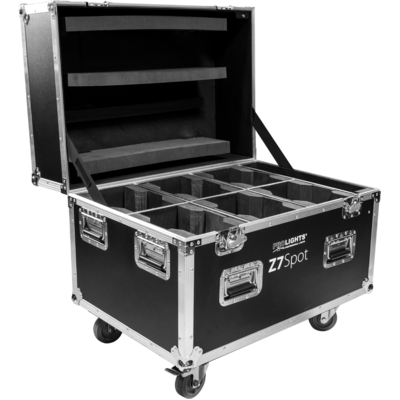
Order Code: Z7SPOT
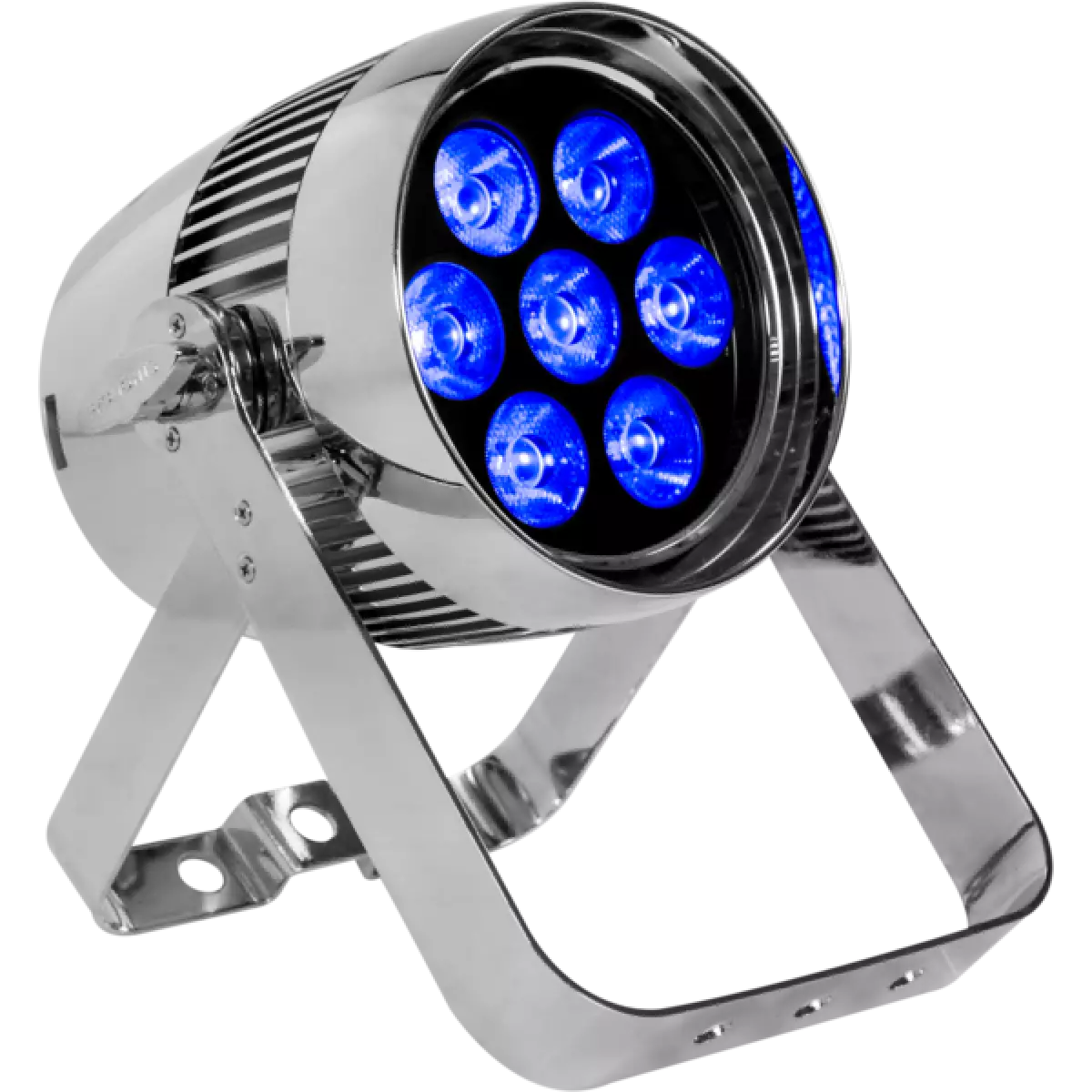
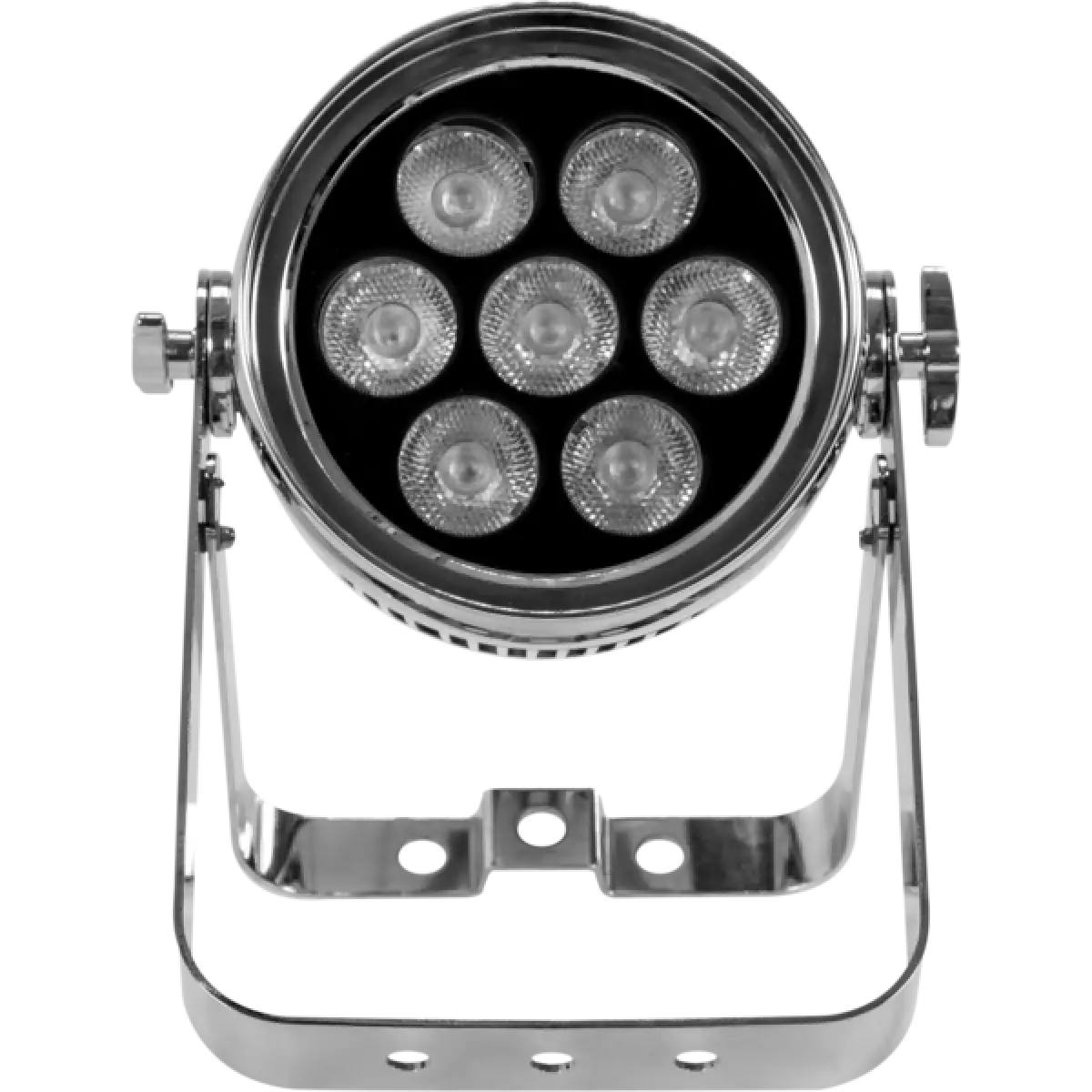
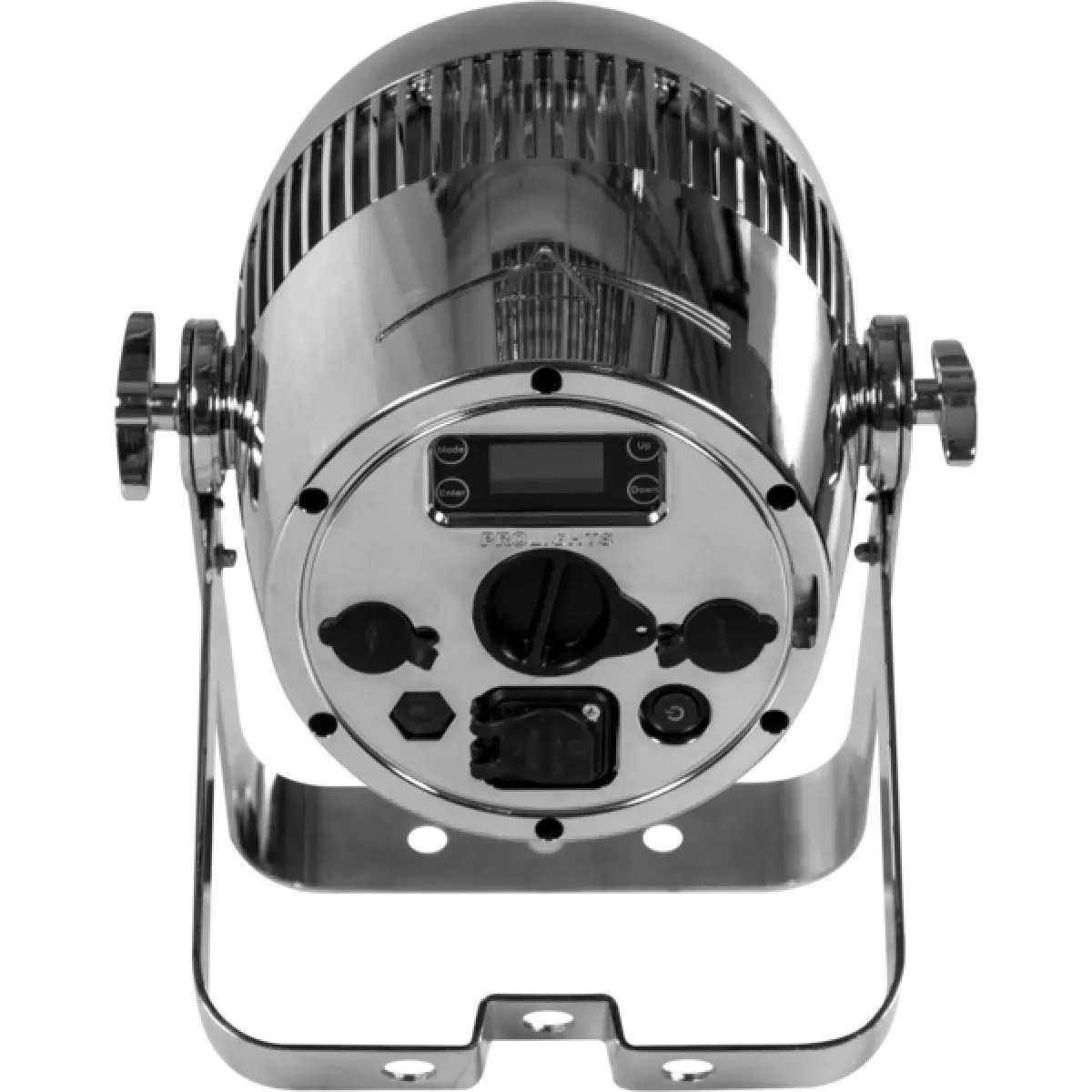
Z 7Spot è un proiettore PAR LED a batteria, tra i più potenti della sua fascia che integra una protezione IP65 ad una sorgente di 7x10W RGBW/FC CREE LED e un ottica 10° per ottenere il massimo dell'efficienza luminosa. Il tutto in una struttura cromata e compatta. Z 7Spot può inoltre essere utilizzato per installazioni architetturali temporanee grazia alla lunga durata della batteria.
Read lessTechnical documentation and support files
| File name | File size | Download | |
|---|---|---|---|
| Z7spot_A4_DATASHEET_(IT).pdf(04/05/2021) | 213KB | ||
| Z7spot_A4_DATASHEET_(EN).pdf(02/09/2021) | 239KB |
| File name | File size | Download | |
|---|---|---|---|
| Z7spot_USER_MANUAL_ITEN.pdf(01/08/2017) | 2MB |
| File name | File size | Download | |
|---|---|---|---|
| Z7spot_DMX_CHARTS.pdf(01/02/2018) | 46KB |
| File name | File size | Download | |
|---|---|---|---|
| prolights_z7spot_blue_15°.ies(17/07/2018) | 64KB | ||
| prolights_z7spot_full_15°.ies(17/07/2018) | 64KB | ||
| prolights_z7spot_green_15°.ies(17/07/2018) | 64KB | ||
| prolights_z7spot_red_15°.ies(17/07/2018) | 64KB | ||
| prolights_z7spot_white_15°.ies(17/07/2018) | 64KB | ||
| Download DIALux product catalogue | - |
| File name | File size | Download | |
|---|---|---|---|
| Z7spot_CAD_3D.dwg(10/10/2019) | 41MB | ||
| Z7spot_CAD_2D.dwg(28/04/2021) | 2MB | ||
| Z7spot_TECHNICAL_DRAWING.pdf(28/04/2021) | 409KB |
Il firmware dei prodotti PROLIGHTS può essere aggiornato in diversi modi in base al prodotto e all'estensione del file. I metodi disponibili sono indicati nelle specifiche del prodotto nella sezione CONTROL - Firmware upgrade.
| Metodo/Dispositivo | Estensione file | Software necessario | Istruzioni |
|---|---|---|---|
| UPBOXPRO (*) | .PRL |
UpBox_Tool | Guida |
| USB port | .PRL |
Nessun software necessario | vedere User Manual |
| Ethernet port | .EHEX |
Professional Uploader | Guida |
| Ethernet port | .ALF |
DMX Workshop | Guida |
(*) È ancora possibile utilizzare UPBOX1 e UPBOX2 verificandone la compatibilità nella pagina degli accessori del prodotto. Per utilizzare UPBOX2 è necessario scaricare i driver dal seguente link.
Update Tool: UPBOXPRO |
||||
| Check hardware changelog before downloading firmware | ||||
| Revisione | Data Rilascio | Firmware changelog | HW Compatibility | |
|---|---|---|---|---|
| 1.4 STABLE | 05/12/2018 | 10 second default display backlight | ||
Iscriviti alla nostra Newsletter