Z7SPOT

Z 7Spot

Order Code: Z7SPOT

Source
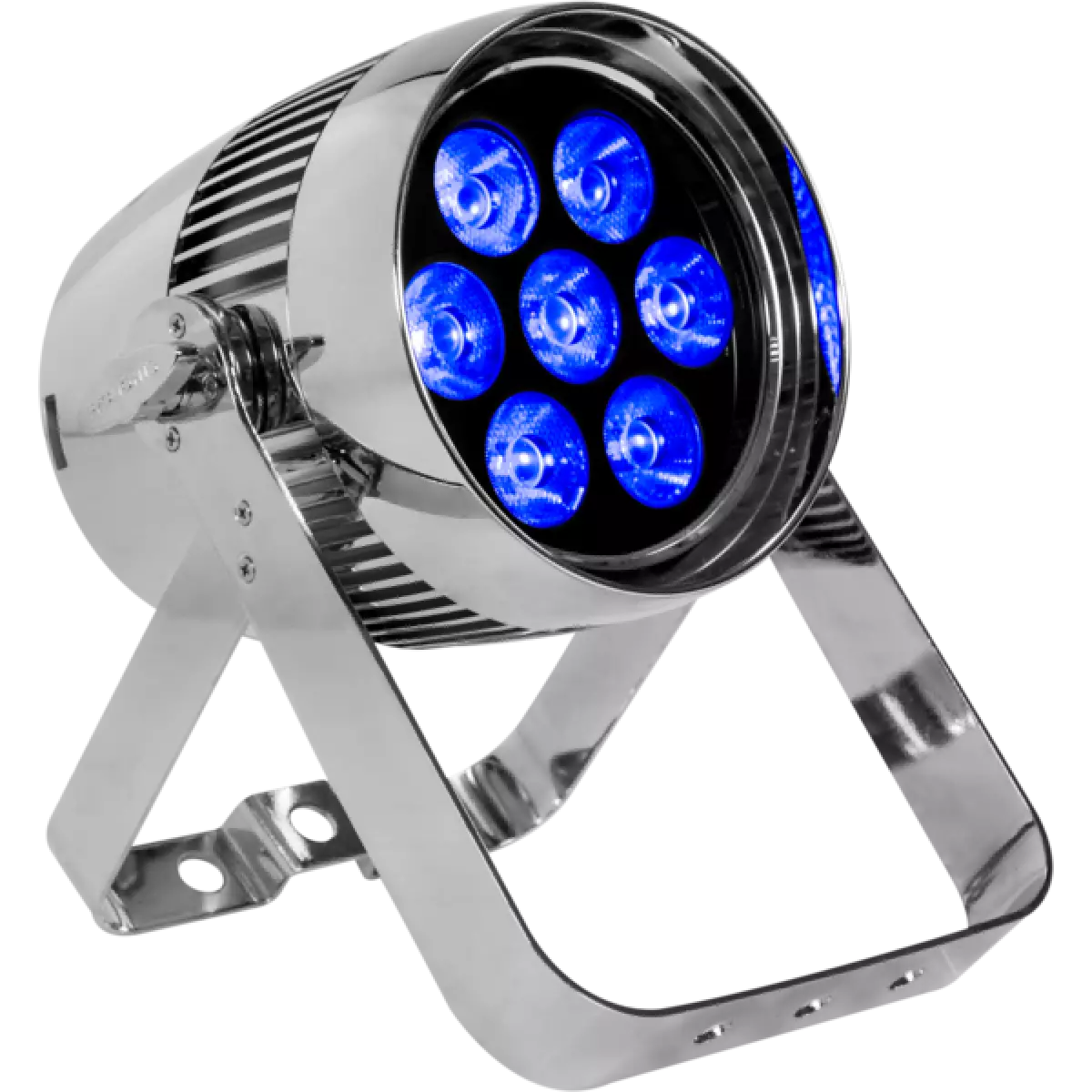
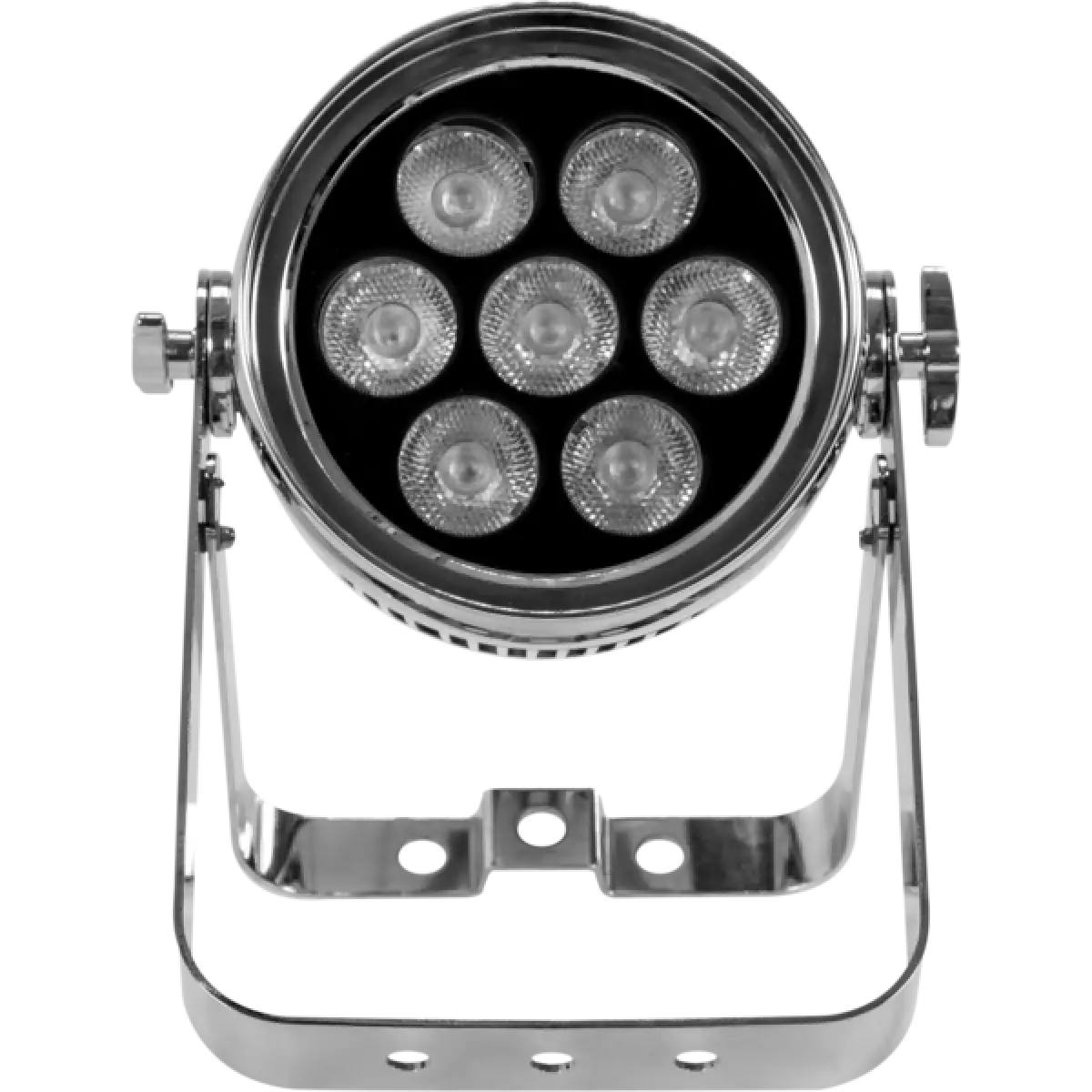
7x10W RGBW LEDs
IP rating
 IP65 (front) - IP54 (bottom) for temporary outdoor application, not for fixed installations
Weight
7,25kg / 15.98lbs 

Key Features

  • Huge light output from an LED battery luminaire with 7x10 W CREE XML RGBW LEDs
  • Wireless DMX control, 8 hours battery life on full white, and IP65 rating for incredible versatility
  • On board mains and DMX connectors for standard use

Z 7Spot is a new generation battery operated fixture that marks a new step in wireless lighting technology, being one of the brightest portable LED PAR in the event industry. Z 7Spot is encased in waterproof IP rating housing allowing for use in any working condition and features 7x10 W high power RGBW full colour CREE LEDs to achieve high-brightness - it can also be used for temporary architectural installations.

Read less
Z 7Spot is a new generation battery operated fixture that marks a new step in wireless lighting technology, being one of the brightest portable LED PAR in the event industry. Z 7Spot is encased in wat...

Photo Gallery

Specifications

LIGHT SOURCE
  • Source: 7x10W RGBW LEDs
  • Luminous flux: 1'429
  • Lux: 4'081lx @3 m full
  • Source life expectancy: > 50.000 h
OPTICS
  • Beam angle: 15°
  • Field angle: 23°
  • Additional optics: Magnetic holder for diffusion filters or gels
COLOUR SYSTEM
  • Colour mixing: RGBW / FC
  • White presets: 3.200 K ~ 10.000K
  • Colour wheel: virtual colour wheel with macros
  • Macros: built-in white presets
DYNAMIC EFFECTS
  • Static mode: selection of static colour
  • Manual mode: manual adjustment of colour
  • Auto mode: built-in programs with execution speed adjustment
CONTROL
  • Supported Protocols: DMX512, W-DMX
  • DMX channels: 4 / 6 / 10ch
  • Wireless Control: Included Wireless Solution receiver
  • Display: black OLED touch display
  • Firmware upgrade: via DMX with UPBOXPRO/UPBOX1 (not included)
  • Master/Slave: for synchronised operation of more units linked in a chain
BODY
  • Housing: Sturdy die-cast aluminium body
  • Finish: mirror finishing
ELECTRONICS
  • Dimmer: linear 0 ~ 100% electronic dimmer
  • Dimmer curves: 4 selectable dimming modes available
  • Strobe / shutter: 1 - 25 Hz, electronic
  • Operating temperature: Ta 0 to +35 °C (+32 to +95 °F)
  • LED Control: flicker free operation
ELECTRICAL
  • Mains power supply: 100-240V - 50/60Hz
BATTERY
  • Battery: 14,8V lithium
  • Battery life in colour change mode up to: 19h
  • Battery life in single colour mode up to: R: 20 h - G: 15 h - B: 15 h - W: 15h
  • Battery life in full-mode up to: 7h
  • Recharge connection: power cable and / or magnetic fast-charge in case
  • Recharge time: 6h (max)
  • Battery level indicator: shown on display
PHYSICAL
  • IP rating: IP65 (front) - IP54 (bottom) for temporary outdoor application, not for fixed installations
  • Cooling: fan-free with natural convection
  • Suspension and fixing: bracket for hanging and positioning
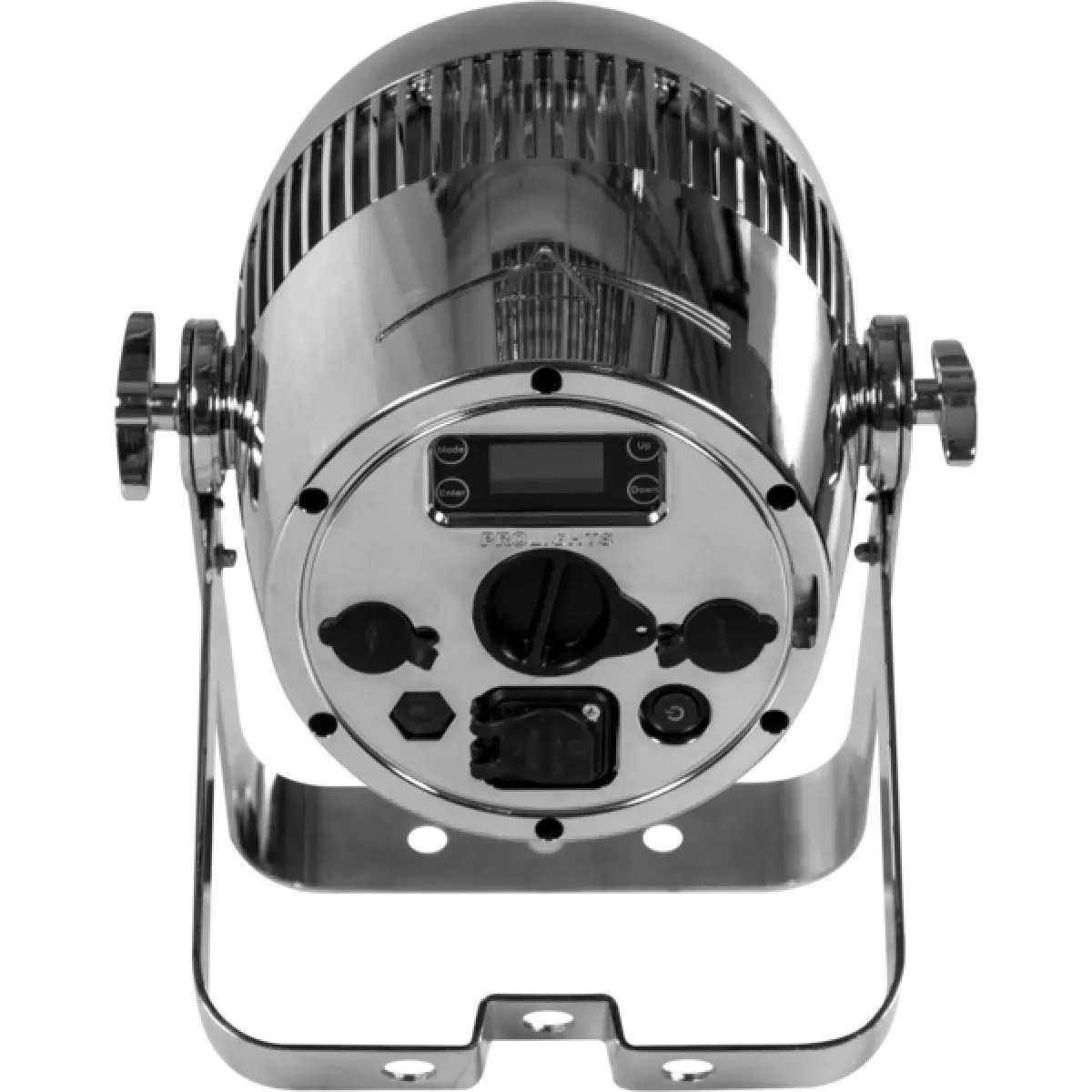
  • Signal connection: Seetronic XLR 5p IN/OUT connectors
  • Data connection: W-DMX receiver
  • Power connection: Seetronic powerCON waterproof IN/OUT connectors
  • Dimensions (WxHxD): 272x347x215mm / 10.71''x13.66''x8.46''
  • Weight: 7,25kg / 15.98lbs
CERTIFICATIONS / APPROVALS
  • Certifications / Approvals: CE, UKCA, RCM
BOX CONTENT
  • 1 x Z7SPOT
  • 1 x 1,5 meters power cable (BARE END - SEETRONIC IP65 power connector)
  • 1 x frost filter
  • User Manual

Accessories & Related Products

Optional RSR0630B

Steel security cable for hanging bodies, inox steel shackle, L=60 cm, black

Order Code: RSR0630B

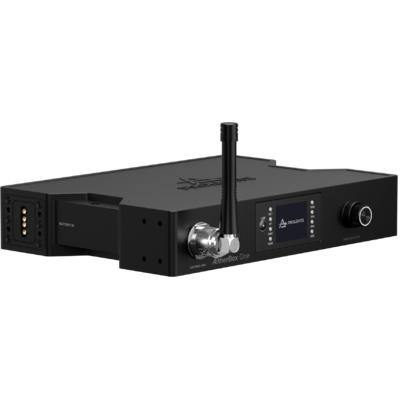
Optional <b>ÆtherBox</b>

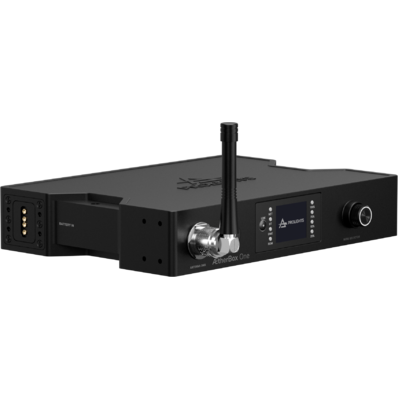
IP65 1 universe CRMX transceiver, DMX and Ethernet protocols, Wi-Fi, Bluetooth and battery ready

Order Code: AETHERBOX

Optional C6002B

Slim aluminum clamp, 200kg loading, 48-51mm tubes, M10 bolt, Black&White& White

Order Code: C6002B

Optional FCLZ7SPOT

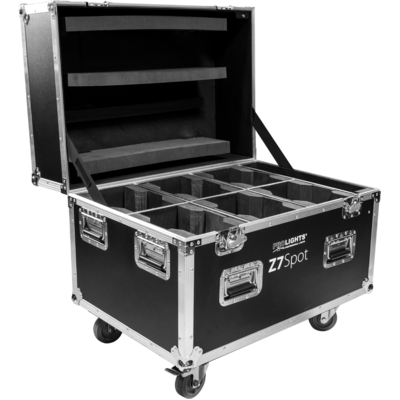
Flight case with battery charger for 6 Z7SPOT

Order Code: FCLZ7SPOT

Optional UPBOXPRO

Firmware uploader kit, USB IN, 5-pin XLR DMX OUT connector

Order Code: UPBOXPRO

Downloads

Technical documentation and support files

Data sheet & specs Data sheet & specs

File name File size Download
Letter datasheetZ7spot_A4_DATASHEET_(IT).pdf(04/05/2021)213KB
Letter datasheetZ7spot_A4_DATASHEET_(EN).pdf(02/09/2021)239KB

User manual User manual

File name File size Download
User manualZ7spot_USER_MANUAL_ITEN.pdf(01/08/2017)2MB

DMX chart & personalities DMX chart & personalities

File name File size Download
DMX chartZ7spot_DMX_CHARTS.pdf(01/02/2018)46KB

Z7SPOT Firmware rev. 1.4

manufacturer fixture library (Link) Link
prolights_z7spot.d4Download
manufacturer fixture library (Link) Link
prolights_z7spot_4ch.hedDownload
prolights_z7spot_6ch.hedDownload
prolights_z7spot_10ch.hedDownload
manufacturer fixture library (Link) Link
z7spot_4ch.fdfDownload
z7spot_6ch.fdfDownload
z7spot_10ch.fdfDownload
manufacturer fixture library (Link) Link
prolights@z7_spot@4_channel@initial.xmlpDownload
prolights@z7_spot@6_channel@initial.xmlpDownload
prolights@z7_spot@10_channel@initial.xmlpDownload
manufacturer fixture library (Link) Link
z7 spot 4 channel.fix2Download
z7 spot 6 channel.fix2Download
z7 spot 10 channel.fix2Download

Photometrics Photometrics

CAD symbols & drawings CAD symbols & drawings

File name File size Download
3DZ7spot_CAD_3D.dwg(10/10/2019)41MB
2DZ7spot_CAD_2D.dwg(28/04/2021)2MB
Technical drawingZ7spot_TECHNICAL_DRAWING.pdf(28/04/2021)409KB

Firmware


Firmware Update Information

PROLIGHTS product firmware can be updated in several ways, depending on the product and file extension. The available methods are listed in the product specifications in the CONTROL - Firmware upgrade section.

Method/Device File extension Needed software Instructions
UPBOXPRO (*) .PRL UpBox_Tool Guide
USB port .PRL No software needed see User Manual 
Ethernet port .EHEX Professional Uploader Guide
Ethernet port .ALF DMX Workshop Guide

(*) You can still use UPBOX1 and UPBOX2 by checking their compatibility on the product accessories page. To use UPBOX2, you need to download the drivers from the following link.

Note: Some products without DMX or USB inputs may require an additional device and may not be compatible with UPBOXPRO. Check the product accessories page.

UPDATE Instructions

  1. Check the update methods available on your product in the CONTROL - Firmware upgrade section.
  2. Download the firmware and software dedicated for the update.
  3. Follow the update guide available in the firmware folder.
Update Tool: UPBOXPRO UPBOXPRO
Check hardware changelog before downloading firmware
Revision Release date Firmware changelog HW Compatibility
1.4 STABLE 05/12/2018 10 second default display backlight

Info Request

NEWSLETTER

Subscribe to our Newsletter

Loading...