
Iptestbox
Order Code: IPTESTBOX
Weight
7kg / 15.43lbs
Key Features
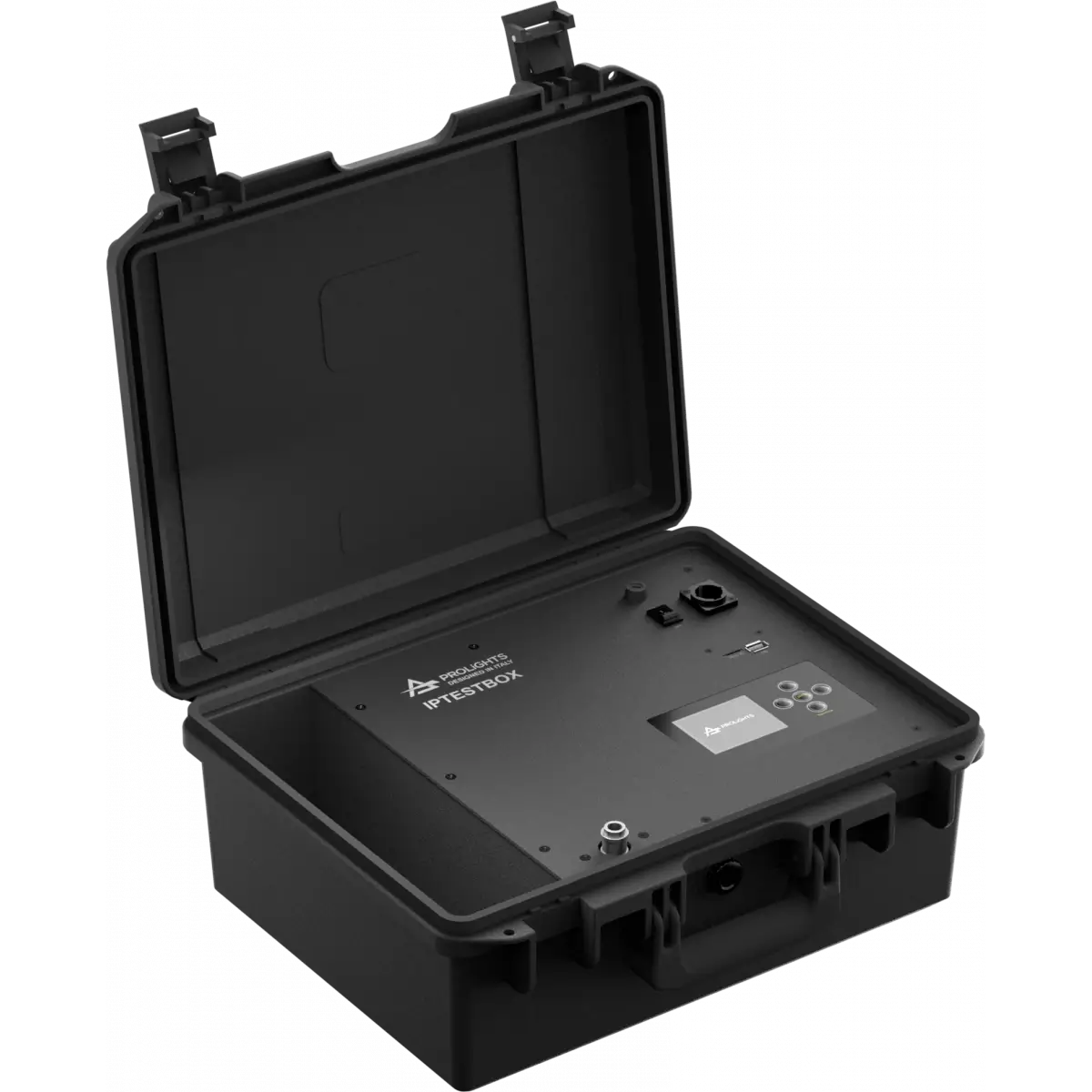
- Test according to a specific PROLIGHTS product program, or according to an IP class
- Continuous stress test mode with multiple cycles
- Save and load report from SD card
- Generating reports with fixture name, serial number and date/time of test
- Report readable in CSV format
- Import/Export settings
- Unit Auto test for self diagnostic of the IPTESTBOX
- Firmware upgrade through SD card
Tester portatile di vuoto e pressione per dispositivi ProLights IP.
Mostra meno
Tester portatile di vuoto e pressione per dispositivi ProLights IP.
Photo Gallery
Specifiche
CONTROLLO
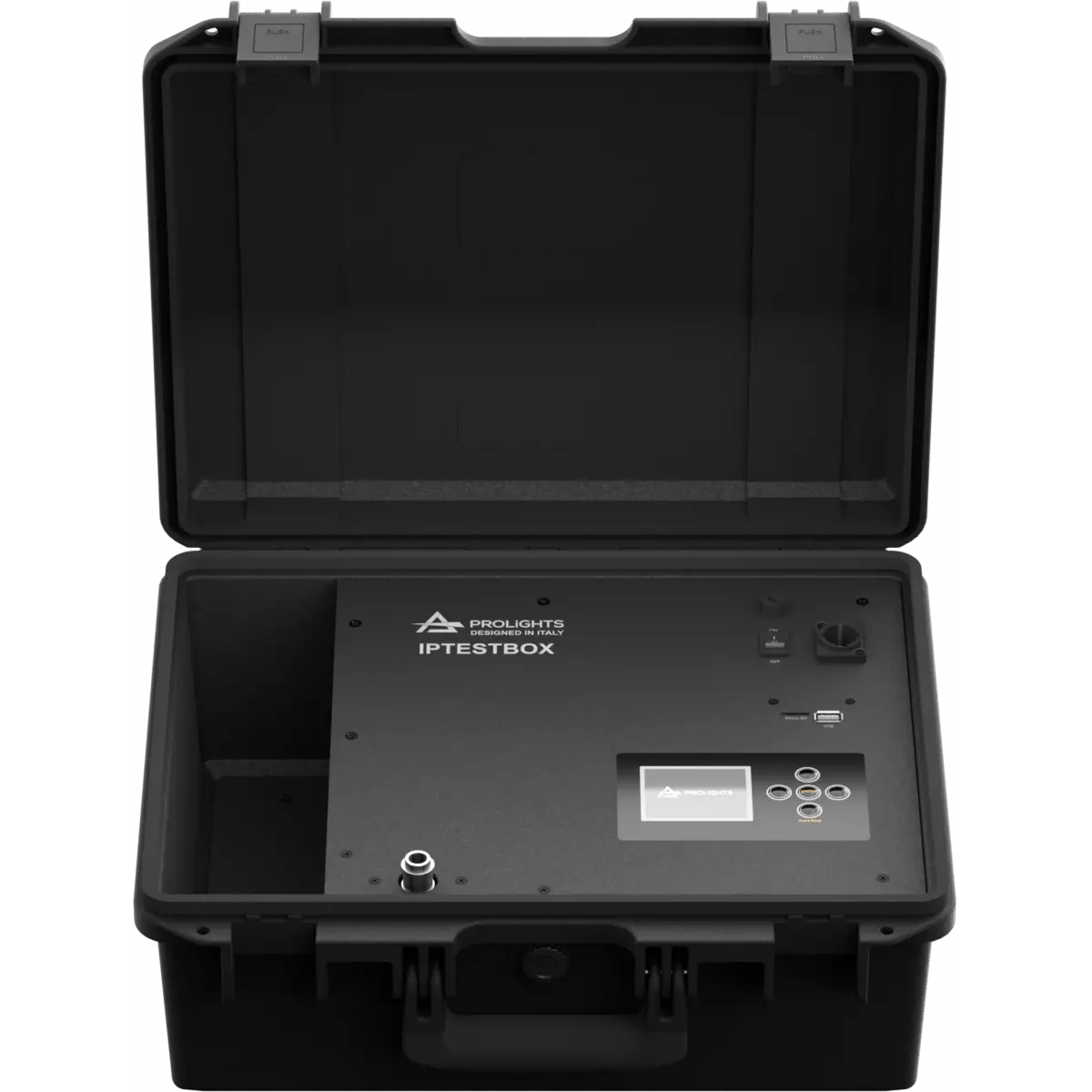
- Display: Graphic User Interface
ELETTRONICA
- Aggiornamento firmware con: tramite menu con memoria SD interna
CONNESSIONI
- Connessione di alimentazione: Neutrik powerCON TRUE1 IN connector
ALIMENTAZIONE
- Alimentazione elettrica: 100-240V - 50/60Hz
- Potenza massima assorbita (230V): 40W
CARATTERISTICHE FISICHE
- Finitura: nero (RAL 9004)
- Temperatura d'esercizio: Ta -20 - +45 °C
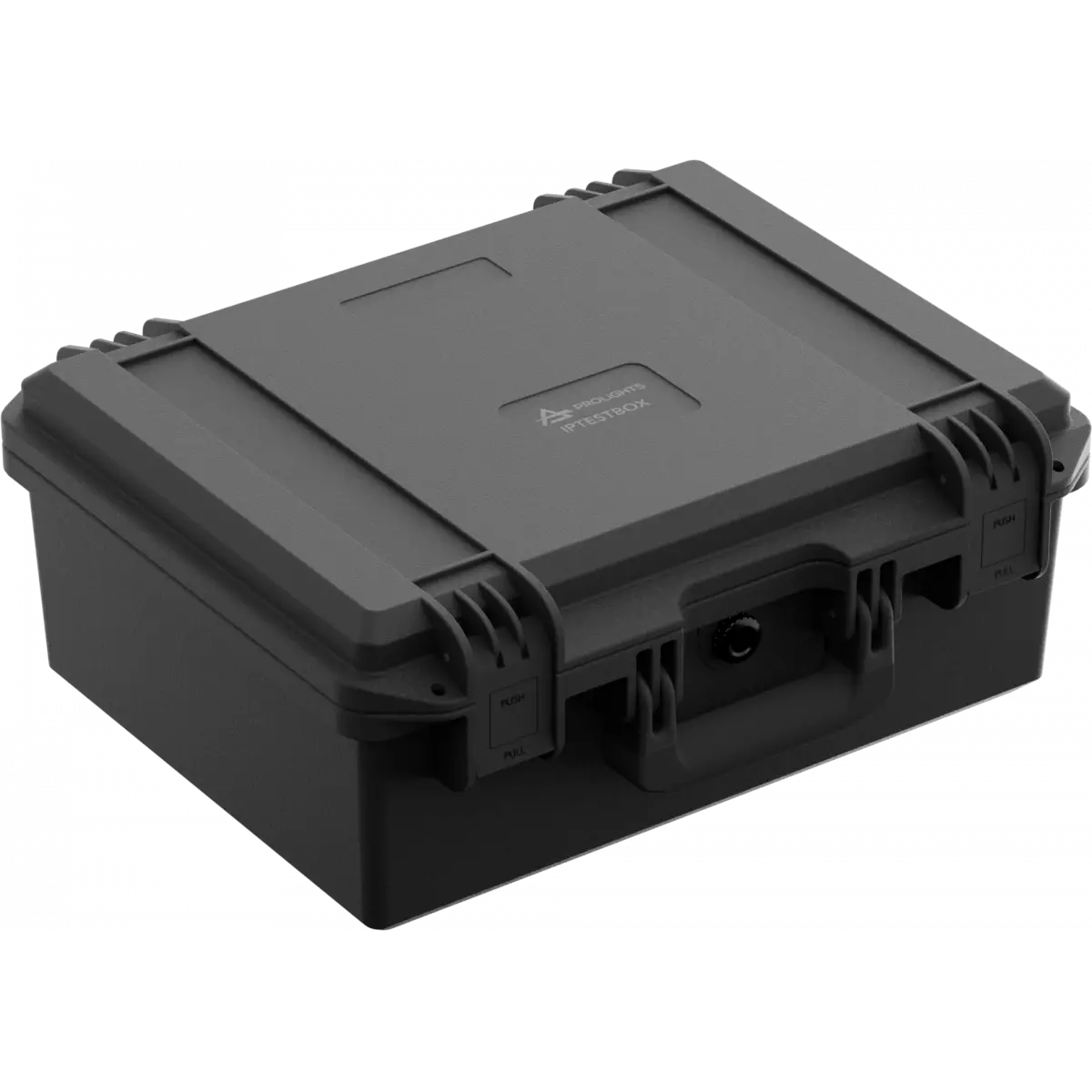
- Dimensioni (LxAxP): 420x362x165mm / 16.54''x14.25''x6.5''
- Peso: 7kg / 15.43lbs
BOX CONTENT
- 1 x IPTESTBOX
- 1 x flexible tube
- 1 x M12 thread adapter
- 1 x cap with M12 thread
Accessori e prodotti correlati
Downloads
Technical documentation and support files
 User manual
| File name | File size | Download | |
|---|---|---|---|
 | Iptestbox_USER_MANUAL_EN.pdf(17/01/2024) | 2MB |
 CAD symbols & drawings
| File name | File size | Download | |
|---|---|---|---|
 | Iptestbox_CAD_2D.dwg(25/06/2021) | 1MB | |
 | Iptestbox_TECHNICAL_DRAWING.pdf(25/06/2021) | 215KB |
Firmware
| Update Tool: {Upbox} | ||||
| Check hardware changelog before downloading firmware | ||||
| Revisione | Data Rilascio | Firmware changelog | HW Compatibility | |
|---|---|---|---|---|
| 2.1.07 STABLE | 27/12/2023 | Improvement:
|
||
Richiesta Informazioni
NEWSLETTER
Iscriviti alla nostra Newsletter
