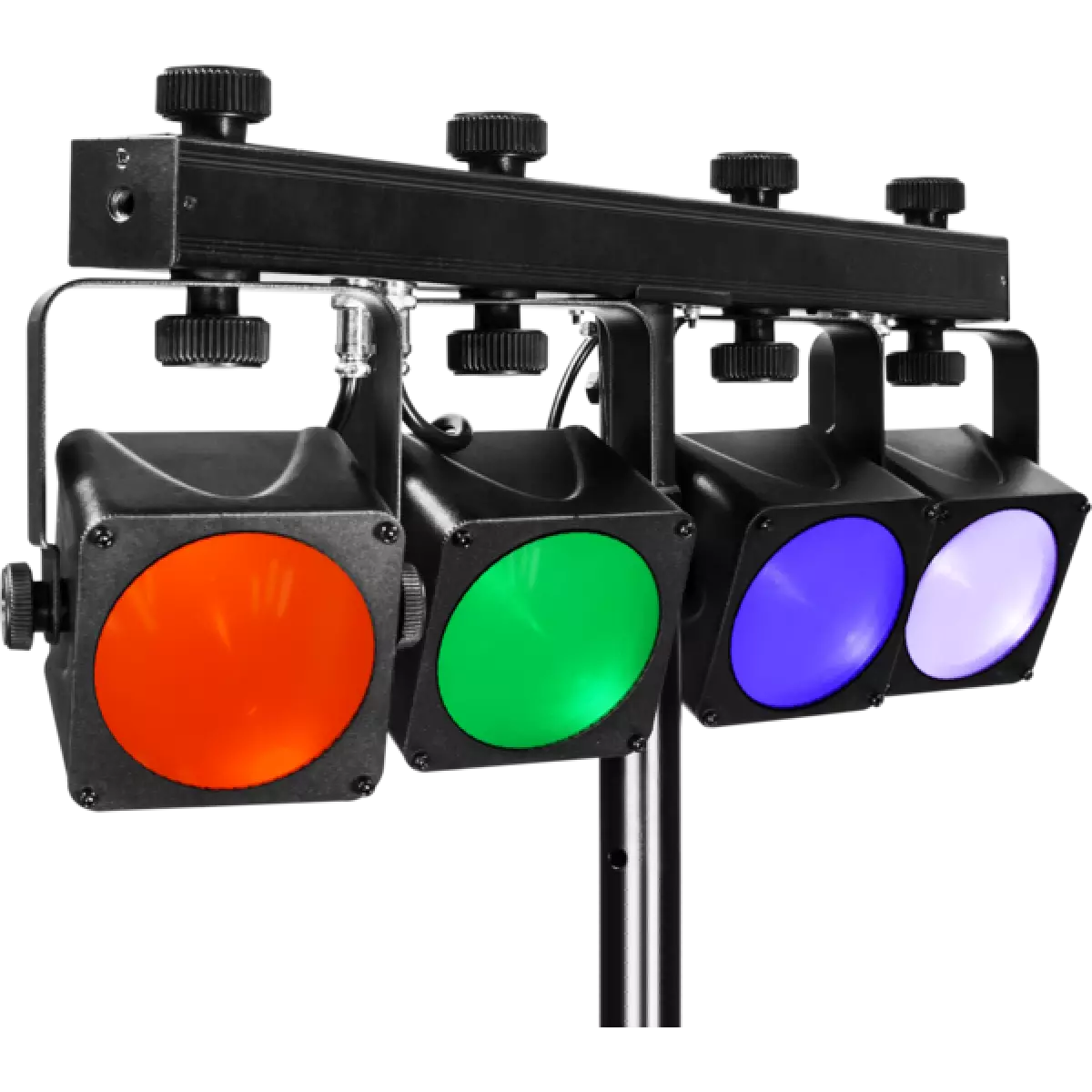
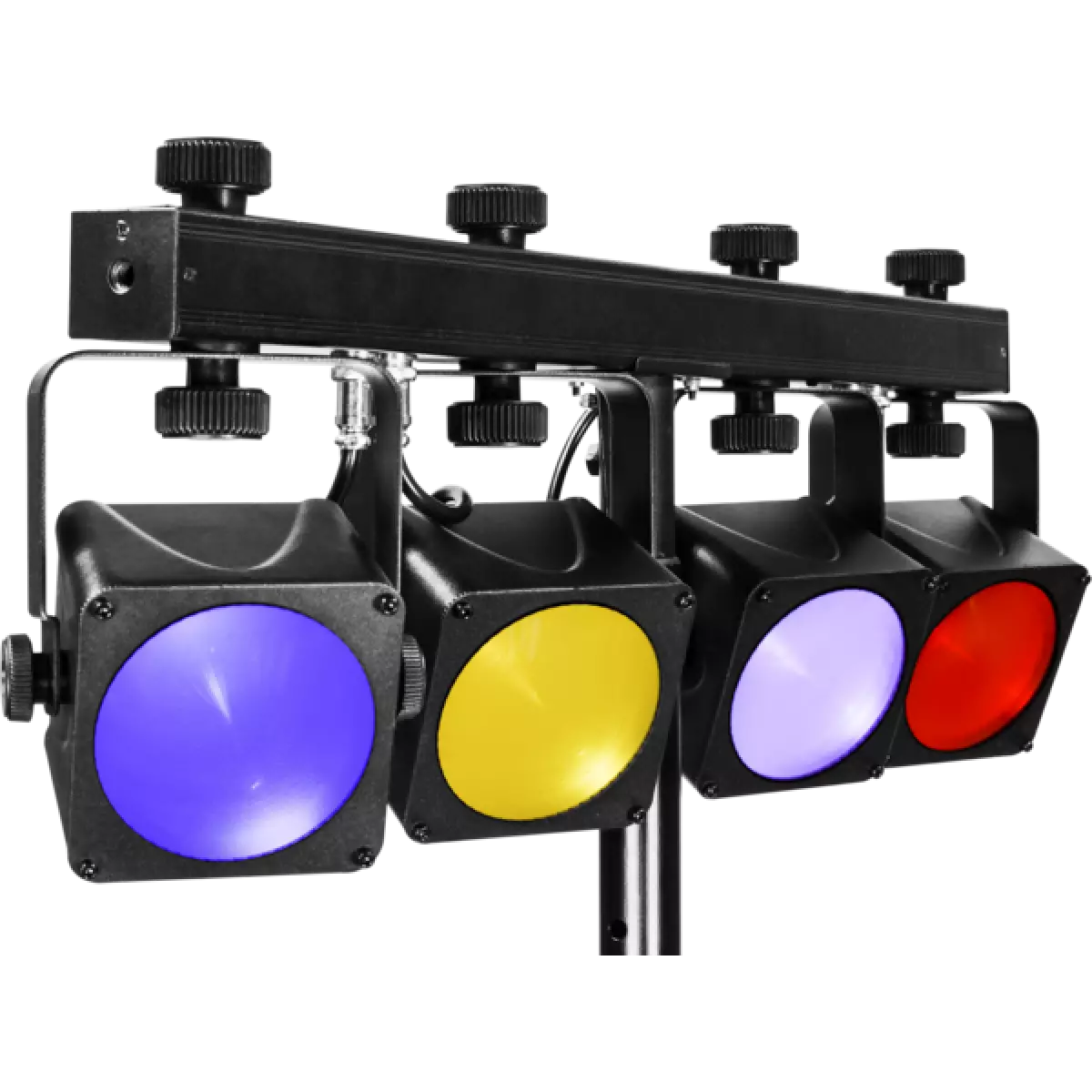
LUMI4COB

Lumi4cob

DISCONTINUO

Order Code: LUMI4COB

Source
4x15W RGB COB LEDs
IP rating
 IP20
Weight
4,7kg / 10.36lbs 

Key Features

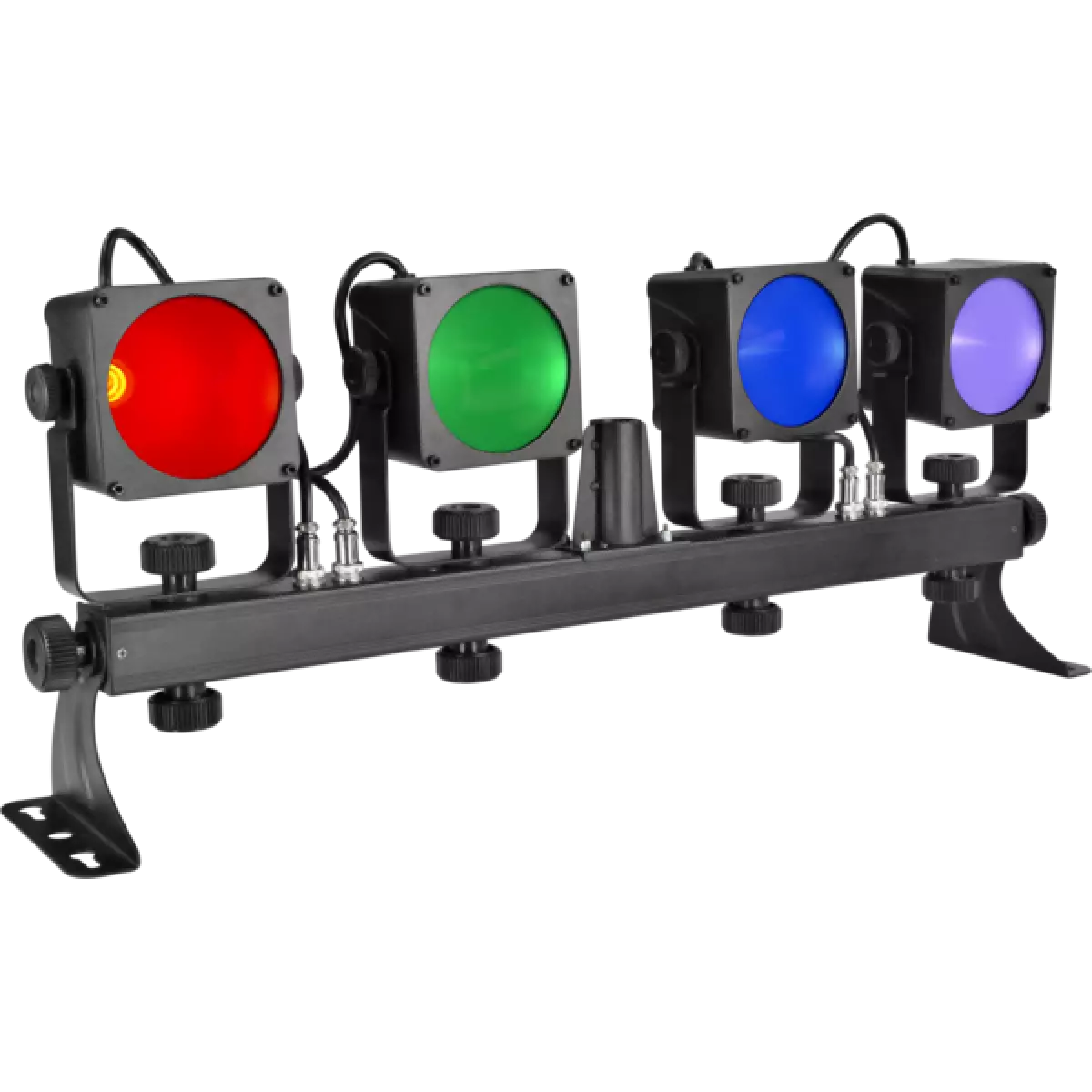
  • Design concept: 4 LEDs projectors
  • Effect type: independent dynamic colour washers, synchronised operation
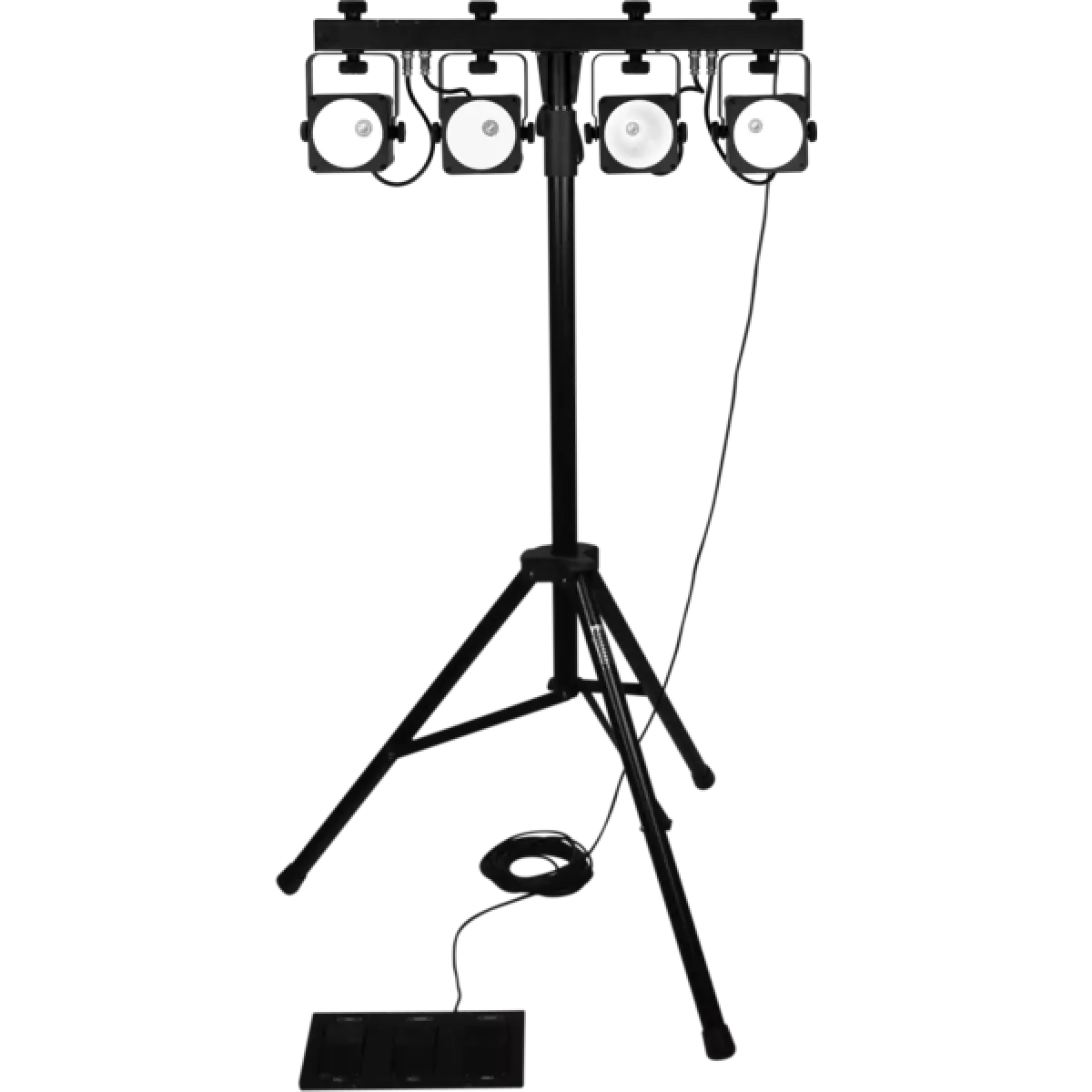
  • Footswitch mode: 3 buttons controller with pedals (auto, sound, freeze, blackout)
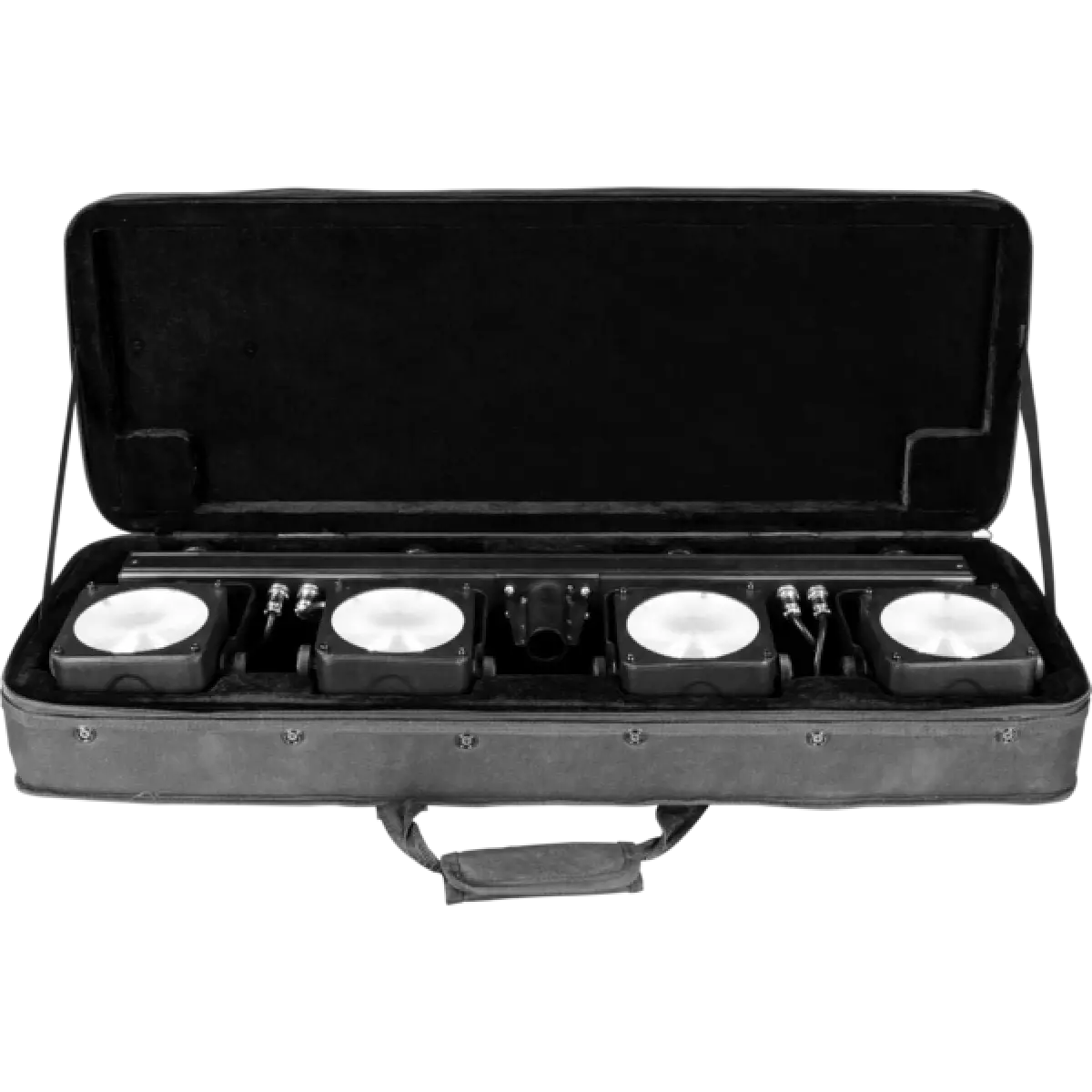
  • Ergonomic travel bag included

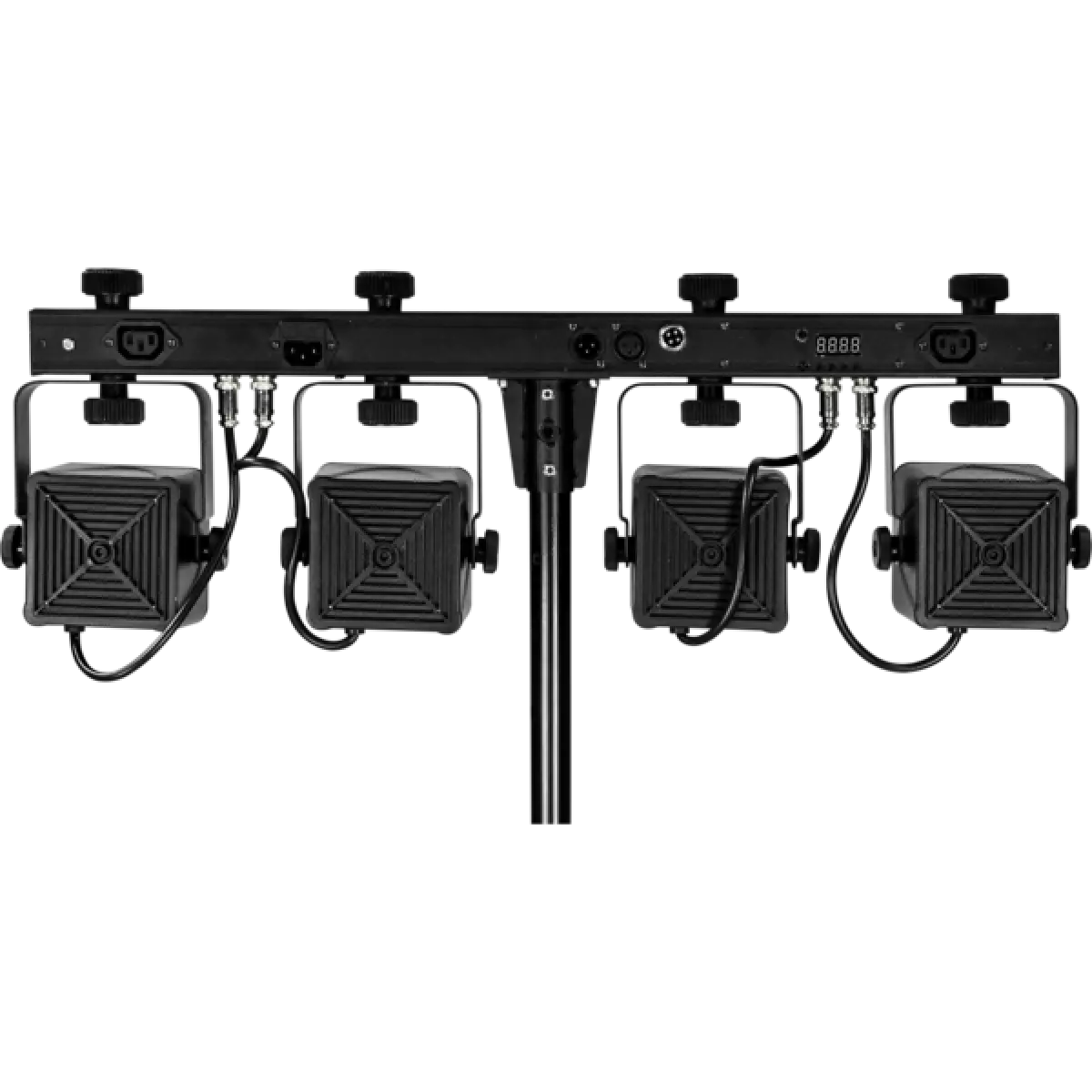
LUMI4COB is a plug & play portable LED wash light set for lighting mobile stages and clubs. LUMI4COB is composed of a lighting bar with 4 LEDs projectors based, the special optics reflectors in combination with 15 W COB (chip-on-board) LED give LUMI4COB an unprecedented light output capable of impressing and dazzling the audience. LED technology allows these luminaires to create striking effects with dynamic colour changes, powerful and synchronised operations.

Read less
LUMI4COB is a plug & play portable LED wash light set for lighting mobile stages and clubs. LUMI4COB is composed of a lighting bar with 4 LEDs projectors based, the special optics reflectors in combin...

Photo Gallery

Specifications

LIGHT SOURCE
  • Source: 4x15W RGB COB LEDs
  • Lux: 363lx @3 m full
  • Source life expectancy: > 50.000 h
OPTICS
  • Beam angle: 31°
  • Field angle: 42°
COLOUR SYSTEM
  • Colour mixing: RGB / FC
  • Macros: several pre-built pixel macros with adjustable speed
DYNAMIC EFFECTS
  • Static mode: selection of static colour
  • Manual mode: manual adjustment of colour
  • Auto mode: built-in programs with execution speed adjustment
  • Sound mode: music activation through internal microphone and sensitivity control
CONTROL
  • Supported Protocols: DMX512
  • DMX channels: 3 / 15ch
  • Control units: footswitch mode: 3 buttons controller with pedals
  • Pixel control: pixel2pixel control
  • Display: LED display user interface
ELECTRONICS
  • Dimmer: linear 0 - 100% electronic dimmer
  • Strobe / shutter: 1 - 28 Hz, electronic
  • Firmware upgrade: via DMX with UPBOXPRO/UPBOX1 (not included)
CONNECTIONS
  • Power connection: IEC IN/OUT connectors
  • Signal connection: XLR 3p IN/OUT connectors
ELECTRICAL
  • Mains power supply: 100-240V - 50/60Hz
  • Max power consumption (230V): 61W
  • Max power consumption (120V): 64W
PHYSICAL
  • IP rating: IP20
  • Cooling: fan-free with natural convection
  • Housing: Sturdy die-cast aluminium body
  • Finish: black
  • Operating temperature: Ta -20 to +45 °C (-4 to +113 °F)
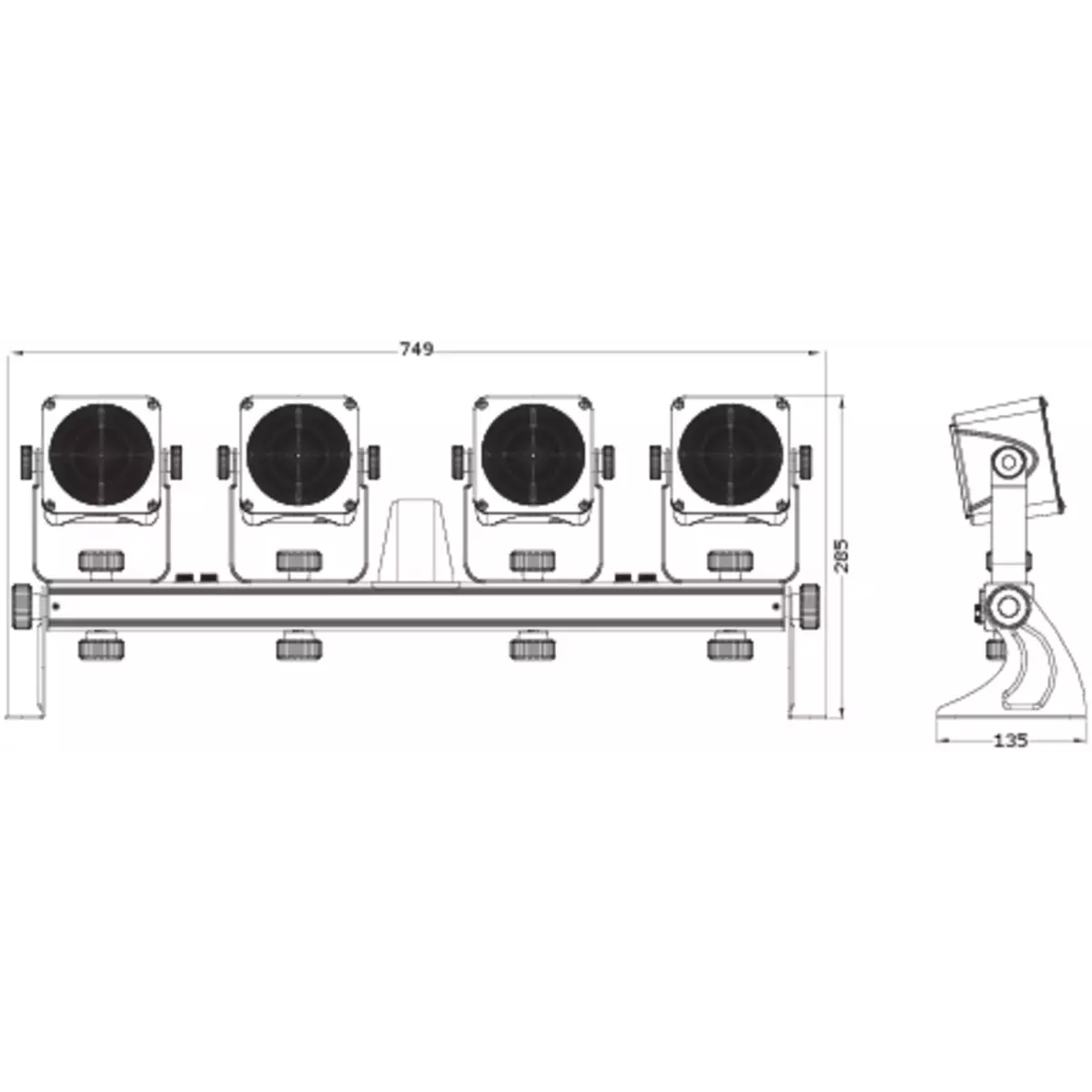
  • Dimensions (WxHxD): 749x285x135mm / 29.49''x11.22''x5.31''
  • Weight: 4,7kg / 10.36lbs
INSTALLATION
  • Suspension and fixing: 360° adjustable hanging bracket - Stand

Accessories & Related Products

(Optional) UPBOXPRO

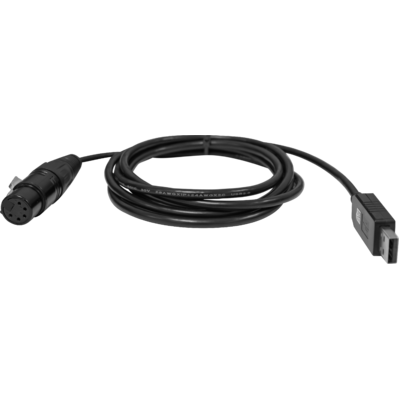
Firmware uploader kit, USB IN, 5-pin XLR DMX OUT connector

Order Code: UPBOXPRO

Downloads

Technical documentation and support files

User manual User manual

File name File size Download
User manualLumi4cob_USER_MANUAL_ITEN.pdf(06/02/2019)2MB

DMX chart & personalities DMX chart & personalities

File name File size Download

LUMI4COB Firmware rev. 1.1

prolights_lumi4cob_3ch.hedDownload
prolights_lumi4cob_15ch.hedDownload

CAD symbols & drawings CAD symbols & drawings

File name File size Download
2DLumi4cob_CAD_2D.dwg(21/08/2018)6MB
3DLumi4cob_CAD_3D.dwg(21/08/2018)4MB
Technical drawingLumi4cob_TECHNICAL_DRAWING.pdf(09/05/2019)810KB

Firmware


Firmware Update Information

PROLIGHTS product firmware can be updated in several ways, depending on the product and file extension. The available methods are listed in the product specifications in the CONTROL - Firmware upgrade section.

Method/Device File extension Needed software Instructions
UPBOXPRO (*) .PRL UpBox_Tool Guide
USB port .PRL No software needed see User Manual 
Ethernet port .EHEX Professional Uploader Guide
Ethernet port .ALF DMX Workshop Guide

(*) You can still use UPBOX1 and UPBOX2 by checking their compatibility on the product accessories page. To use UPBOX2, you need to download the drivers from the following link.

Note: Some products without DMX or USB inputs may require an additional device and may not be compatible with UPBOXPRO. Check here  the products list.

UPDATE Instructions

  1. Check the update methods available on your product in the CONTROL - Firmware upgrade section.
  2. Download the firmware and software dedicated for the update.
  3. Follow the update guide available in the firmware folder.
Update Tool: UPBOXPRO UPBOXPRO
Check hardware changelog before downloading firmware
Revision Release date Firmware changelog HW Compatibility
1.1 STABLE 19/06/2013 Improved save settings.

Info Request

NEWSLETTER

Subscribe to our Newsletter

Loading...