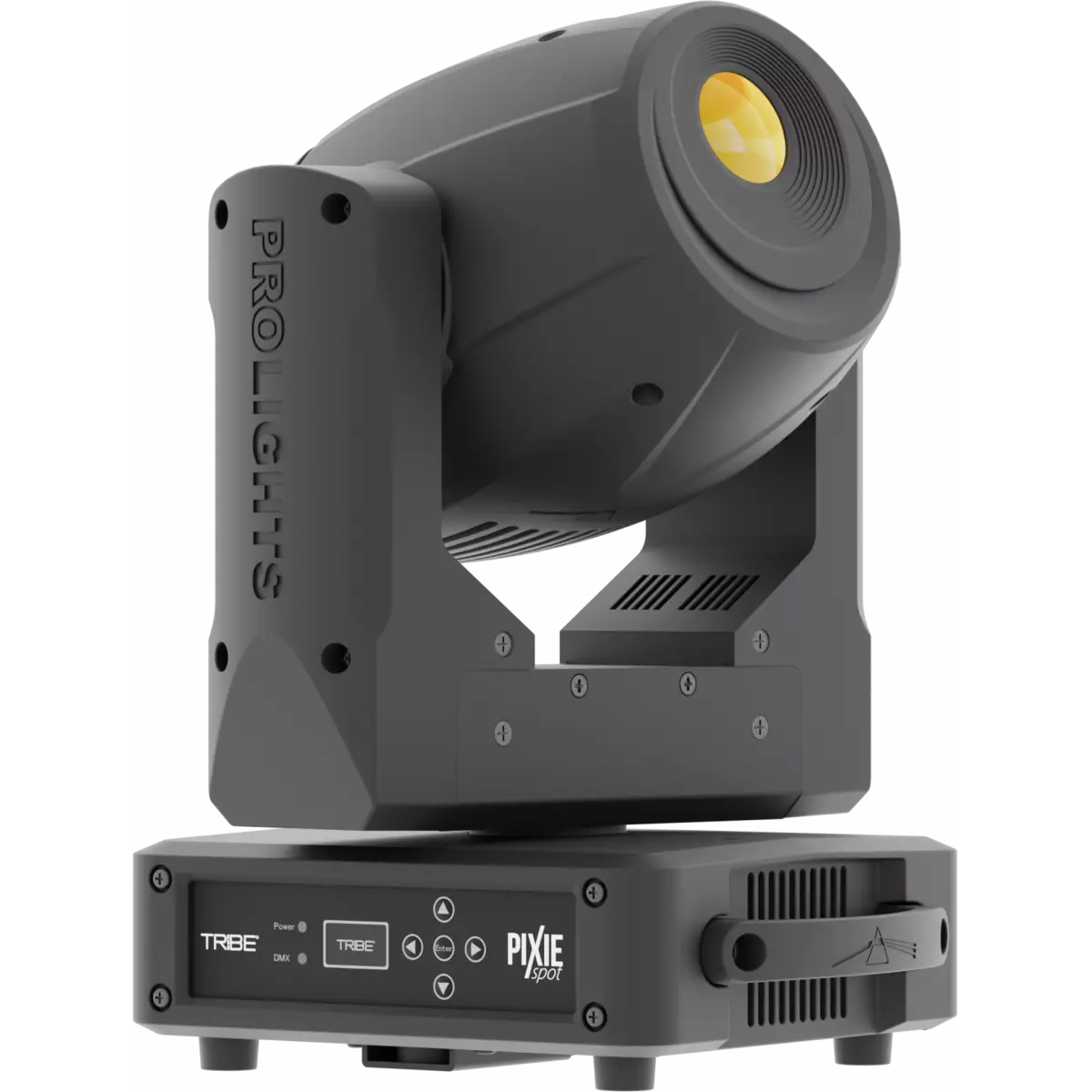
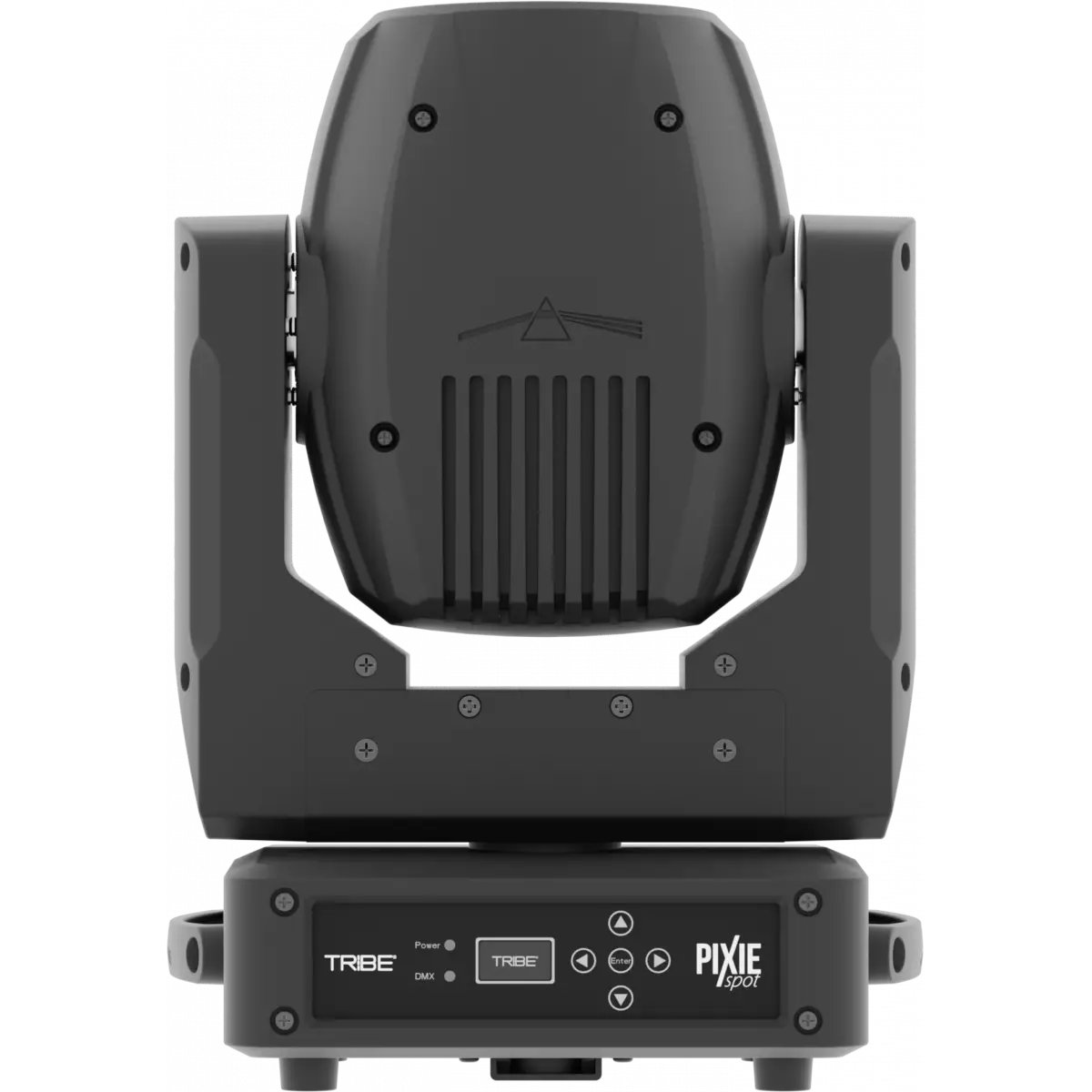
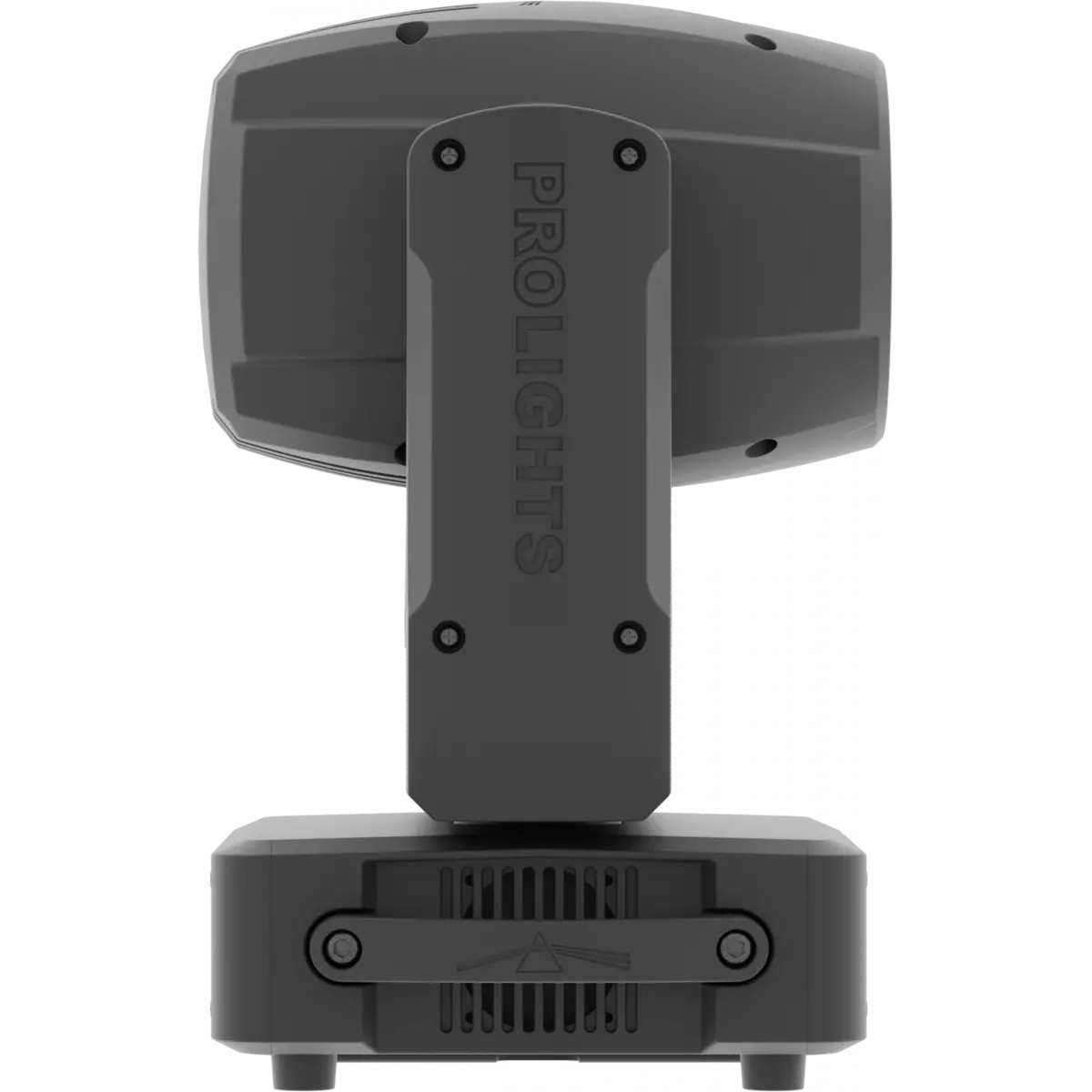
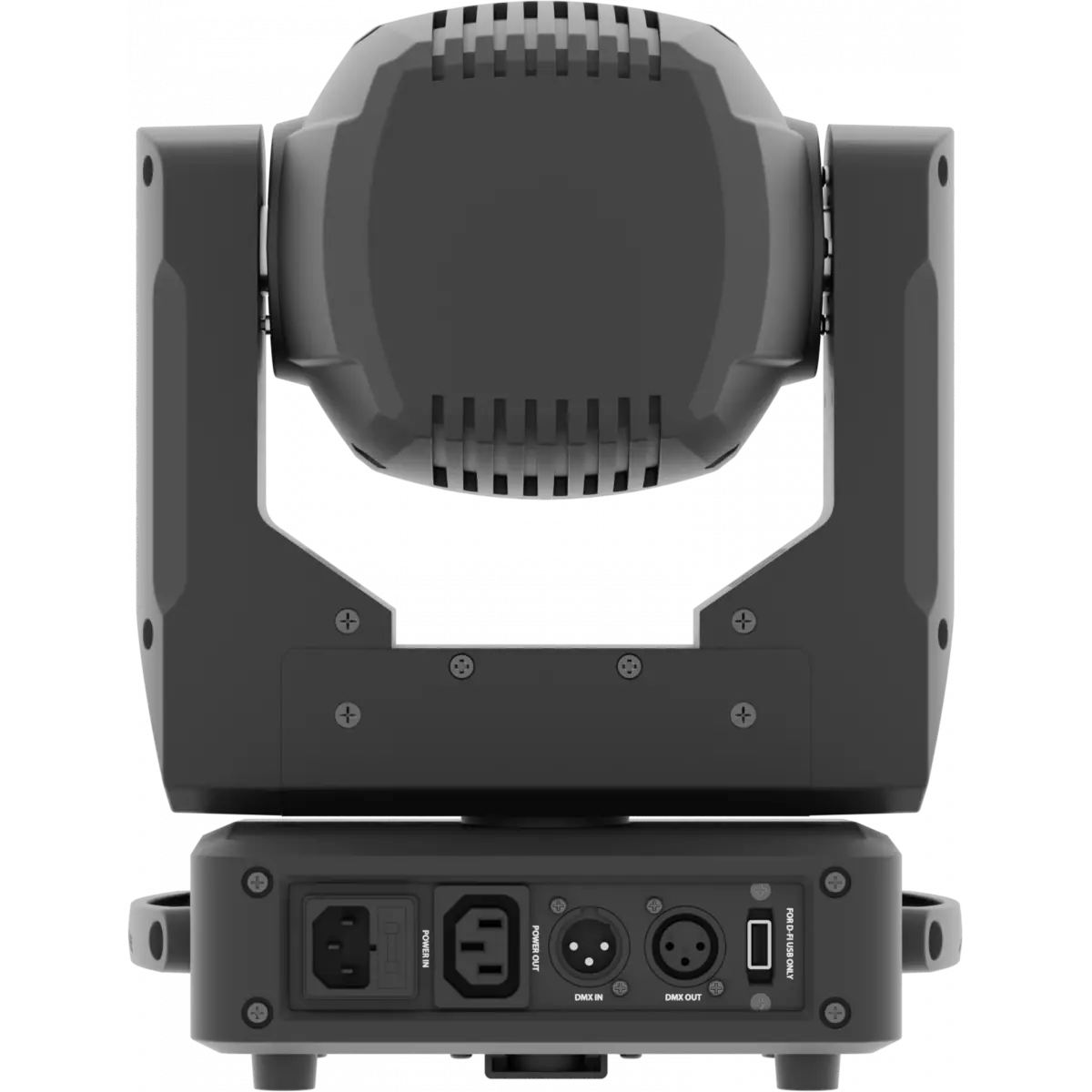
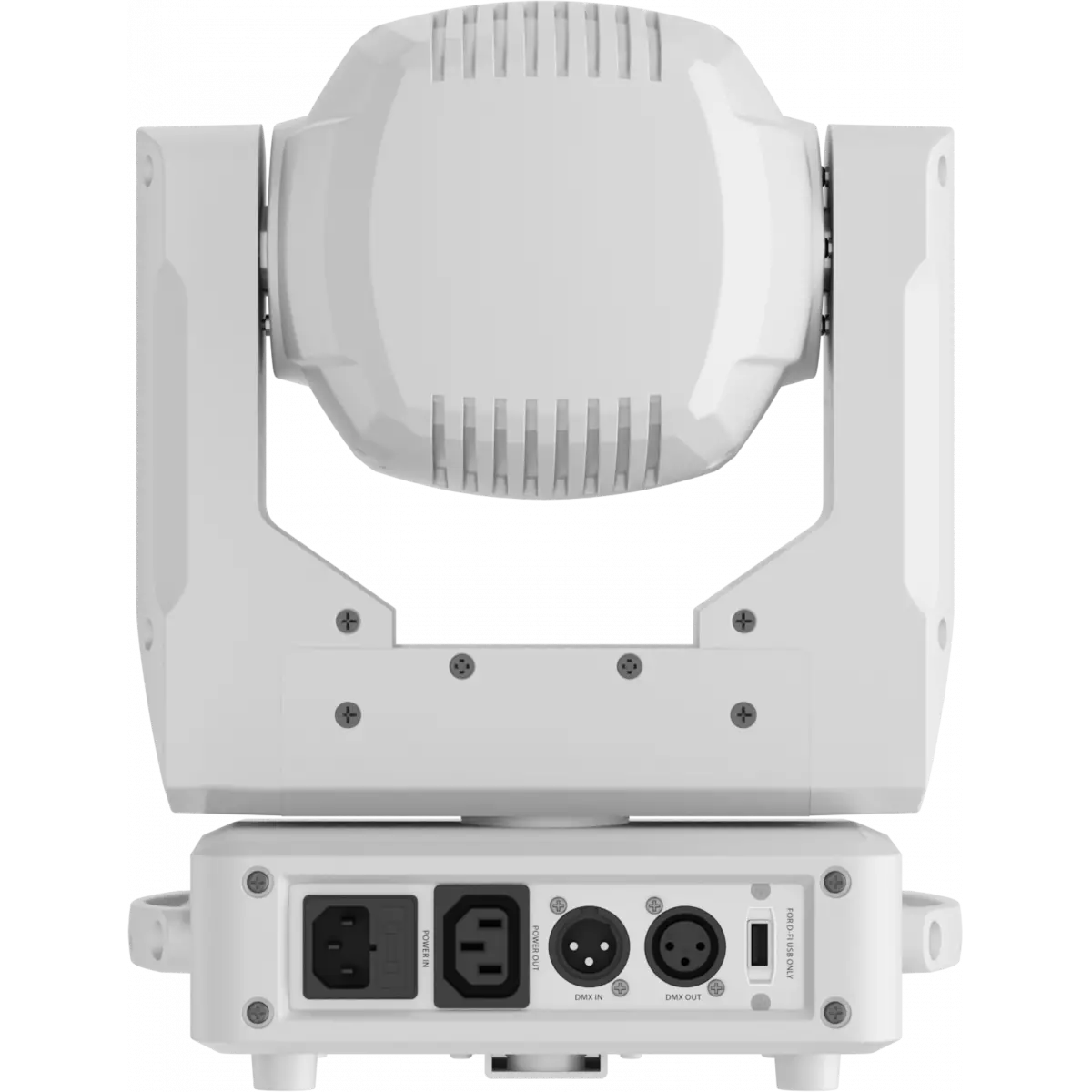
PIXIESPOT

Pixie Spot

Source
60W RGBW Osram LED
IP rating
 IP20
Weight
7kg / 15.43lbs 

Key Features

  • 60W RGBW/FC Osram Ostar LED source
  • Colour mixing featuring rich saturated and pastel colours and white reproduction
  • Effect section equipped with 3f circular prism
  • Gobo wheel: 7 rotating gobos
  • USB IN for control through SmartColor app through Wi-Fi USB

Pixie Spot was the first TRIBE spot moving head to deliver a full spectrum chromatic synthesis, equipped with a 60W RGBW/FC LED light source to perform limitless brightness, intense and saturated colours as well as proper whites. Pixie Spot can be also controlled wireless through the optional USB Wi-Fi transceiver in combination with WIFIBOX and the SmartColor app.

Read less
Pixie Spot was the first TRIBE spot moving head to deliver a full spectrum chromatic synthesis, equipped with a 60W RGBW/FC LED light source to perform limitless brightness, intense and saturated colo...

Versions

Code Housing
PIXIESPOTBK
PIXIESPOTBK DISCONTINUED
Black
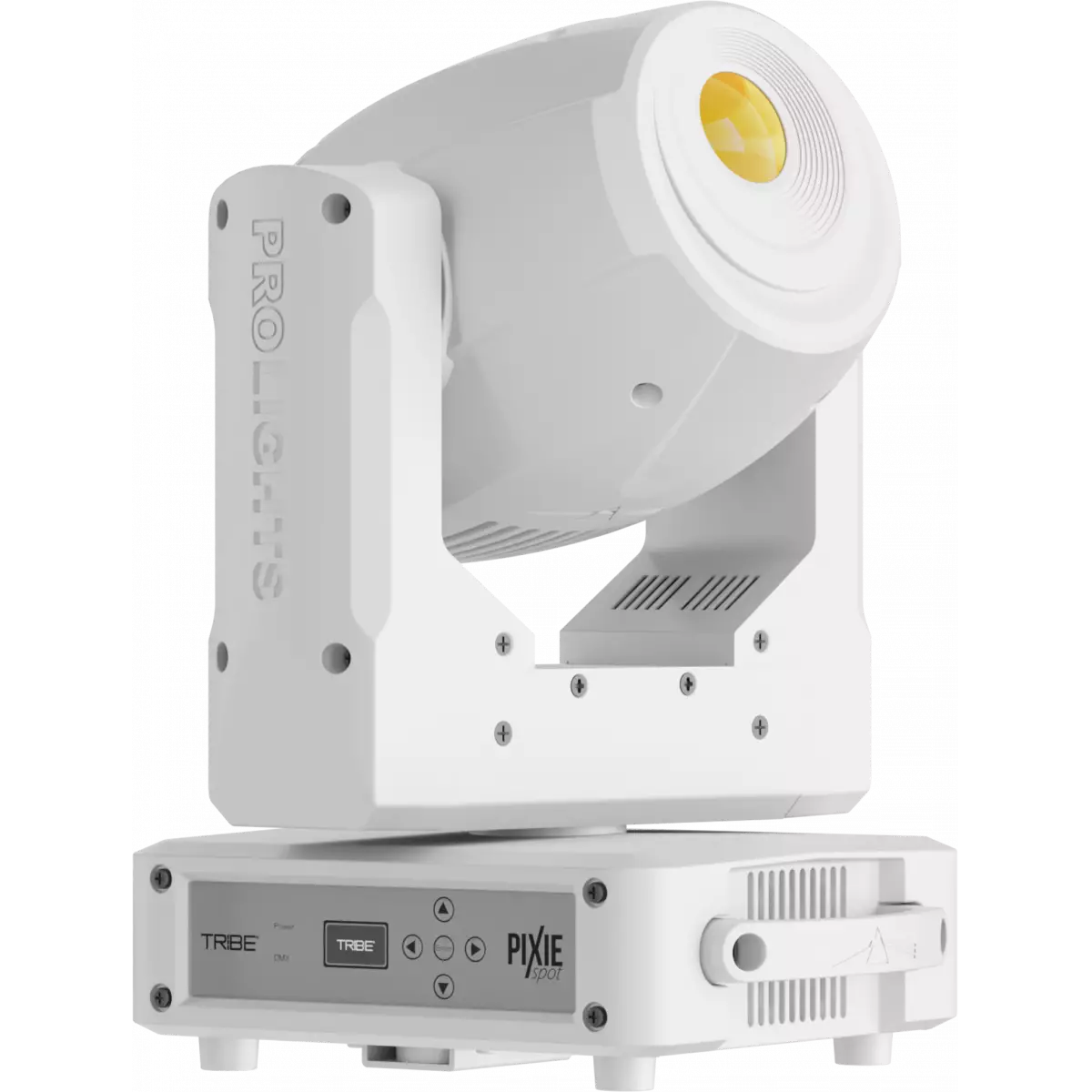
PIXIESPOTWH
PIXIESPOTWH
White

Photo Gallery

Specifications

LIGHT SOURCE
  • Source: 60W RGBW Osram LED
  • Luminous flux: 1'069
  • Lux: 1'682lx @3 m full
  • Source life expectancy: > 50.000 h
OPTICS
  • Beam angle: 18°
  • Lens type: high-quality glass lens optics
  • Focus: motorised
COLOUR SYSTEM
  • Colour mixing: RGBW / FC
  • CCT: linear CTO correction 2.700 K ~ 6.000 K
  • Colour wheel: virtual colour wheel with macros
DYNAMIC EFFECTS
  • Rotating gobos: 7 rotating gobos + open, interchangeable
  • Gobo size: outer Ø 16.9 mm; image Ø 14 mm; thickness 0.2 ÷ 1.1 mm
  • Circular prism: 3f with bi-directional rotation
  • Auto mode: built-in programs with execution speed adjustment
  • Sound mode: music activation through internal microphone and sensitivity control
BODY
  • Pan range: 540°
  • Tilt range: 270°
  • Pan/Tilt resolution: bit 8 / 16-bit
  • Body: aluminium structure with high-resistance polycarbonate cover
  • Body colour: black, white finishing available
CONTROL
  • Protocols: DMX512
  • DMX channels: 15 / 18 / 23channel
  • Wireless Control: Optional proprietary protocol compatible with WIFIBOX, WDBOX
  • Display: Graphic User Interface
  • Firmware upgrade: via DMX with UPBOXPRO/UPBOX1 (USB-DMX interface not included)
  • Master/Slave: for synchronised operation of more units linked in a chain
ELECTRONICS
  • Dimmer: linear 0 ~ 100% electronic dimmer
  • Dimmer curves: selectable dimming modes available
  • Strobe / shutter: 1 / 28 Hz, electronic
  • Operating temperature: -10° ~ +45° Ta
  • LED Control: flicker free operation
ELECTRICAL
  • Mains power supply: 100-240V - 50/60Hz
  • Max power consumption: 118W
  • Max power consumption (at 120V): 120.3W
  • Output (at 230V): 17 units on a single power line
  • Output (at 120V): 9
PHYSICAL
  • IP rating: IP20
  • Cooling: active, silent operation
  • Suspension and fixing: any position with quick-lock omega brackets
  • Data: USB port for USB WIFI transmitter (optional)
  • Signal connection: XLR 3p IN/OUT connectors
  • Power connection: IEC IN/OUT connectors
  • Dimensions (WxHxD): 253x352x192mm / 9.96''x13.86''x7.56''
  • Weight: 7kg / 15.43lbs
CERTIFICATIONS / APPROVALS
  • Certifications / Approvals: CE, UKCA, RCM, cTUVus, FCC
BOX CONTENT
  • 1 x PIXIESPOT
  • 1 x 1,5 meters BARE END - IEC power cable
  • 1 x OS24PLUS
  • User Manual

Accessories & Related Products

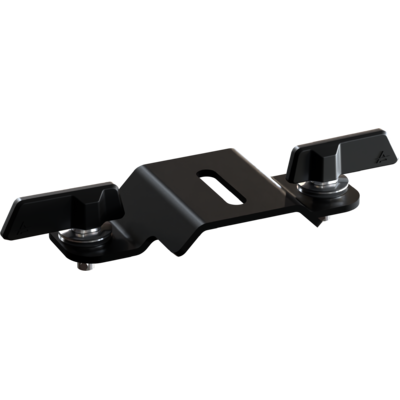
Optional OS24PLUS

Quick-lock omega bracket, M12 hole

Order Code: OS24PLUS

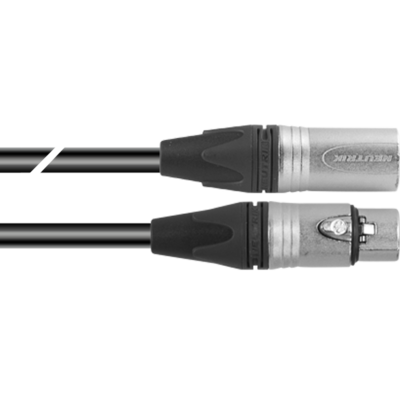
Optional TOUR53413L03

Dmx cable HC5340. CANC3MXX XLR 3p->CANC3FXX XLR (f) 3p, L.3m

Order Code: TOUR53413L03

Optional RSR0630B

Steel security cable for hanging bodies, inox steel shackle, L=60 cm, black

Order Code: RSR0630B

Optional C6016B

Selflock slim clamp, 250Kg load, 48-51mm tubes, M10 bolt incl, Black&White& White

Order Code: C6016B

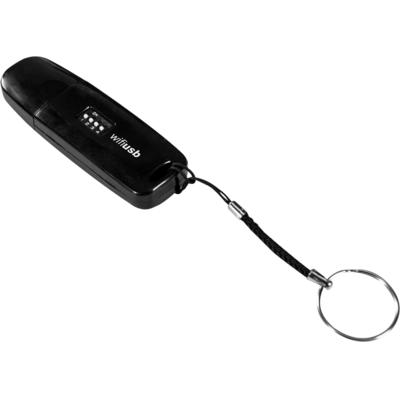
Optional <b>WIFI</b>-USB

USB Wi-Fi transreceiver, compatible with WIFIBOX and WDBOX

Order Code: WIFIUSB

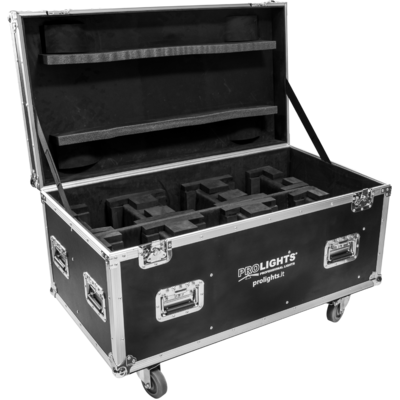
Optional FCLPIXIESW

Flight case for 6 PIXIEWASH, PIXIESPOT

Order Code: FCLPIXIESW

Optional UPBOXPRO

Firmware uploader kit, USB IN, 5-pin XLR DMX OUT connector

Order Code: UPBOXPRO

Downloads

Technical documentation and support files

Data sheet & specs Data sheet & specs

File name File size Download
Letter datasheetPixiespot_LETTER_DATASHEET_(EN).pdf(28/09/2021)160KB
Letter datasheetPixiespot_A4_DATASHEET_(IT).pdf(30/04/2021)157KB
Letter datasheetPixiespot_A4_DATASHEET_(EN).pdf(01/09/2021)160KB

User manual User manual

File name File size Download
User manualPixiespot_USER_MANUAL_ITEN.pdf(08/02/2019)3MB
User manualPixiespot_Tech_spec_for_custom_gobos.pdf(27/04/2021)73KB

DMX chart & personalities DMX chart & personalities

File name File size Download
DMX chartPixiespot_DMX_CHARTS.pdf(01/02/2018)48KB

PIXIESPOT Firmware rev. 1.3

manufacturer fixture library (Link) Link
prolights_pixiespot.d4Download
manufacturer fixture library (Link) Link
prolight_pixiespot_15ch.hedDownload
prolight_pixiespot_18ch.hedDownload
prolight_pixiespot_23ch.hedDownload
manufacturer fixture library (Link) Link
pixiespot_15ch.fdfDownload
pixiespot_18ch.fdfDownload
pixiespot_23ch.fdfDownload
pixiespot_ssl2.zipDownload
manufacturer fixture library (Link) Link
prolights@pixiespot@23_channel@created_by_sille.xmlDownload
manufacturer fixture library (Link) Link
pixiespot_hog3.zipDownload
manufacturer fixture library (Link) Link
pixiespot 15 channel.fix2Download
pixiespot 18 channel.fix2Download
pixiespot 23 channel.fix2Download

Photometrics Photometrics

File name File size Download
PhotometricsPixiespot_PHOTOMETRICS.pdf(20/08/2019)2MB
DialuxDownload DIALux product catalogue-

CAD symbols & drawings CAD symbols & drawings

File name File size Download
3D SKPPixiespot_3D.skp(13/03/2020)7MB
3D RFAPixiespot_3D.rfa(23/04/2021)3MB
2DPixiespot_CAD_2D.dwg(24/02/2021)6MB
3DPixiespot_CAD_3D.dwg(21/08/2019)3MB
Technical drawingPixiespot_TECHNICAL_DRAWING.pdf(24/02/2021)318KB
VectorWorksPIXIESPOT_SYMBOLS.zip880KB
VectorWorksPROLIGHTS_VECTORWORKS_v2025_LIBRARY.vwx(13/05/2025)321MB
VectorWorksPROLIGHTS_VECTORWORKS_v2020_LIBRARY.vwx(13/05/2025)276MB

Tech docs Tech docs

File name File size Download
Noise ReportPixiespot_NOISE_REPORT.pdf(16/10/2023)840KB

Firmware


Firmware update instructions

1 Download the firmware (complete download is available on Customer Care - contact support@prolights.it for more info)

2 Download the updater software UpBox_Tool 

3 Follow the instructions in the following guide
-------------------------------------------------------------------------------
Additional info:
  • Firmware updates require the UPBOXPRO compatible with all Prolights products
  • It's possible to use UPBOX1 and UPBOX2 *DISCONTINUED* checking the compatibility in the below tab
  • UpBox_Tool  software is compatible with all interfaces (UPBOXPRO, UPBOX1 and UPBOX2)
  • It's possible to update NET boards (with .EHEX files) following this guide with software Professional Uploader 
Update Tool: UPBOXPRO UPBOXPRO
Check hardware changelog before downloading firmware
Revision Release date Firmware changelog HW Compatibility
1.3 STABLE 08/03/2019 Added Studio mode Added menù function: switch on/off led on the base.

Info Request

NEWSLETTER

Subscribe to our Newsletter

Loading...