


 Data sheet & specs
 User manual
 DMX chart & personalities
 Photometrics



 CAD symbols & drawings






 UPBOXPRO

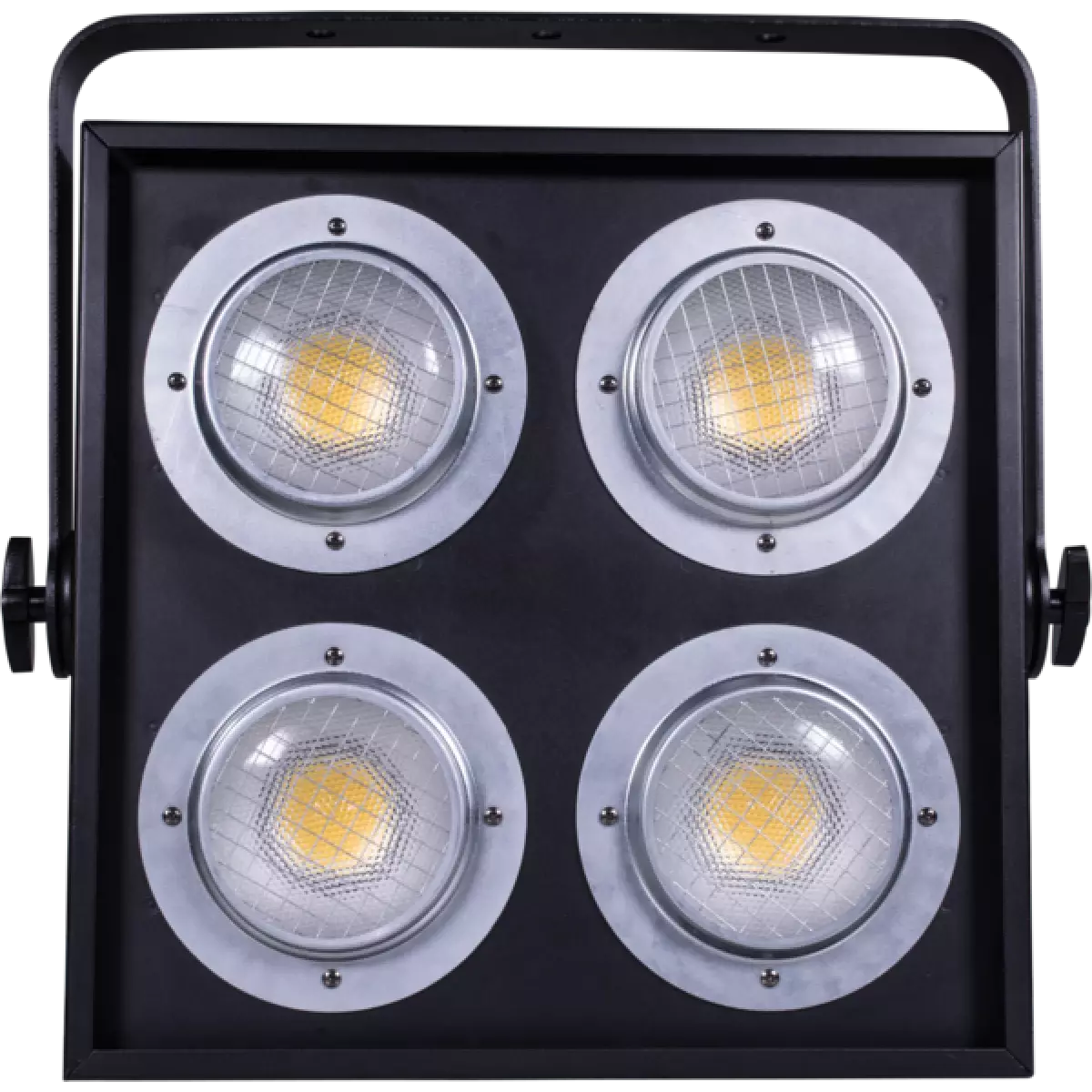
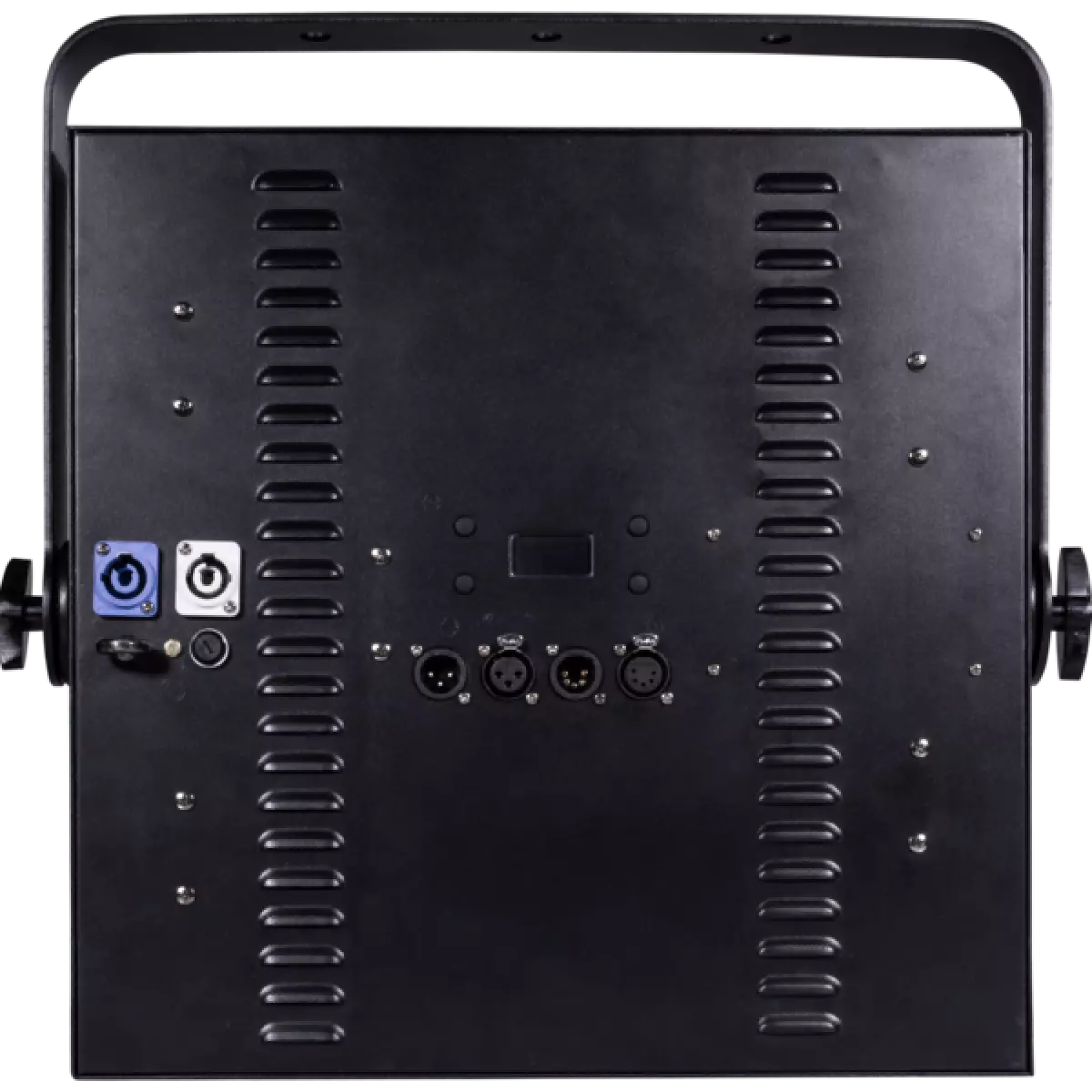
SunRise 4
DISCONTINUOOrder Code: SUNRISE4
Source
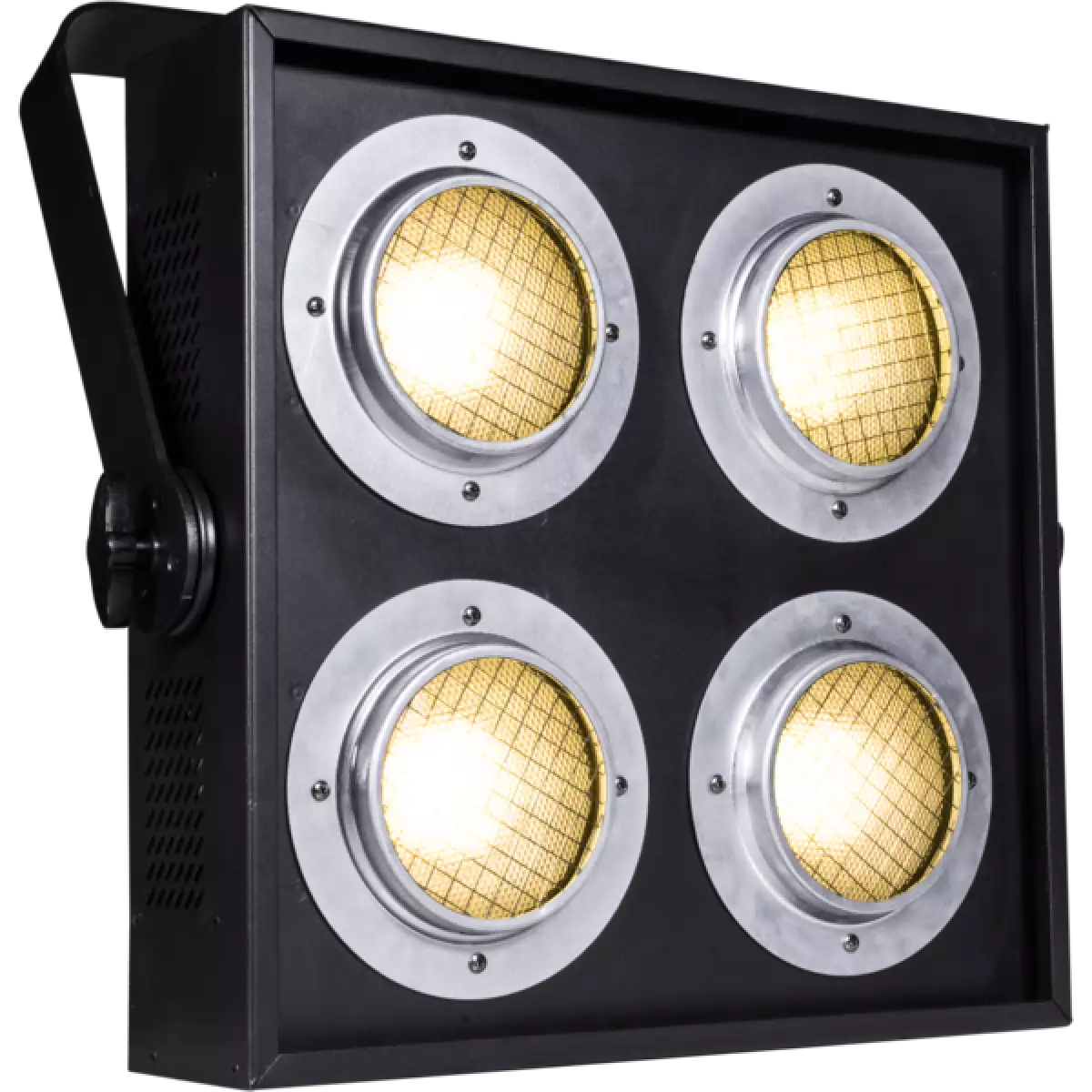
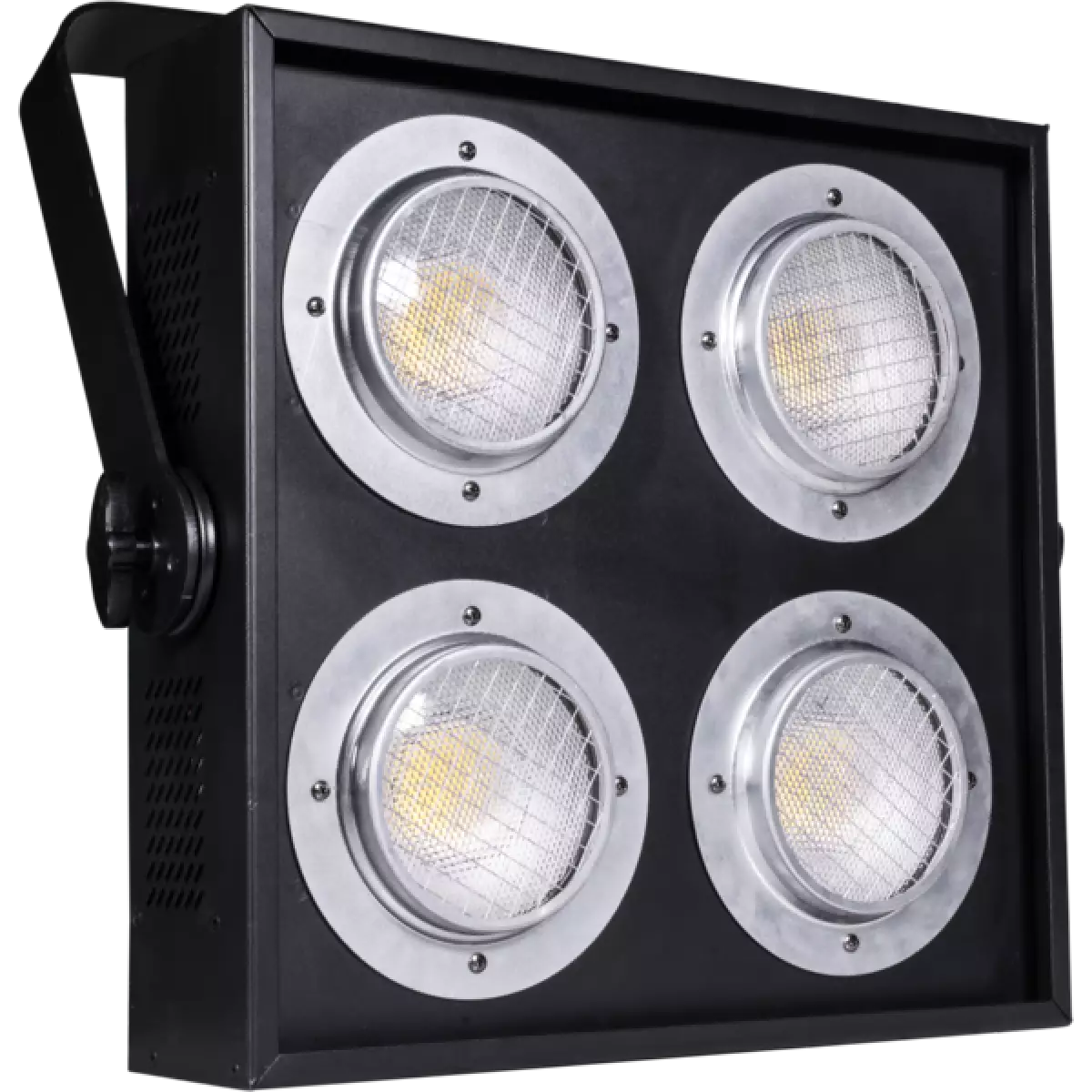
4x100W LED COB Bianco
IP rating
IP30
Weight
10,9kg / 24.03lbs
Key Features
- Luminosità straordinaria di 22'594 lm, eguaglia quella di un classico accecatore DWE
- Pixel control: controllo individuale di ogni singolo LED con selezione di curve dimmer
- Nessun bisogno di dimmer o cambi di lampade, LED con durata di > 50.000 h
SunRise 4 è il primo Blinder con sorgente LED con stessa luminosità dei proiettori convenzionali DWE con lampade alogene 4x650W. È dotato di LED COB da 4x100W 3.000 K e di un vetro ottico in grado di riprodurre l'angolo di proiezione, la temperatura del colore, la curva dimmer e la luminosità di una lampada fluorescente. L'elettronica del SunRise 4 offre anche molti altre caratteristiche come l'opzione per controllare ciascun LED in modo indipendente in pixel2pixel e il canale dedicato allo strobe, oltre alla possibile selezione di diverse curve dimmer.
Mostra meno
SunRise 4 è il primo Blinder con sorgente LED con stessa luminosità dei proiettori convenzionali DWE con lampade alogene 4x650W. È dotato di LED COB da 4x100W 3.000 K e di un vetro ottico in grado di ...
Scopri di più