Order Code: DOTQMR
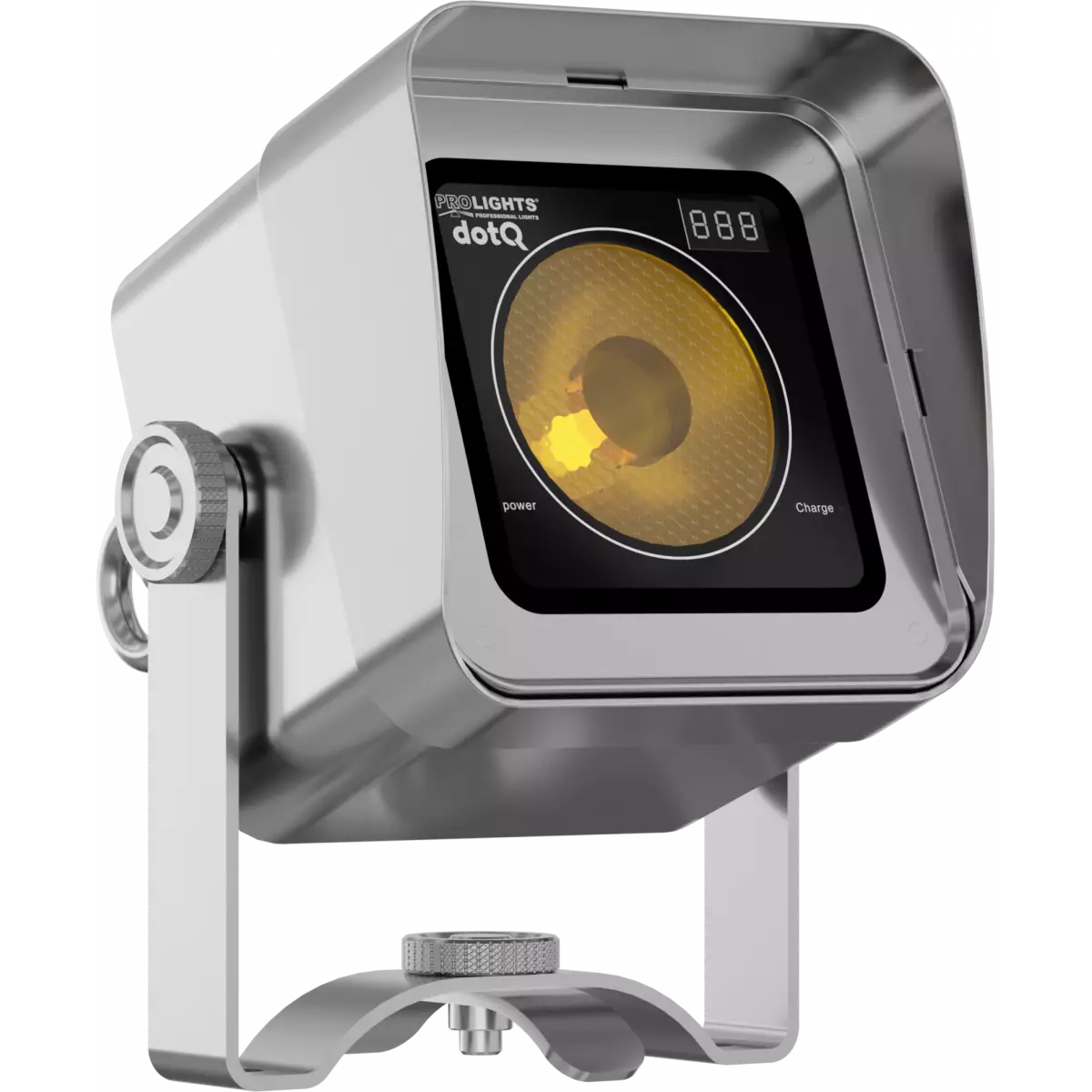
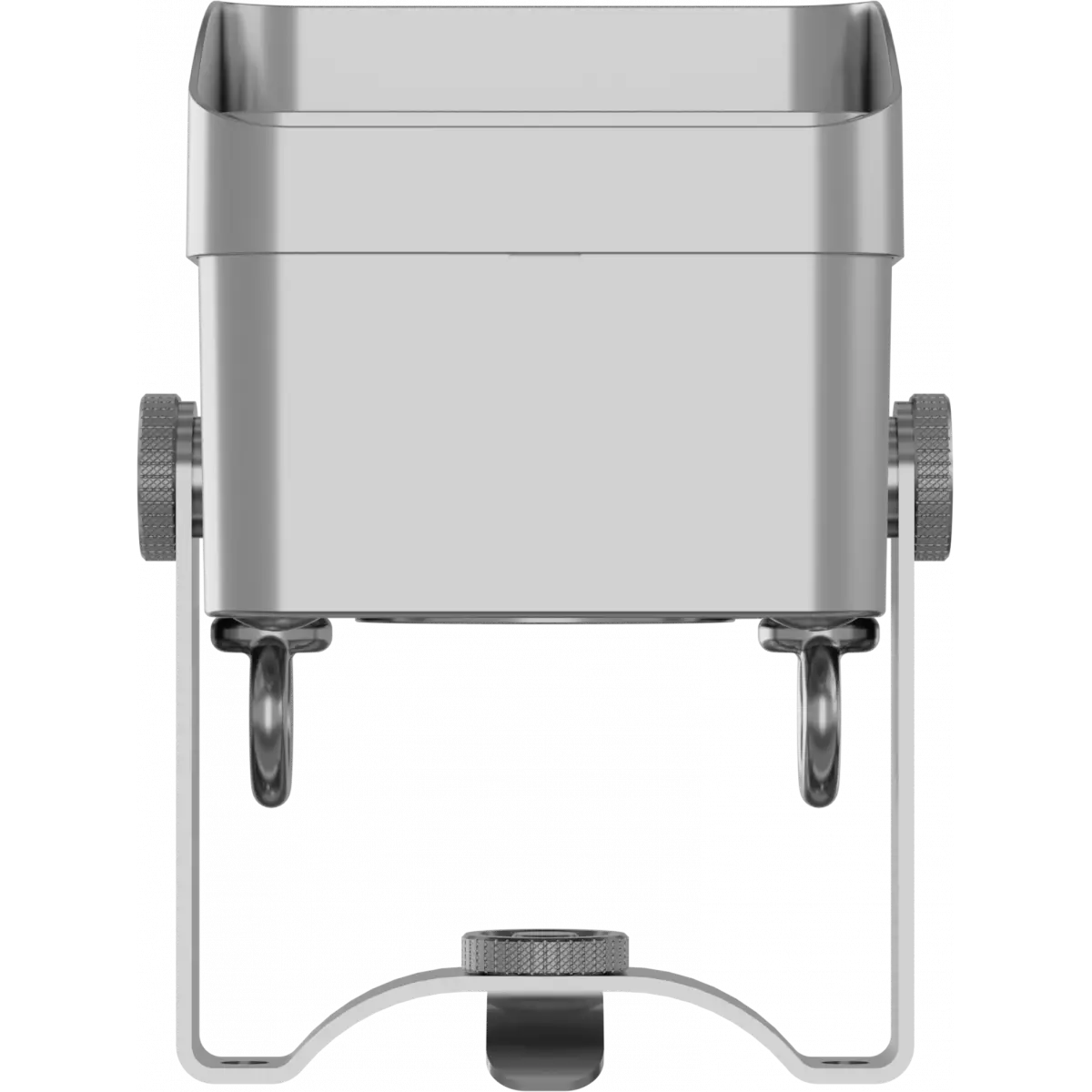
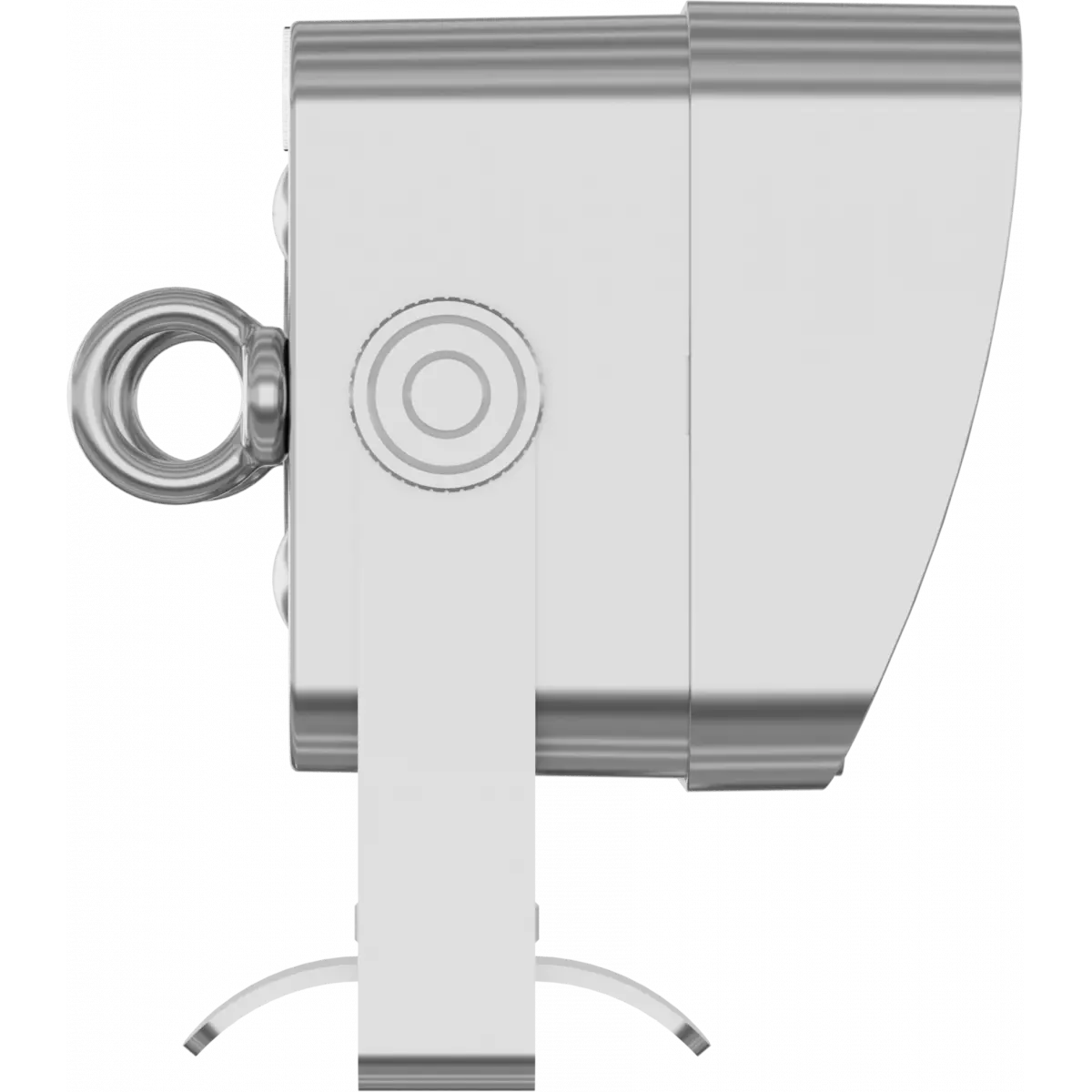
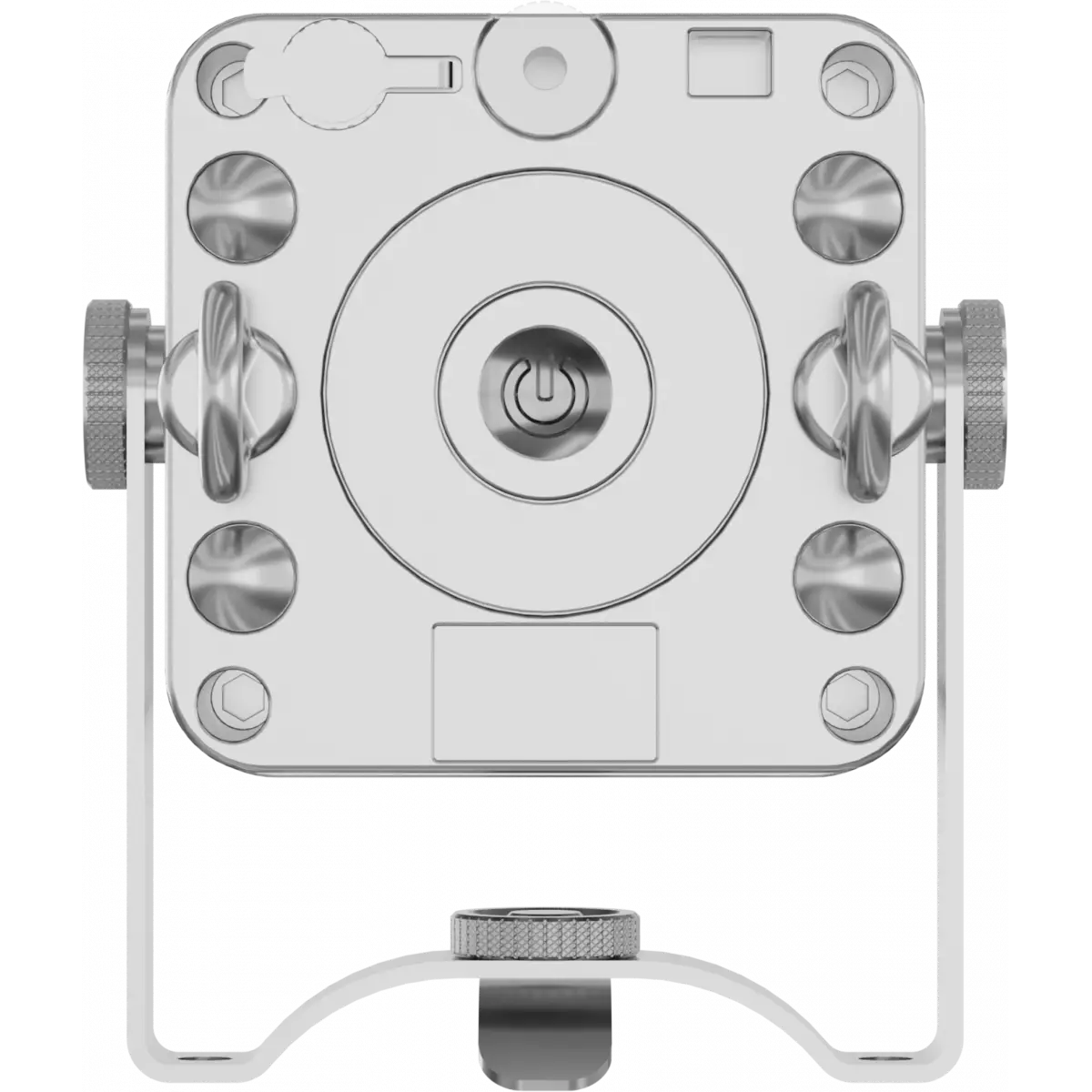
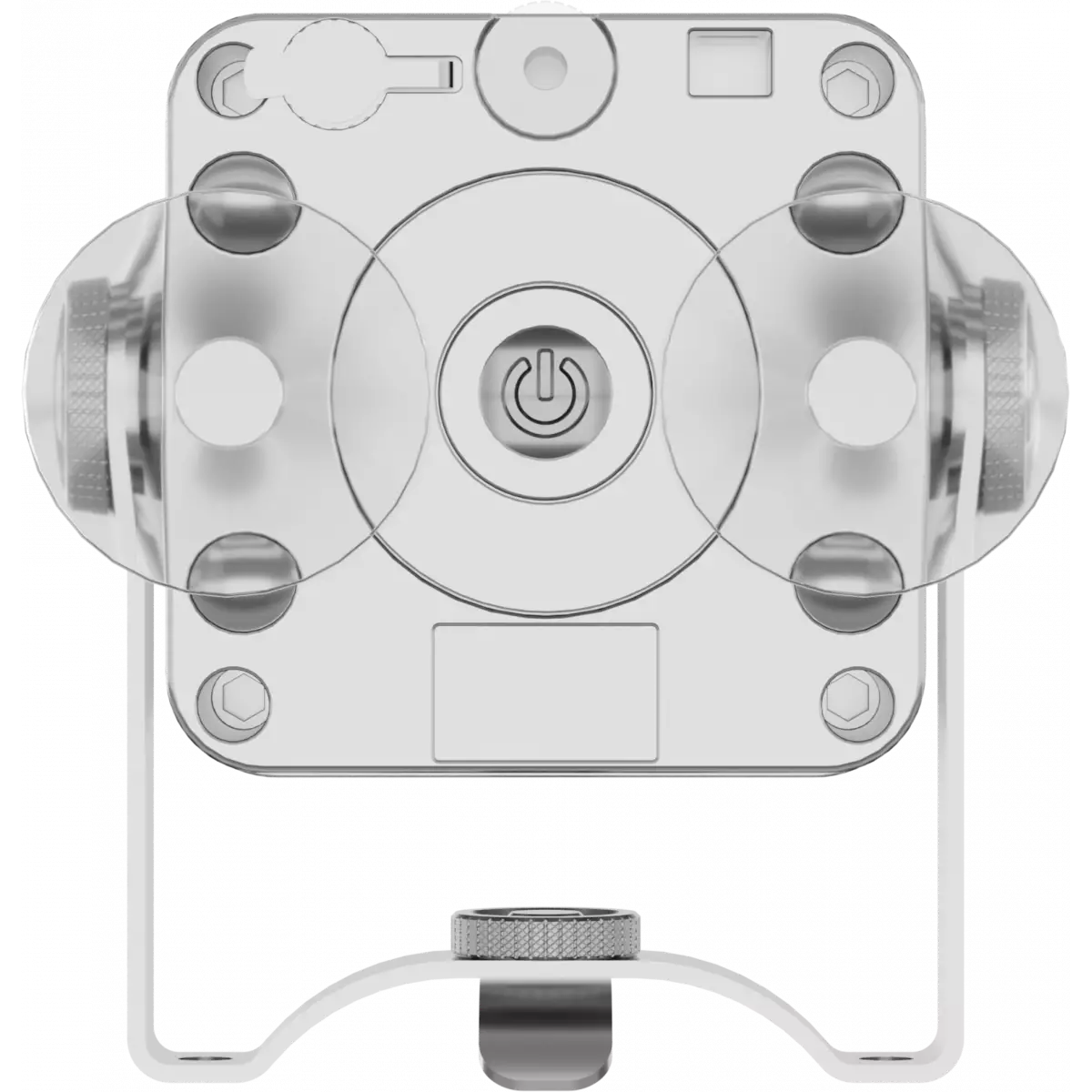
DotQ is an ultra-compact, wireless, battery LED accent luminaire designed to light up the entirety of the inside or outside of a room. The compact form factor and chrome finish allows it to be used anywhere that needs a 'little lift' to finish off the perfect event design.
Read lessTechnical documentation and support files
| File name | File size | Download | |
|---|---|---|---|
| Dotq_LETTER_DATASHEET_(EN).pdf(28/09/2021) | 249KB | ||
| Dotq_A4_DATASHEET_(IT).pdf(04/05/2021) | 254KB | ||
| Dotq_A4_DATASHEET_(EN).pdf(02/09/2021) | 250KB |
| File name | File size | Download | |
|---|---|---|---|
| Dotq_USER_MANUAL_ITEN.pdf(21/11/2024) | 2MB | ||
| GENERAL_BATTERY_SAFETY_INFO.pdf(27/04/2023) | 3MB | ||
| GENERAL_SAFETY_INFORMATION.pdf(02/12/2022) | 12MB | ||
| Dotq_General_Safety_Information.pdf(26/04/2023) | 10MB |
| File name | File size | Download | |
|---|---|---|---|
| Dotq_DMX_CHARTS.pdf(01/02/2018) | 50KB |
| File name | File size | Download | |
|---|---|---|---|
| Dotq_PHOTOMETRICS.pdf(26/02/2020) | 748KB | ||
| Download DIALux product catalogue | - |
| File name | File size | Download | |
|---|---|---|---|
| Dotqmr_3D.rvt(09/03/2020) | 457KB | ||
| Dotq_3D.skp(26/03/2020) | 501KB | ||
| Dotq_CAD_3D.dwg(18/02/2020) | 686KB | ||
| Dotq_CAD_2D.dwg(26/10/2020) | 2MB | ||
| Dotqmr_CAD_2DSYMBOLS.dwg(09/03/2020) | 60KB | ||
| Dotq_TECHNICAL_DRAWING.pdf(26/10/2020) | 152KB | ||
| PROLIGHTS_VECTORWORKS_v2025_LIBRARY.vwx(13/05/2025) | 321MB | ||
| PROLIGHTS_VECTORWORKS_v2020_LIBRARY.vwx(13/05/2025) | 276MB | ||
| VECTORWORKS_SYMBOLS.vwx(09/03/2020) | 261KB |
PROLIGHTS product firmware can be updated in several ways, depending on the product and file extension. The available methods are listed in the product specifications in the CONTROL - Firmware upgrade section.
| Method/Device | File extension | Needed software | Instructions |
|---|---|---|---|
| UPBOXPRO (*) | .PRL |
UpBox_Tool | Guide |
| USB | .PRL |
No software needed | see User Manual |
| NET CABLE | .EHEX |
Professional Uploader | Guide |
| NET CABLE | .ALF |
DMX Workshop | Guide |
(*) You can still use UPBOX1 and UPBOX2 by checking their compatibility on the product accessories page. To use UPBOX2, you need to download the drivers from the following link.
Update Tool: UPBOXPRO |
||||
| Check hardware changelog before downloading firmware | ||||
| Revision | Release date | Firmware changelog | HW Compatibility | |
|---|---|---|---|---|
| 1.0.01 STABLE | 17/05/2017 | |||
Subscribe to our Newsletter