













 Data sheet & specs

 User manual
 DMX chart & personalities
 Photometrics


 CAD symbols & drawings





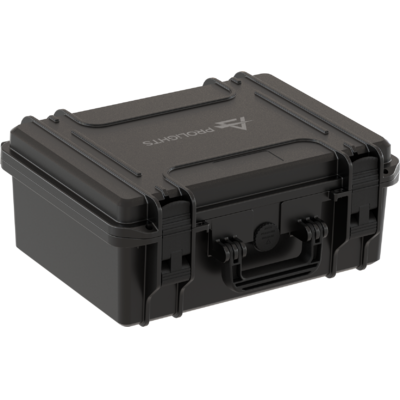
 UPBOXPRO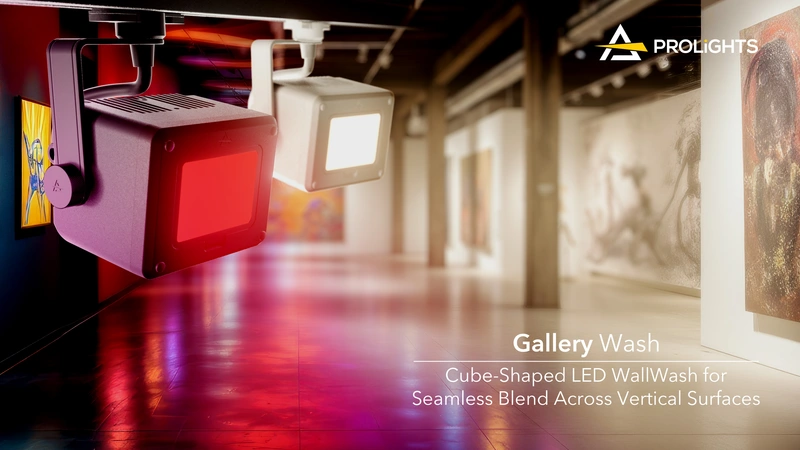

Gallery WashDATVW

Source
60W Variable White LED
IP rating
IP20
Weight
1kg / 2.2lbs
Key Features
- 60W Variable White linear LED engine offers dynamic color mixing and precision tunable white lighting
- Custom asymmetrical reflector ensures superbly uniform wall illumination, minimizing fixture count and installation complexity
- Supports RDM, DMX, local knob dimming, and optional wireless protocols (CRMX) for flexible and intuitive operation
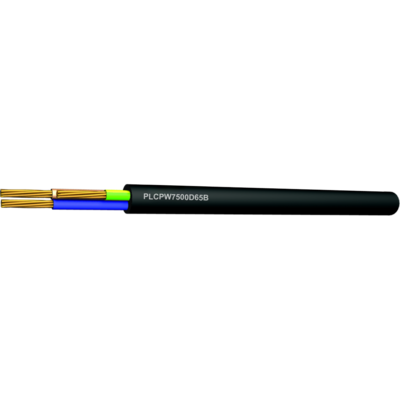
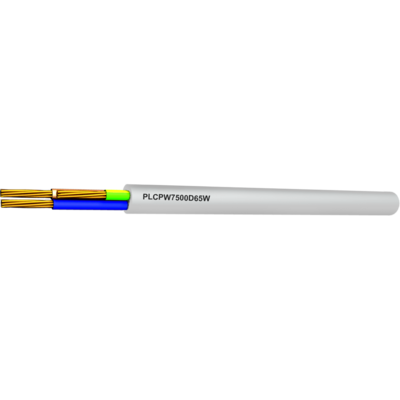
- Integrated power supply with extensive mounting accessories and optical modifiers enables quick installation and precise customization for any venue
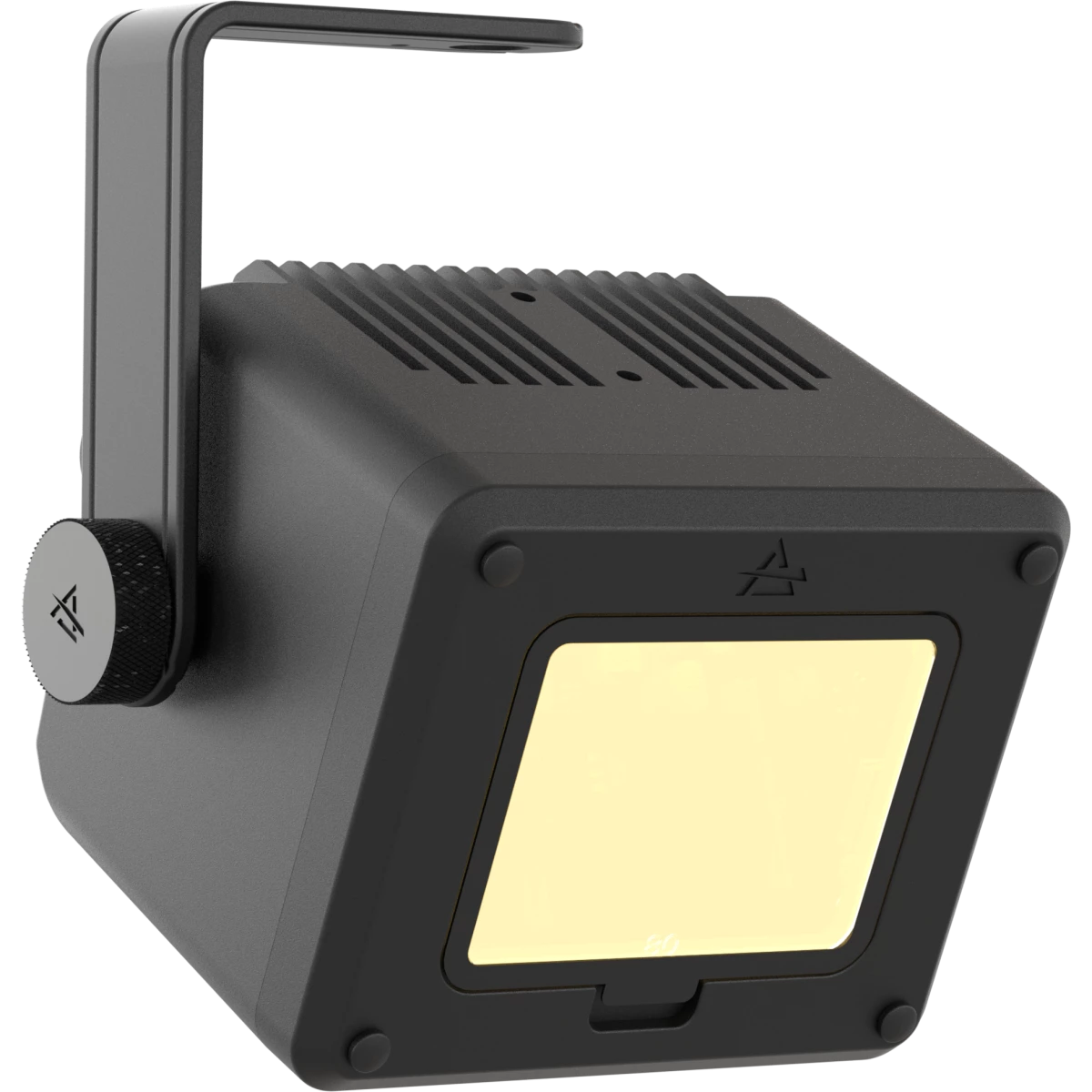
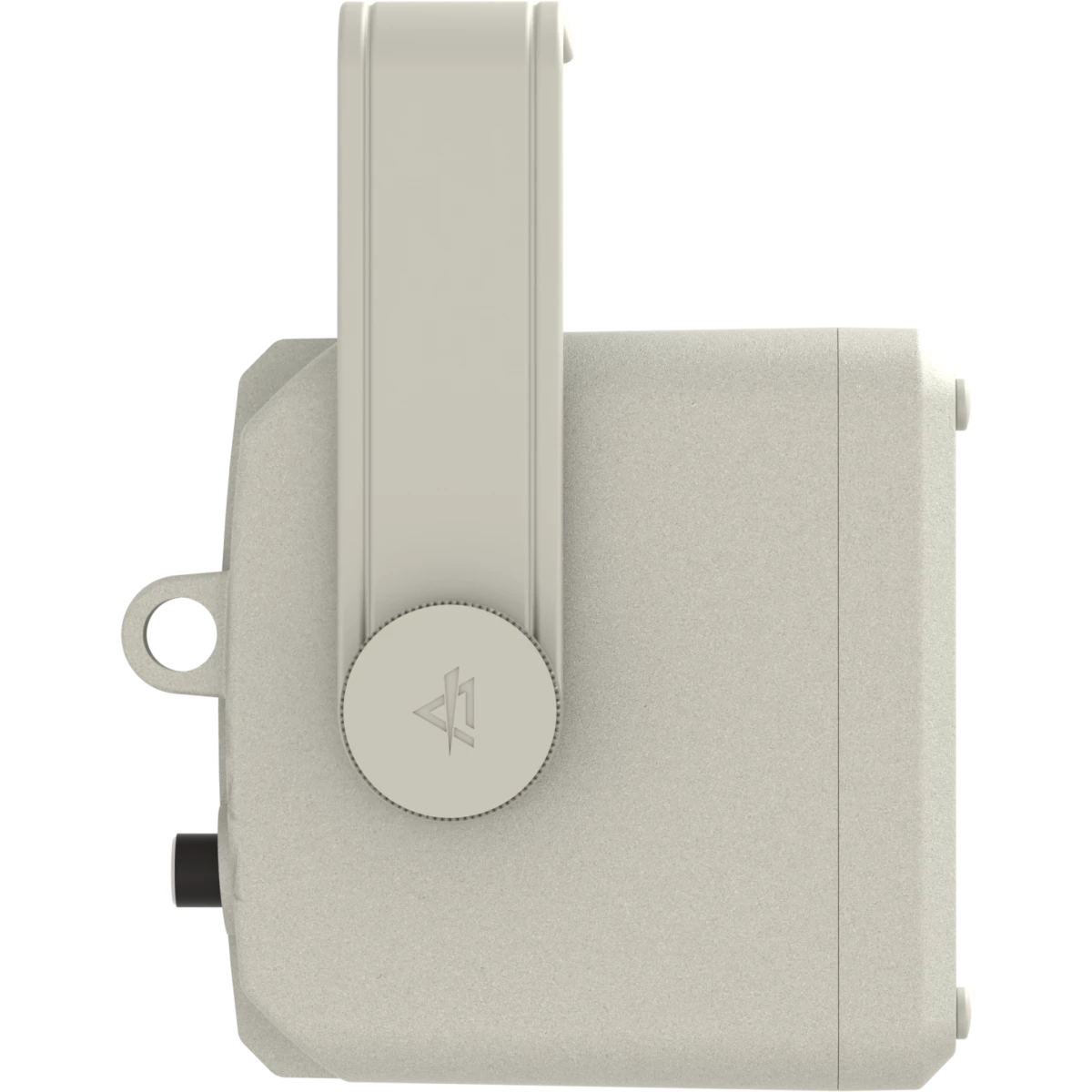
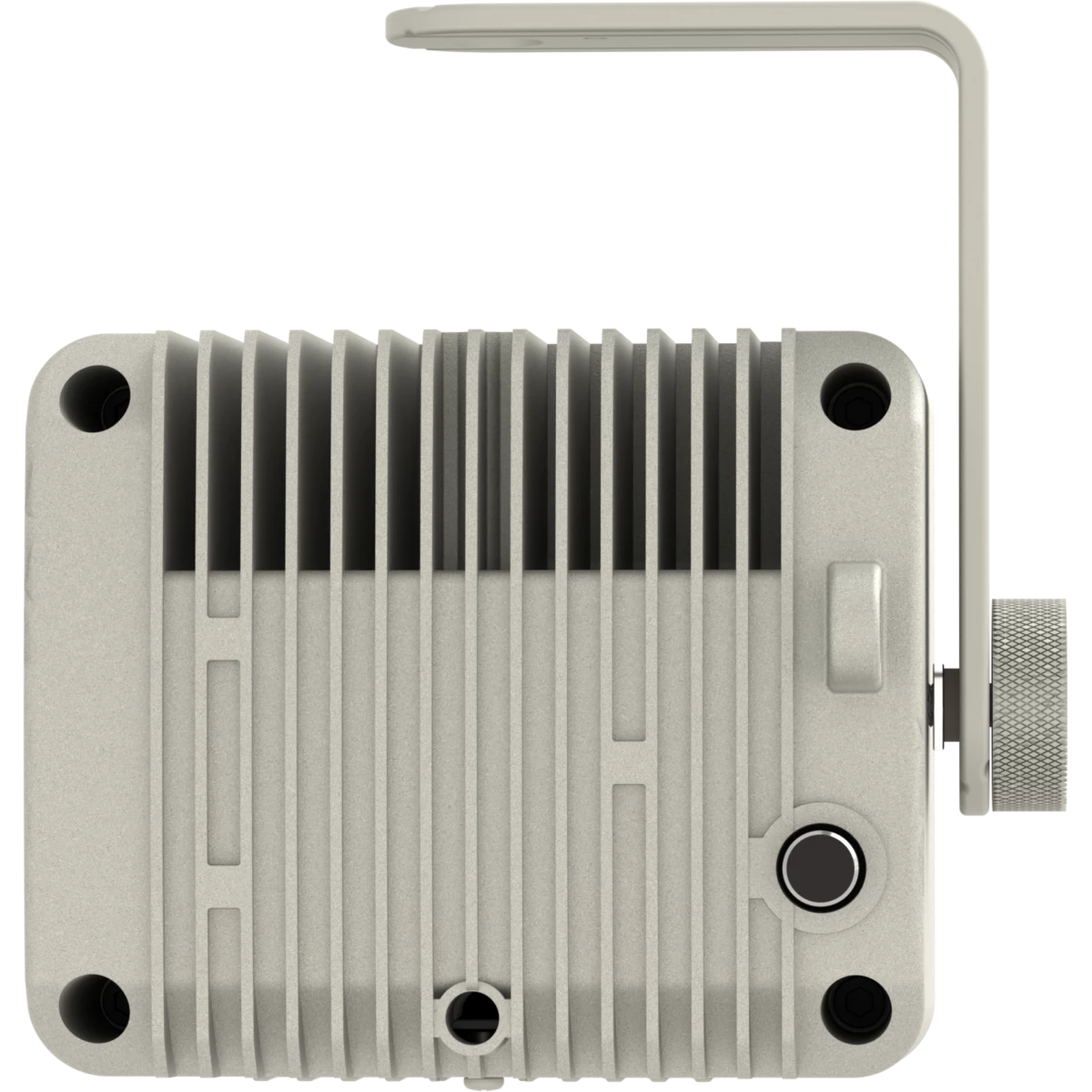
Gallery WashDAT is a compact and efficient LED wallwash luminaire, purpose-designed for precise, uniform illumination of walls, exhibits, and shelving in galleries, events, and venues.
Its advanced optical system combines a custom linear LED source with an asymmetrical reflector, significantly reducing the required number of fixtures by enabling greater spacing without compromising visual comfort or uniformity.
The Gallery WashDAT VW variant includes a 60W variable white LED source, providing adjustable color temperatures ranging smoothly from warm 2'700K to cool 5'600K. This model excels in applications requiring precise white-light control to enhance visual clarity and ambiance.
Control flexibility is assured through integrated RDM, DMX, and intuitive local dimming.
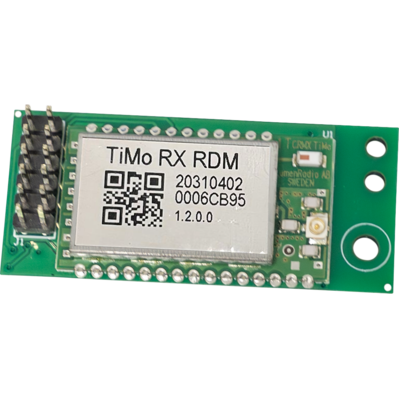
Optional wireless control modules (LumenRadio CRMX) can be specified to simplify installation and enhance operational convenience.
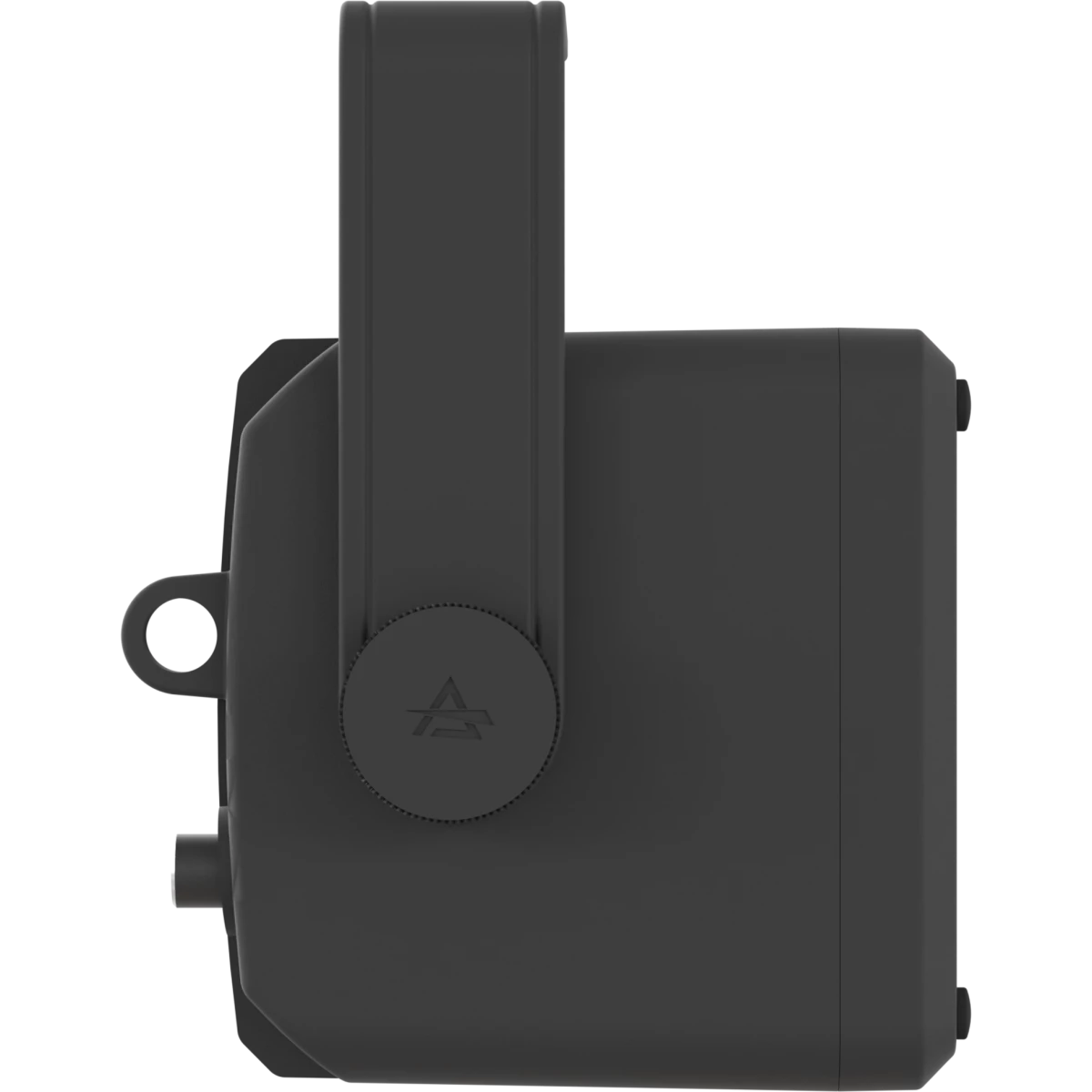
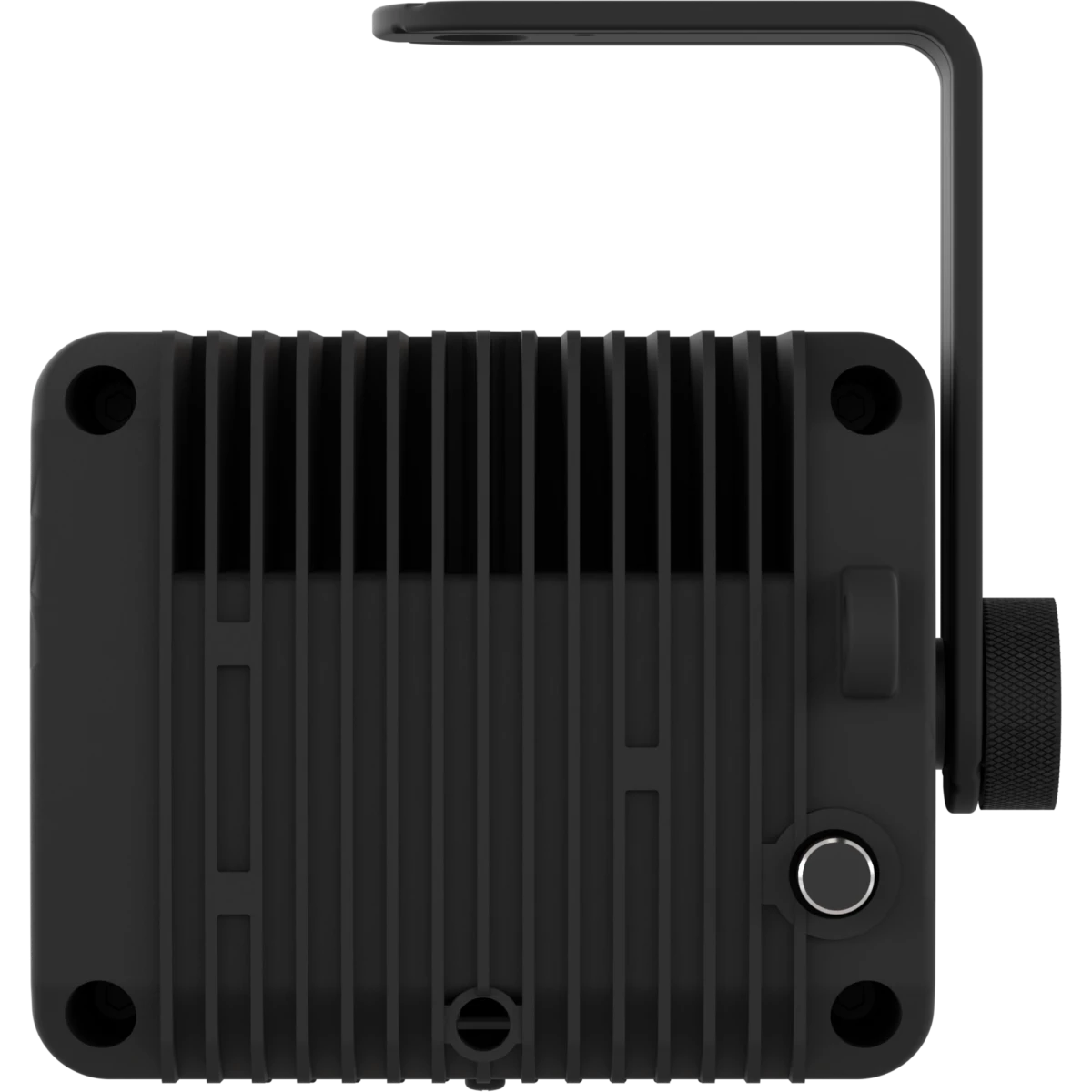
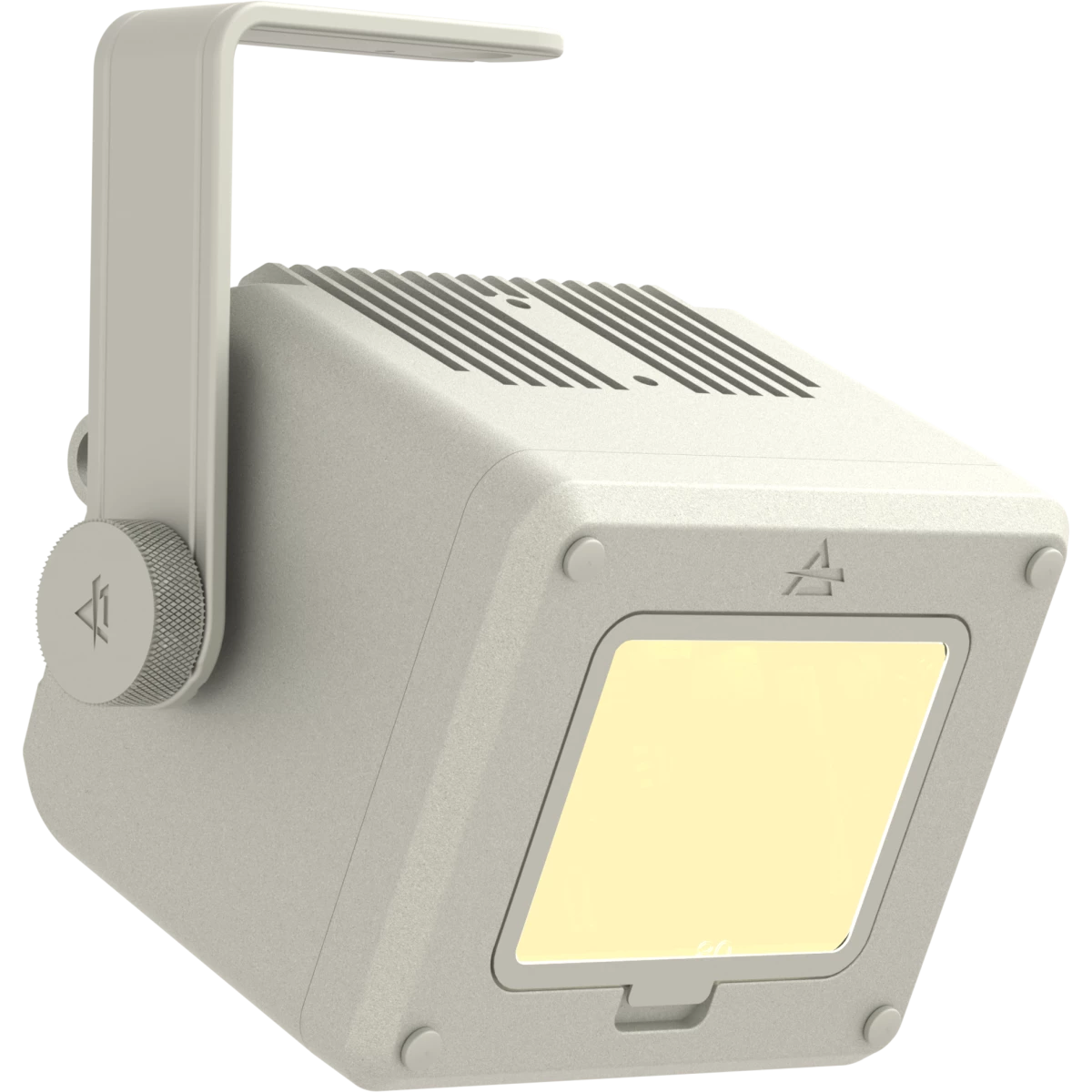
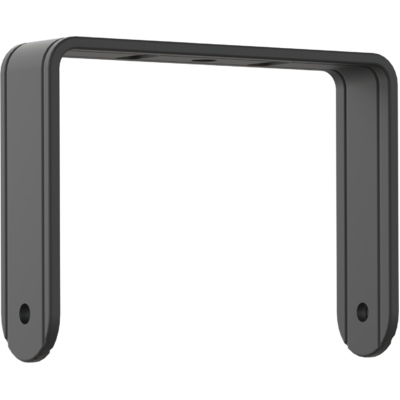
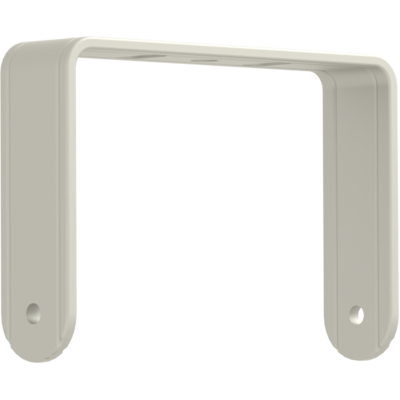
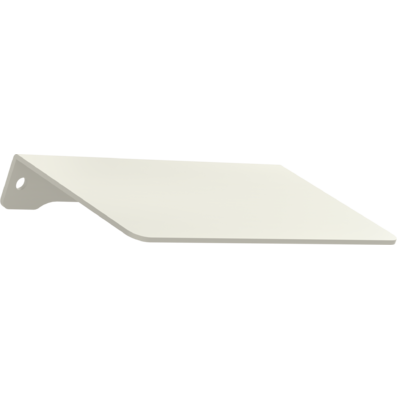
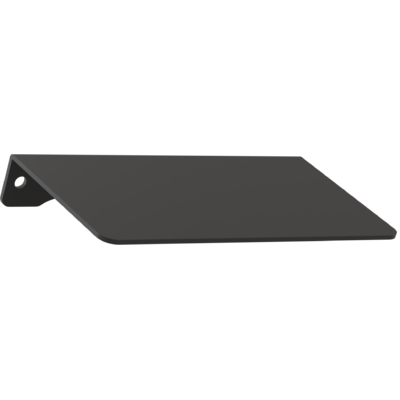
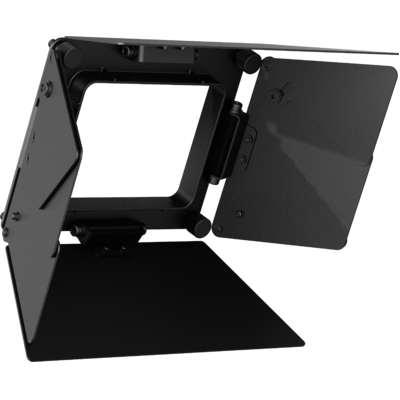
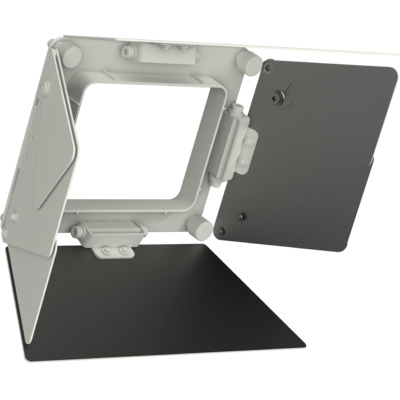
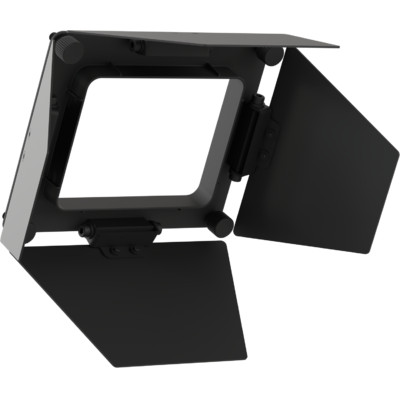
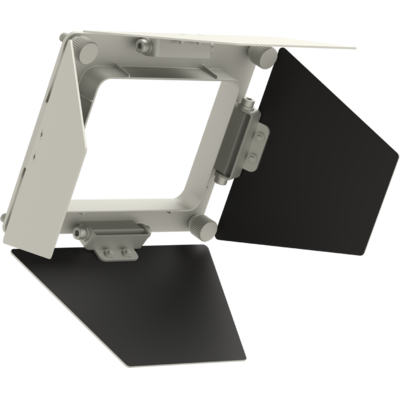
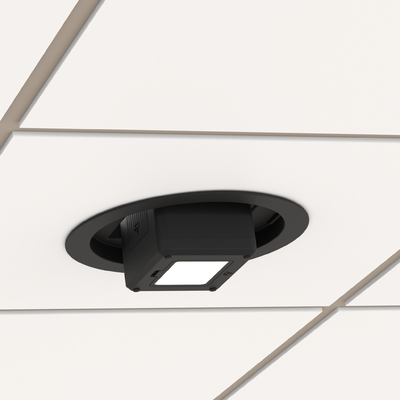
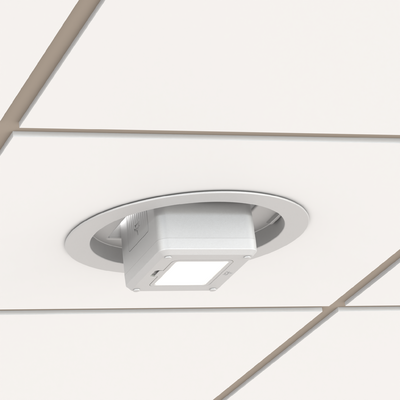
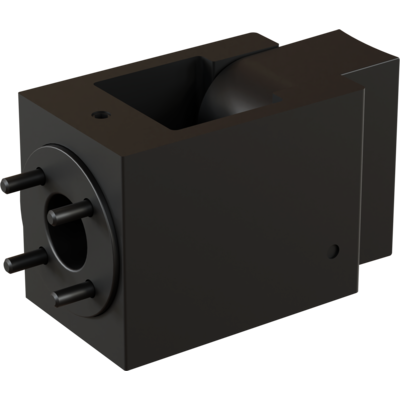
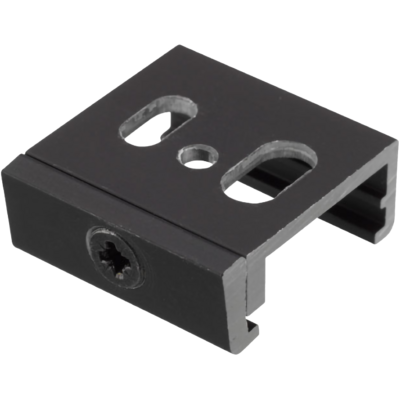
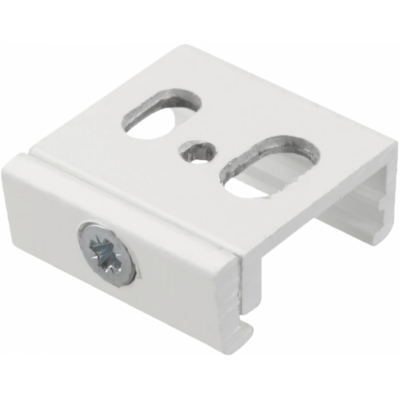
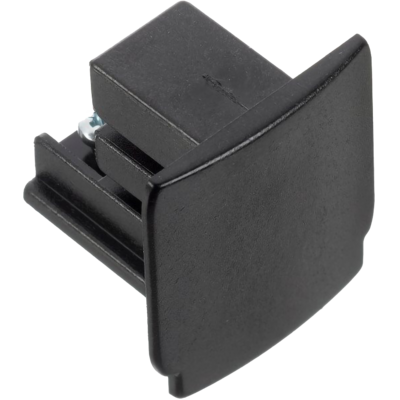
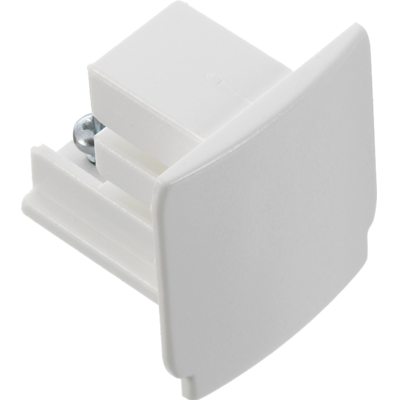
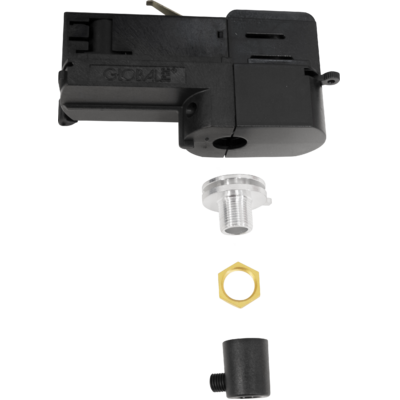
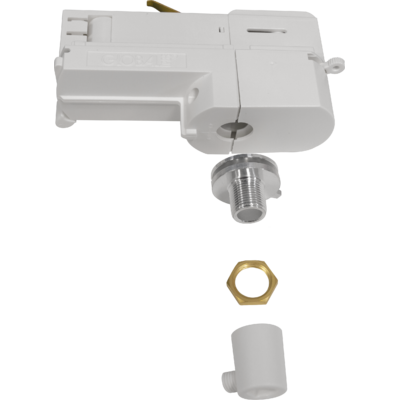
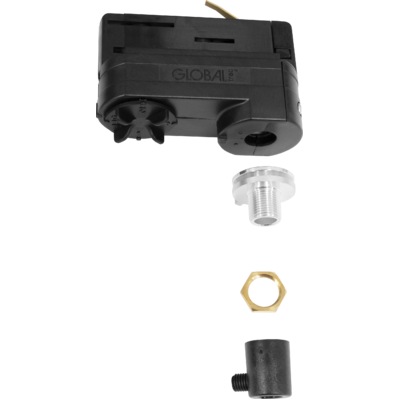
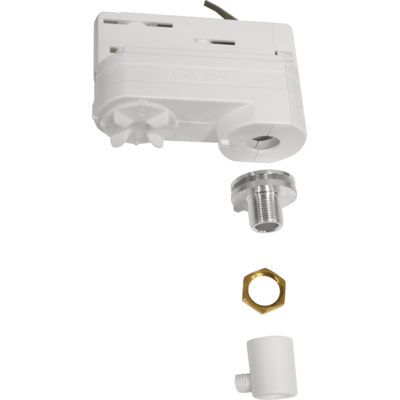
With its stylish cubic form factor, Gallery WashDAT integrates seamlessly into both contemporary interiors and historic venues. The integrated power supply and driver facilitate straightforward installation, further supported by an extensive range of accessories, including track adapters, adjustable yokes, ceiling mounting kits, and optical modifiers such as barn doors, holographic filters, and snoots.
Gallery WashDAT is a compact and efficient LED wallwash luminaire, purpose-designed for precise, uniform illumination of walls, exhibits, and shelving in galleries, events, and venues.Its advanced opt...
Read more
