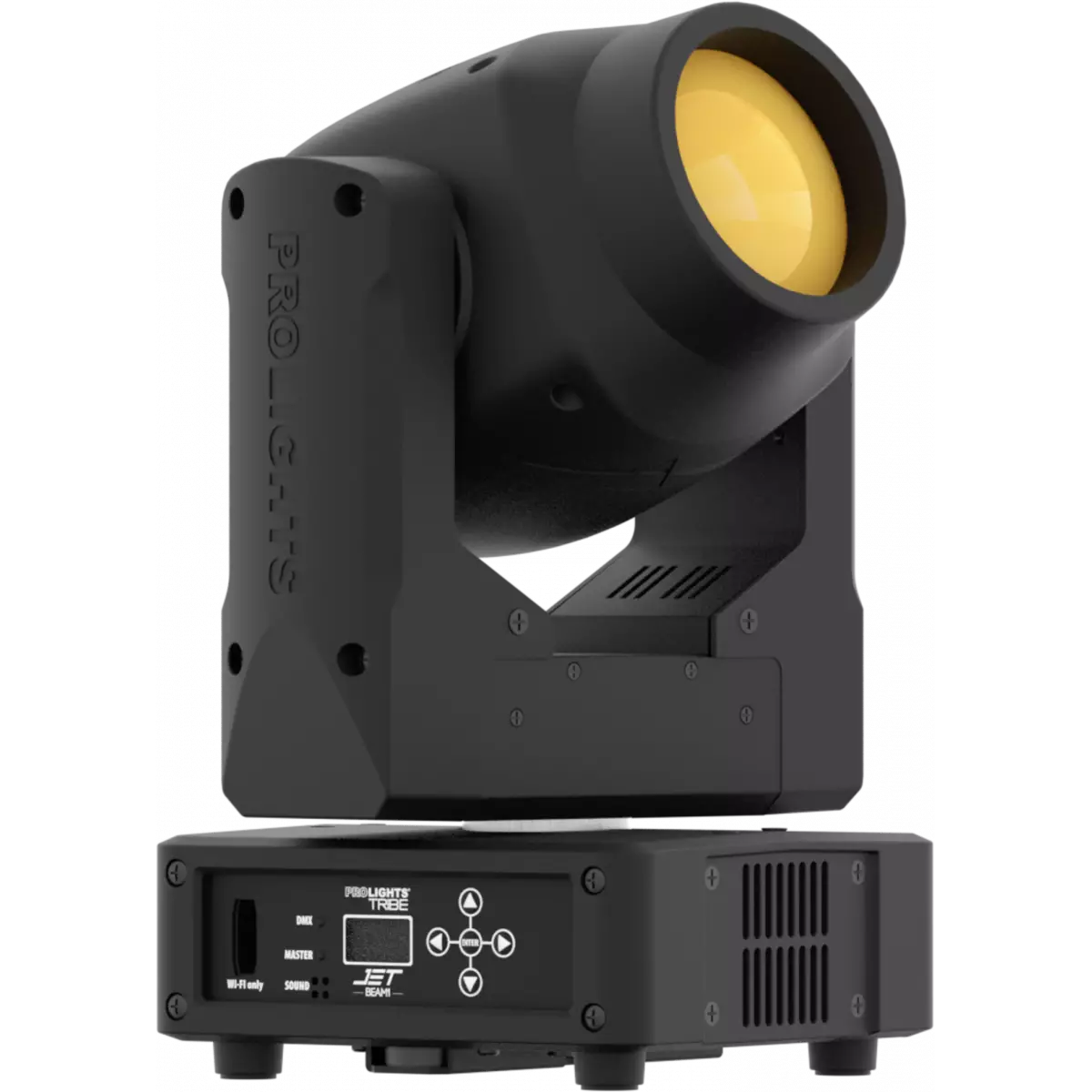
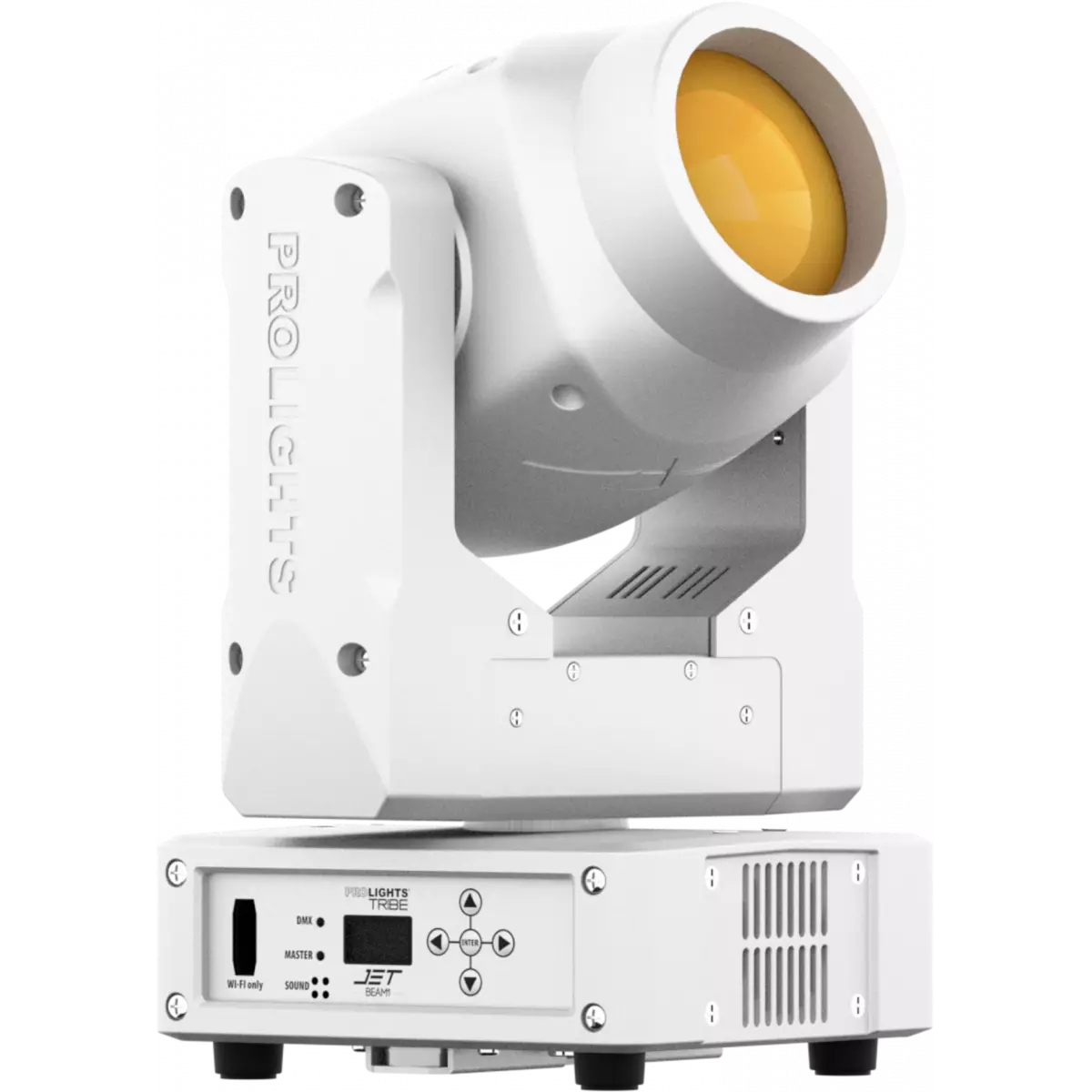
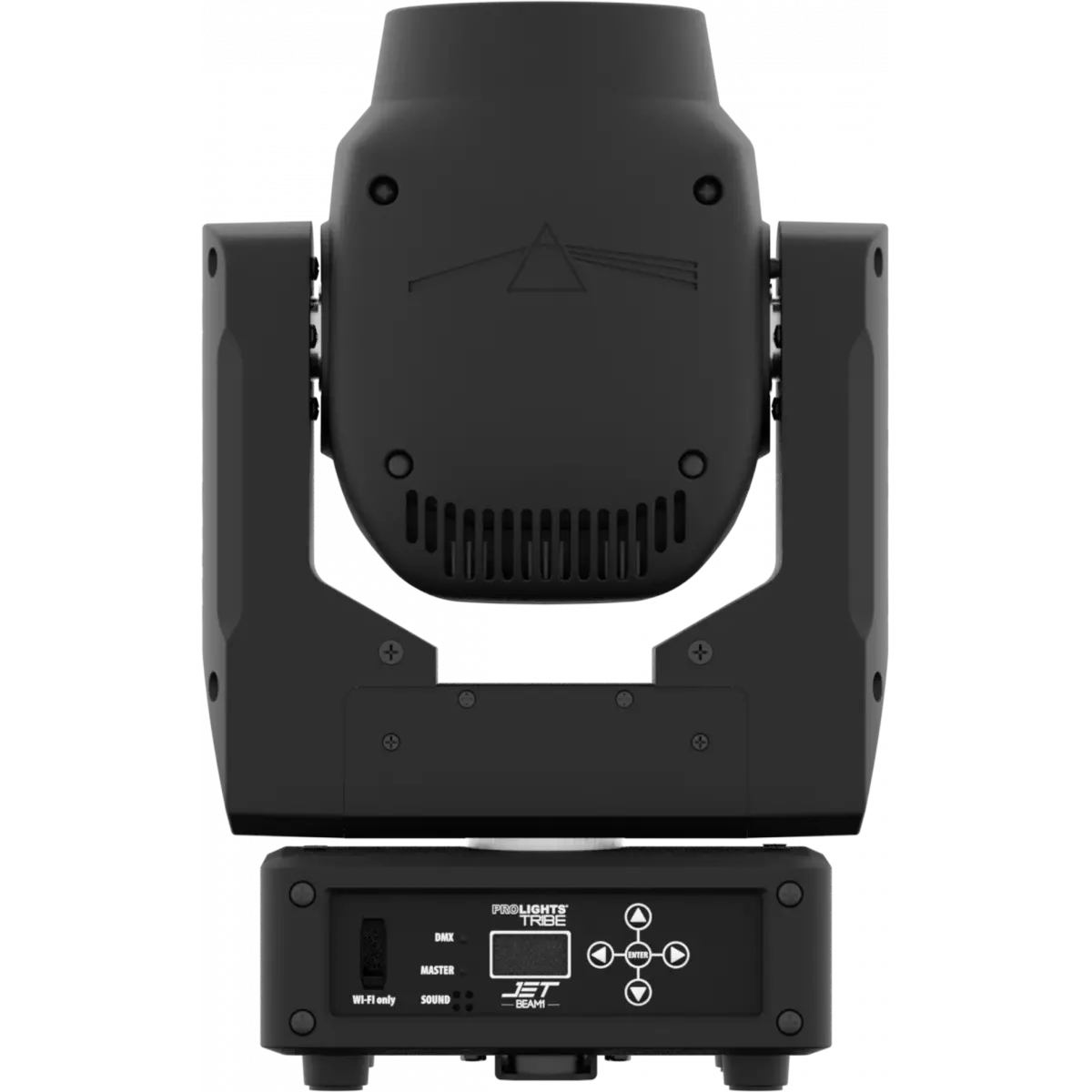
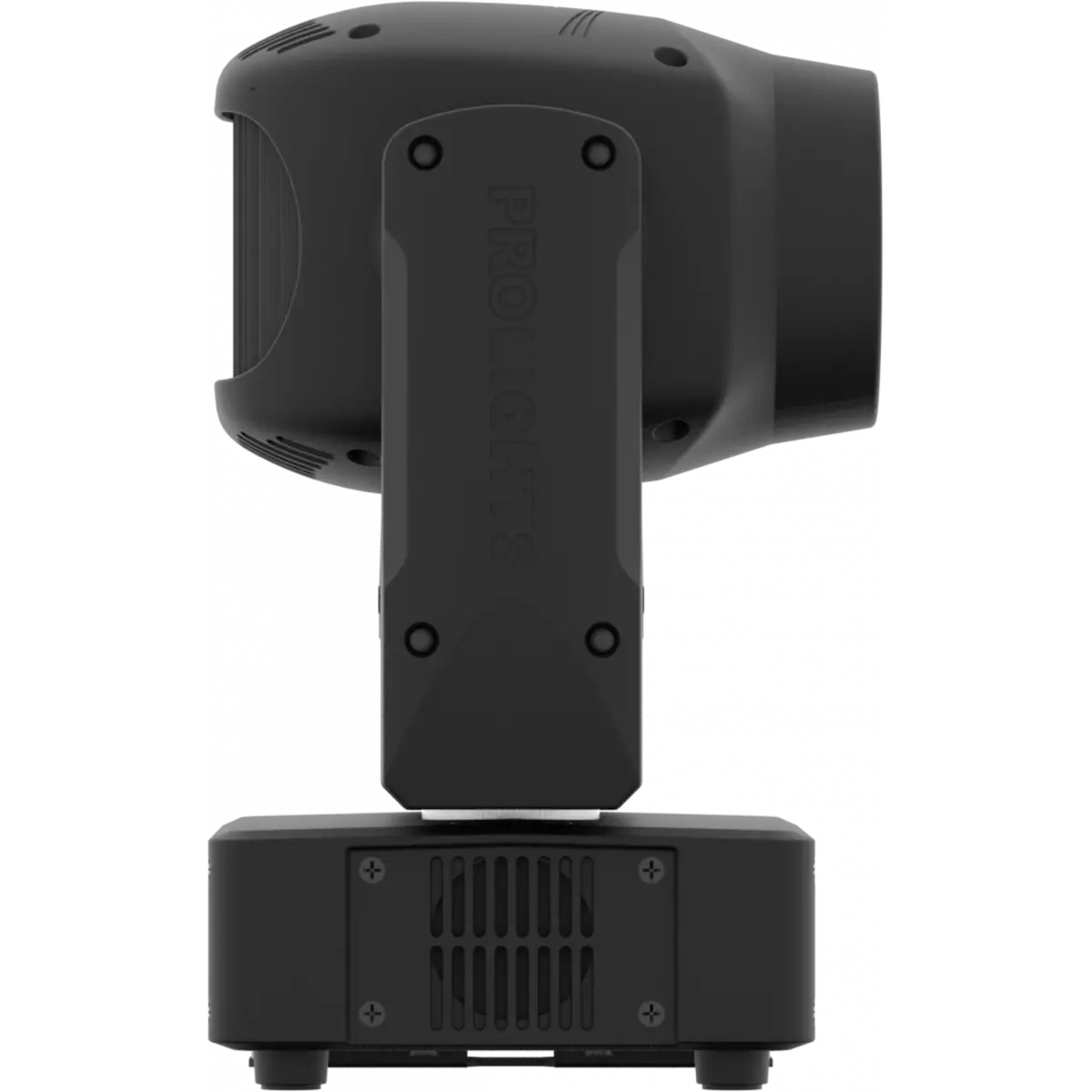
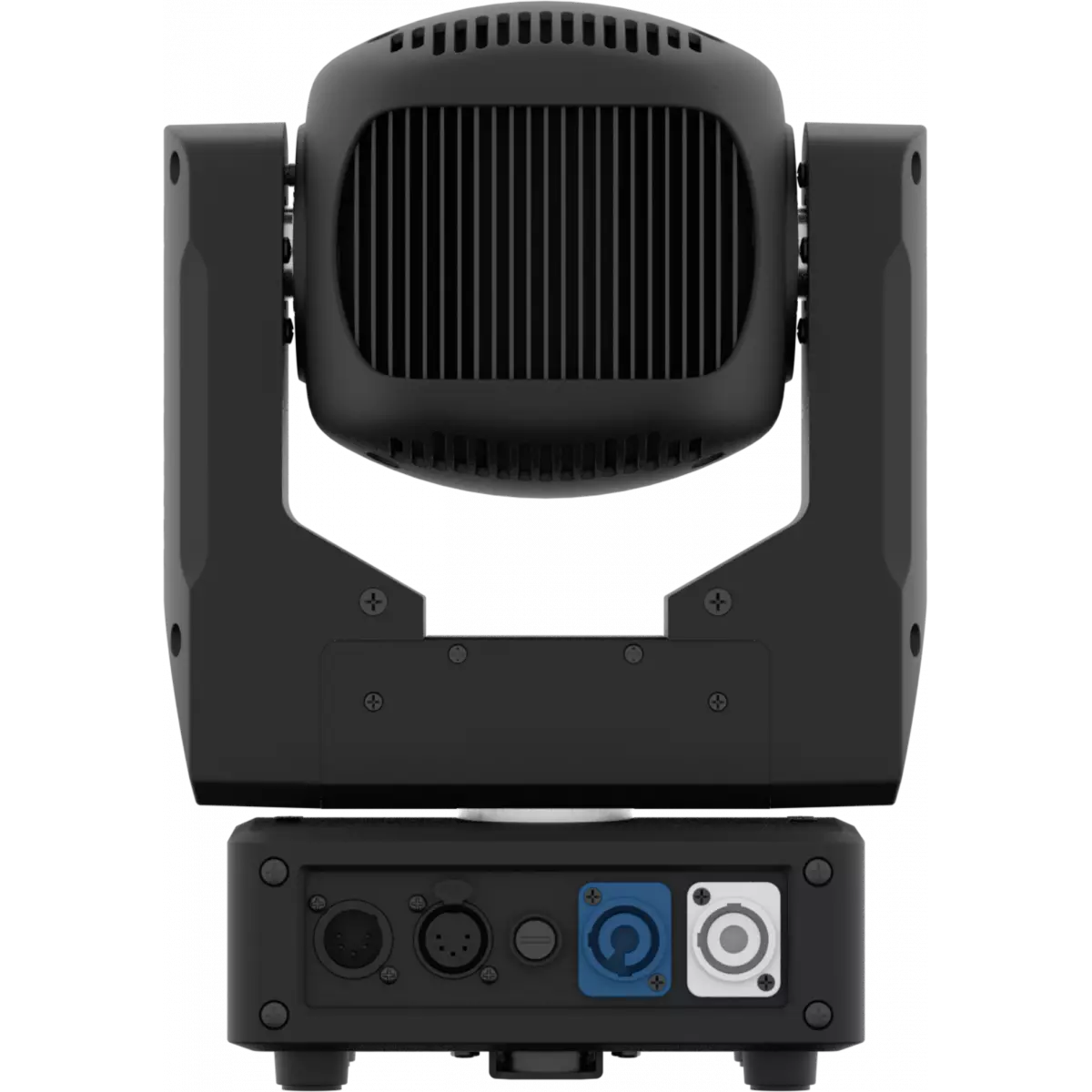
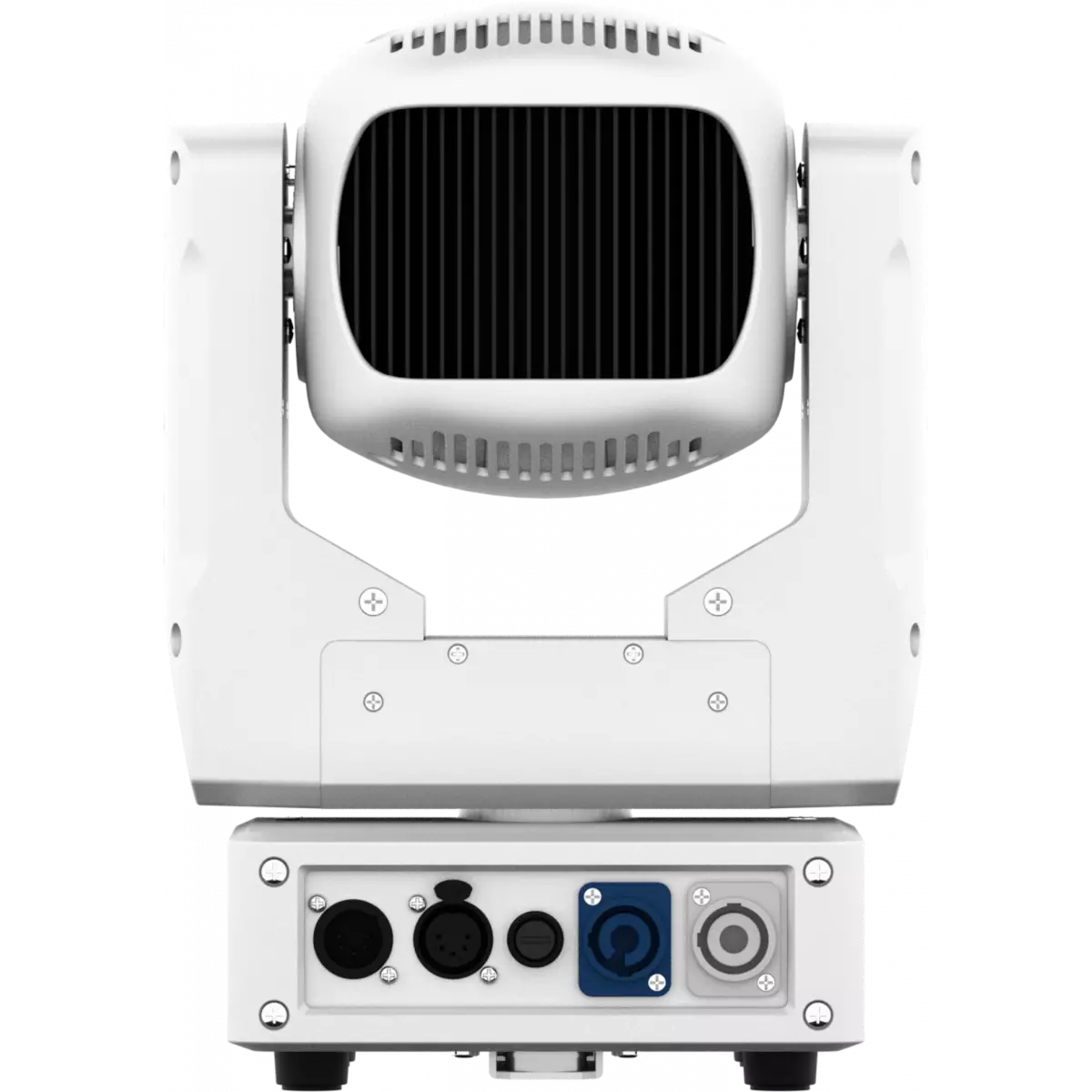
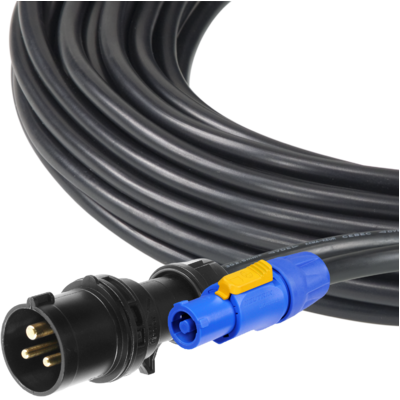
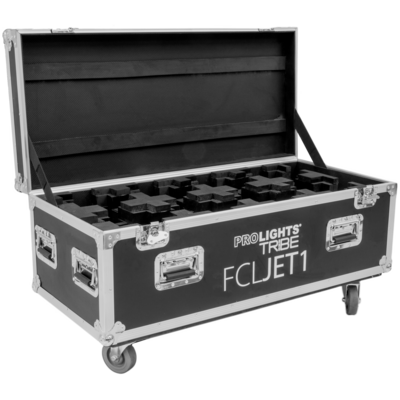
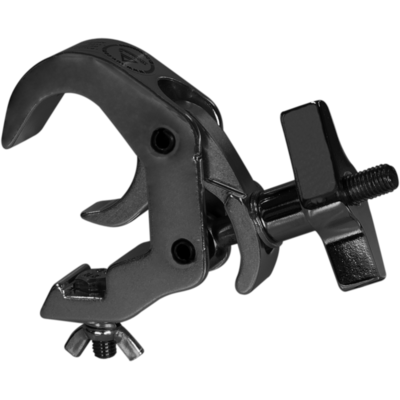
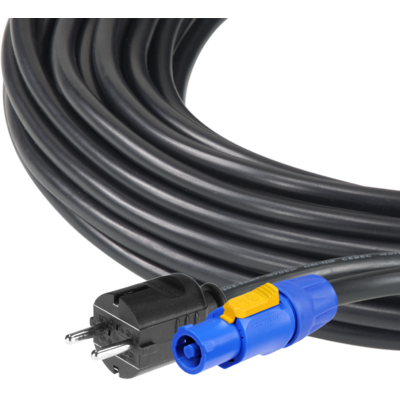
Jet Beam1 is an extremely compact LED beam light designed to deliver the brightest beam from the smallest footprint possible. Ideal where space is an issue, the Jet Beam1 offers simply the best value for money in its segment with a light output far exceeding expectations. All offered in a compact size and at an affordable price.
Read less| Code | Housing | |
|---|---|---|
|
|
JETBEAM1BK
DISCONTINUED
|
Black |
|
|
JETBEAM1WH
|
White |
Technical documentation and support files
| File name | File size | Download | |
|---|---|---|---|
| Jetbeam1_LETTER_DATASHEET_(EN).pdf(28/09/2021) | 161KB | ||
| Jetbeam1_A4_DATASHEET_(IT).pdf(30/04/2021) | 165KB | ||
| Jetbeam1_A4_DATASHEET_(EN).pdf(01/09/2021) | 162KB |
| File name | File size | Download | |
|---|---|---|---|
| Jetbeam1_USER_MANUAL_ITEN.pdf(07/02/2019) | 2MB |
| File name | File size | Download | |
|---|---|---|---|
| Jetbeam1_DMX_CHARTS.pdf(02/02/2018) | 56KB |
| File name | File size | Download | |
|---|---|---|---|
| Jetbeam1_PHOTOMETRICS.pdf(25/02/2020) | 165KB | ||
| Download DIALux product catalogue | - |
| File name | File size | Download | |
|---|---|---|---|
| Jetbeam1_3D.skp(13/03/2020) | 1MB | ||
| Jetbeam1_CAD_2D.dwg(24/02/2021) | 2MB | ||
| Jetbeam1_TECHNICAL_DRAWING.pdf(24/02/2021) | 231KB | ||
| JETBEAM1_SYMBOLS.zip | 1MB | ||
| PROLIGHTS_VECTORWORKS_v2025_LIBRARY.vwx(13/05/2025) | 321MB | ||
| PROLIGHTS_VECTORWORKS_v2020_LIBRARY.vwx(13/05/2025) | 276MB |
| File name | File size | Download | |
|---|---|---|---|
| Jetbeam1_COLOR.pdf(25/03/2020) | 38KB |
PROLIGHTS product firmware can be updated in several ways, depending on the product and file extension. The available methods are listed in the product specifications in the CONTROL - Firmware upgrade section.
| Method/Device | File extension | Needed software | Instructions |
|---|---|---|---|
| UPBOXPRO (*) | .PRL |
UpBox_Tool | Guide |
| USB port | .PRL |
No software needed | see User Manual |
| Ethernet port | .EHEX |
Professional Uploader | Guide |
| Ethernet port | .ALF |
DMX Workshop | Guide |
(*) You can still use UPBOX1 and UPBOX2 by checking their compatibility on the product accessories page. To use UPBOX2, you need to download the drivers from the following link.
Update Tool: UPBOXPRO |
||||
| Check hardware changelog before downloading firmware | ||||
| Revision | Release date | Firmware changelog | HW Compatibility | |
|---|---|---|---|---|
| 1.5 STABLE | 04/12/2018 | 10 second default display backlight | ||
Subscribe to our Newsletter