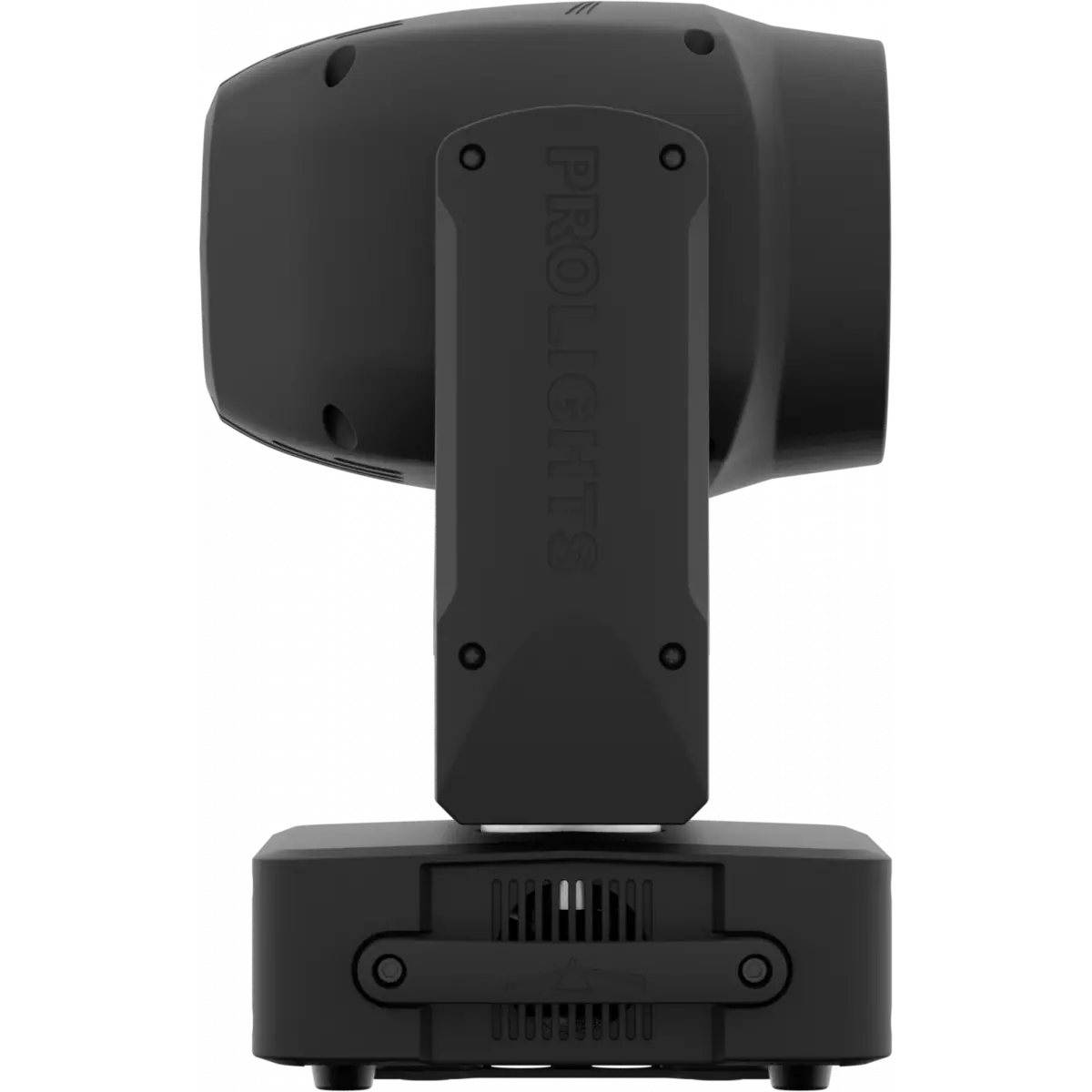
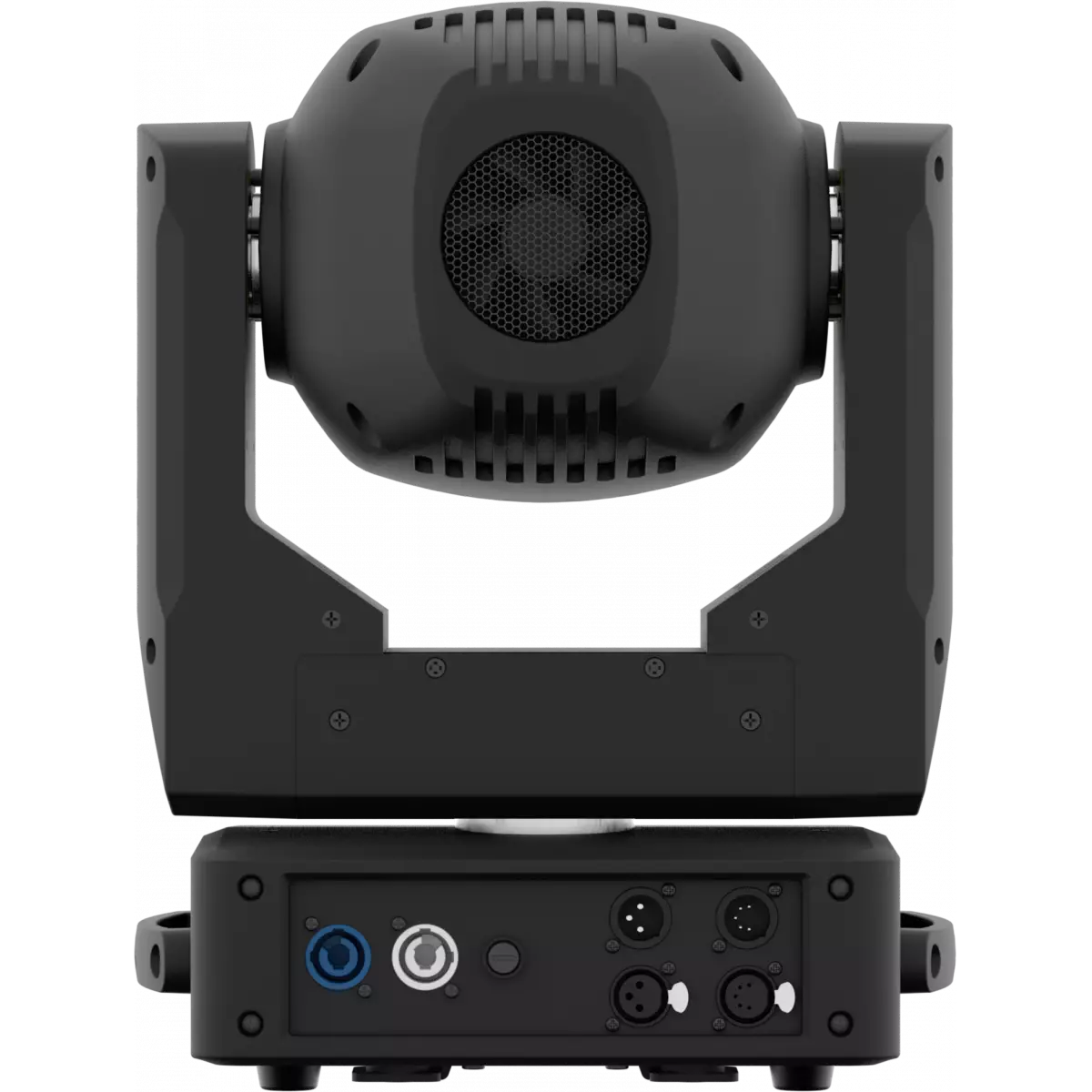



JETBEAM2

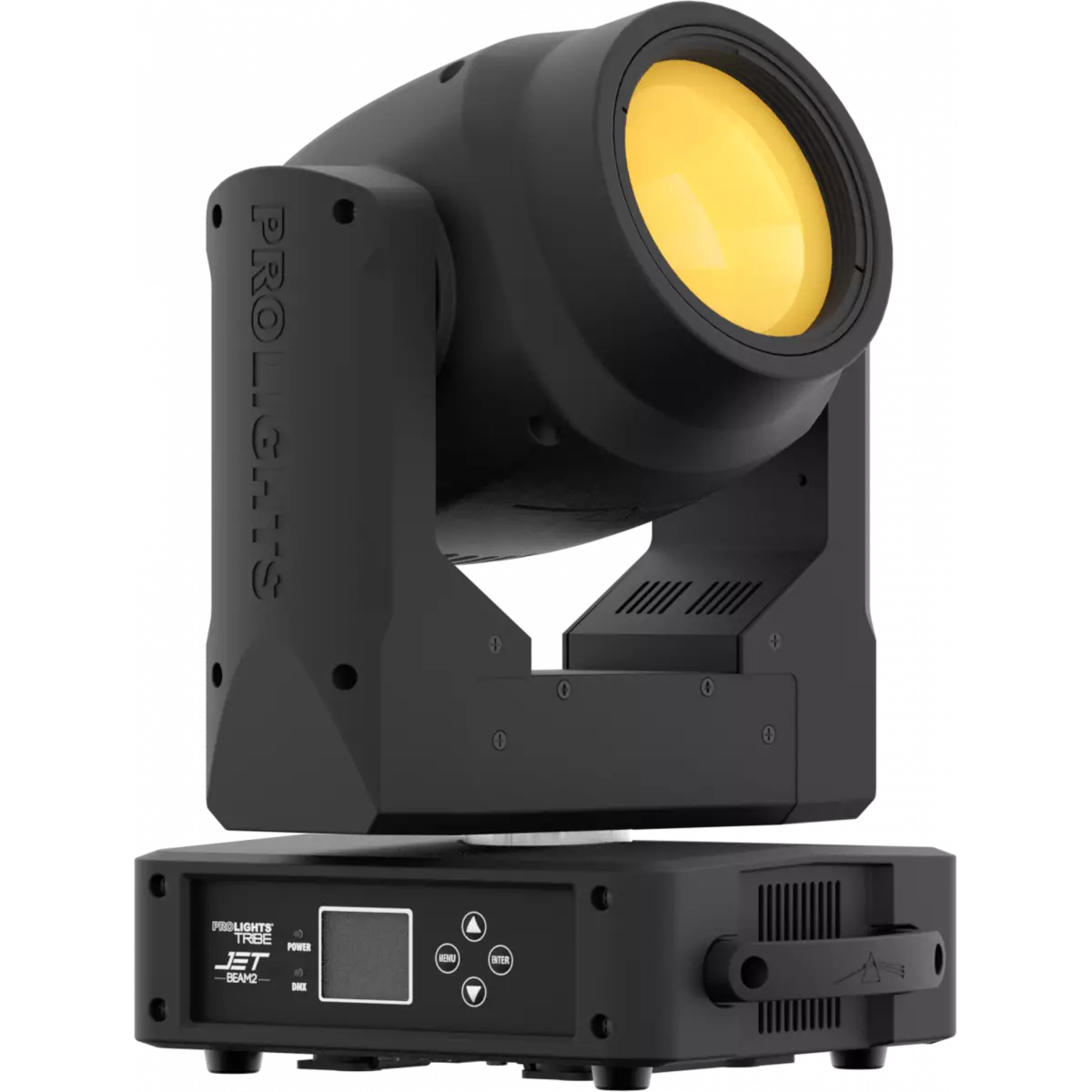
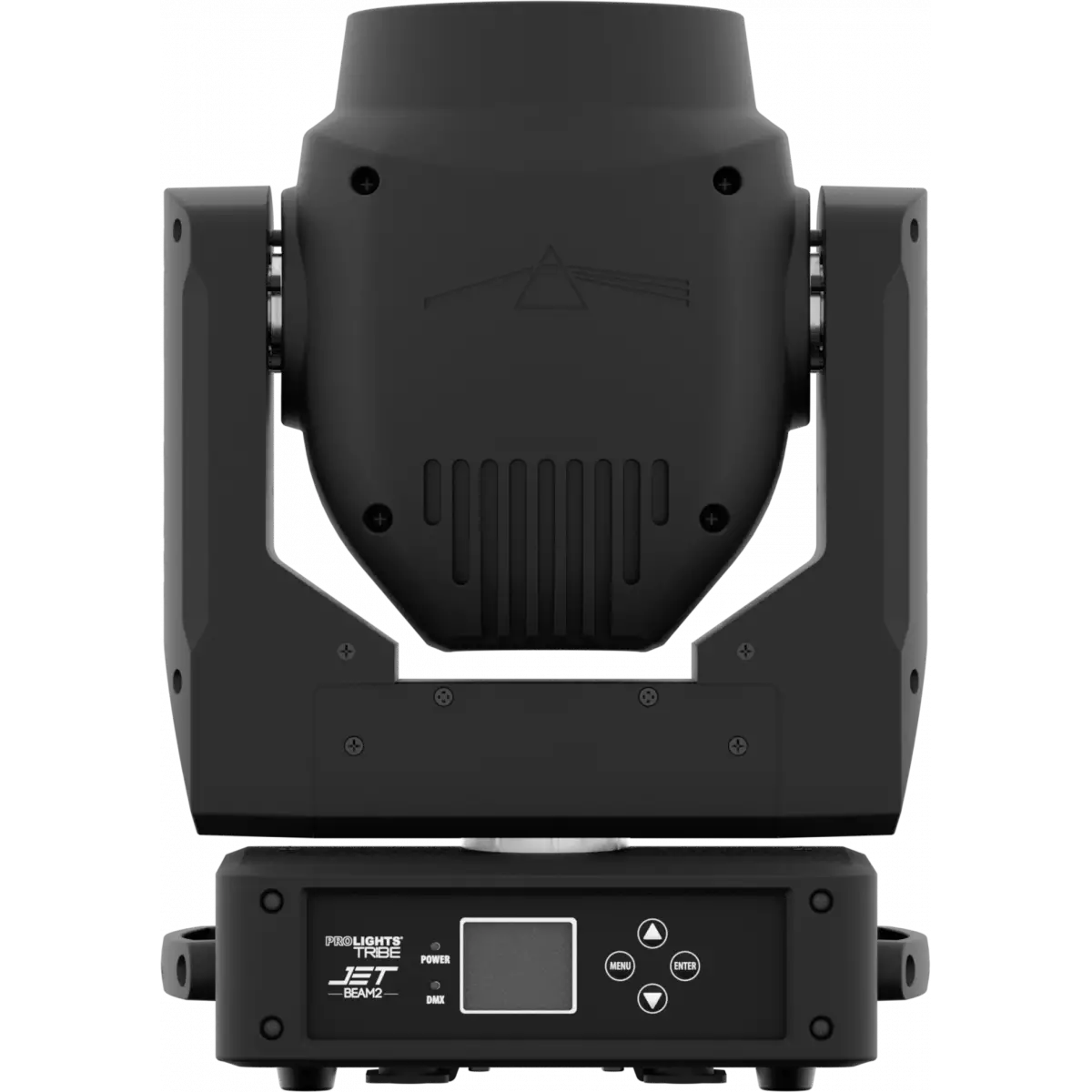
Jet Beam2

Order Code: JETBEAM2BK

Source
100W high-power white LED
IP rating
 IP20
Weight
13kg / 28.66lbs 

Key Features

  • Ultra-efficient 100W white LED with glass optics, delivering an incredibly bright and sharp 2° beam.
  • Professional grade product at an affordable price, with low cost of ownership.
  • 14 colours, 18 gobos and 8 facet prism for a huge range of effect options.

Jet Beam2 is a LED beam luminaire designed to be truly comparable to a discharge source. Ideal both for installation and rental, the Jet Beam2 focuses on maximising the light output from its LED source all the way throughout the glass optical system delivering a cutting-edge beam effect even on the brightest stage.

Read less
Jet Beam2 is a LED beam luminaire designed to be truly comparable to a discharge source. Ideal both for installation and rental, the Jet Beam2 focuses on maximising the light output from its LED sourc...

Photo Gallery

Specifications

LIGHT SOURCE
  • Source: 100W high-power white LED
  • CCT: 6.300
  • Luminous flux: 1'756
  • Lux: 150'000lx @3 m
  • Lux: 18'000lx @10 m
  • CRI: 72
  • TLCI: 46,8
  • Source life expectancy: > 30.000 h
OPTICS
  • Beam angle: 2,5°
  • Lens diameter: 120mm / 4.72''
  • Lens type: high-quality glass lens optics
COLOUR SYSTEM
  • Colour wheel: 14 colour filters
DYNAMIC EFFECTS
  • Fixed gobos: 18 fixed gobos + open
  • Circular prism: 8f with bi-directional rotation, indexing
  • Auto mode: built-in programs with execution speed adjustment
BODY
  • Pan range: 540°
  • Tilt range: 270°
  • Pan/Tilt resolution: bit 8 / 16-bit
  • Feedback: automatic repositioning after accidental movement
  • Body: aluminium structure with high-resistance polycarbonate cover
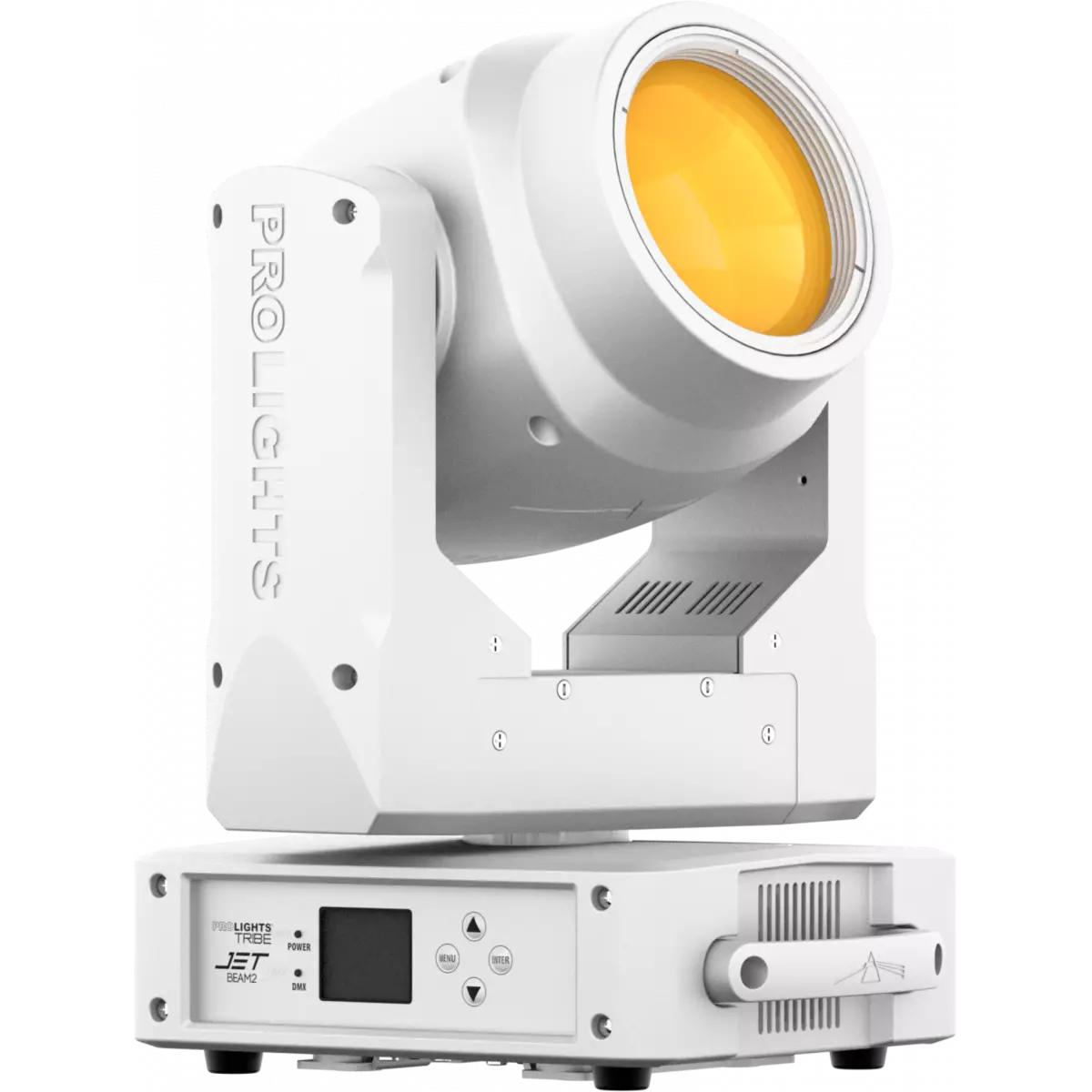
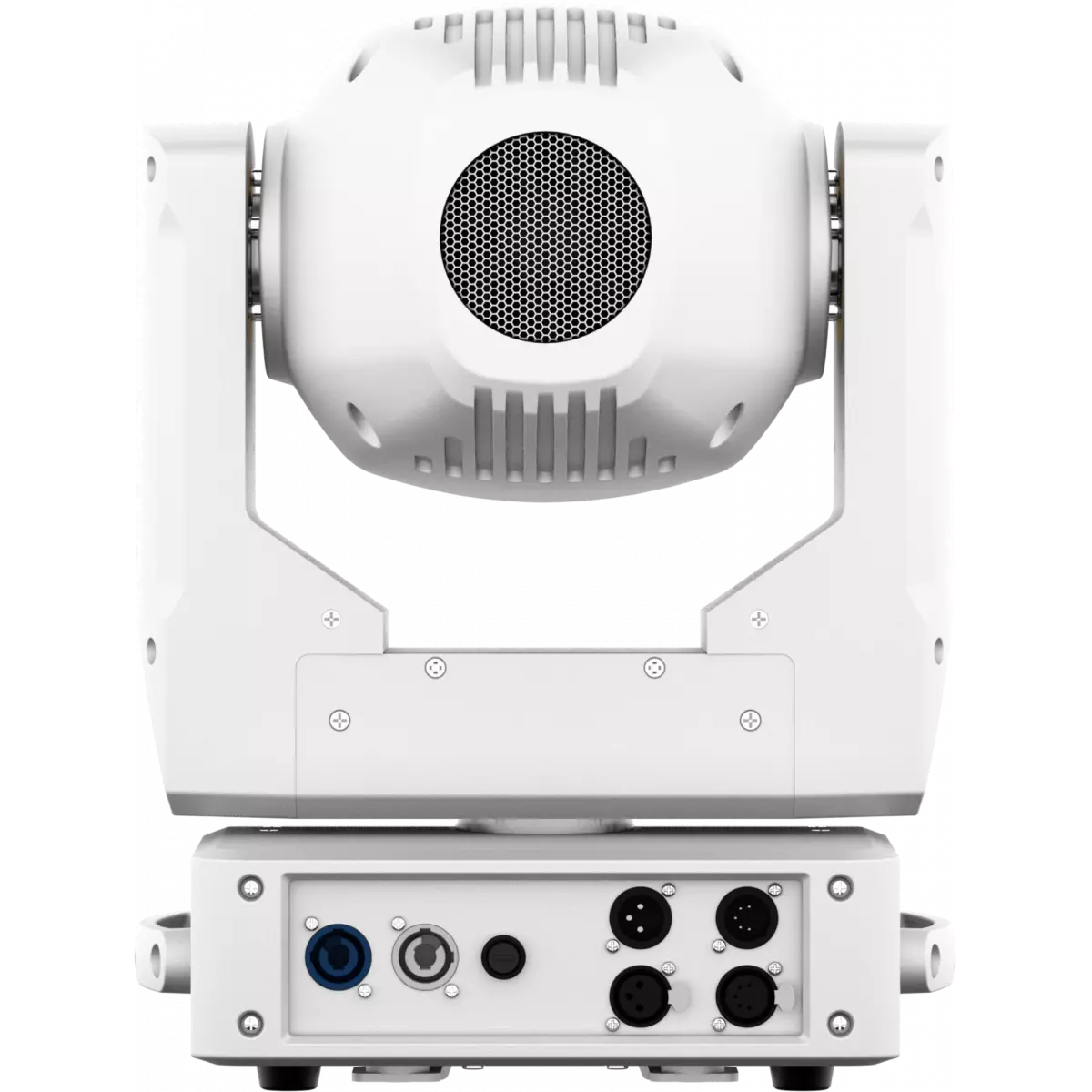
  • Body colour: black, white finishing available
CONTROL
  • Protocols: DMX512, RDM
  • DMX channels: 9 / 11channel
  • RDM: RDM for remote monitoring and settings
  • Display: Graphic User Interface
  • Firmware upgrade: via DMX with UPBOXPRO/UPBOX1 (USB-DMX interface not included)
  • Master/Slave: for synchronised operation of more units linked in a chain
ELECTRONICS
  • Dimmer: linear 0 ~ 100% electronic dimmer
  • Strobe / shutter: 0 ~ 30 Hz, electronic
  • Operating temperature: -10° ~ +45° Ta
  • LED Control: flicker free operation
ELECTRICAL
  • Mains power supply: 100-240V - 50/60Hz
  • Max power consumption: 163W
  • Max power consumption (at 120V): 161W
  • Output (at 230V): 26 units on a single power line
  • Output (at 120V): 14 units on a single power line
PHYSICAL
  • IP rating: IP20
  • Cooling: active, silent operation
  • Suspension and fixing: any position with quick-lock omega brackets
  • Signal connection: XLR 5p IN/OUT connectors
  • Power connection: Seetronic powerCON IN/OUT connectors
  • Dimensions (WxHxD): 303x421x230mm / 11.93''x16.57''x9.06''
  • Weight: 13kg / 28.66lbs
CERTIFICATIONS / APPROVALS
  • Certifications / Approvals: CE, UKCA, RCM
BOX CONTENT
  • 1 x JETBEAM2
  • 1 x 1,5 meters power cable (BARE END - SEETRONIC power connector)
  • 1 x OS24PLUS
  • User Manual

Accessories & Related Products

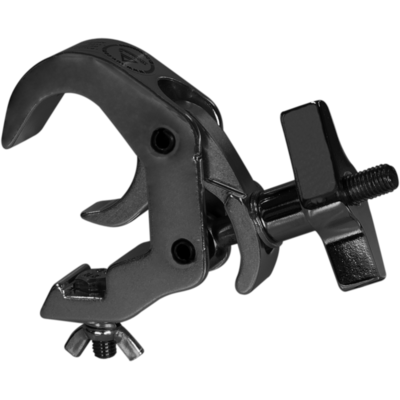
Optional C6016B

Selflock slim clamp, 250Kg load, 48-51mm tubes, M10 bolt incl, Black&White& White

Order Code: C6016B

Optional RSR0630B

Steel security cable for hanging bodies, inox steel shackle, L=60 cm, black

Order Code: RSR0630B

Optional TOUR53415L03

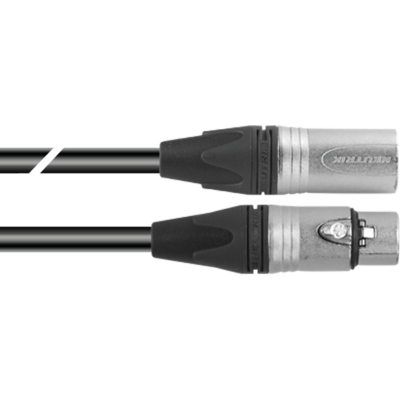
Dmx cable HC5340. CANC5MXX XLR 5p->CANC5FXX XLR (f) 5p, L.3m

Order Code: TOUR53415L03

Optional UPBOXPRO

Firmware uploader kit, USB IN, 5-pin XLR DMX OUT connector

Order Code: UPBOXPRO

Downloads

Technical documentation and support files

Data sheet & specs Data sheet & specs

File name File size Download
Letter datasheetJetbeam2_A4_DATASHEET_(IT).pdf(30/04/2021)188KB
Letter datasheetJetbeam2_A4_DATASHEET_(EN).pdf(01/09/2021)172KB

User manual User manual

File name File size Download
User manualJetbeam2_USER_MANUAL_ITEN.pdf(31/01/2023)6MB

DMX chart & personalities DMX chart & personalities

File name File size Download
DMX chartJetbeam2_DMX_CHARTS.pdf(02/02/2018)59KB

JETBEAM2 Firmware rev. 1.3

manufacturer fixture library (Link) Link
prolights_jetbeam2.d4Download
manufacturer fixture library (Link) Link
jetbeam2_9ch.fdfDownload
jetbeam2_11ch.fdfDownload
jetbeam2_9ch.sslDownload
jetbeam2_11ch.sslDownload
jetbeam2_9ch.ssl2Download
jetbeam2_11ch.ssl2Download
manufacturer fixture library (Link) Link
prolights@jetbeam-2_bas16@.xmlDownload
manufacturer fixture library (Link) Link
jetbeam2_11ch.hog4showDownload
jetbeam2_9ch.hog4showDownload
manufacturer fixture library (Link) Link
jetbeam 2 basic 8.fix2Download
jetbeam 2 basic 16.fix2Download

Photometrics Photometrics

File name File size Download
PhotometricsJetbeam2_PHOTOMETRICS.pdf(25/02/2020)170KB
DialuxDownload DIALux product catalogue-

CAD symbols & drawings CAD symbols & drawings

File name File size Download
3D SKPJetbeam2_3D.skp(13/03/2020)2MB
2DJetbeam2_CAD_2D.dwg(24/02/2021)4MB
3DJetbeam2_CAD_3D.dwg(09/05/2019)1MB
Technical drawingJetbeam2_TECHNICAL_DRAWING.pdf(24/02/2021)338KB
VectorWorksJETBEAM2_SYMBOLS.zip996KB
VectorWorksPROLIGHTS_VECTORWORKS_v2025_LIBRARY.vwx(13/05/2025)321MB
VectorWorksPROLIGHTS_VECTORWORKS_v2020_LIBRARY.vwx(13/05/2025)276MB

Tech docs Tech docs

File name File size Download
Color DocumentJetbeam2_COLOR.pdf(25/03/2020)32KB
Gobos DocumentJetbeam2_GOBOS.pdf(25/03/2020)37KB

Firmware


Firmware update instructions

1 Download the firmware (complete download is available on Customer Care - contact support@prolights.it for more info)

2 Download the updater software UpBox_Tool 

3 Follow the instructions in the following guide
-------------------------------------------------------------------------------
Additional info:
  • Firmware updates require the UPBOXPRO compatible with all Prolights products
  • It's possible to use UPBOX1 and UPBOX2 *DISCONTINUED* checking the compatibility in the below tab
  • UpBox_Tool  software is compatible with all interfaces (UPBOXPRO, UPBOX1 and UPBOX2)
  • It's possible to update NET boards (with .EHEX files) following this guide with software Professional Uploader 
Update Tool: UPBOXPRO UPBOXPRO
Check hardware changelog before downloading firmware
Revision Release date Firmware changelog HW Compatibility
1.3 STABLE 25/11/2017 Added password on calibration function. The password is 050. Rev. 1

Info Request

News

NEWSLETTER

Subscribe to our Newsletter

Loading...