













 Data sheet & specs

 User manual
 DMX chart & personalities
 Photometrics

 CAD symbols & drawings





 UPBOXPRO

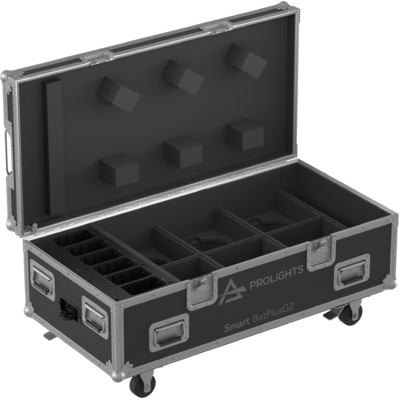
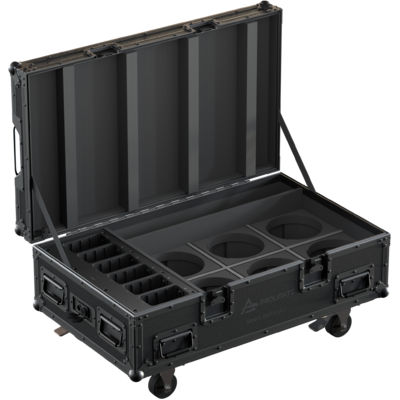
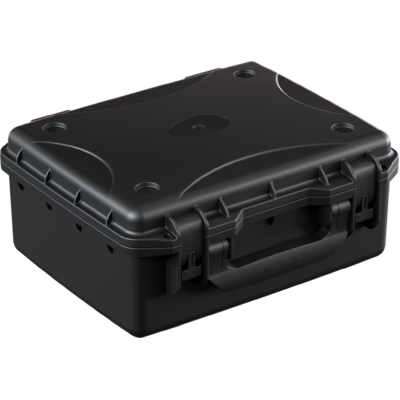
Smart BatPlusG2

Order Code: SMARTBATPLUSG2
Source
4x20W RGB + Warm White LED
IP rating
IP65 for temporary outdoor use
Weight
5,7kg / 12.57lbs
Key Features
- Multipurpose design: uplighter/spotlight, customisable coloured covers
- Wireless DMX (CRMX+W-DMX) / wired control, battery/PSU power
- 4x20W RGB + Warm White calibrated LED source with high CRI (>93)
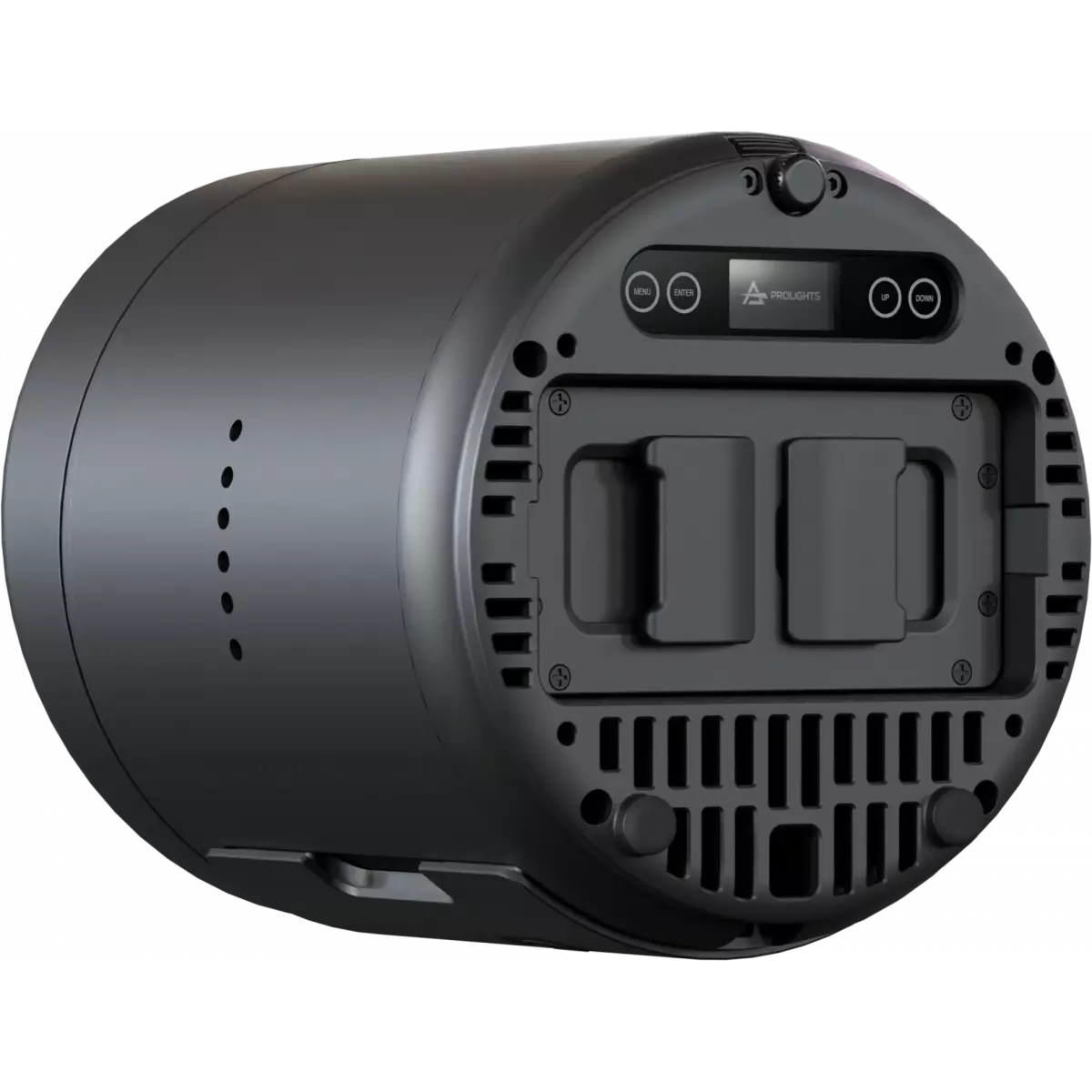
- Interchangeable battery and magnetic holographic filters for multiple beam angles
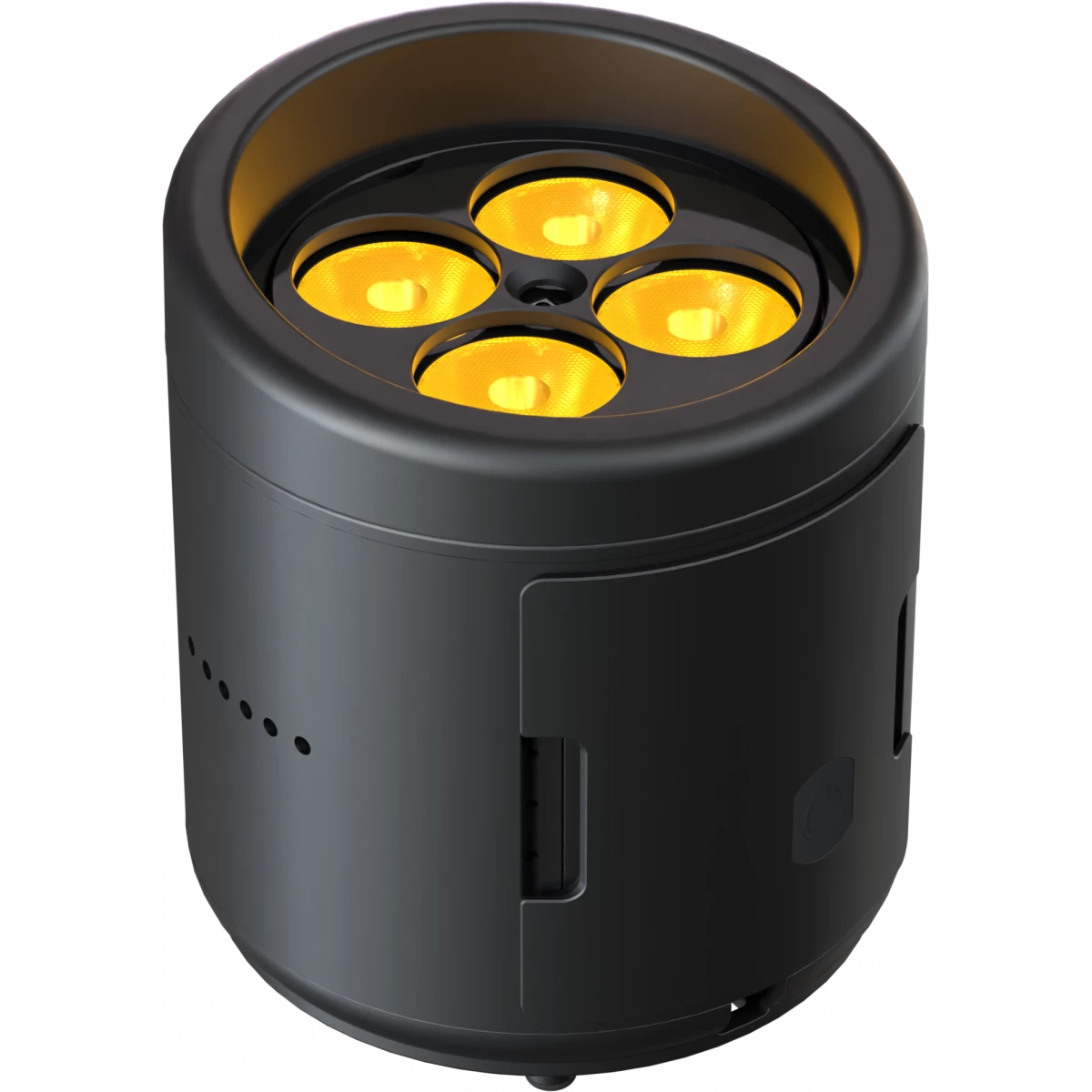
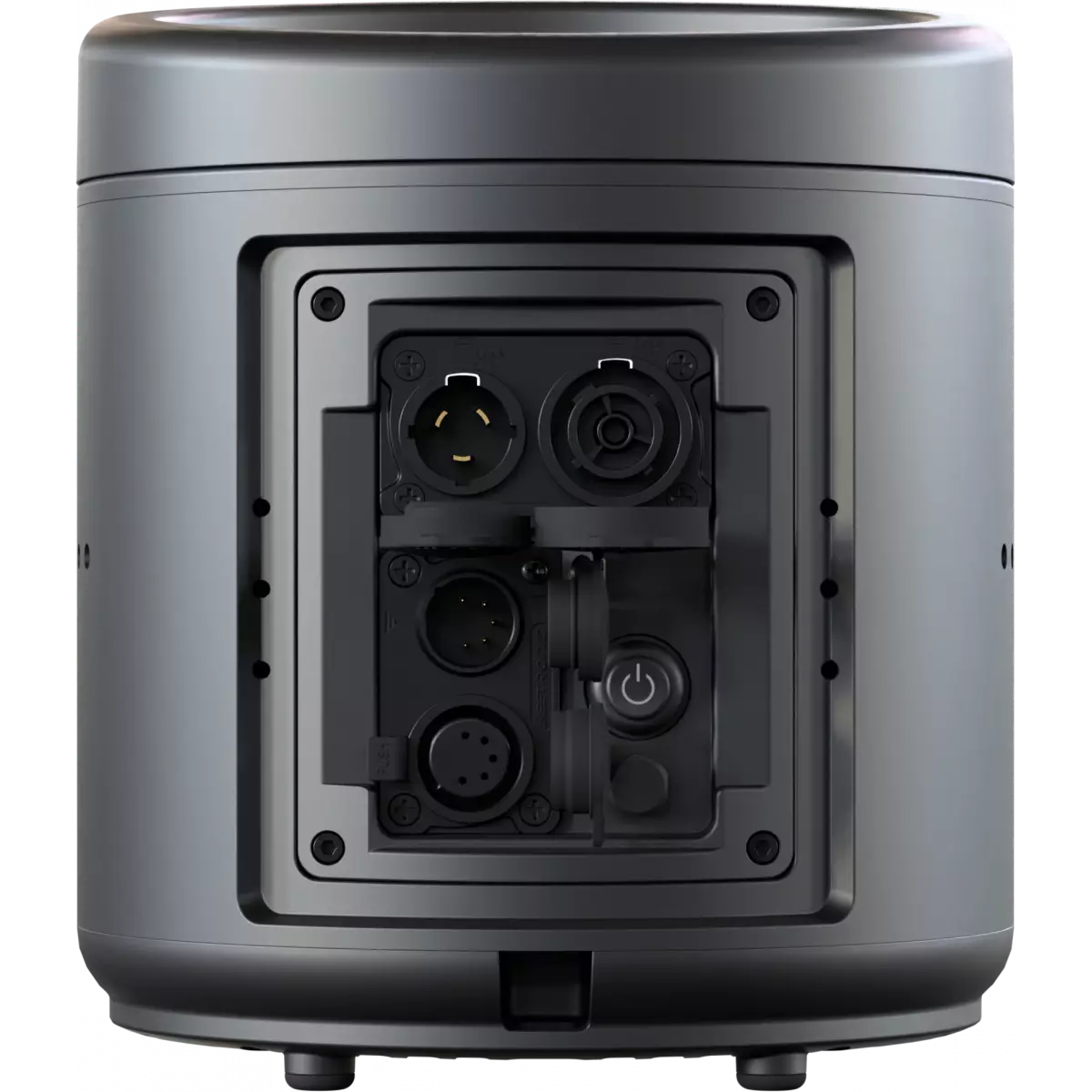
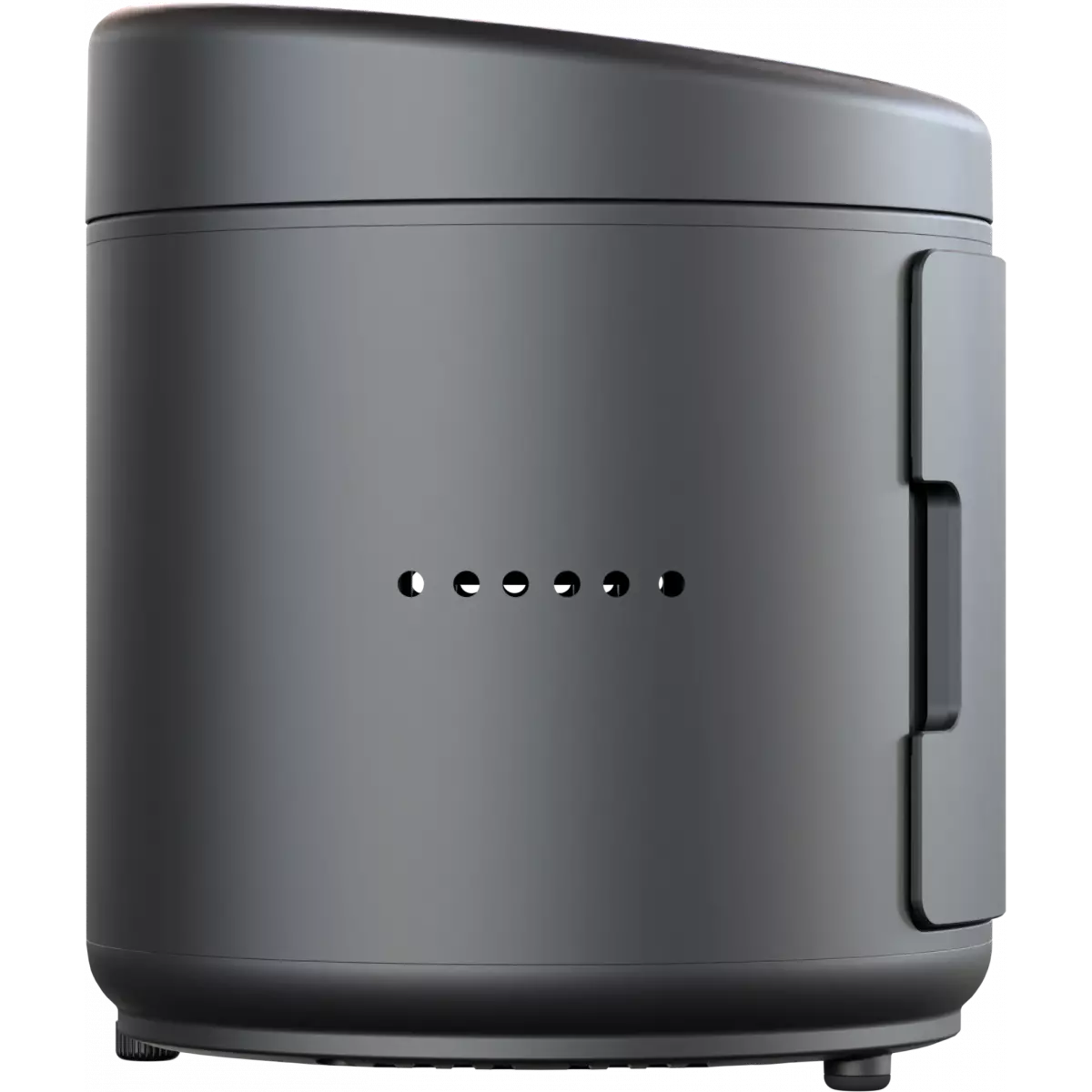
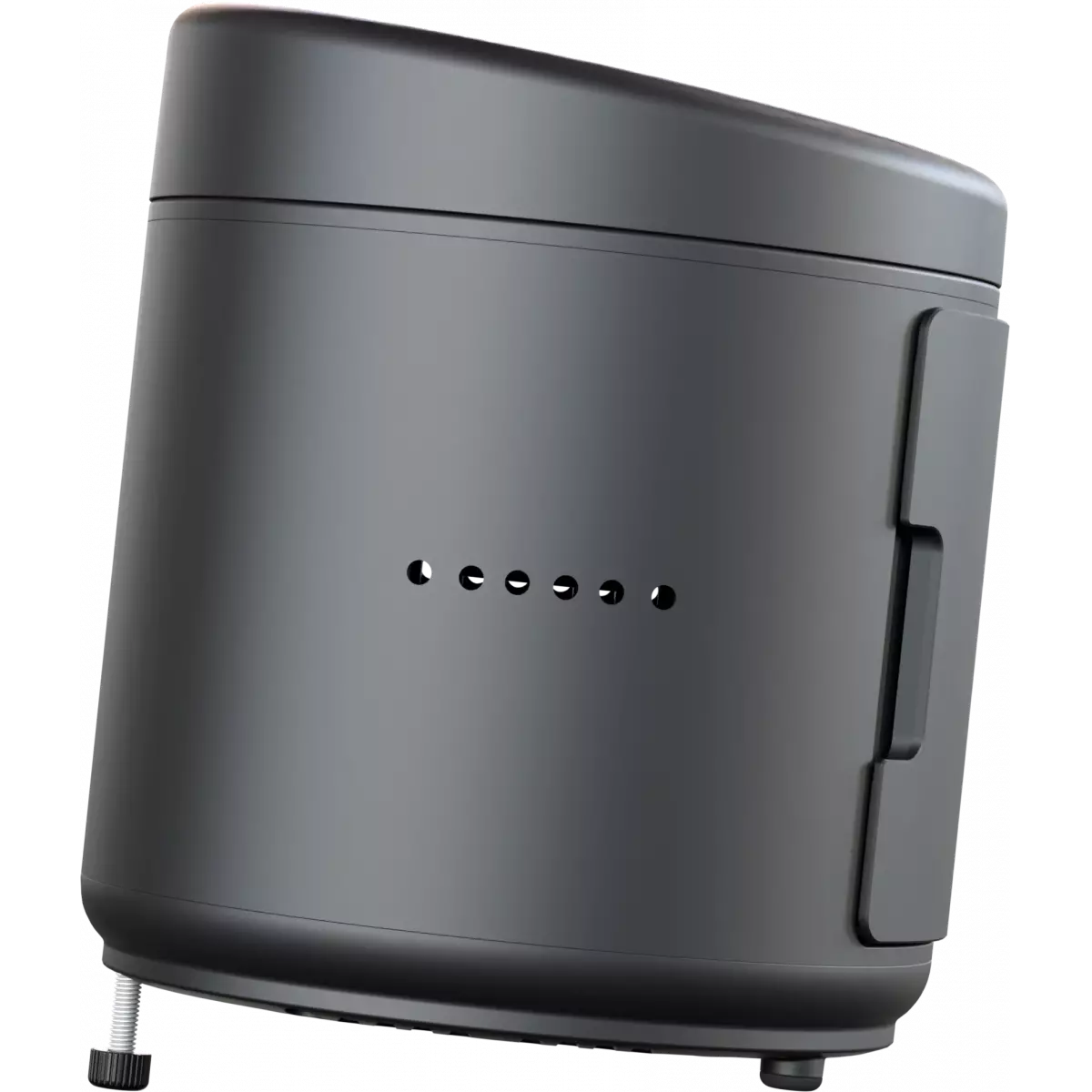
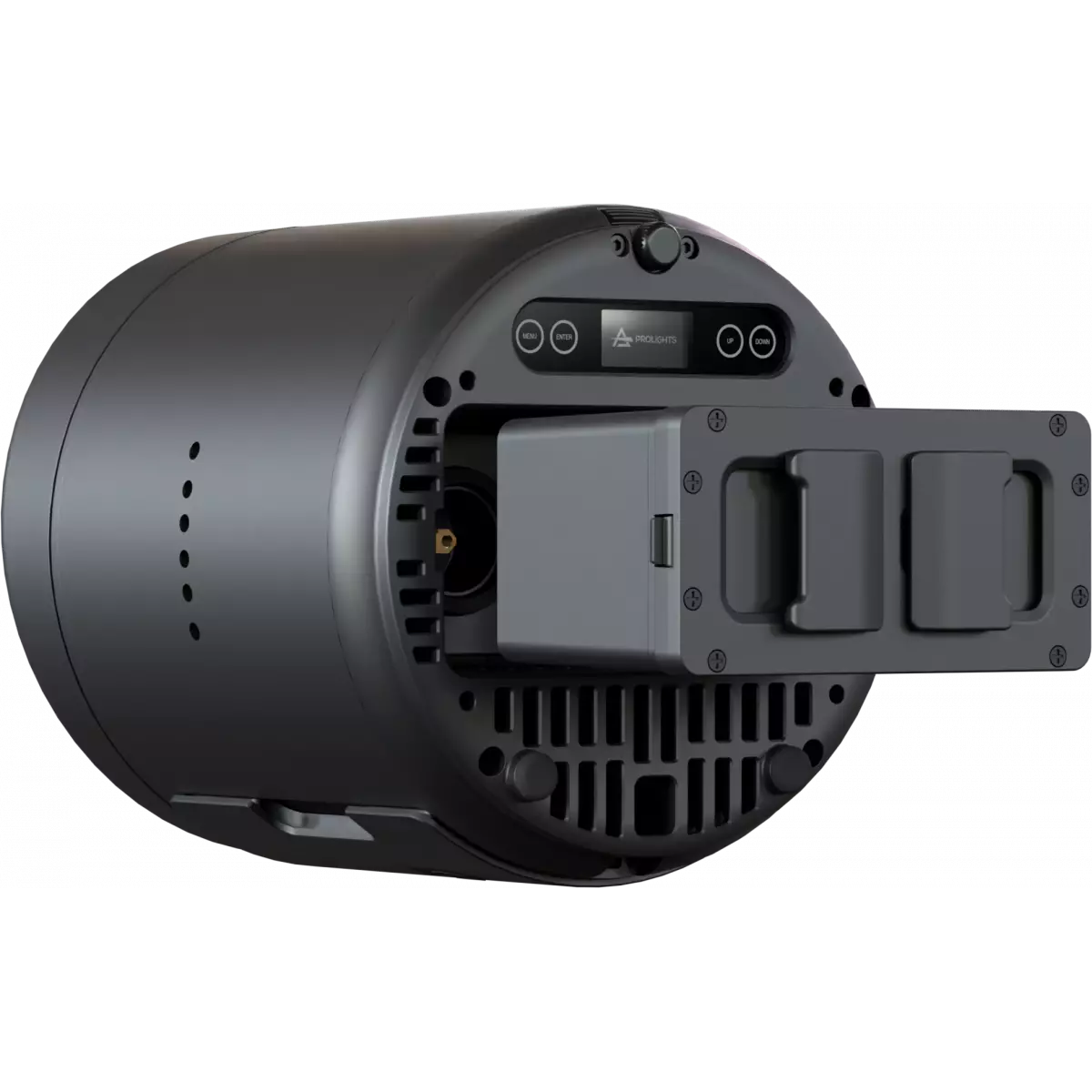
The Smart BatPlusG2 is a high-end version of the iconic Smart Bat uplighters designed with enhanced output and battery performance, IP65 with a stunning new look.
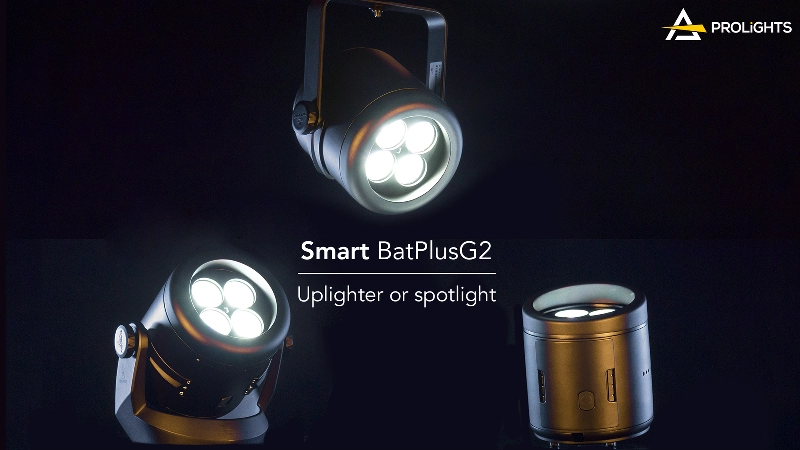
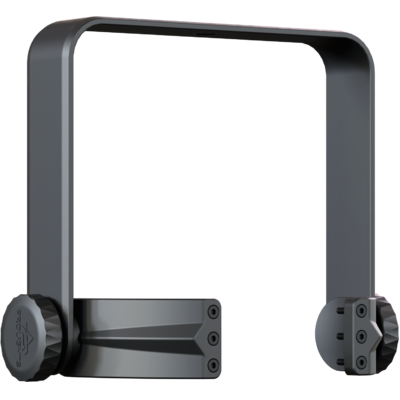
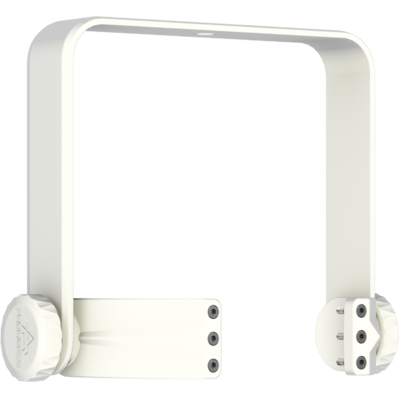
The clever mechanical design of the Smart BatPlusG2 allows turning the unit from an uplighter into a spot/flood light by combining filters, using the suspension yoke or floor bracket without compromising the aesthetics of the fixture.
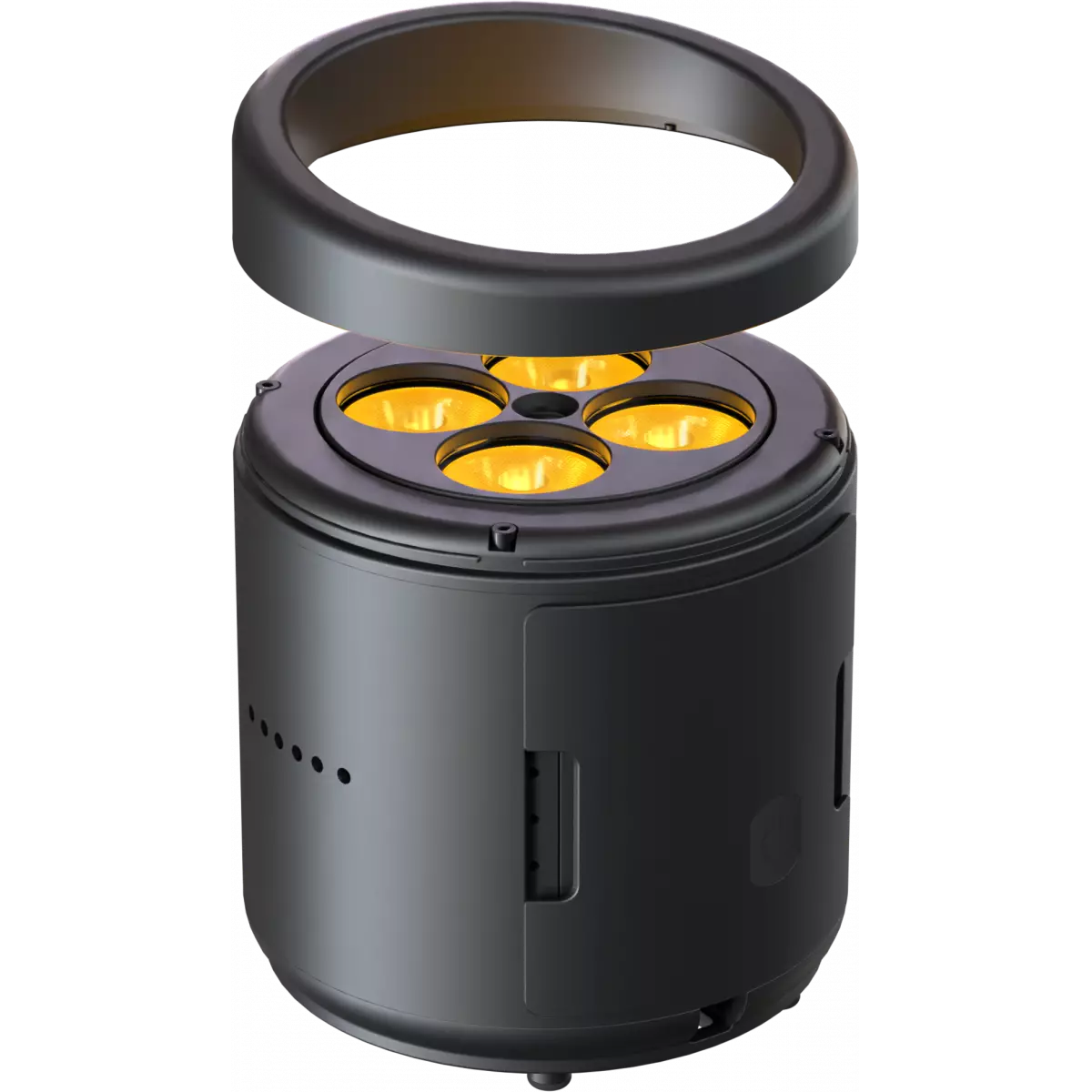
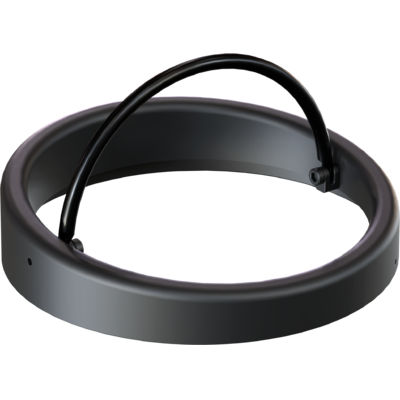
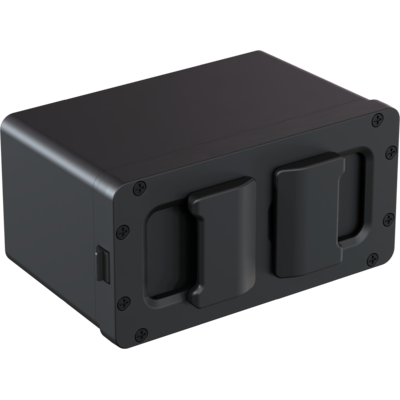
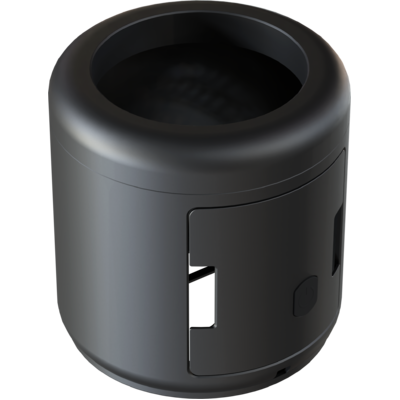
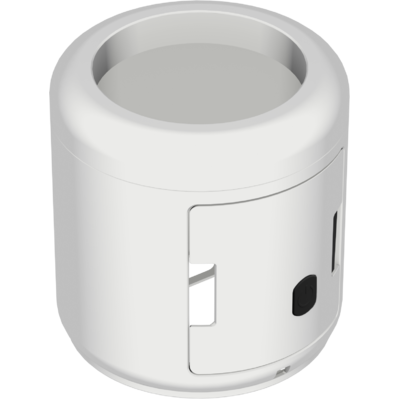
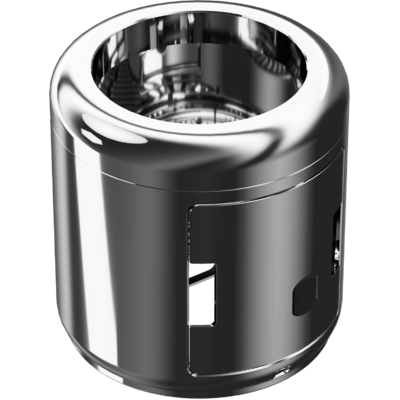
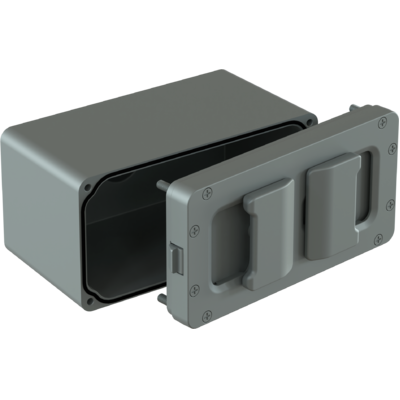
The Smart BatPlus G2 introduces new features such as interchangeable batteries and easy covers with multiple colours, making it possible to change its look as desired.
The 4x20W RGB + Warm White LED emitters are Spektra™ calibrated and guarantee incredibly high-quality white CCT reproduction (CRI>93) and boosted output when operated directly through mains.
The Smart BatPlusG2 is very user-friendly - it can be used wirelessly with a built-in battery, CRMX/W-DMX and RDM control, or wired through the PSU and XLR connectors (bypassing the battery).
The Smart BatPlusG2 is a high-end version of the iconic Smart Bat uplighters designed with enhanced output and battery performance, IP65 with a stunning new look.The clever mechanical design of the Sm...
Read more