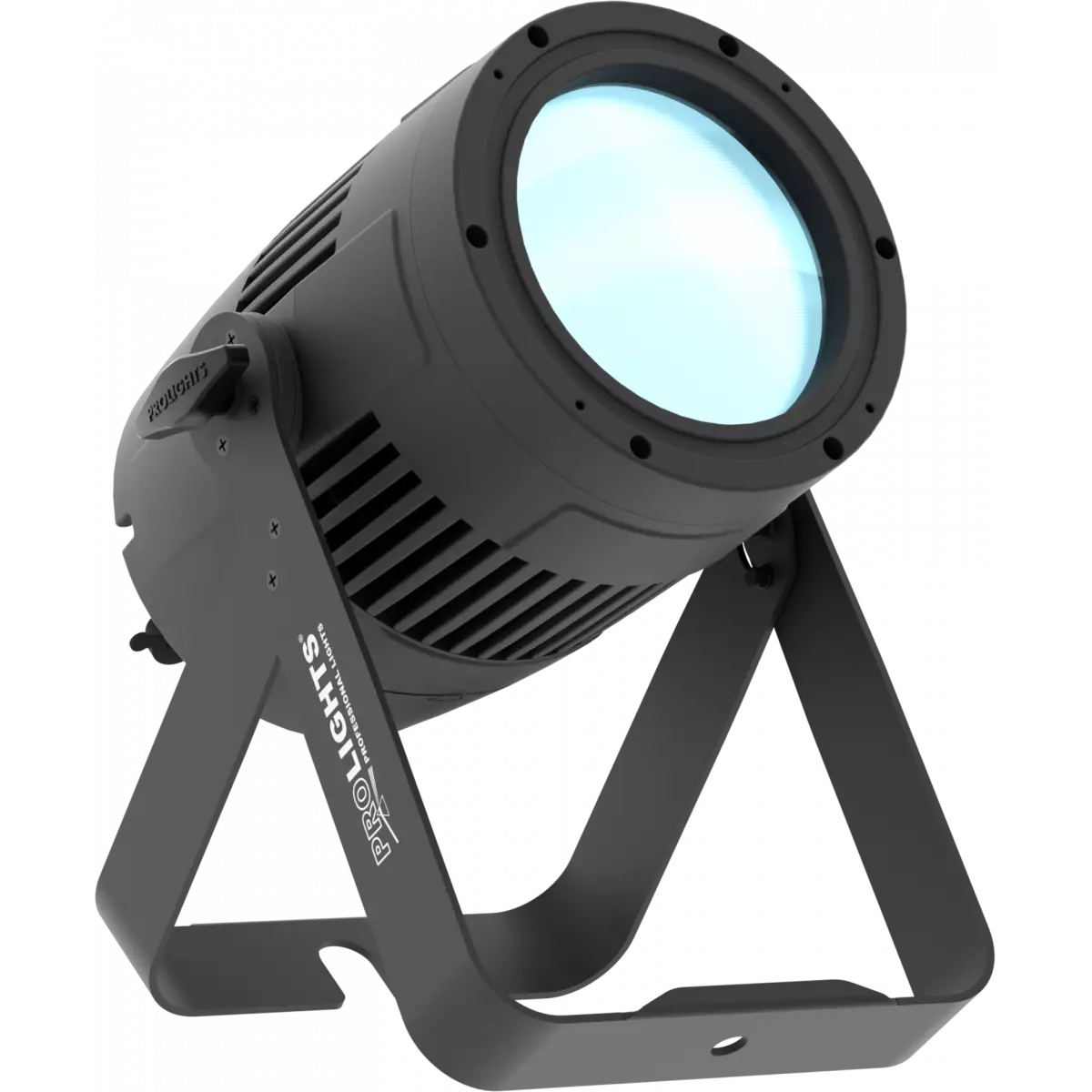
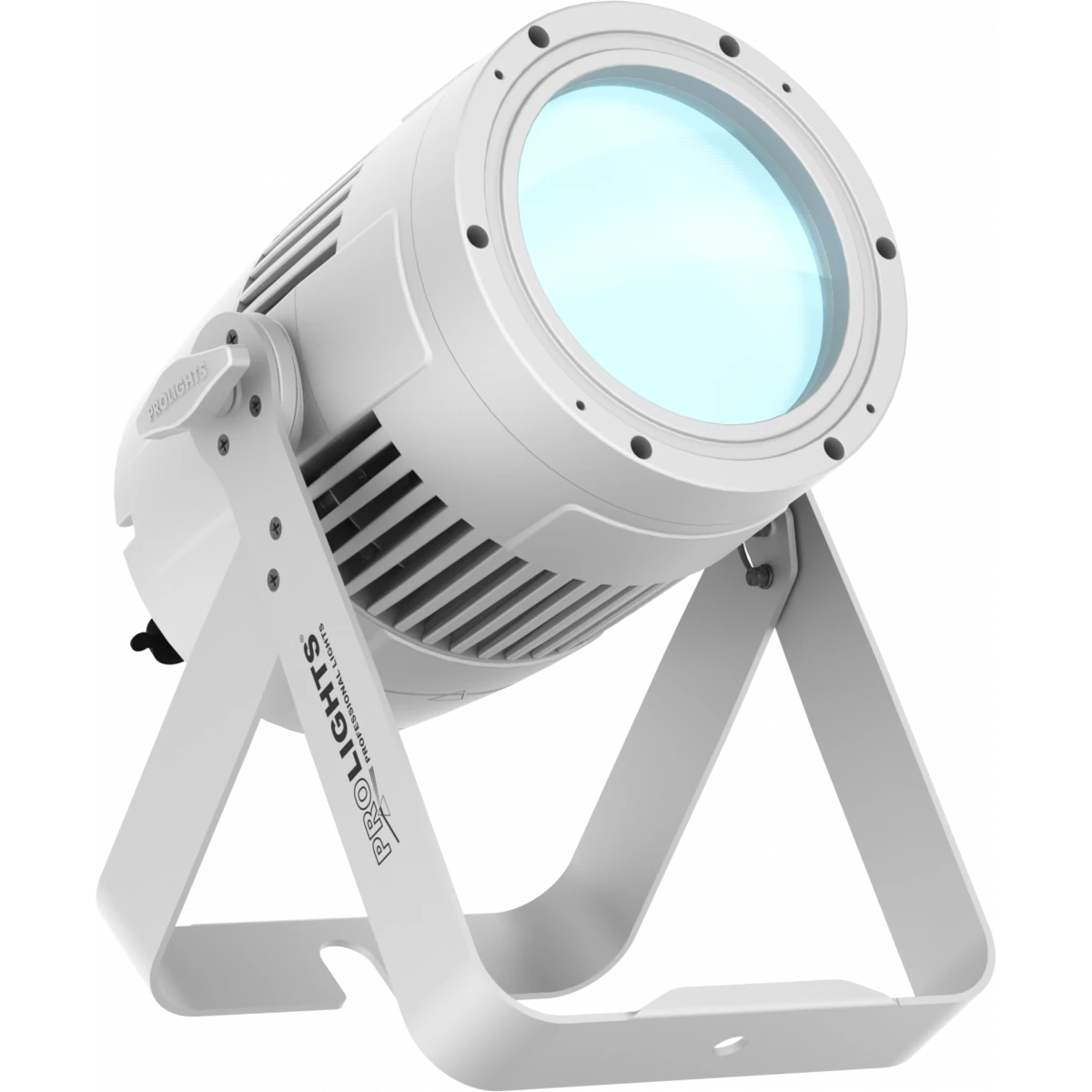
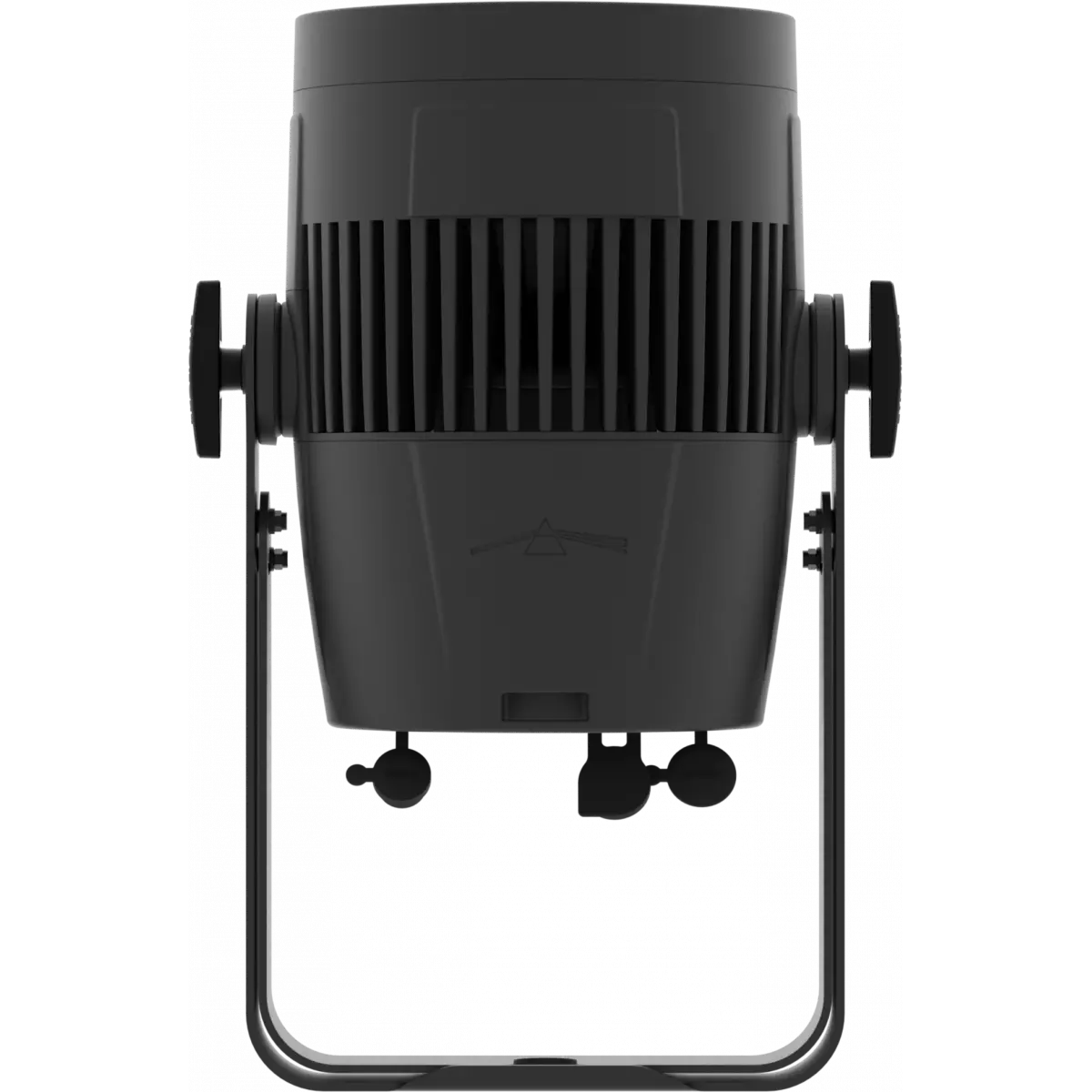
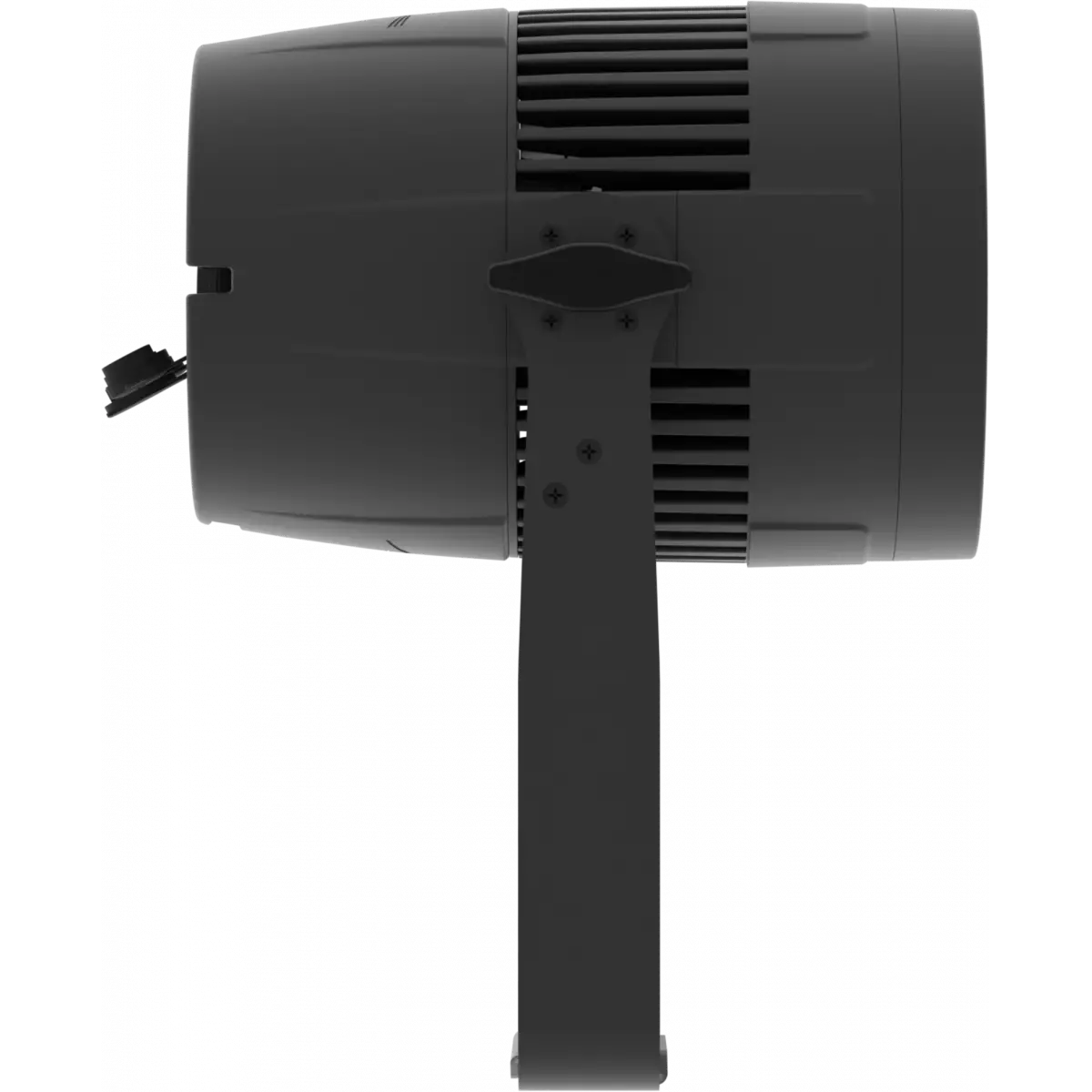
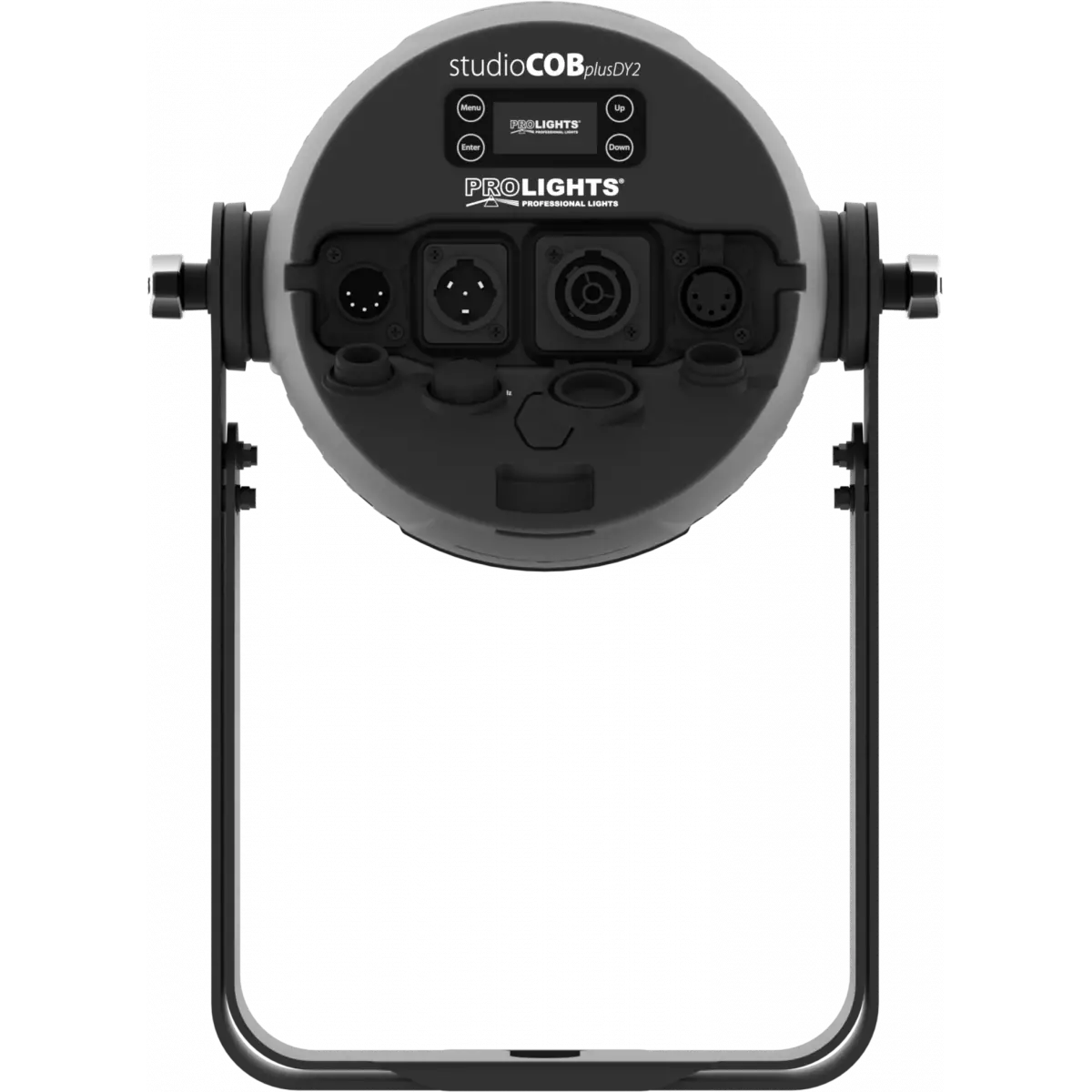
StudioCob PlusDY2 is a powerful, incredibly versatile and IP65 rated LED PAR. Fusing the old and the new, it pairs a COB LED source with a traditional parabolic reflector to deliver a proper Par replacement with a homogenised output, single shadow and flexible lens options.
Read less| Code | Housing | |
|---|---|---|
|
|
STUDIOCOBPDY2BK
|
Black |
|
|
STUDIOCOBPDY2WH
DISCONTINUO
|
White |
Technical documentation and support files
| File name | File size | Download | |
|---|---|---|---|
| Studiocobpdy2_A4_DATASHEET_(EN).pdf(02/09/2021) | 367KB |
| File name | File size | Download | |
|---|---|---|---|
| Studiocobpdy2_USER_MANUAL.pdf(02/01/2020) | 2MB |
| File name | File size | Download | |
|---|---|---|---|
| Studiocobpdy2_DMX_CHARTS.pdf(24/04/2020) | 45KB |
| File name | File size | Download | |
|---|---|---|---|
| prolights_studiocobplusdy_ies files.zip(06/10/2020) | 4KB | ||
| prolights_studiocobplusdy_ldt files.zip(06/10/2020) | 3KB | ||
| Studiocobpdy2_PHOTOMETRICS_REPORT.pdf(06/10/2020) | 2MB | ||
| Download DIALux product catalogue | - |
| File name | File size | Download | |
|---|---|---|---|
| Studiocobpdy2bk_3D.rfa(23/04/2021) | 1MB | ||
| Studiocobpdy2_CAD_2D.dwg(30/09/2021) | 5MB | ||
| Studiocobpdy2bk_CAD_2DSYMBOLS.dwg(09/03/2020) | 25KB | ||
| STUDIOCOBPDY2_3D.zip | 1MB | ||
| Studiocobpdy2_TECHNICAL_DRAWING.pdf(30/09/2021) | 226KB | ||
| PROLIGHTS_VECTORWORKS_v2025_LIBRARY.vwx(20/05/2026) | 321MB | ||
| PROLIGHTS_VECTORWORKS_v2025_LIBRARY.vwx(20/05/2026) | 321MB | ||
| PROLIGHTS_VECTORWORKS_v2020_LIBRARY.vwx(13/05/2025) | 276MB | ||
| PROLIGHTS_VECTORWORKS_v2020_LIBRARY.vwx(13/05/2025) | 276MB | ||
| STUDIOCOBPDY2_SYMBOLS.zip | 1MB |
Methods are listed in the product specs - ELECTRONICS > Firmware upgrade.
| Method / Device | Extension | Required software | Instructions |
|---|---|---|---|
| UPBOXPRO (*) | .PRL |
UpBox_Tool | Guide |
| USB port | .PRL |
No software needed | see User Manual |
| Ethernet port | .EHEX |
Professional Uploader | Guide |
| Ethernet port | .ALF |
DMX Workshop | Guide |
(*) UPBOX1 and UPBOX2 are still usable - check compatibility on the product accessories page. UPBOX2 requires drivers from this link.
Note: Some products without DMX or USB inputs may require an additional device and may not be compatible with UPBOXPRO - see the products list.
Need help?
support@prolights.it
Update Tool: UPBOXPRO |
||||
| Check hardware changelog before downloading firmware | ||||
| Revision | Release date | Firmware changelog | HW Compatibility | |
|---|---|---|---|---|
| 2.3 STABLE | 24/09/2019 | Improved RDM functionality. | Rev. 1 |
|
Subscribe to our Newsletter