
WD-Box
Order Code: WDBOX
Key Features
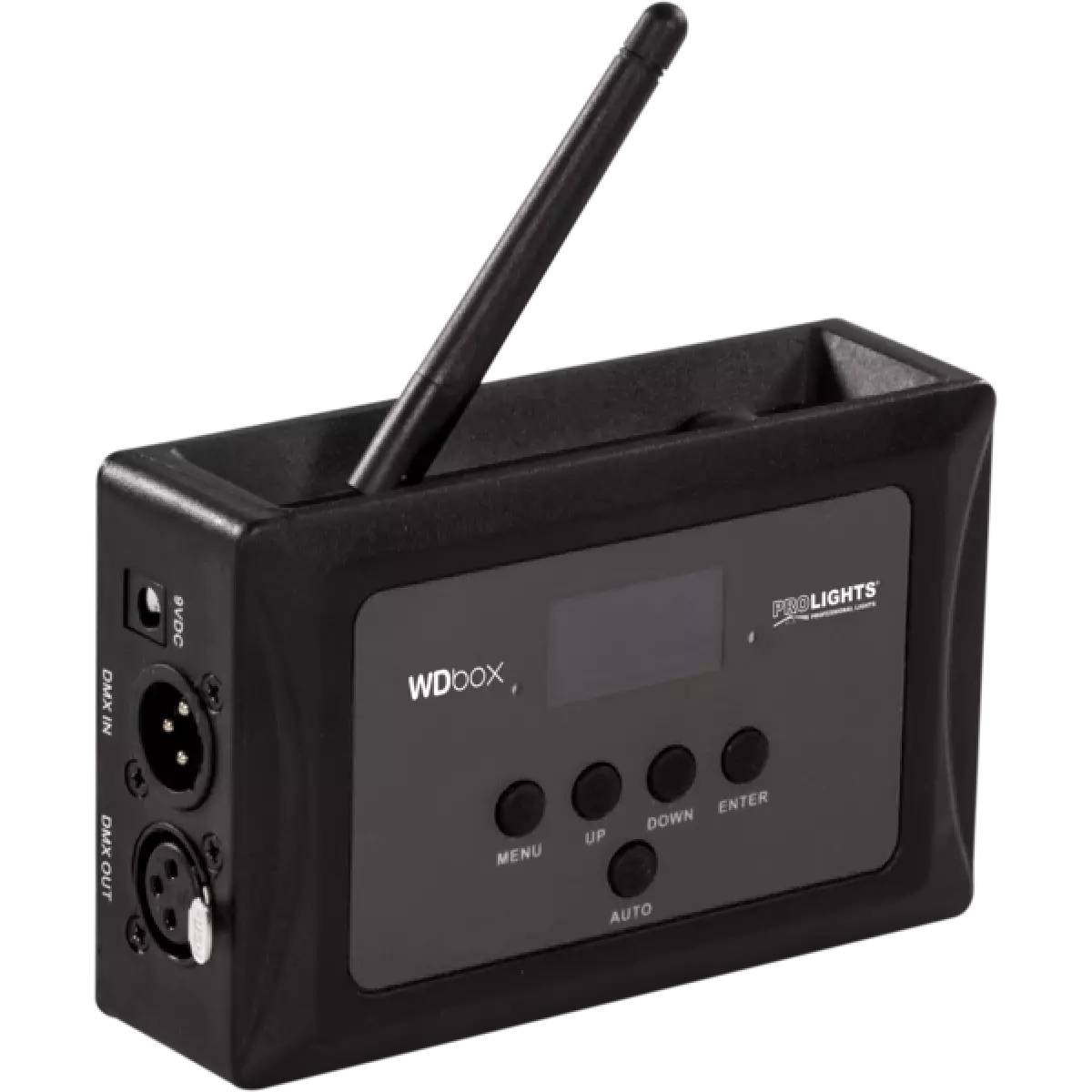
- Transmitter and receiver in a single compact unit
- Manual or automatic channel operating options
- 16 channels dedicated to the manual mode
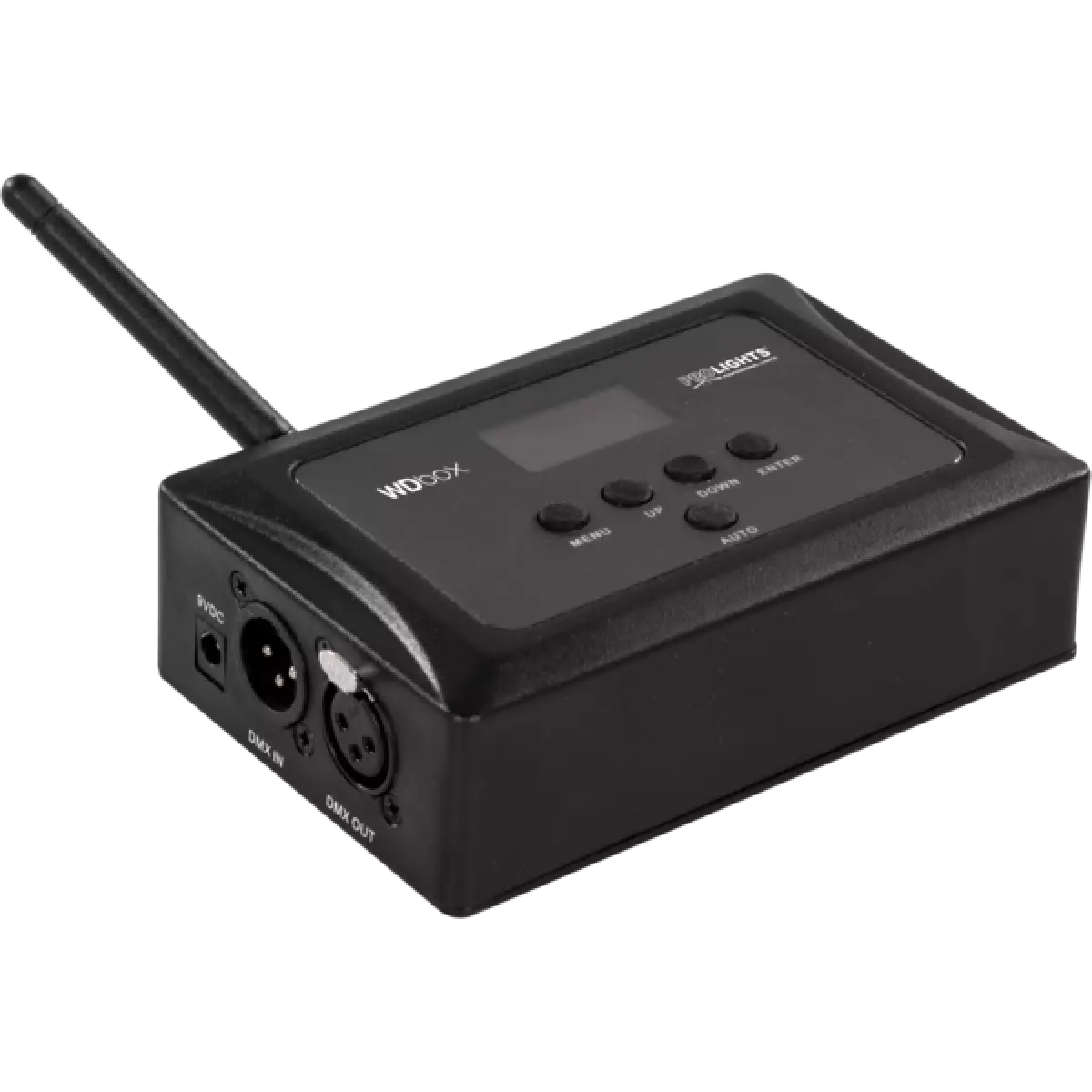
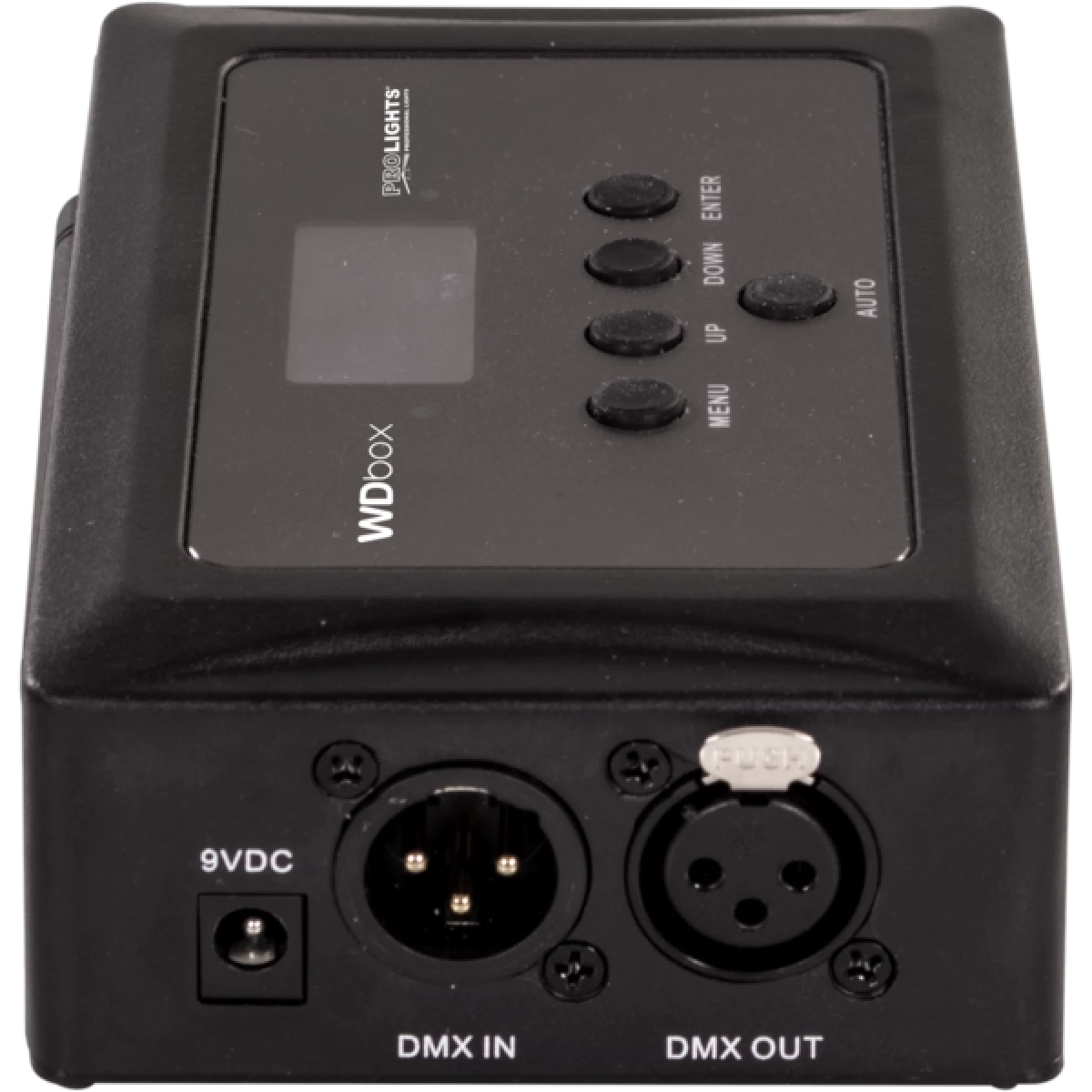
- Simple user interface with black OLED display and 5 buttons
- DMX512 protocol support
- DMX IN/OUT connectors: 3-pin XLR
- Operating frequency: 2,4 GHz
- Max unobstructed distance: 200 m
- Power supply (included): input 100 - 240 V 50 / 60 Hz, output DC 9 V, 1000 mA
- Weight: 0,6 kg
- Dimensions (WxHxD): 102x82x41 mm
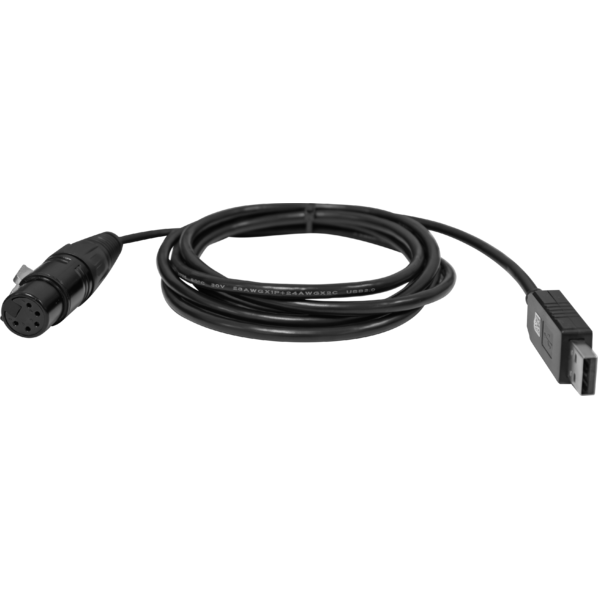
WDBOX is a compact, easy-to-use wireless transceiver designed to create wireless DMX systems with a single universe. This technology allows the user to wirelessly control each DMX device, using two WDBOX units in transmitter-receiver mode, giving a clean installation and removing long cables. It comes with an 'auto' function which automatically finds the best frequency and syncs the units easily. Thanks to the built-in M10 and M12 threaded holes it can be mounted in suspension on the truss. WDBOX is also compatible with the transceiver WIFIUSB that allows the user to control compatible devices.
Read less
WDBOX is a compact, easy-to-use wireless transceiver designed to create wireless DMX systems with a single universe. This technology allows the user to wirelessly control each DMX device, using two WD...
Read more
 User manual
 CAD symbols & drawings


 UPBOXPRO