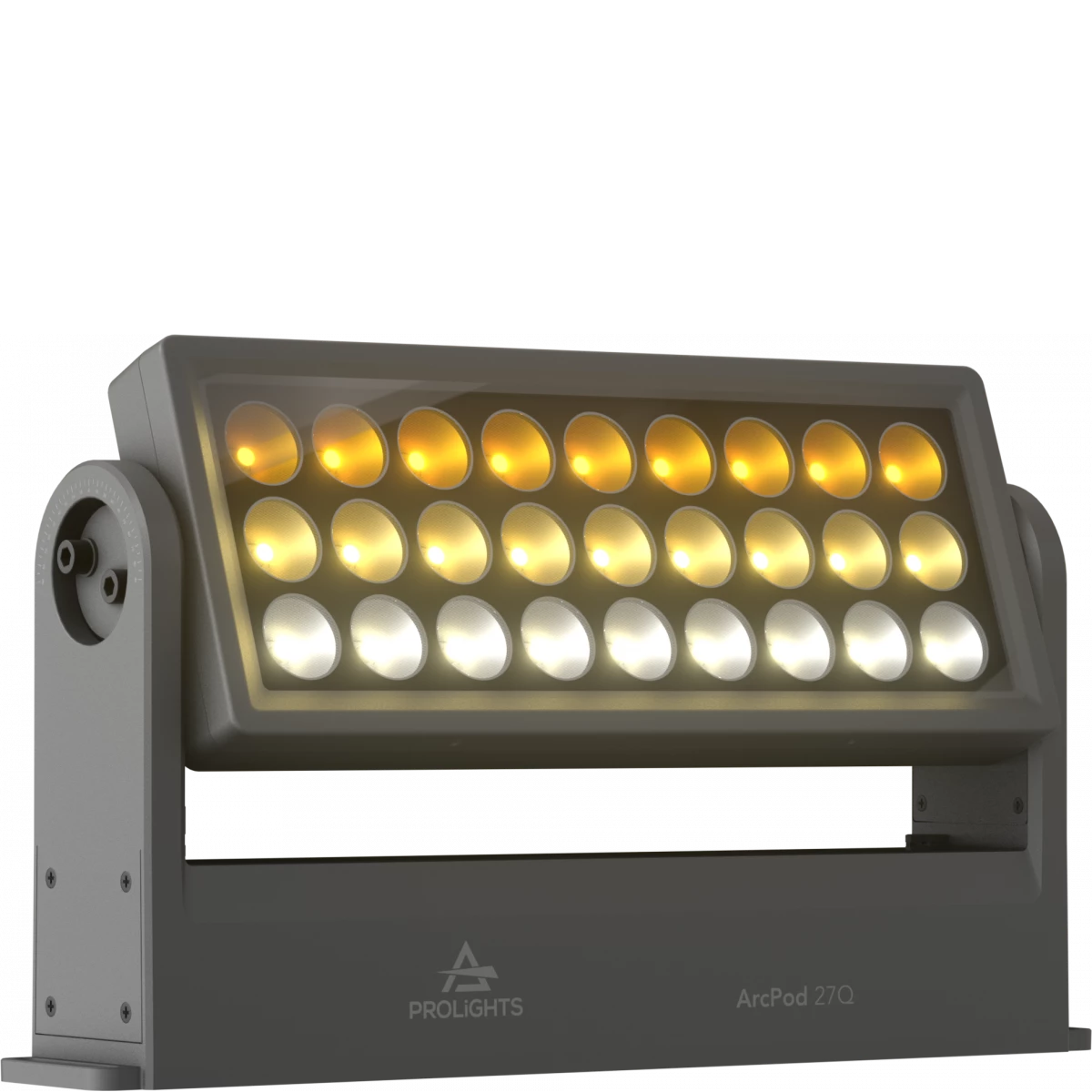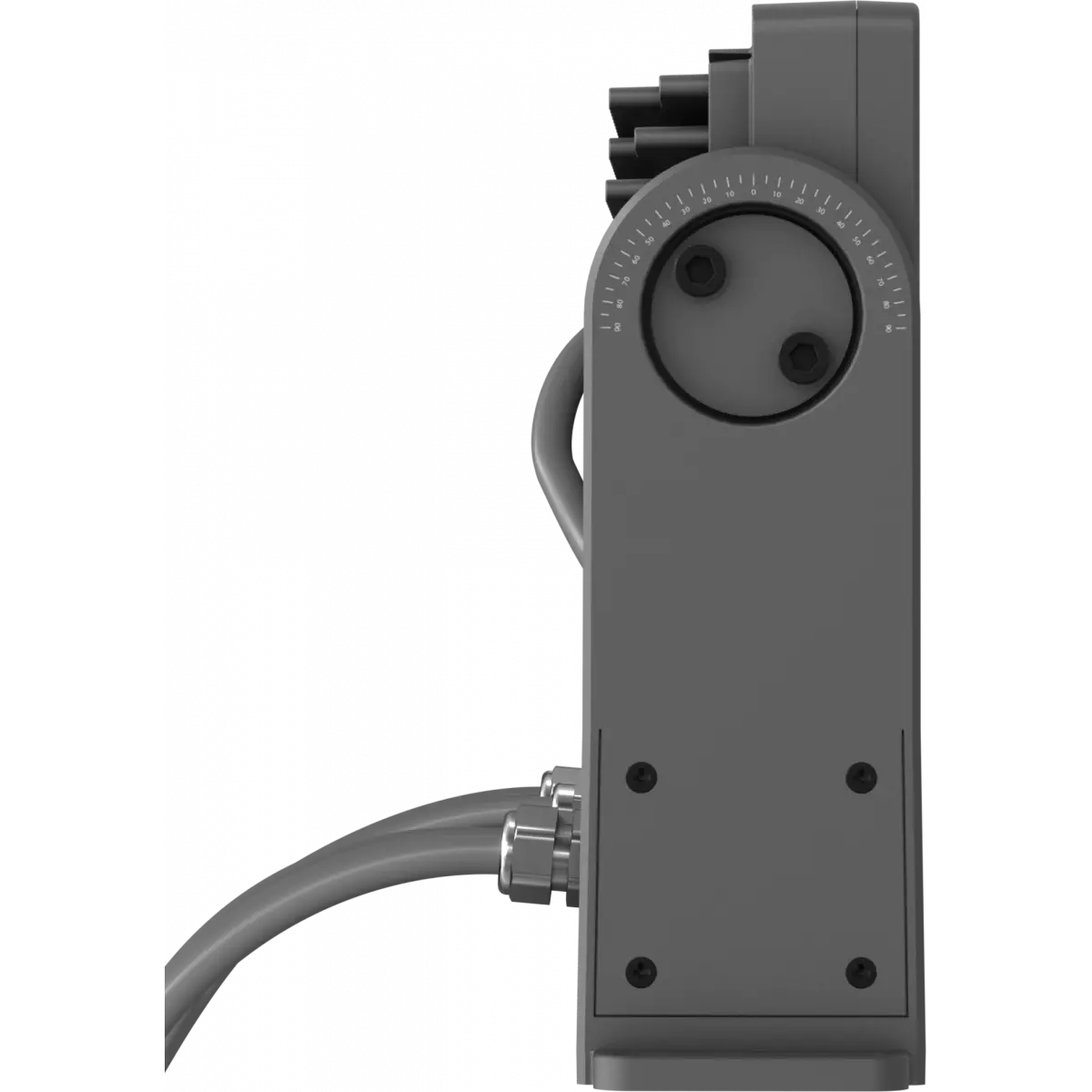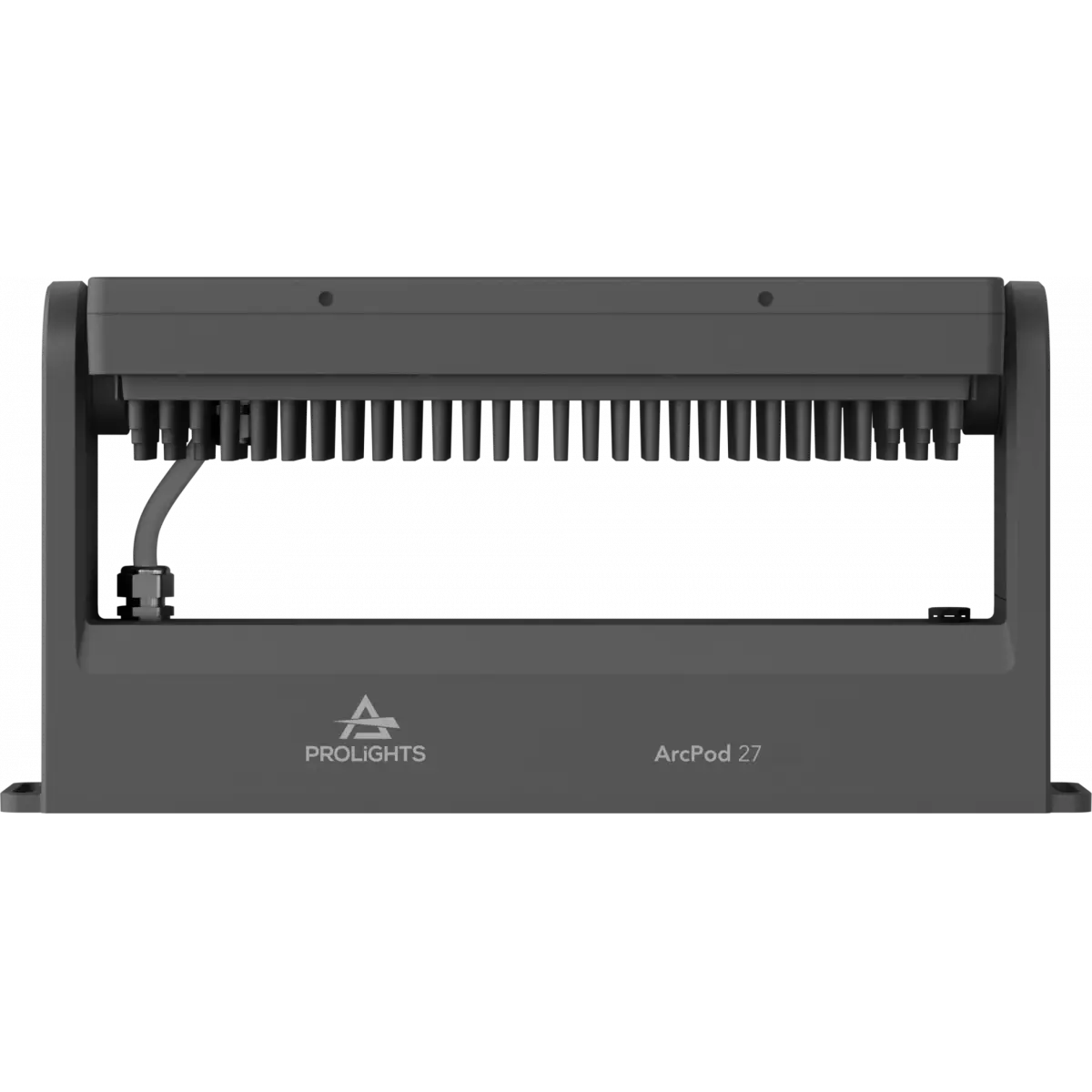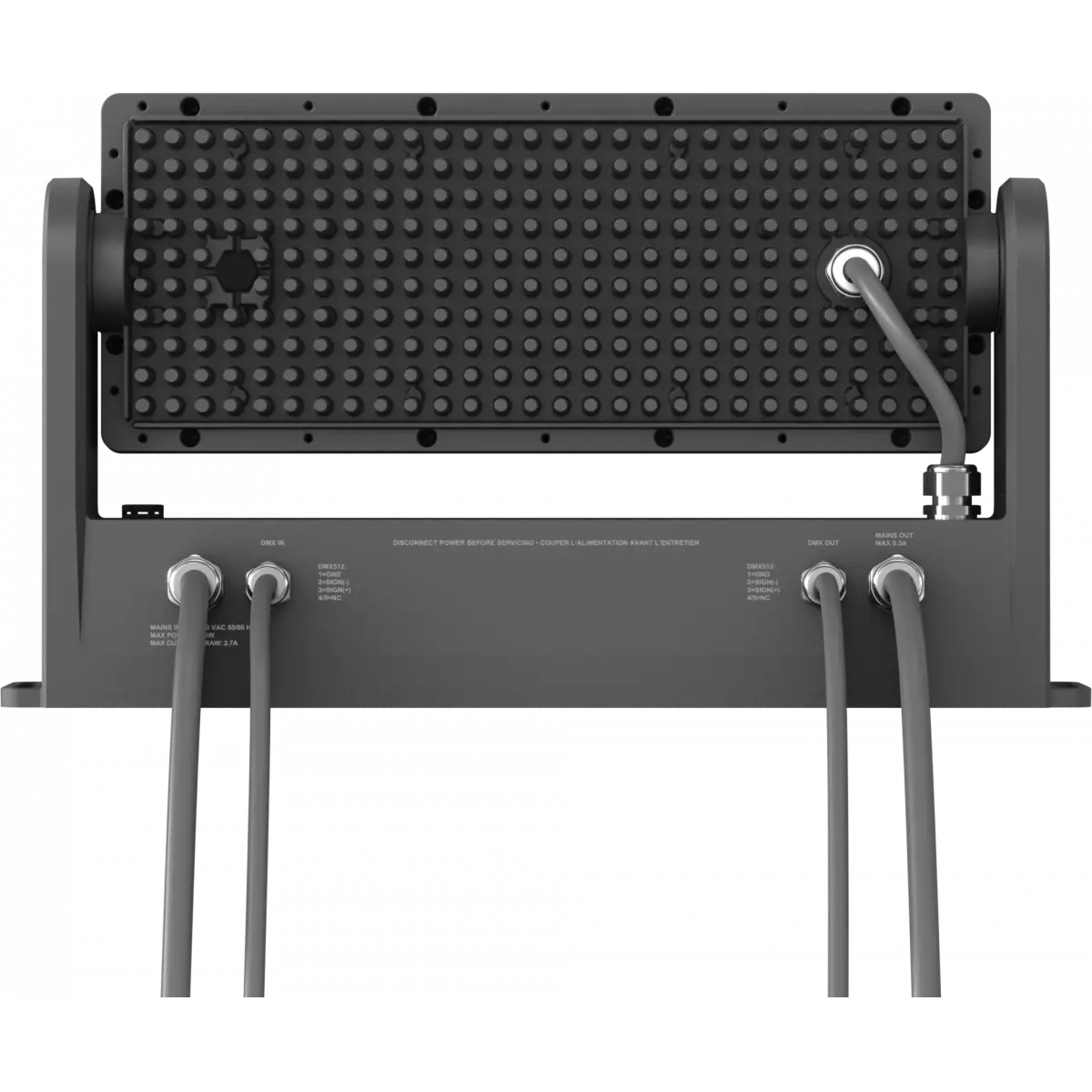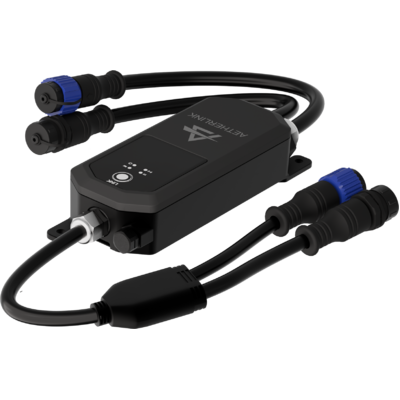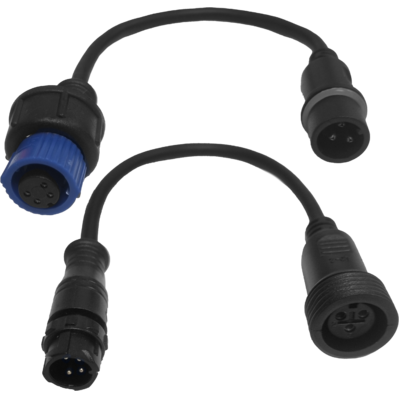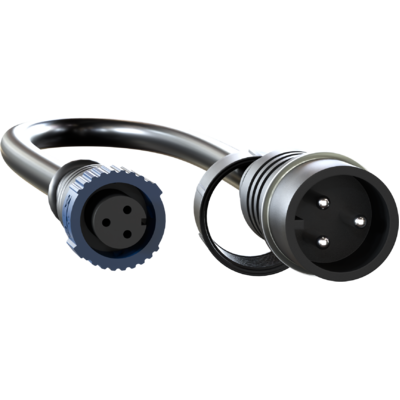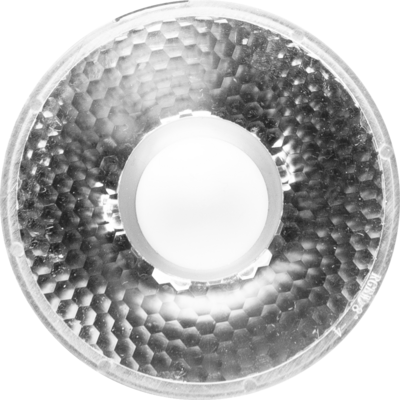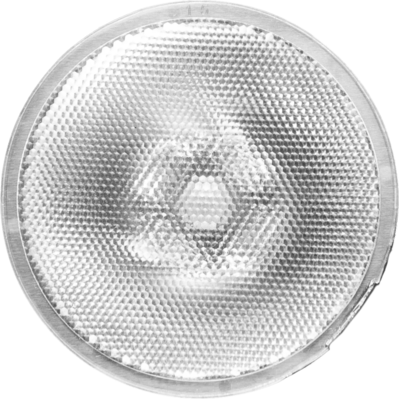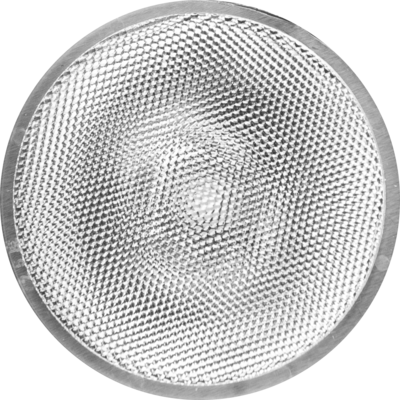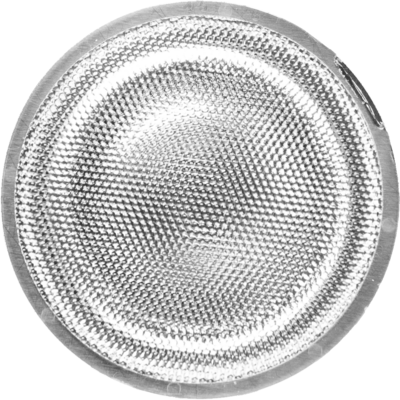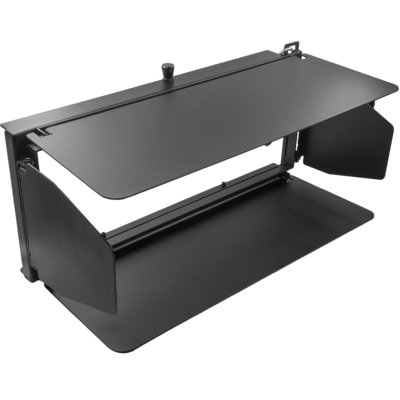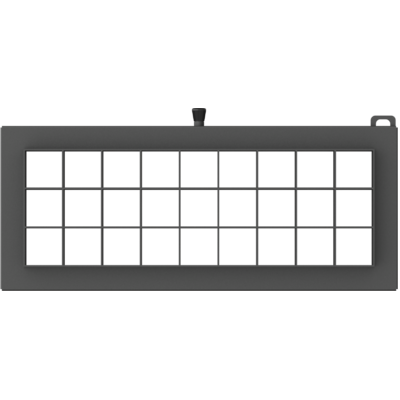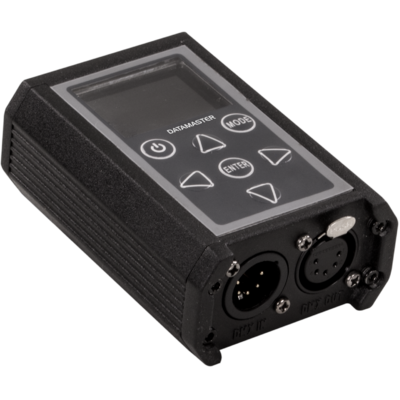
ArcPod 27Q is a compact high-power exterior wash light featuring an outstanding brightness of 11'200 lumens. It is equipped with 27x10W RGBW/FC LEDs, delivering a limitless reproduction of colours and whites. ArcPod 27Q is designed slim and fanless, and it's completed by a wide selection of available optics, making the ArcPod 27Q an incredibly flexible and versatile device for any outdoor install.
Read less| Code | Painting | |
|---|---|---|
|
|
ARCPOD27Q
DISCONTINUED
|
Standard |
|
|
ARCPOD27QC5M
NEW
|
C5M |
Discover the ArcPod 27Q in action
Technical documentation and support files
| File name | File size | Download | |
|---|---|---|---|
| Arcpod27q_LETTER_DATASHEET_(EN).pdf(26/06/2025) | 403KB | ||
| Arcpod27q_A4_DATASHEET_(IT).pdf(26/06/2025) | 400KB | ||
| Arcpod27q_A4_DATASHEET_(EN).pdf(26/06/2025) | 403KB | ||
| Arcpod27q_TENDER_SPECIFICATION.pdf(22/08/2022) | 3MB |
| File name | File size | Download | |
|---|---|---|---|
| Arcpod27q_USER_MANUAL_EN.pdf(07/01/2025) | 7MB | ||
| GENERAL_SAFETY_INFORMATION.pdf(02/12/2022) | 12MB |
| File name | File size | Download | |
|---|---|---|---|
| Arcpod27q_DMX_CHARTS.pdf(03/12/2020) | 56KB |
| File name | File size | Download | |
|---|---|---|---|
| archwork_arcpod27q_ies files.zip(26/06/2020) | 43KB | ||
| archwork_arcpod27q_ldt files.zip(26/06/2020) | 31KB | ||
| Arcpod27q_PHOTOMETRICS_REPORT.pdf(31/07/2020) | 2MB | ||
| Download DIALux product catalogue | - |
| File name | File size | Download | |
|---|---|---|---|
| Arcpod27q_3D.rfa(23/04/2021) | 464KB | ||
| Arcpod27q_3D.skp(09/08/2022) | 821KB | ||
| ARCPOD27Q_2D.zip | 1MB | ||
| Arcpod27q_CAD_3D.dwg(09/08/2022) | 552KB | ||
| Arcpod27q_CAD_2DSYMBOLS.dwg(09/03/2020) | 23KB | ||
| ARCPOD27Q_TECHNICAL DRAWINGS.zip | 264KB | ||
| VECTORWORKS_SYMBOLS.vwx(09/03/2020) | 217KB | ||
| PROLIGHTS_VECTORWORKS_v2025_LIBRARY.vwx(13/05/2025) | 321MB | ||
| PROLIGHTS_VECTORWORKS_v2020_LIBRARY.vwx(13/05/2025) | 276MB |
| File name | File size | Download | |
|---|---|---|---|
| Prolights Dialux Plug-In(03/03/2025) | 192MB |
PROLIGHTS product firmware can be updated in several ways, depending on the product and file extension. The available methods are listed in the product specifications in the CONTROL - Firmware upgrade section.
| Method/Device | File extension | Needed software | Instructions |
|---|---|---|---|
| UPBOXPRO (*) | .PRL |
UpBox_Tool | Guide |
| USB | .PRL |
No software needed | see User Manual |
| NET CABLE | .EHEX |
Professional Uploader | Guide |
| NET CABLE | .ALF |
DMX Workshop | Guide |
(*) You can still use UPBOX1 and UPBOX2 by checking their compatibility on the product accessories page. To use UPBOX2, you need to download the drivers from the following link.
Update Tool: UPBOXPRO |
||||
| Check hardware changelog before downloading firmware | ||||
| Revision | Release date | Firmware changelog | HW Compatibility | |
|---|---|---|---|---|
| 3.7 STABLE | 23/12/2024 | New Function:
Firmware for Hardware revision: 2.0 - To check revision please refer to serial number. Units with hardware revision 2.0 are with serial number starting from xxxxx0519xxx. |
Rev. 2.0 |
|
| 2.7 STABLE | 20/12/2024 | New Function:
Firmware for Hardware revision: 1.0 - To check revision please refer to serial number. Units with hardware revision 1.0 are with serial number before of xxxxx0519xxx. |
Rev. 1 |
|
Subscribe to our Newsletter